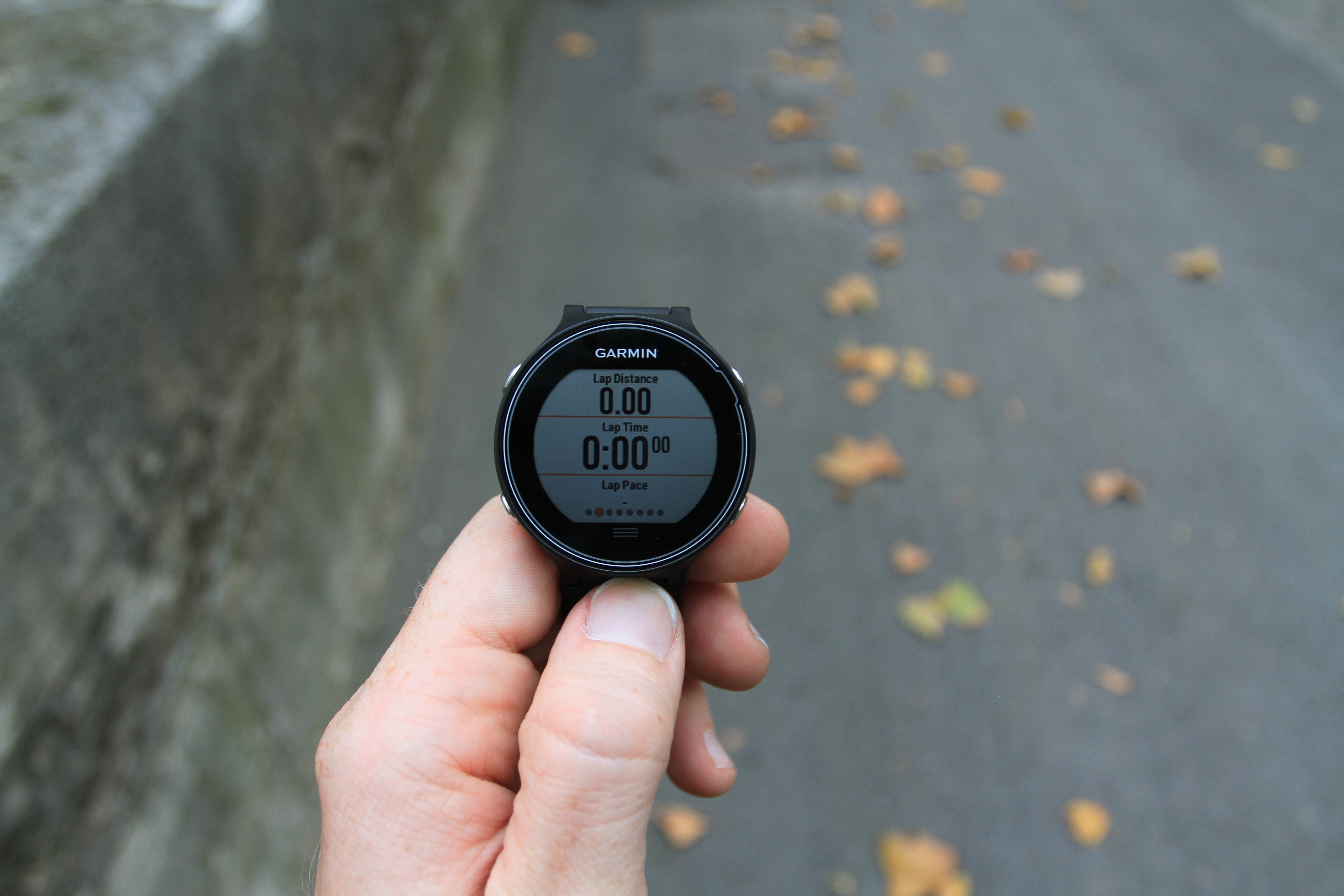
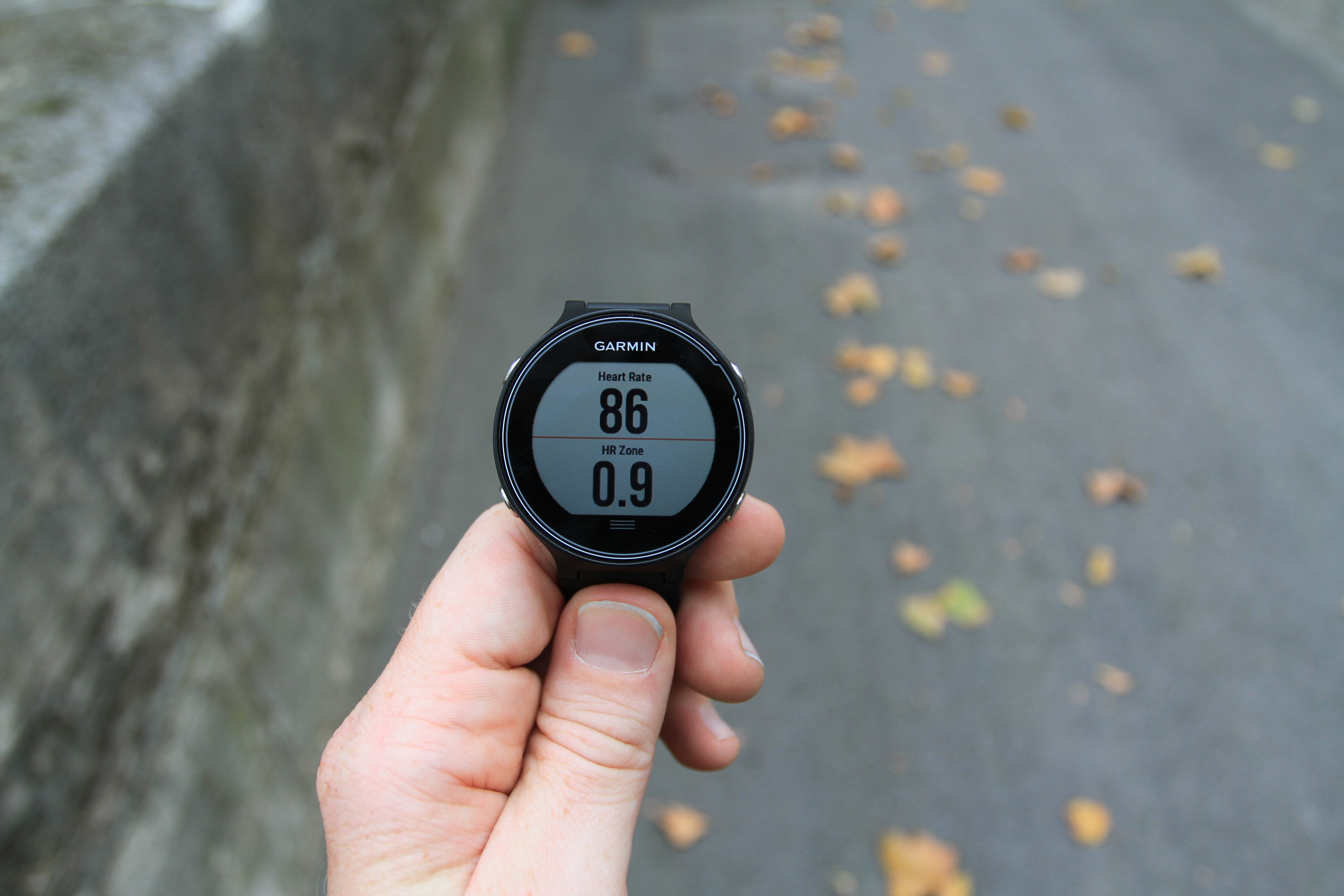
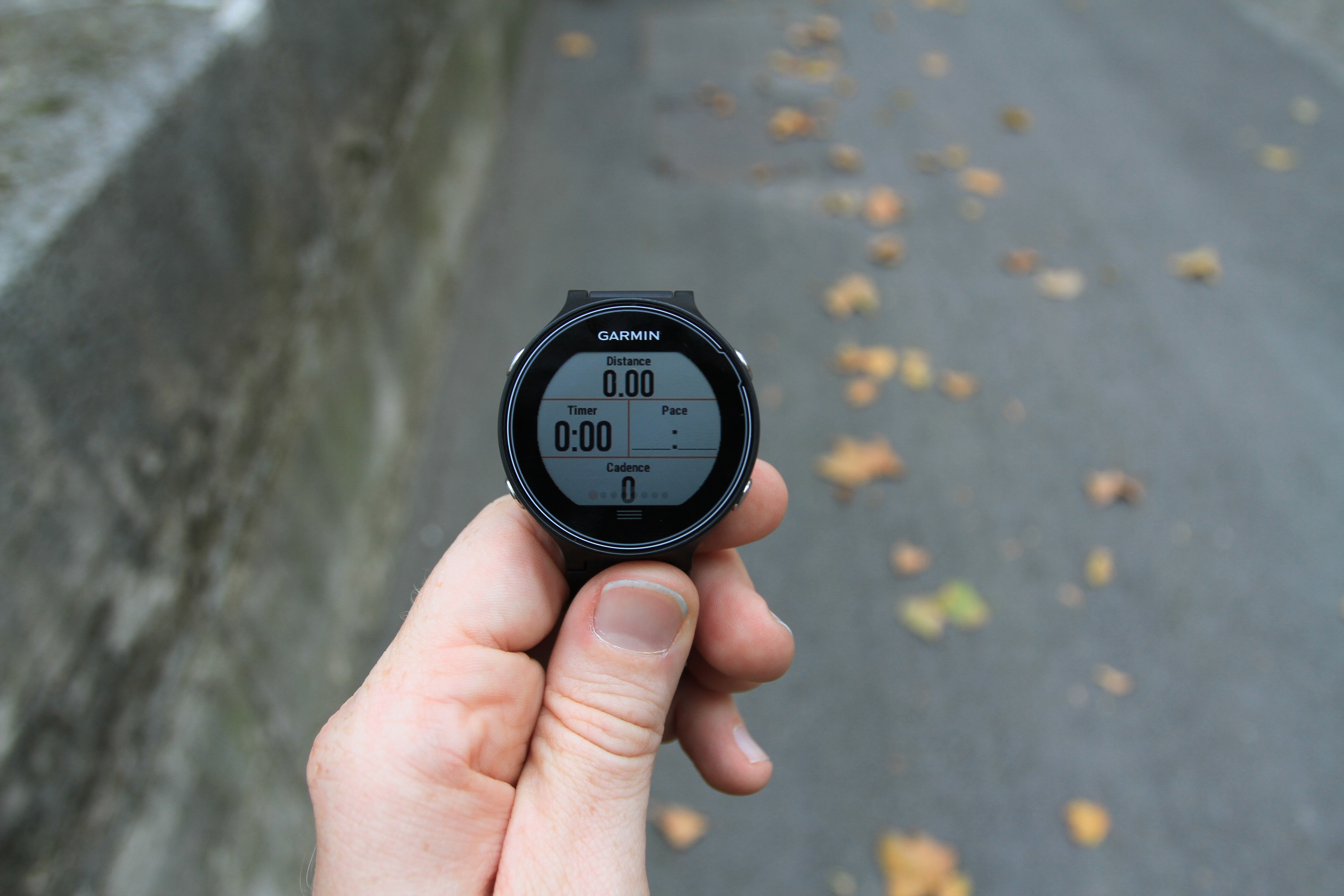
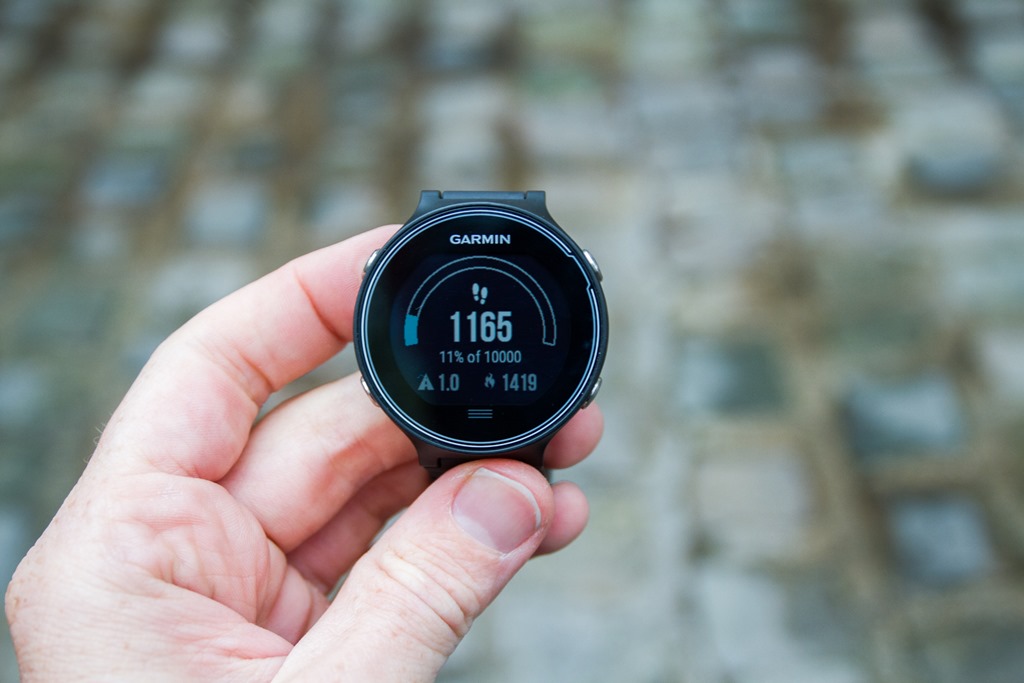
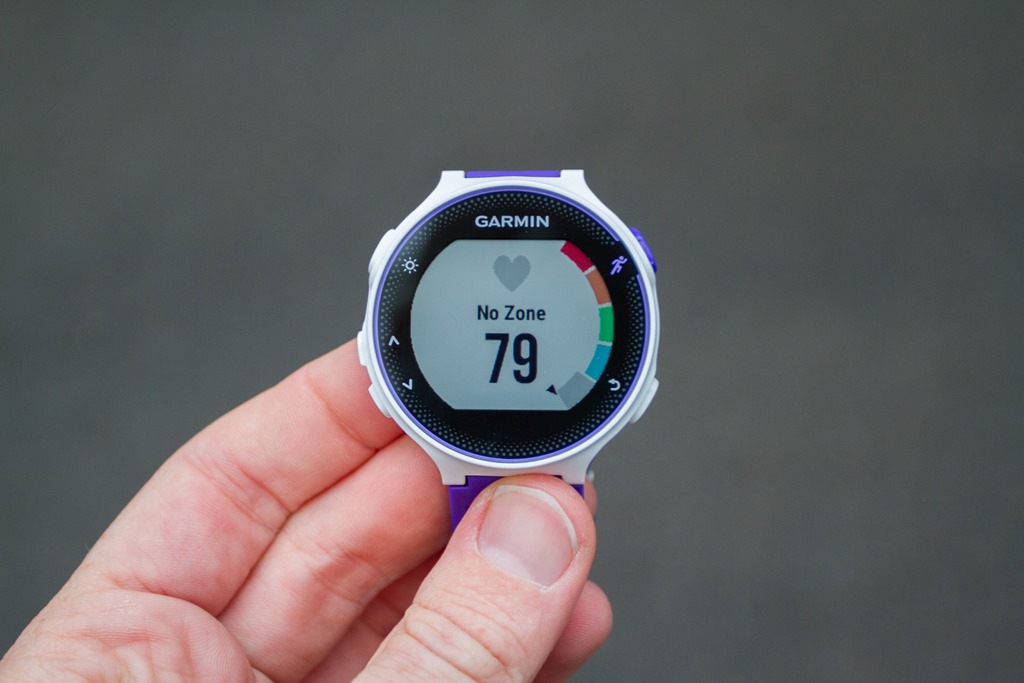
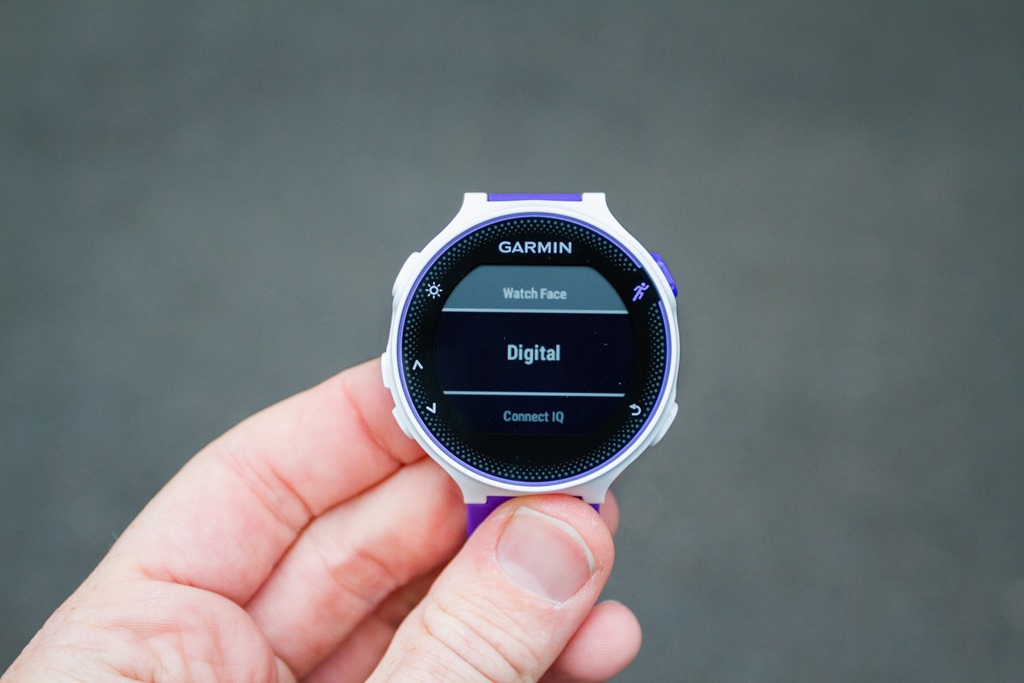
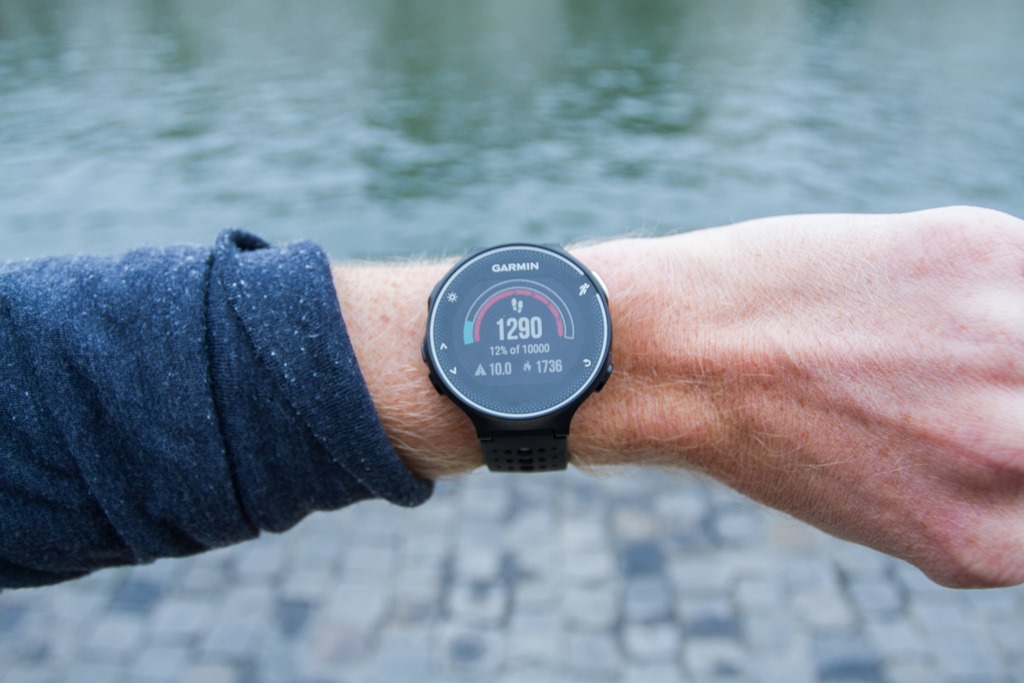
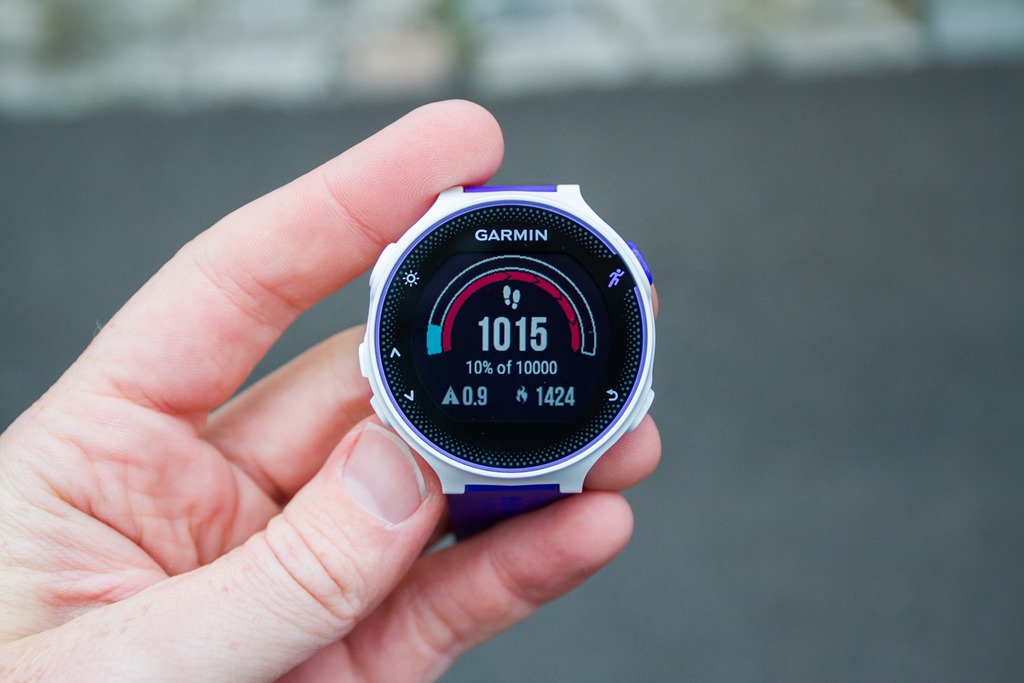
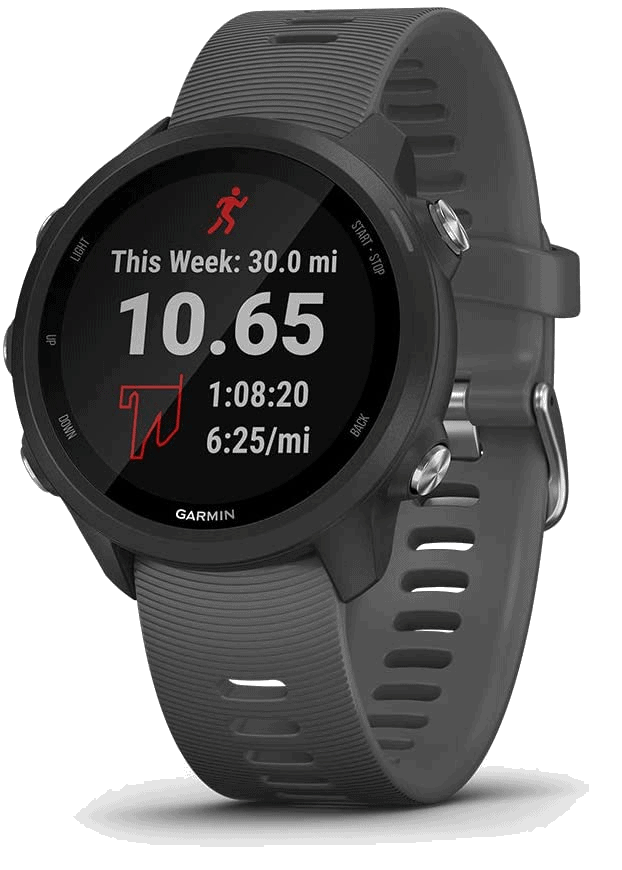
This product has been discontinued by the manufacturer. It's been replaced by the Garmin Forerunner 245, you may want to check out that review instead.
(Update: Both my FR230/235 & FR630 In-Depth Reviews have now been published at those links. Definitely need to check those out to get all the juicy details on whether these devices are worth it after long-term usage.)
Ahh yes, that time of year when there’s pumpkin spiced lattes (or cupcakes), pumpkin pies, and new Garmin Forerunner watches. Like clockwork Garmin released an update to their Forerunner lineup, which includes new versions of their running watches.
The three watches released cover the mid-range to upper-end of the market. They already refreshed a new budget-GPS watch, the FR25, back in August. The new watches for today are:
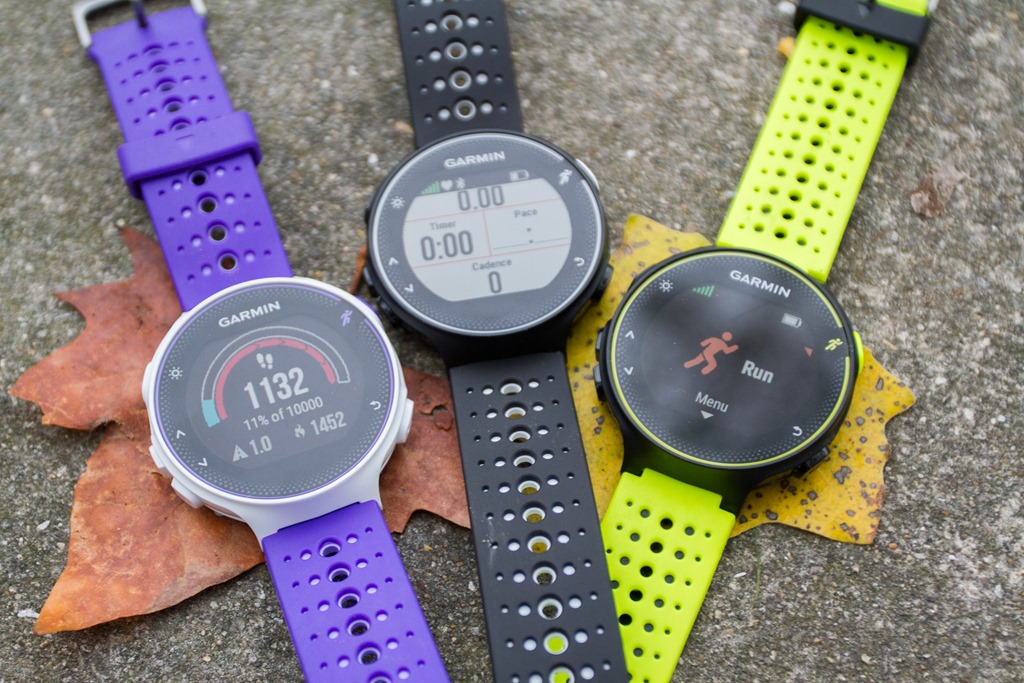
Garmin FR230: This mid-range watch replaces the existing FR220 Garmin FR235: This mid-range watch is a FR230 with optical HR embedded in the back of it, replaces the FR225 Garmin FR630: This high-end watch replaces the existing FR620
For those that may not be familiar with the existing lineup, you’ll remember that the FR220/620 watches lacked many of the common features found in modern GPS watches today – such as activity and sleep tracking. They also lacked Garmin’s Connect IQ platform that was rolled out a year ago. These features were missing due to hardware limitations.
With the FR230/235 and FR630, that’s been rectified. But it’s more than just that – it’s really a surprising set of small tweaks through both watches that makes the FR230/235 more like a FR630 than I expected – and that the FR630 continues to add new metrics not seen on any other Garmin watch. Plus it plays catch-up for everything else released in the last 2 years to other high-end Garmin watches that the previous FR620 couldn’t handle.
But let’s not get too far ahead of ourselves. To be clear, my time with all of these devices is fairly limited. I have gone on runs with all three of them, and have also spent considerable time poking at them in front of my camera. I was not however able to do both of those in the same sitting (two separate time-frames). Nor was I able to download any of my runs afterwards. Nor run more than once with any given unit. Thus, this is as much of a ‘first impressions’ post as anything else. Don’t misconstrue it as a review; it’s not. These watches may be great, or may totally suck, time will help clarify.
What’s New: The Garmin FR630:
First up, the more expensive Garmin FR630 GPS watch. As noted, while this replaces the FR620, it’s really taking in everything previously seen on that watch and combining it with most of the new running-specific functionality seen on the multi-sport Fenix3 & FR920XT watches.
Since bulleted lists are one of the best ways to convey craptons of information, I’m going bulleted style for a list of new features. How do I define ‘new’? Well in this case I’m going with anything not found on the FR620:.
– Connect IQ support
– Bluetooth Smart notifications (i.e. texts, phone calls, e-mails, etc…)
– Addition of daily activity tracking (steps, sleep, calories, etc…)
– Addition of audio prompts (using phone, or phone + headphones)
– Music Control
– Metronome functionality
– Finish Estimator functionality
– More customizable watch time alarms
– Basic navigation functions (back to start, waypoints)
– Increased battery life (claimed 16 hours with GPS-on)
– Larger screen size (44%)
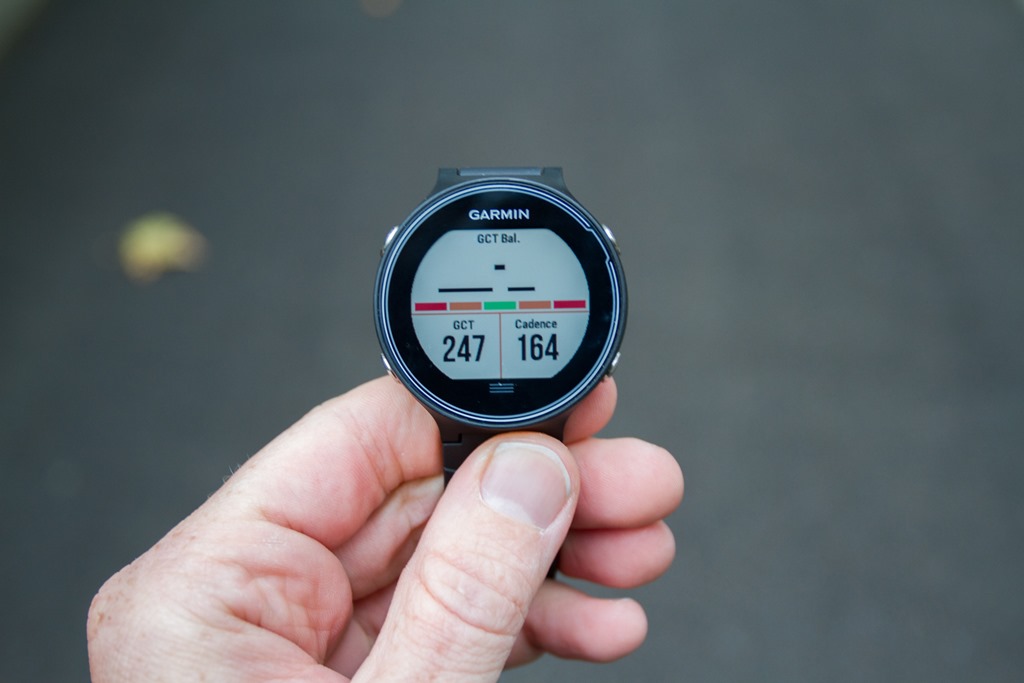
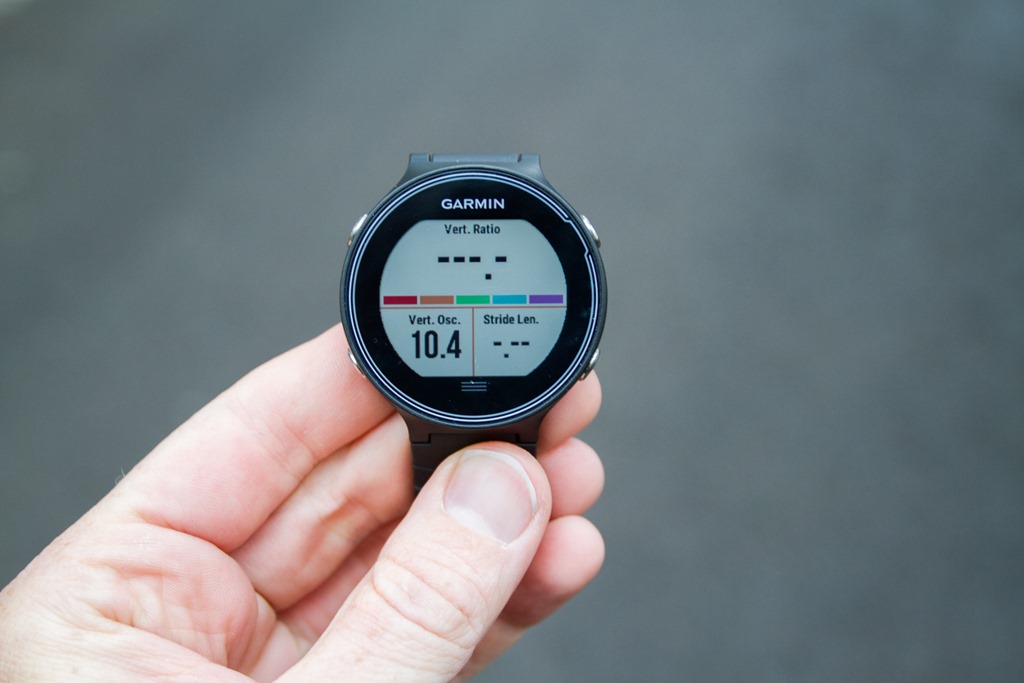
– New Running Dynamics (Stride Length, Ground Contact Time Balance, Vertical Ratio)
– Stress Score app
– Separate sport apps (Cycling, Running, Indoor Cycling, Indoor Running, Other)
– Performance Condition app
– Heart Rate Gauge data page
– Lactate Threshold testing/reports
– Addition of GLONASS
– Ability to enable UltraTrac mode
– Addition of ANT+ sensor pool concept (multiple HR/bike sensors)
– Backlight turns on when you turn your wrist (optional)
– Race an activity (previous or downloaded)
– Do not disturb mode
– Ability to charge while using
– Tempe Sensor connectivity
Phew, lots of stuff in there! Ok, I’m going to run through all of it just after the video. But for those who are less inclined to read through a bunch of stuff, here’s a walk-through of the watch’s features and menu systems. Think of this more as exploring the different pieces than some sort of highly produced video. Said differently: I recorded this in one single shot in 4 minutes – boom and done!
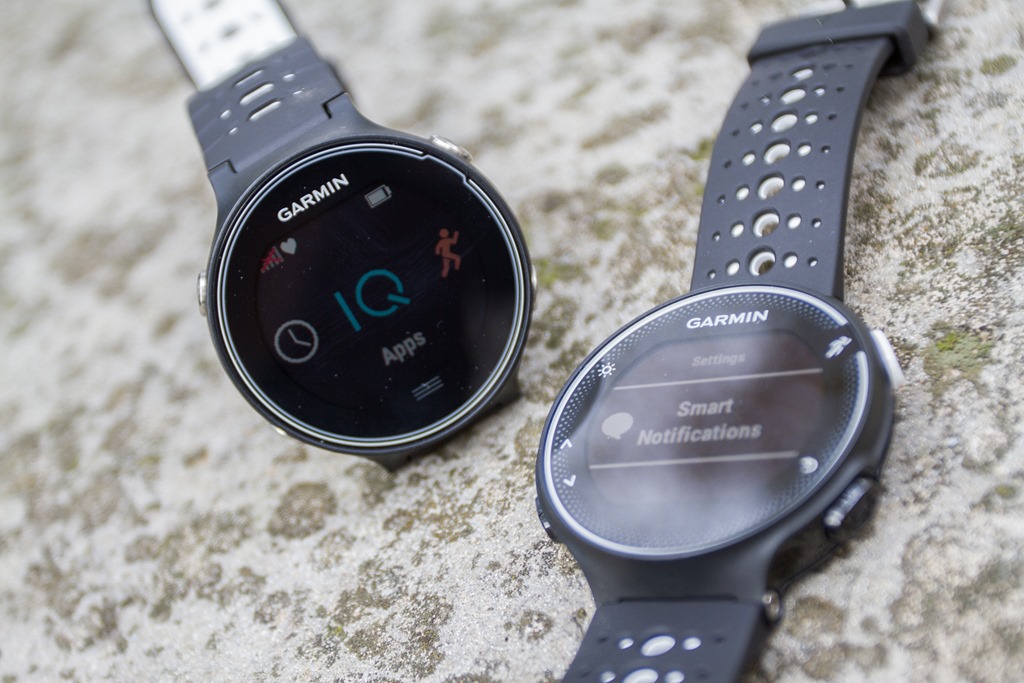
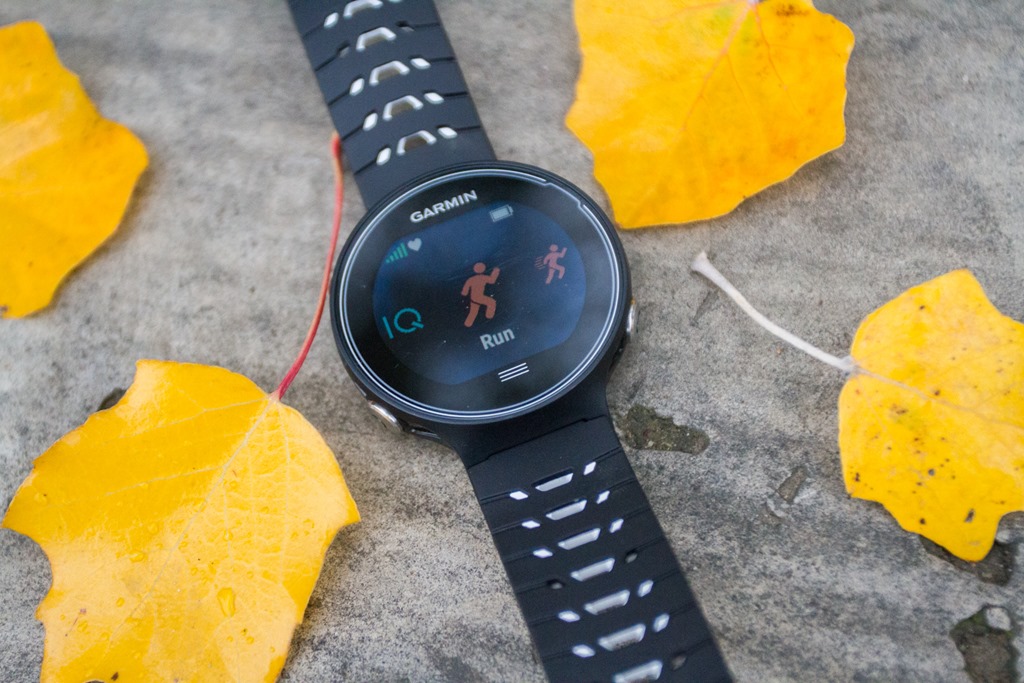
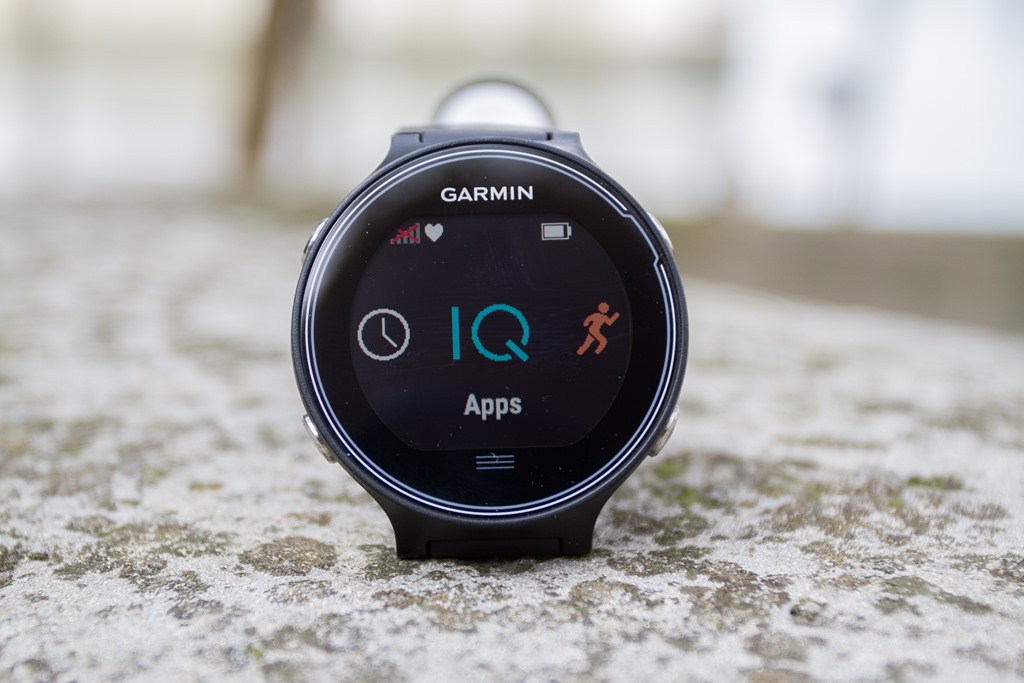
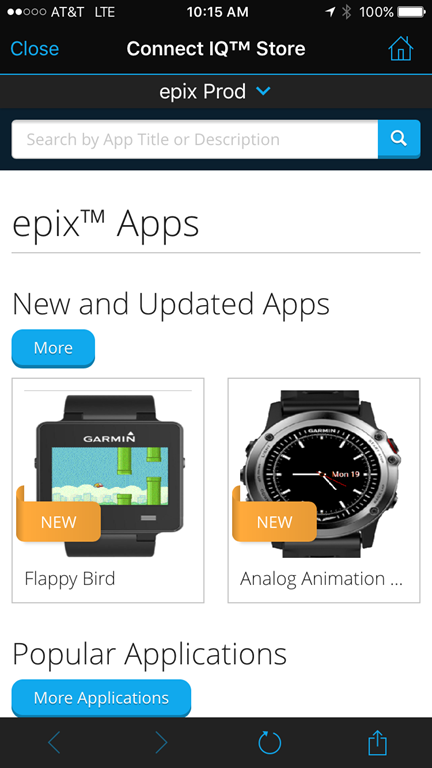
Ok – now, let’s go step by step through the major functions. The FR630, like the FR230/235 includes Connect IQ support, which allows you to install any of the 1,000+ Connect IQ apps that are available today through the Connect IQ App Store. These include watch faces, data fields, widgets, and apps. The watch will also be compatible with the various previously announced Connect IQ updates for early next year.
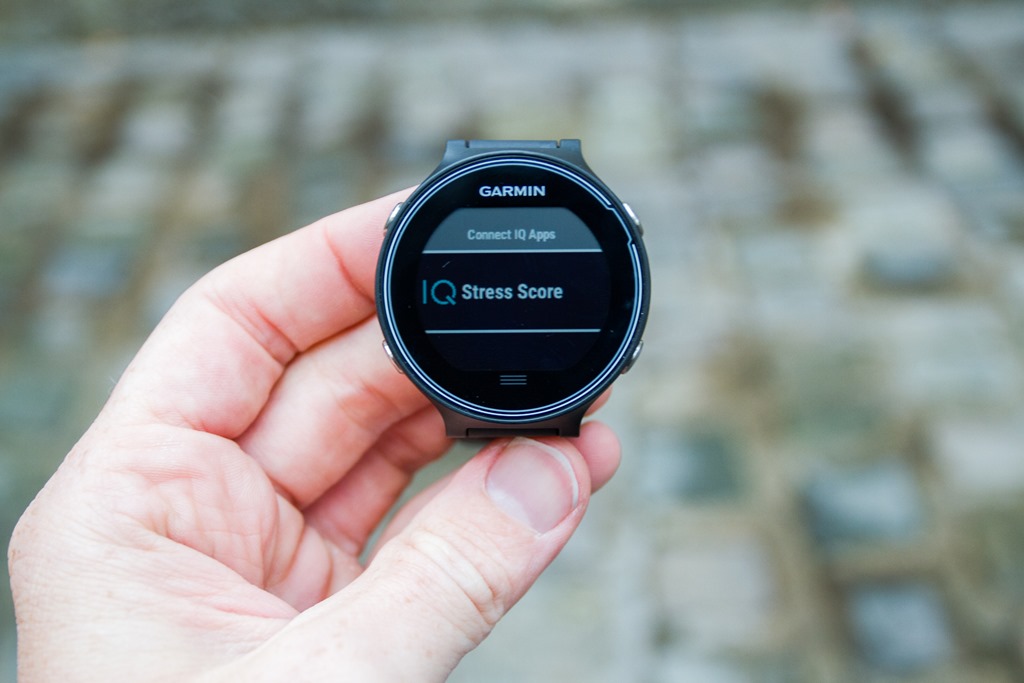
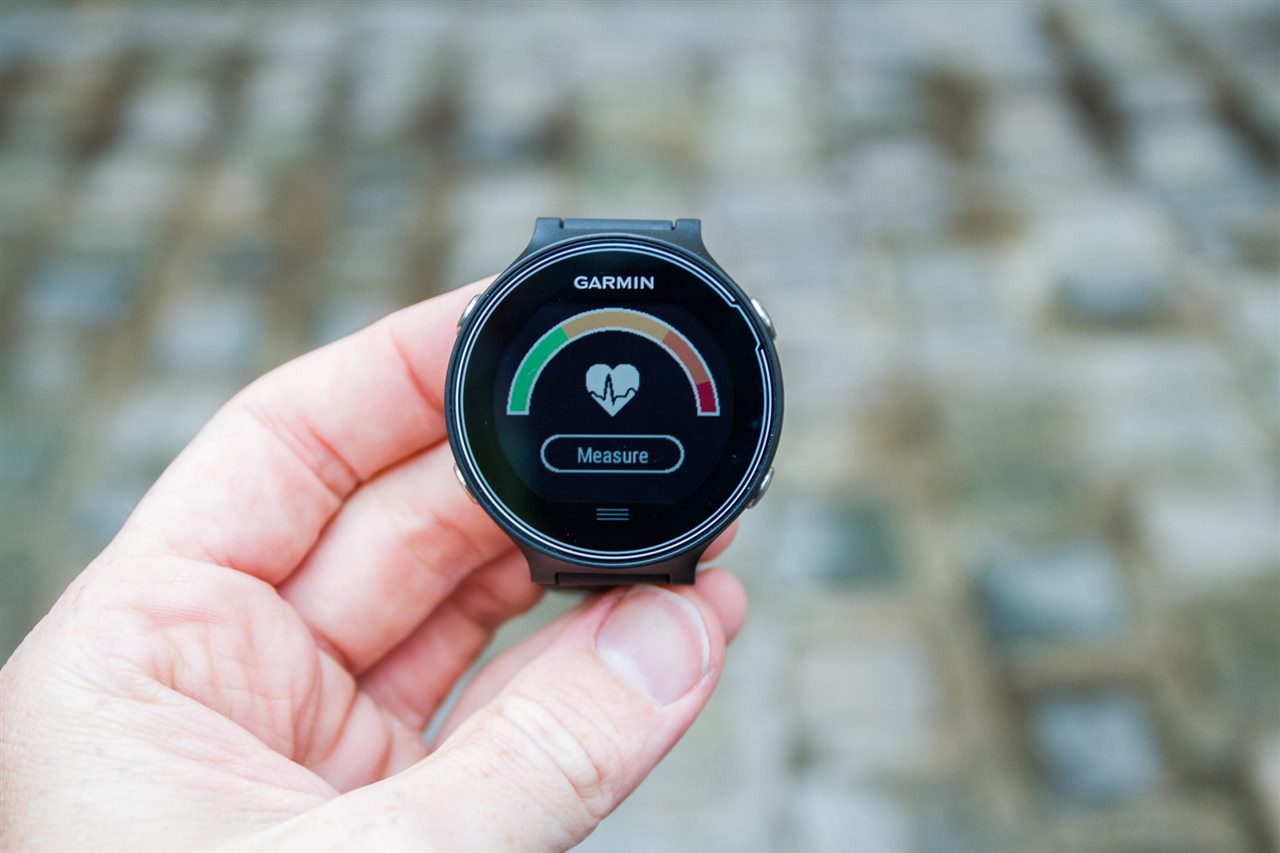
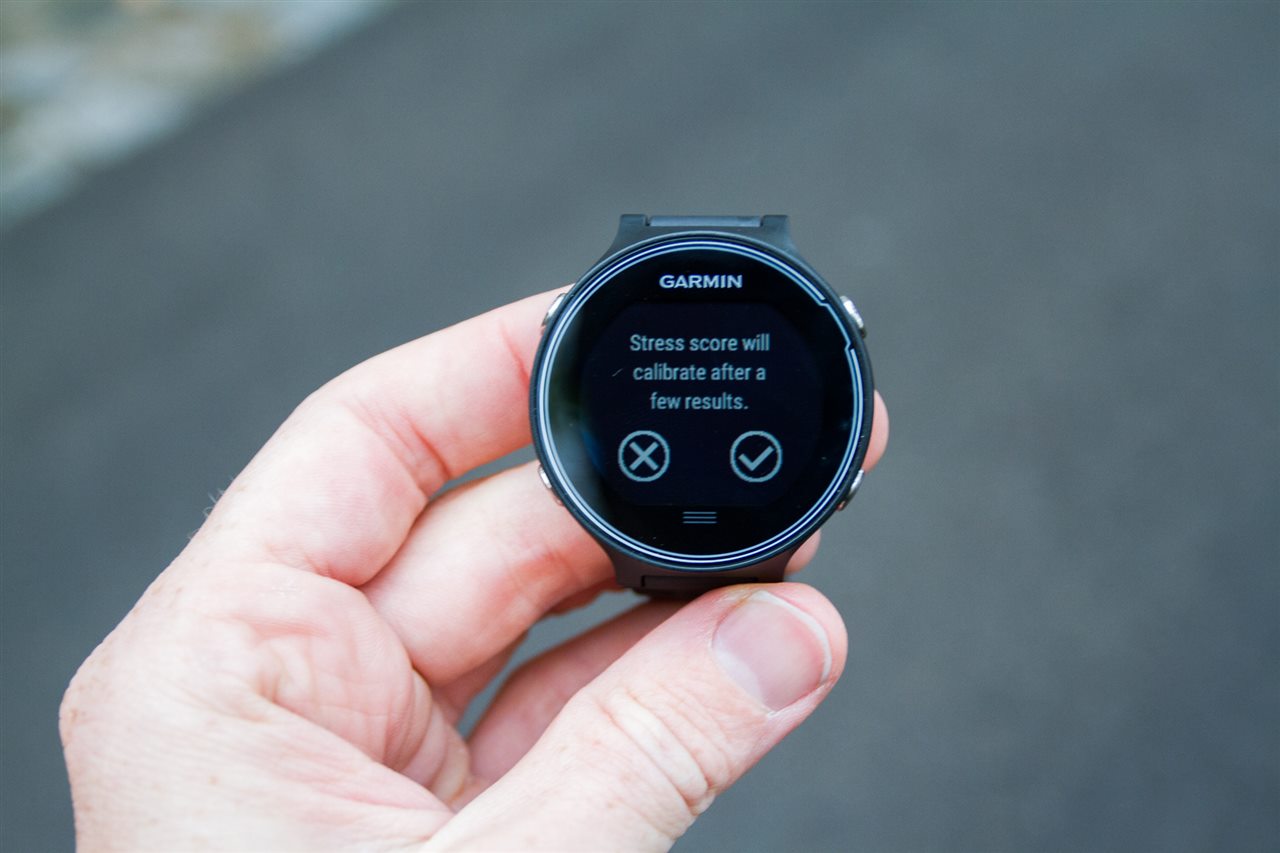
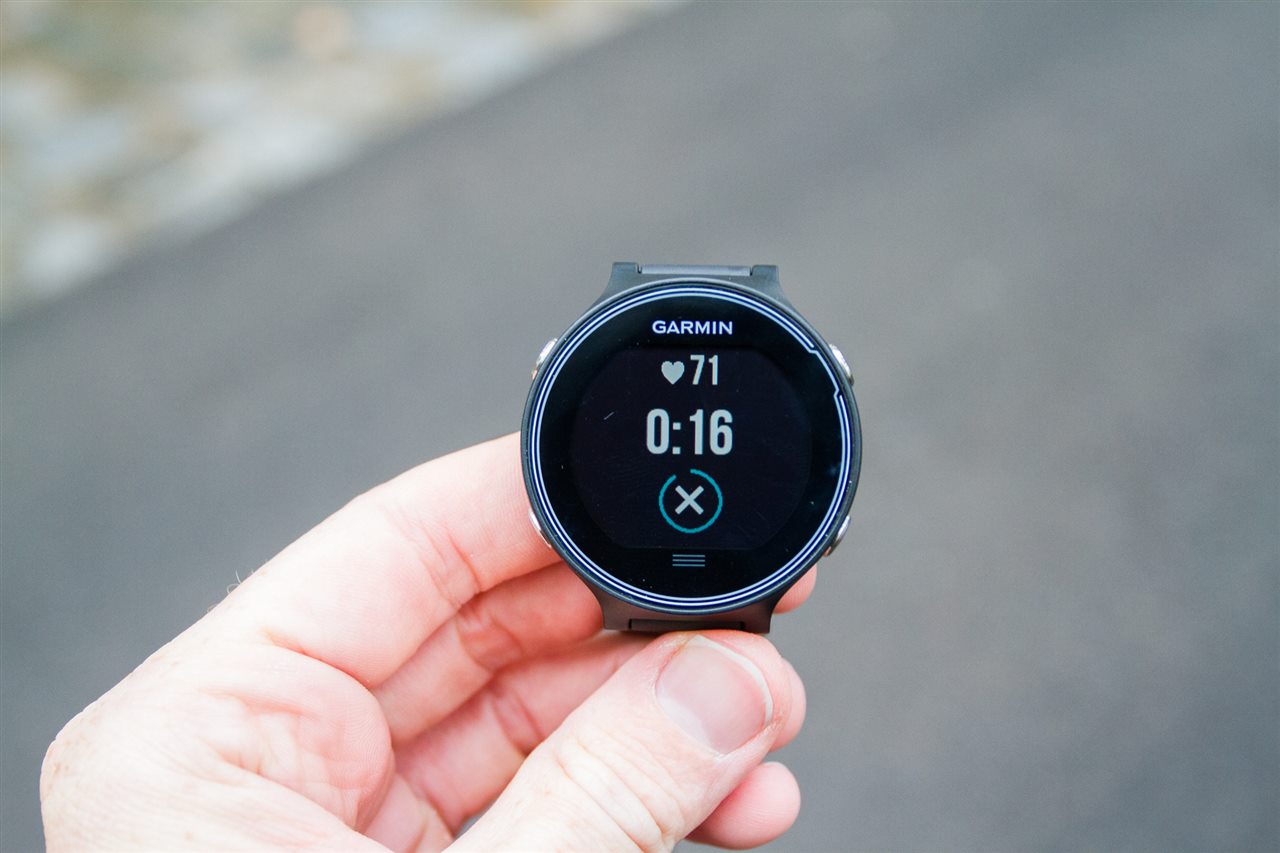
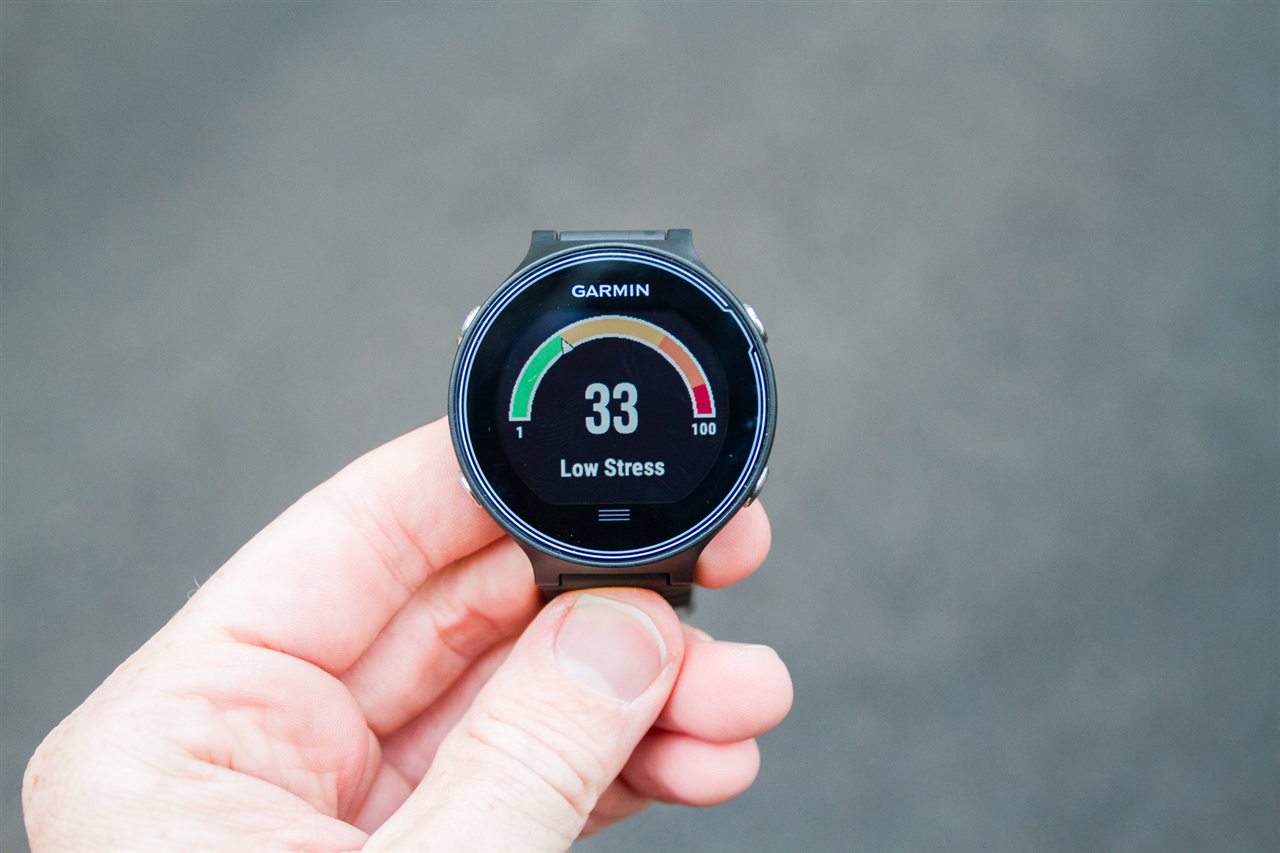
In fact, you’ll notice that the Stress Score function is actually a Connect IQ app. Speaking of which, the Stress Score app basically has you stand still for 3 minutes and then leverages an ANT+ heart rate strap to determine your stress levels.
This is likely using heart rate variability to come up with your metered score. When I tried it, the unit said I had low-stress. Which, seemed like a fairly optimistic assumption of my stress level that day. Would hate to see what it would say on an even busier day. Here’s a quick gallery of doing the test on me (it gives you a count-down timer and your current HR).
You’re seeing more focus on unique data metrics within the higher-end Garmin watches. To that end, they’ve extended the Running Dynamics metrics with three new data points: Stride Length, Ground Contact Time Balance, and Vertical Ratio. All three of these metrics require usage of the Garmin HRM-RUN heart rate strap. It will not consume data from competitive solutions that offer similar metrics such as RunScribe or Wahoo Fitness.
The stride length metric is pretty straightforward, simply the actual length of your stride. While the GCT Balance shows the left/right foot balance for your ground contact time. And the Vertical Ratio attempts to normalize the previous HRM-RUN metric of Vertical Oscillation by applying stride length to it.
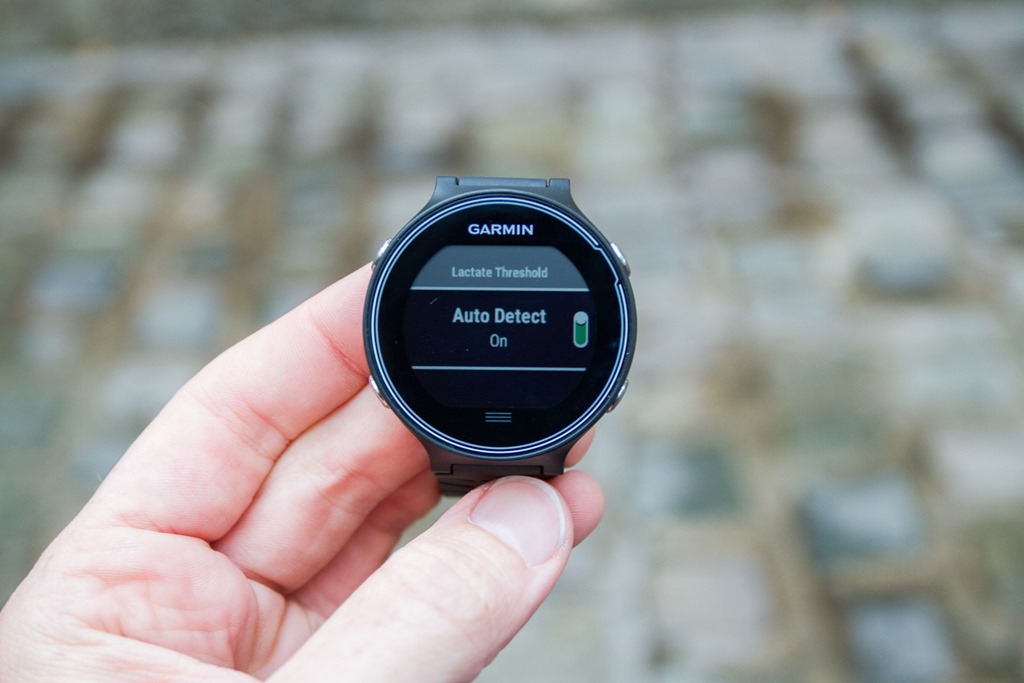
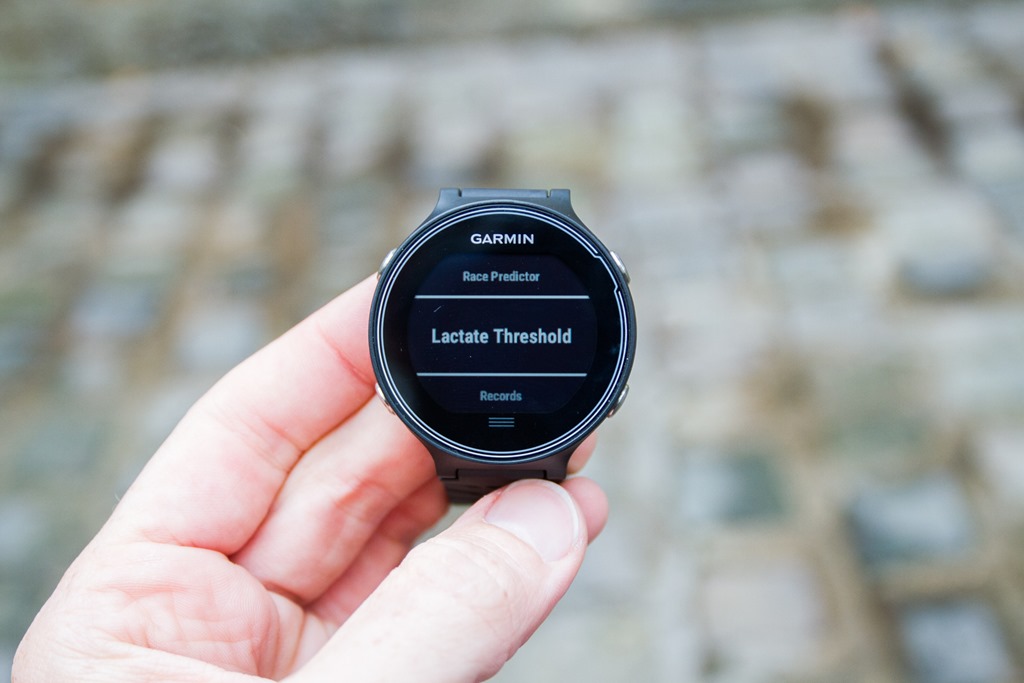
Next, they’ve added in a Lactate Threshold test. This can be achieved in two different ways. First, you can just run as usual and if your run meets the requirements (unclear) then it’ll calculate it on the fly. Or, you can have the unit guide you through a specific lactate threshold test for about 20 minutes. I’m still a bit unclear on what exactly this gives you at the end. I’ve asked a number of Garmin people, but nobody seems to be able to give me a precise answer. Is it a number? A score? A set of zones? A good/better/best? A Dairy Queen Blizzard? In my case, my run didn’t trigger it (nor did I get a Blizzard)– perhaps I didn’t meet the criteria. Either way, something to focus on in the in-depth review with more running time.
Update: I’ve now got new clarification on how and what you get. Here’s the details, straight from the ‘right folks’:
“How the LT test works: the watch gathers sets of data at different paces for heart rate and heart rate variability. LT is detected mainly based on the HRV slope with respect to pace. The data is reported in the FIT file as both a speed and a HR value at the point at which the LT is detected. Under the hood the speed is in units of km/hour. LTHR is in bpm. These values are then reported with the activity FIT file to Garmin Connect where they will then be displayed on a new type of Report widget, the current (most recent) measurement as well as historical measurements.”
This explanation makes sense, and better aligns with what other competitive products do (i.e. BSX Insight).
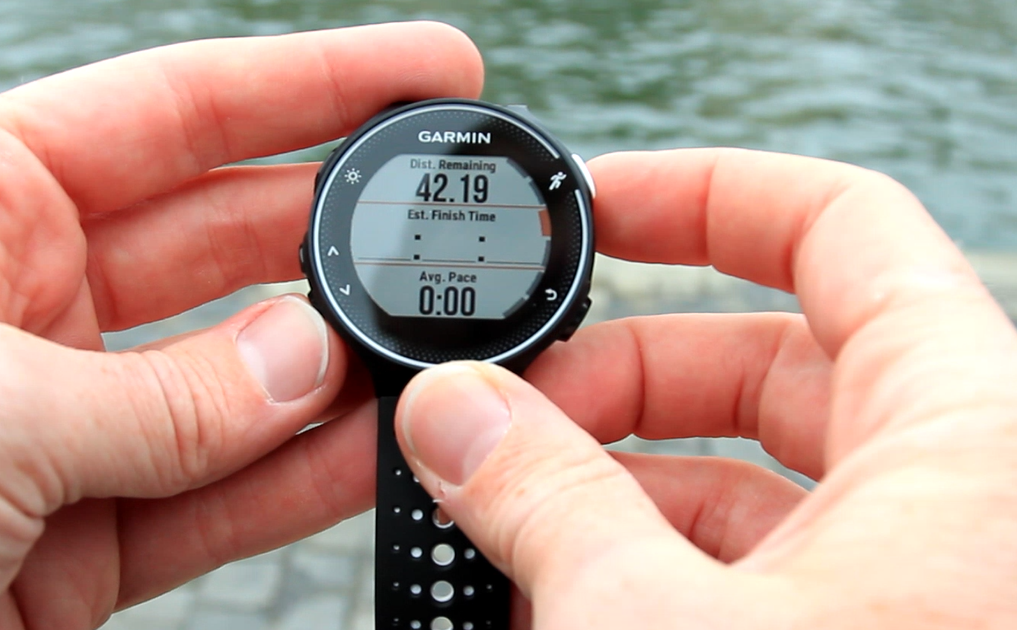
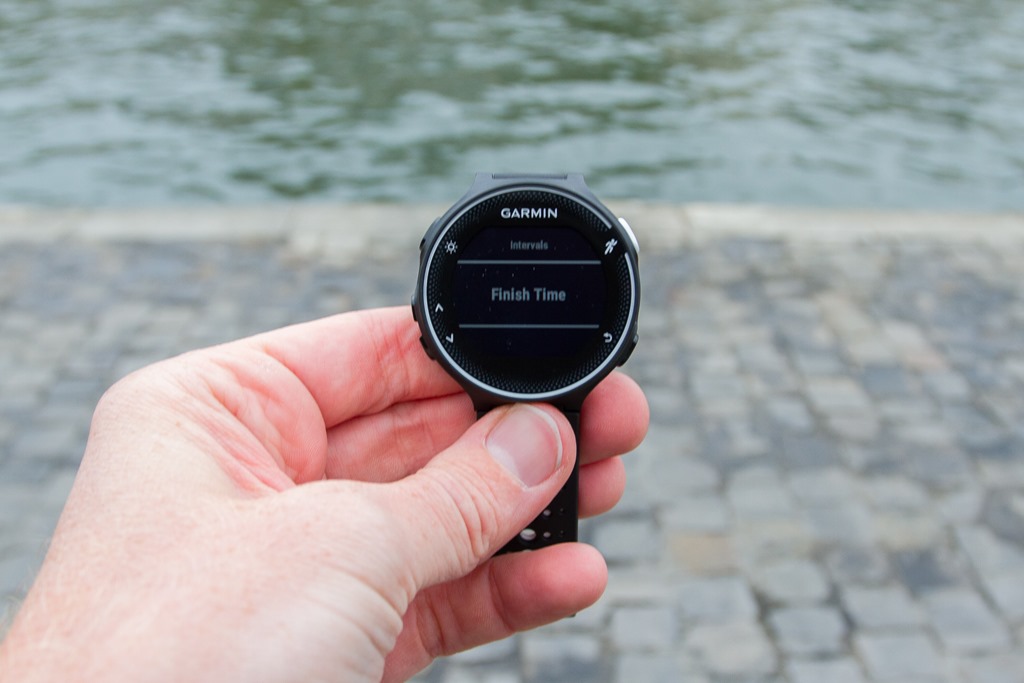
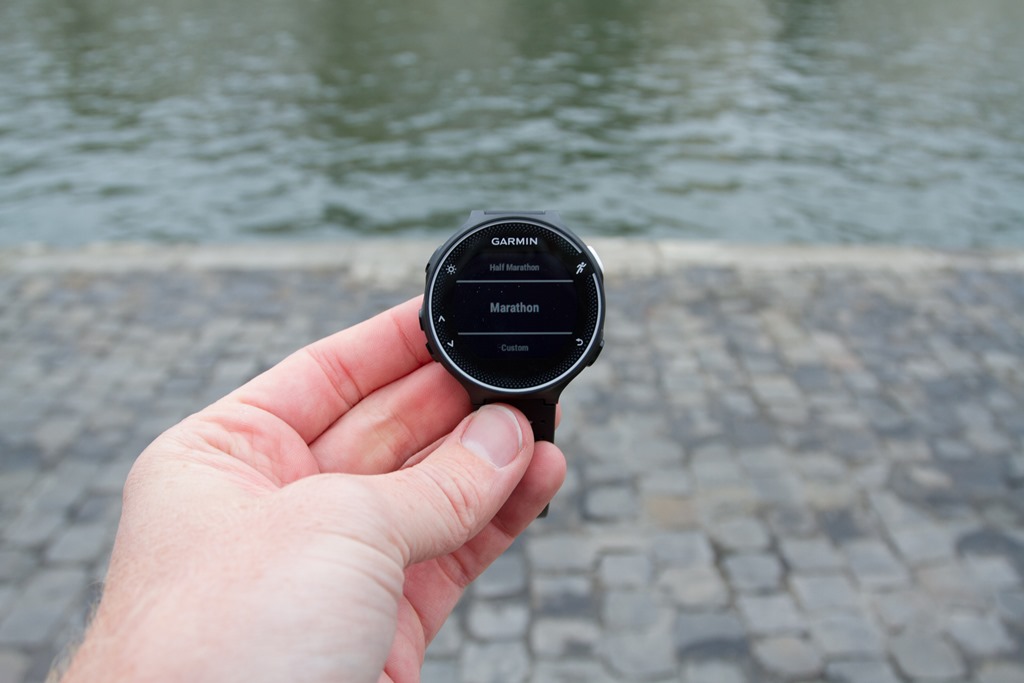
Next, we’ve got a nifty little feature that helps you estimate your finish time. By inputting your race (or training) distance the unit will spit out an estimated finish time based on your current progress (and show remaining distance). This is available on both the FR230/235 and FR630. Here’s a photo I took on the FR230:
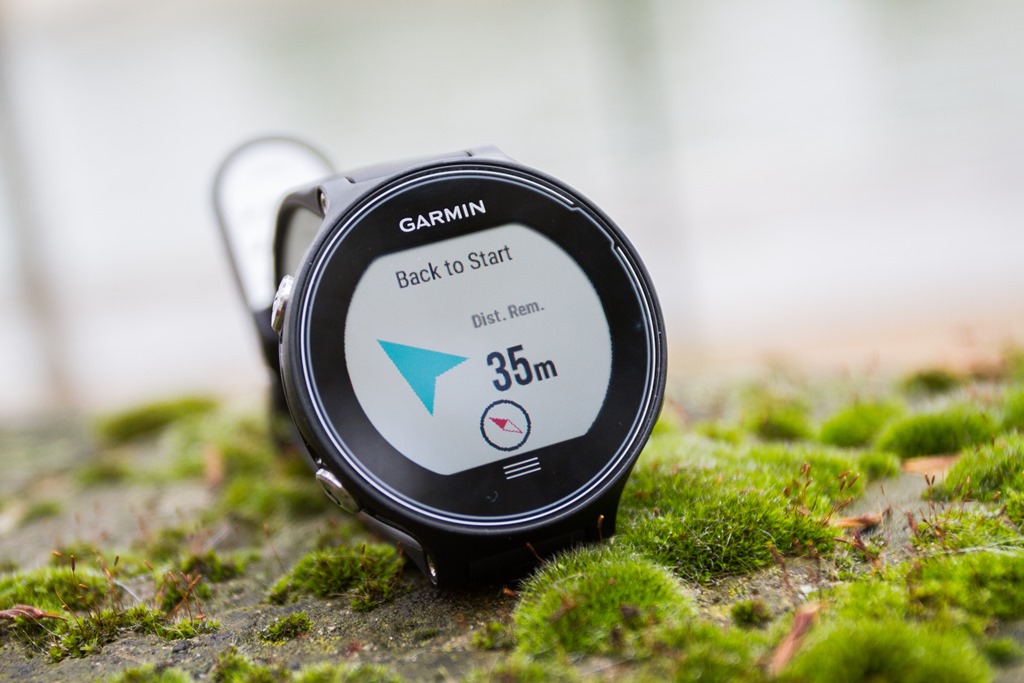
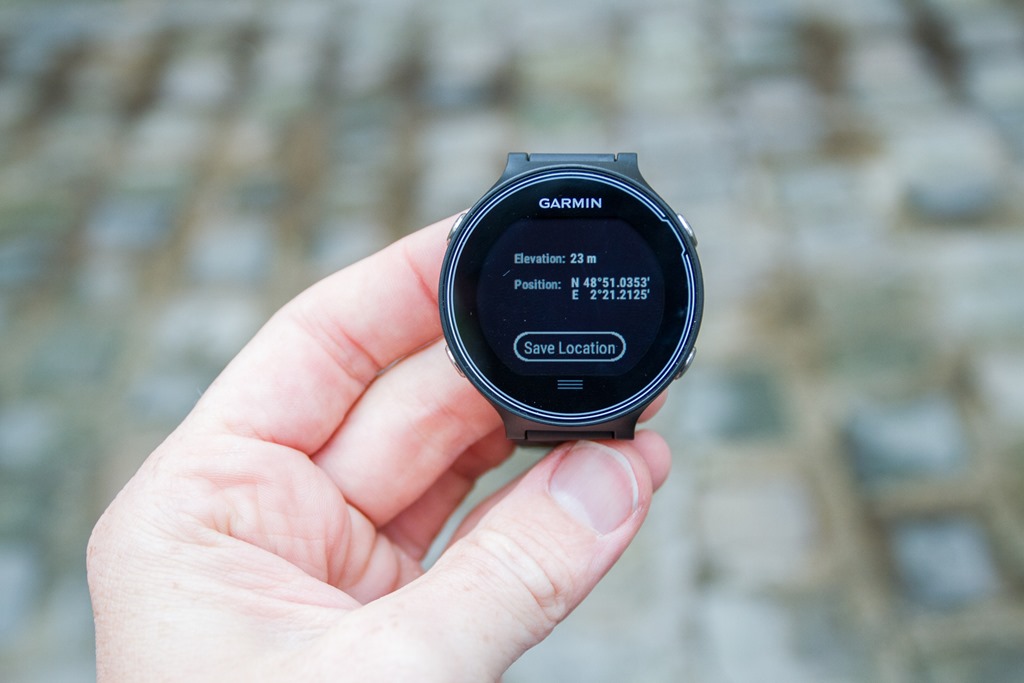
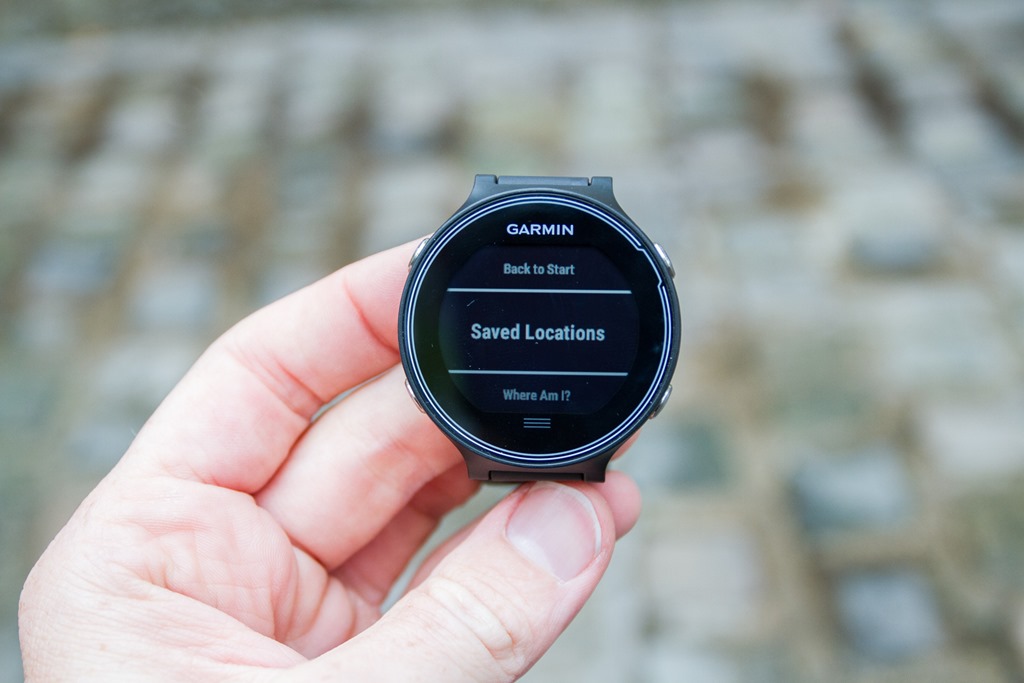
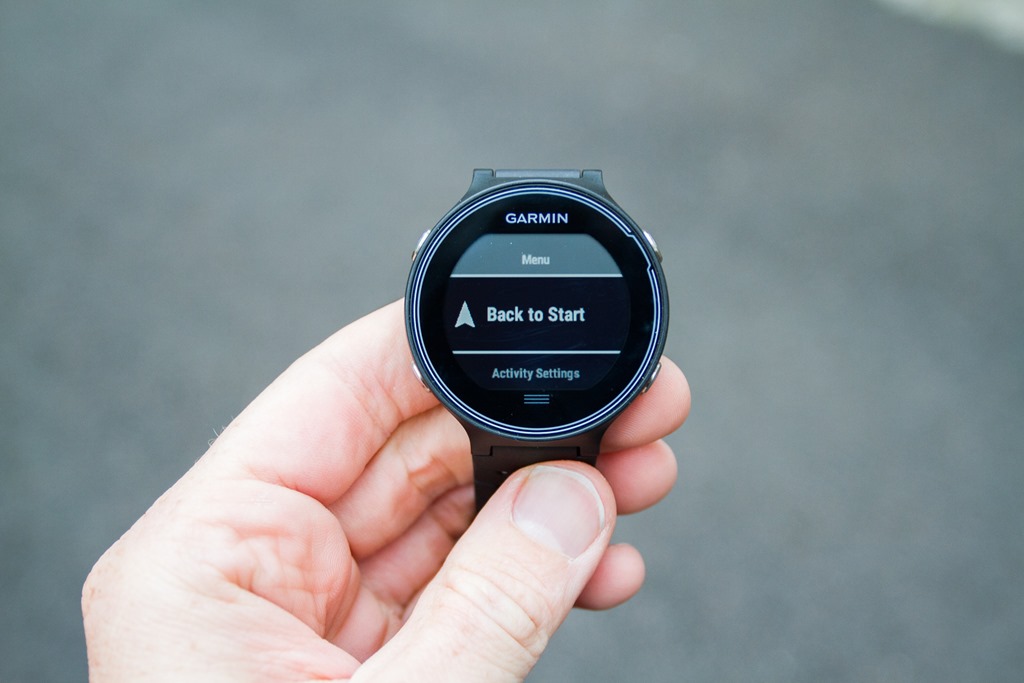
In the event your watch says you’ve got a long time till the finish-line, you might need some navigational assistance. This feature was cut within the FR620, but has come back by popular demand (or probably more like angry mob-like demand) to the FR630. With the FR630 you can do simple back to start navigation, as well as the ability to navigate to a given saved waypoint.
You can save various locations for future reference/access, as well as display exactly where you are at any point in time.
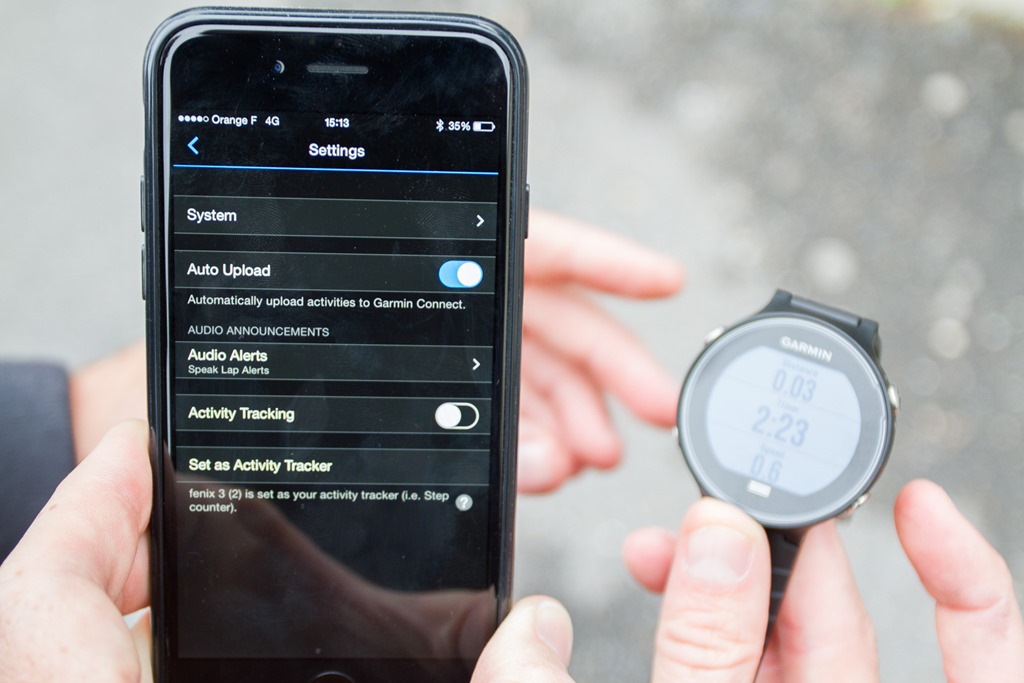
Next, we see a significant stepping up of the phone integration. First up is the ability to get audio prompts during a run. Audio prompts are defined ahead of time using the Garmin Connect app, which must remain on and within range of the GPS watch for the audio prompts to work. Once enabled the watch will have the phone speak lap information each time the lap button is pressed. This can be both using the phone’s native speaker, or via headphones (Bluetooth or wired).
Today it basically just tells you the lap time and pace. But it sounds like down the road that’ll be more customizable through the Connect IQ app. See the ‘Audio Alert’ option below.
These audio prompts do require that you carry your phone. The watch itself doesn’t make any spoken words nor play music directly. Again, this requires you carry your phone during the run.
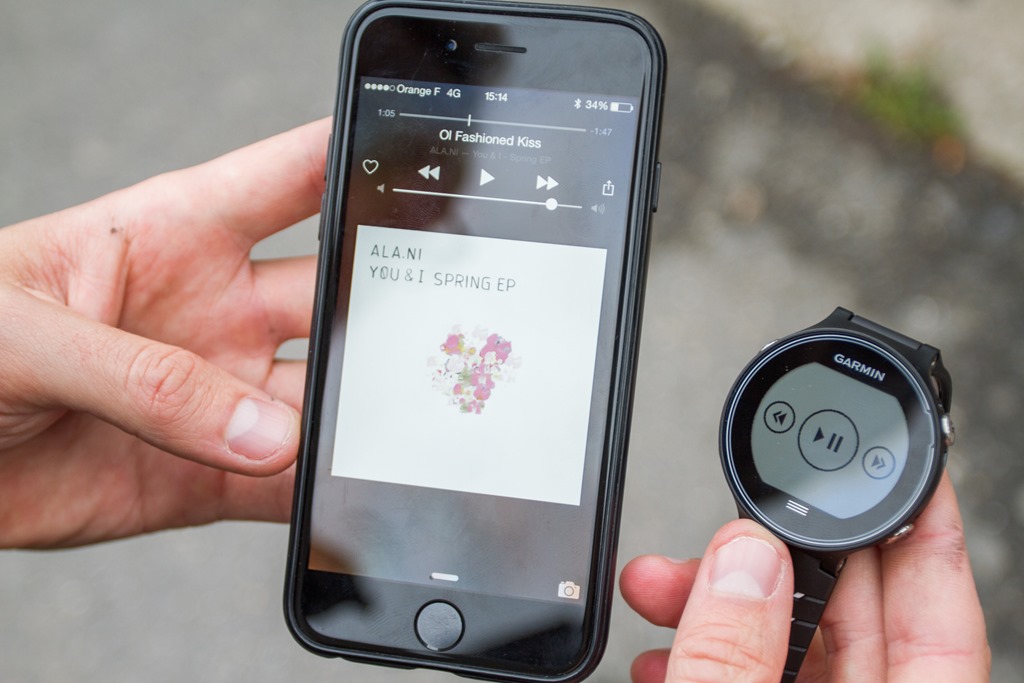
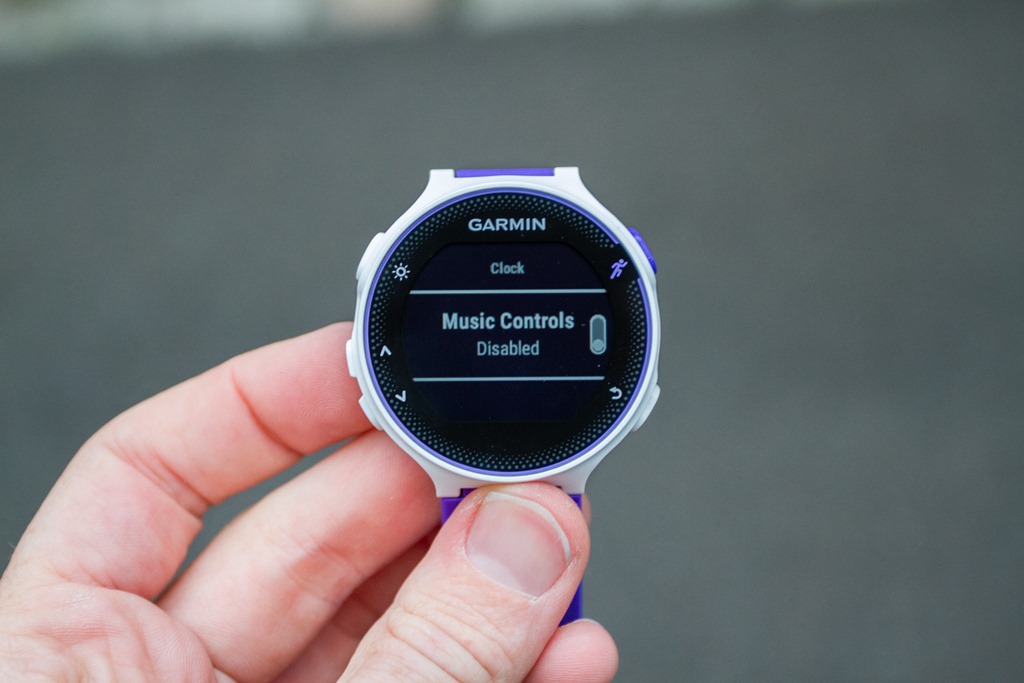
Speaking of music, you can now control music from your watch. This includes basic start/stop and skip functionality. And yes, it also requires your phone be with you. The unit does NOT have any music storage capability.
To see both of these in action, here’s a quick video I shot showing the audio alerts and music playing in the background being controlled by the FR630 (the FR230/235 carries this functionality too).
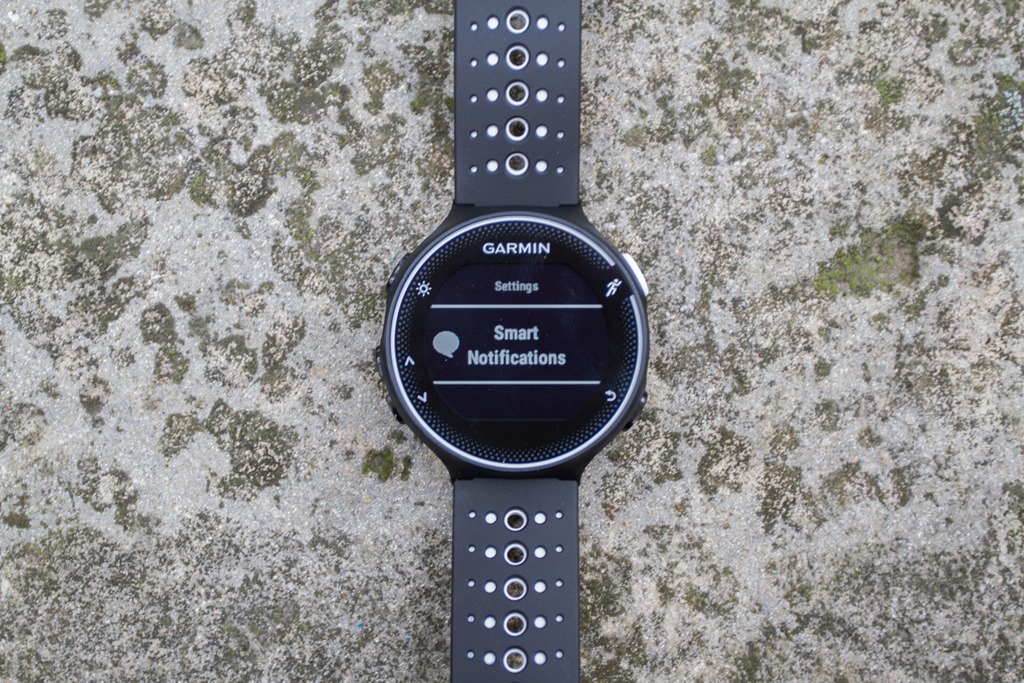
Next, like every other Garmin watch released in the last year or so, the FR630 includes Bluetooth Smart notifications. This means you can configure the watch using the notification center on your Android or iOS phone and get things like text and call notifications. Note that this does NOT mean you can connect to Bluetooth Smart sensors. That wall still exists, only ANT+ sensors allowed through these gates.
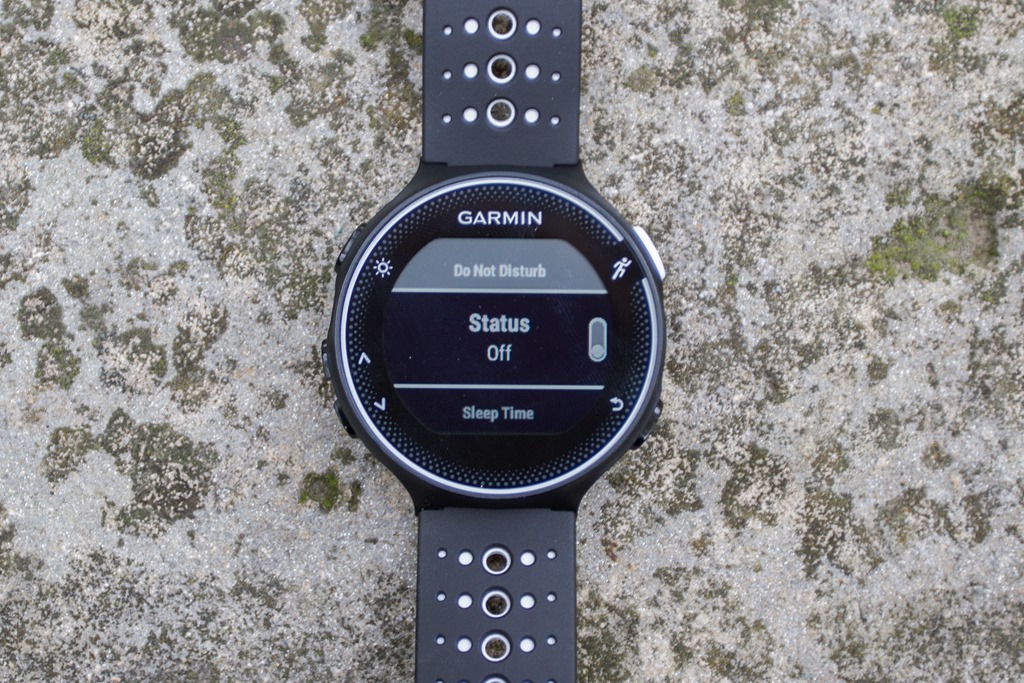
They’ve also added in a new do no disturb mode for notifications, allowing you to turn these off both during workouts, as well as for a specified period of time. Here’s a shot of that on the FR230:
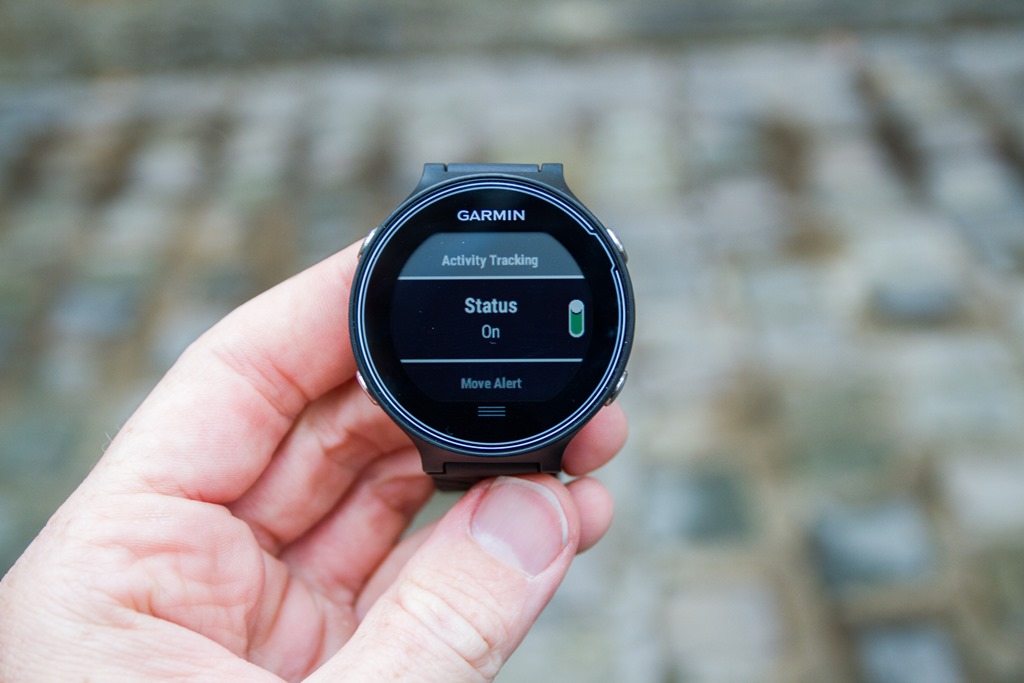
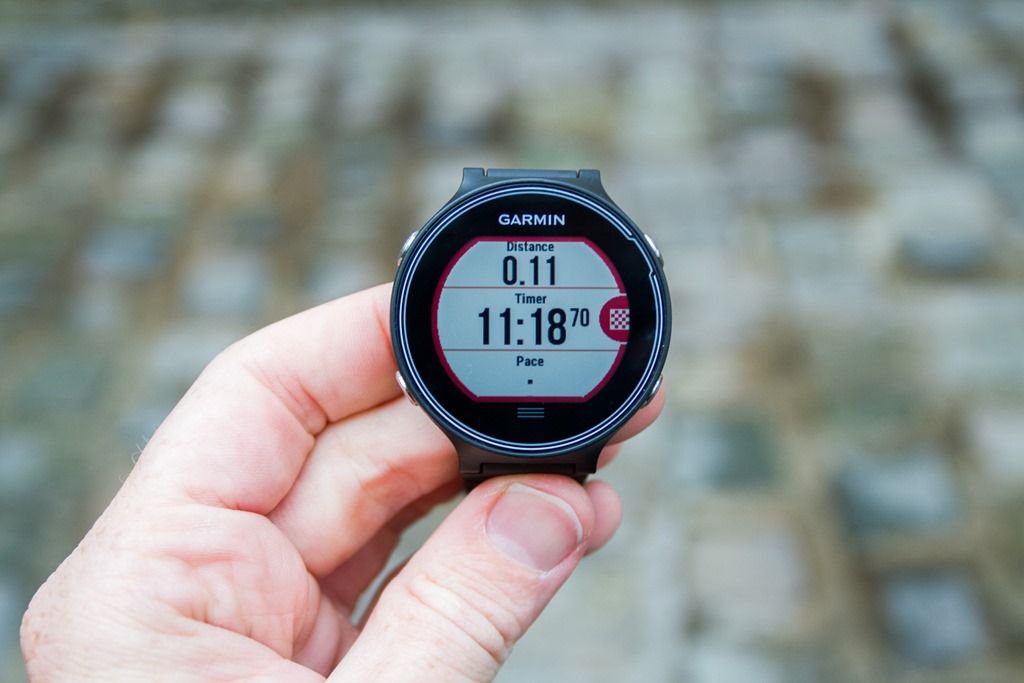
(Tip of the day: Want to quickly tell the difference between the FR230/235 and the FR630? The FR630 has a three-lined dash at the bottom of the display, which you can tap as part of the touch functionality. Above, on the FR230/235 that’s absent.)
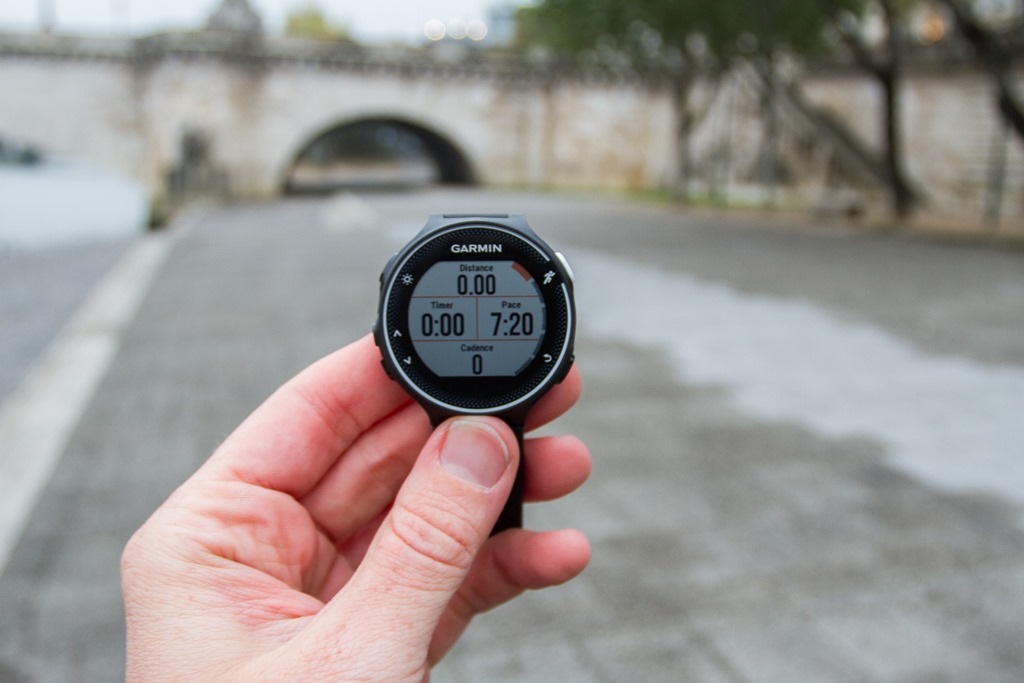
One hardware-specific feature noted is the larger display screen, allowing for bigger numbers. Here’s a quick look at 1-4 data fields per page:
Finally, the FR630 also gets activity and sleep tracking functionality. This means it’ll capture steps throughout your day, and also shout at you via the inactivity alerts. At night, it’ll stalk you in your sleep, tracking your sleep metrics. Note, it does not give you a stride length for bed-focused workouts.
All of this data is then uploaded to Garmin Connect via the Garmin Connect Mobile app, or also now via WiFi. You can still connect the unit via USB too, to any Mac/PC computer. It’ll mount as a USB device like any other Garmin unit.
On the list of totally random things that didn’t really fit anywhere else, I’ll point out the following pile of small but kinda neat things I figured I’d mention:
– You can now set different types of watch alarms (i.e. week-days only, vibrate-only, etc…)
– You can configure four custom data pages (with up to four metrics each), plus preset data pages: HR Zone Gauge, Running Dynamics Gauge Pages (2), Virtual Partner, Clock, Music Controls,
– You can lock the screen by holding the bottom left button, at any time.
Lastly, there’s one little quirk with the FR630 touch screen that I think might cause some confusion in reviews/shows/tests – but probably not in real-life (except if mounted to a bike). It’s that the back of the FR630 must be ‘grounded’ to your body in order for the touch screen to respond. This does not apply to to the physical buttons, only the touch screen. To demonstrate this, I give you the following short video:
Now, since initial publishing many of you have asked about the jacket/long-sleeve scenario (wearing the watch on top of that). Here’s a quick video I put together showing how well that works (and how non-finger contact works on the screen:
With that I’ve covered all the major features, but haven’t touched on things like GPS accuracy. As noted I wasn’t able to download any of my runs, though I can say that the runs did match the distances I had on the TomTom Spark GPS watch I was wearing at the same time (within 1%). These runs occurred in tree-filled mountain terrain. But obviously it’ll be something I focus on and publish all the results of within my in-depth review once I have final production units.
Preemptive Questions Note:For aspects like the new Running Dynamics metrics, Lactate Threshold and Stress Scores, Audio Alerts, etc… I don’t have clarity on whether those features will be coming to existing watches (such as the Fenix3/Epix/FR920XT). For the most part, everything else new is already on the Fenix3, Epix, and FR920XT.
What’s New: The Garmin FR230 & FR235:
Okey doke. With the FR630 behind us, let’s move onto the FR230 and FR235. I’m going to try and minimize duplication of new features here, and instead talk to some of the more unique features. Or at least, new unique items on this platform.
First, it’s important to understand that the FR235 has everything the FR230 has. However, the FR235 also has an optical sensor built into it. As a result, there is one software feature that’s not in the FR230 – which is the ability to track heart rate 24×7 using said sensor. I’ve noted that below accordingly.
Here’s the list of what’s new on the FR230 & FR235, as compared to the FR220/FR225:
– Connect IQ support
– Bluetooth Smart notifications (i.e. texts, phone calls, e-mails, etc…)
– Addition of daily activity tracking (steps, sleep, calories, etc…)
– Addition of audio prompts (using phone, or phone + headphones)
– Music Control
– Finish Estimator functionality
– More customizable watch time alarms
– Larger display (44%)
– Up to four data fields per customized data page (was 3 in FR220/FR225)
– FR235: Optical HR sensor (was in FR225, but not FR220)
– FR235: Broadcasting of optical HR as ANT+ to other devices, i.e. an Edge device (Update: the FR225 will NOT get an update on this, Garmin has changed their mind)
– VO2 max Estimation
– Training Effect
– Recovery Advisor
– Race Predictor
– 1-second recording option (previously only Smart Recording)
– Heart Rate Zone Gauge (was on FR225, but not FR220)
– FR230: Increased battery life (claimed 16 hours with GPS-on, vs 8-10 before)
– FR235: Increased battery life (claimed 11 hours with GPS-on and optical HR on, vs 7-10 before)
– Back to start navigation
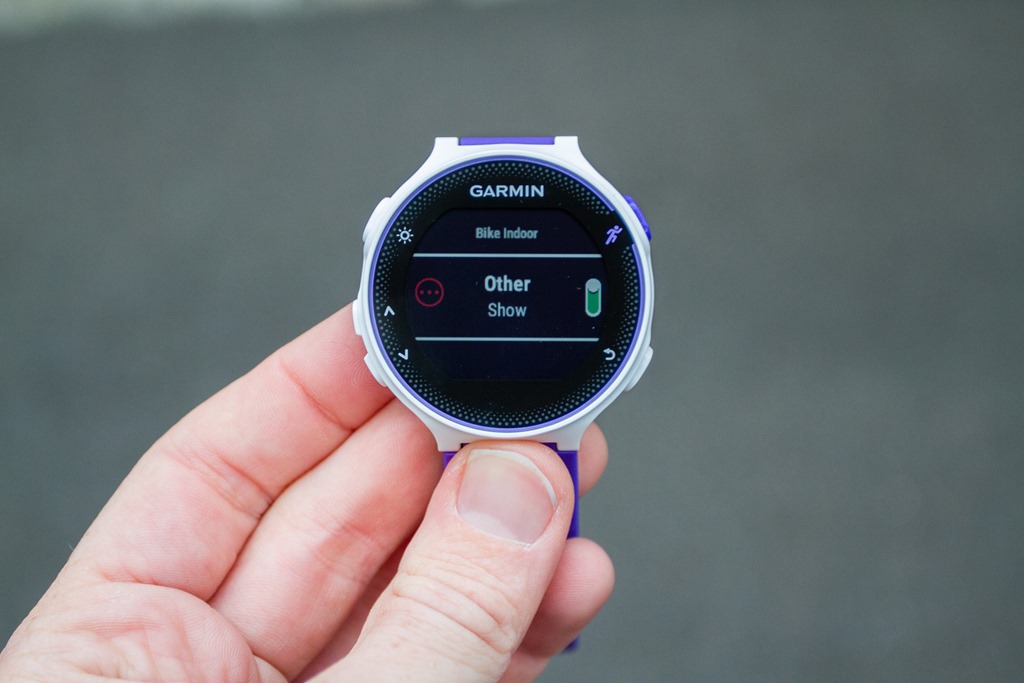
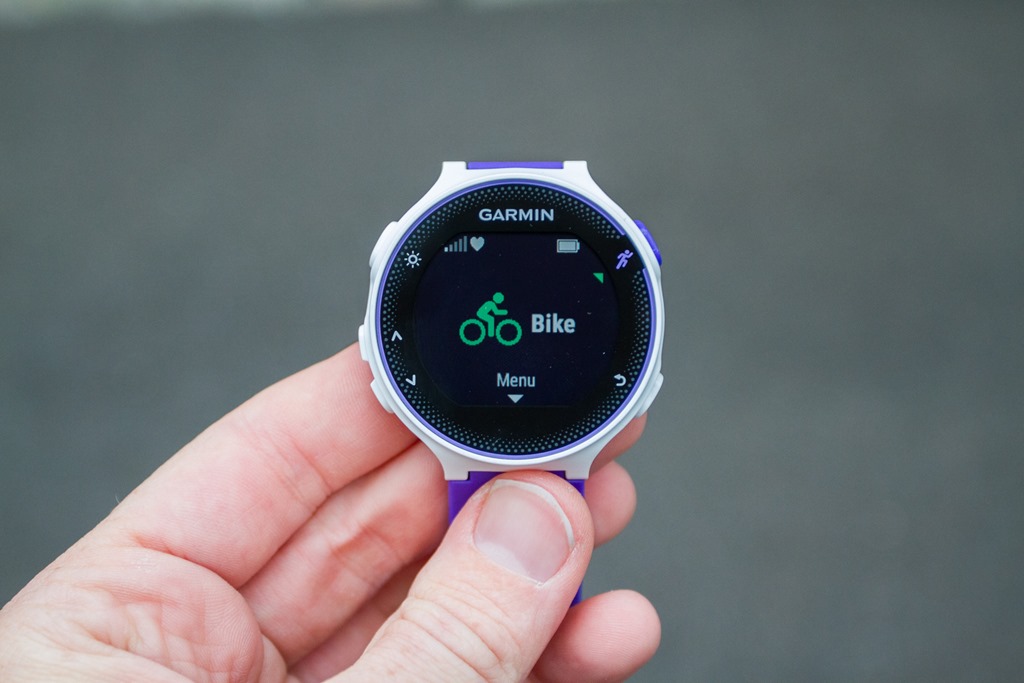
– New cycling-specific apps (previously no separate function)
– Addition of GLONASS
– Support for cycling sensors (speed/cadence)
– Addition of ANT+ sensor pool concept (multiple ANT+ sensors)
– Do not disturb mode
– Ability to charge while using
– Tempe Sensor connectivity
What’s that? You’re looking for another video walk-through in this post? Sure, no problem – up first is the video walk-through of the FR230. Again, focused on features and functionality:
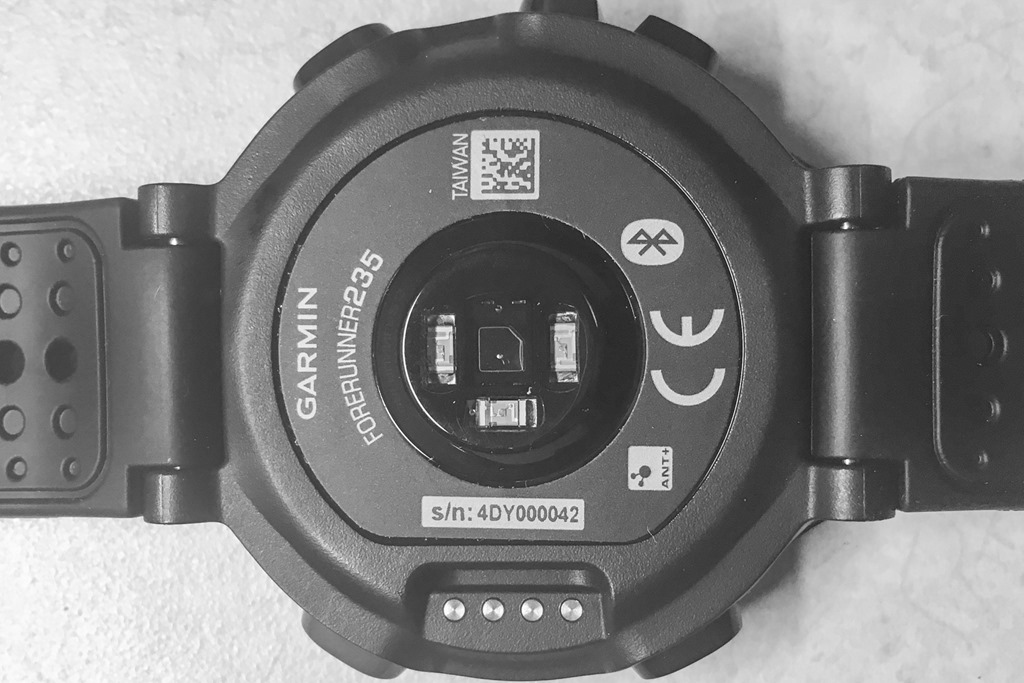
Ok, with that out of the way, it’s important to take a slight diversion to the FR235 and talk about items specific to it first. Most notably that it has a optical heart rate sensor built into the back of it. This shouldn’t come as a surprise; the FR225 that was released earlier this year has one as well. But what is notable is that this sensor is not licensed from Mio like the FR225 was. Rather, this sensor is all-Garmin:
The optical sensor package is fully done in-house, and not part of an acquisition of someone else’s technology, nor licensed from anyone else. That’s…well…interesting. But, probably not surprising. We’re seeing many companies mix things up, likely because it’s cheaper to do so. And also because Mio’s technology is further licensed from Philips, who themselves are looking to get into the fitness realm. Hence why we’ve seen both TomTom and Garmin split ways from Mio NOW, though interestingly both companies maintained numerous times in conversations that the accuracy of the Mio sensors is really top-notch (something we already knew).
The real question will be how accurate Garmin’s new optical sensor is. I’m putting that one solidly in the camp of ‘TBD’. My single run with the unit proved inconclusive, due to a beta firmware update the night before that hosed things up on the sensor side. So it’s hard to tell. It appears promising, but it’ll take a pass on any judgment either way. But I will say that as I’ve noted numerous times lately with new optical sensors: Companies must prove their worth. I don’t care if you’re Apple, Fitbit, Polar, TomTom, or Garmin: I’m going to assume your optical sensor sucks until proven otherwise.
Now, the good news here is that Garmin is doing some cool stuff with the optical sensor. With the older FR225 (crazy to say that since it’s only 4 months ‘old’), the unit didn’t do 24×7 optical HR measurements. Whereas the new FR235 does that now. It’ll track your optical heart rate 24×7 for about 9 to 11 days between charges, and then upload that data behind the scenes to Garmin Connect. I don’t yet have a screenshot of what that looks like there.
From this point on out – it’s all stuff applicable to both the FR230 and FR235 alike!
First up is that both units get Connect IQ app functionality, just like the new FR630 does:
This is probably more interesting on the FR230/235 than on the FR630, because it’s kinda like how it was on the Vivoactive: It enables folks to get creative and get more extensive/advanced functionality by leveraging Connect IQ apps. This is especially true early next year once they enable Connect IQ apps to write/save data.
Next, while the FR225 did gain activity tracking the FR220 didn’t have it. Now both the FR230/235 have activity tracking that covers steps/sleep:
As we dive into the phone integration piece, you see the same features on the FR630 as the FR230/235. That means you’ll get the audio prompts seen above with the FR630. The same conditions apply here too: You’ll need to have your cell phone on you, plus an audio playback device (i.e. headphones, or just using the speaker on the phone).
You’ll also get smartphone notifications, just like the FR630. These are all handled after pairing a compatible iOS or Android device:
We see some of the advanced features previously only seen on the FR620, moving their way down to the FR230/235. For example, VO2Max values are now found on the FR230/235. Note that for the VO2Max tests though you do need to have a traditional heart rate strap paired to the FR235, since that’s not capable of leveraging the optical sensor for that test (common due to lack of accurate heart rate variability on optical sensors). Update: It looks like they are enabling this with native optical sensor.
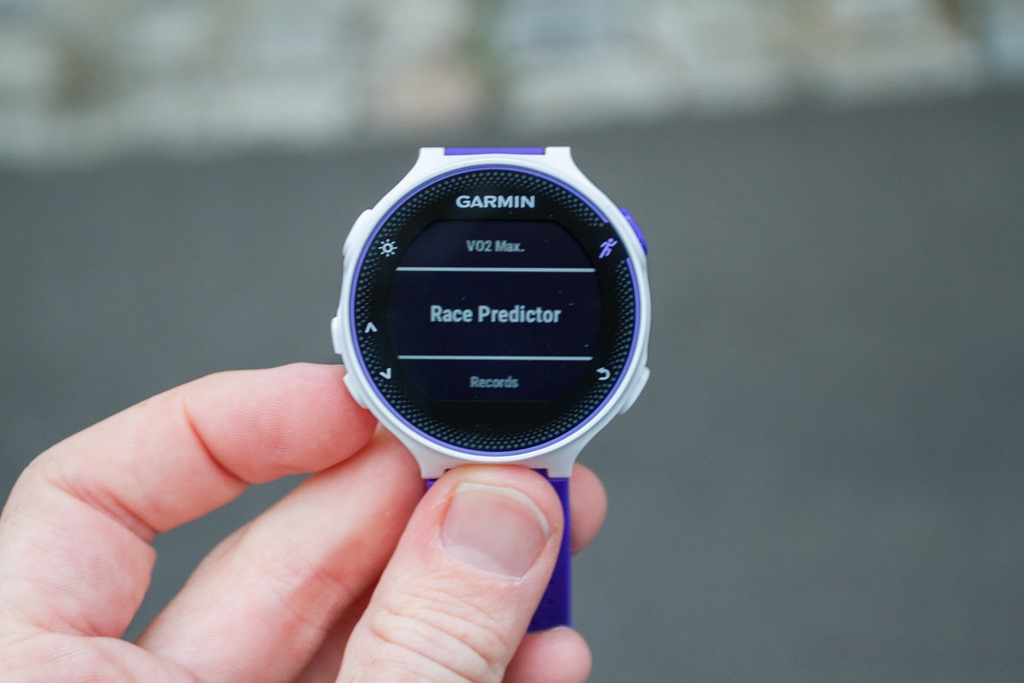
Similarly, we see Training Effect and Recovery Advisor functionality moved to the FR230/FR235 as well. Note that the Training Effect also requires a HR strap with the FR235, but the Recovery Advisor can leverage the optical sensor. And we get Race Predictor, which spits out best guesses on how hot of a race you’ll have based on the VO2Max figures (i.e. shows you running at 36min 10K).
Along the same lines of extended functions is the finish estimator, which as seen on the FR630 estimates how long until you get to quit running. You’ll need to enter in either a standard distance, or a custom distance.
The FR230/235 got new sport modes. This was a chief complaint of folks with the FR220/225, which specifically didn’t have a cycling mode (whereas the Polar M400 did, for far less money). Garmin has slightly leapfrogged there now in that the FR230/235 also supports cycling speed/cadence sensors – whereas the Polar M400 doesn’t.
Now one last item that’s probably of interest to FR220 users – the FR230/235 now allows you to edit custom data pages to show up to four data fields per custom page. Previously it was three data fields per page. The FR230/235 gives you two custom pages, plus the following optional pages: Heart Rate Zone/BPM, Heart Rate Zone Gauge, Clock, and Music Controls.
And as noted up earlier, you now get the option to set the recording rate as 1-second, versus the previous smart recording. Why on earth it took this many years for Garmin to enable that, I’ve got no idea. I suspect it may be somewhat self-serving in that it’ll probably reduce support calls from folks who see odd GPS tracks where the smart recording algorithm would appear to cut corners on buildings. Still, I’ll take it!
Next – the FR230/F235 does get a basic back to start navigation functionality. In this case it gives you a simple arrow towards your start location (as the crow flies). To understand how this works (and how the FR630 navigation features work and differ), I’ve put together this quick video:
Overall the FR230 and FR235 are solid little watches in the mid-range GPS watch market. I think they do a good job at making it a much harder job when comparing the Polar M400 to FR230 as well as to the TomTom Spark (actually, especially the TomTom Spark).
Size & Weight Comparisons:
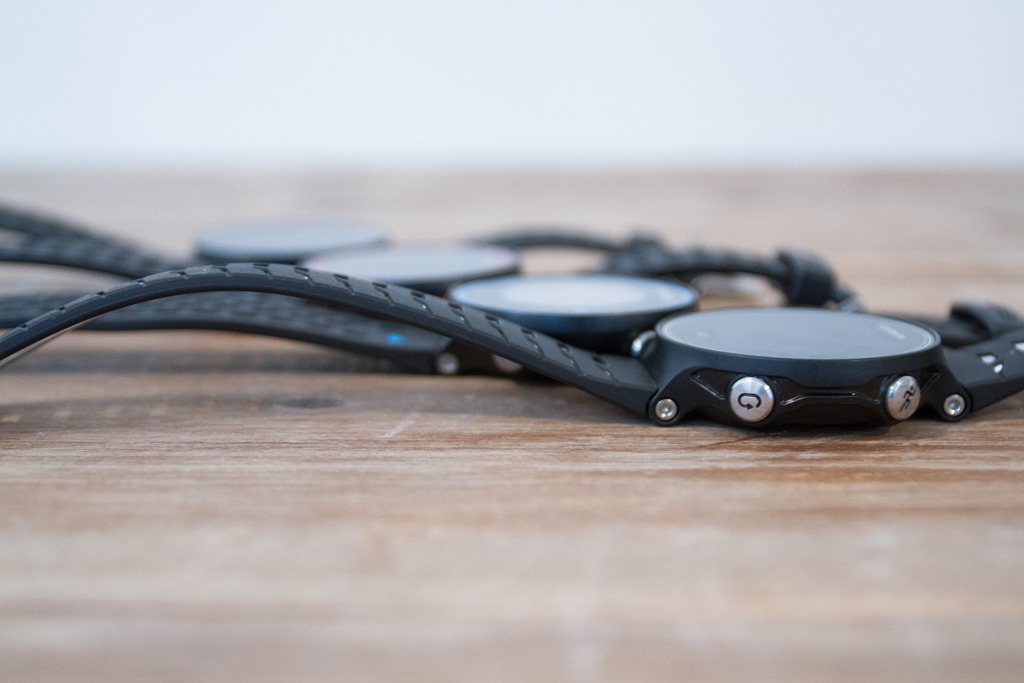
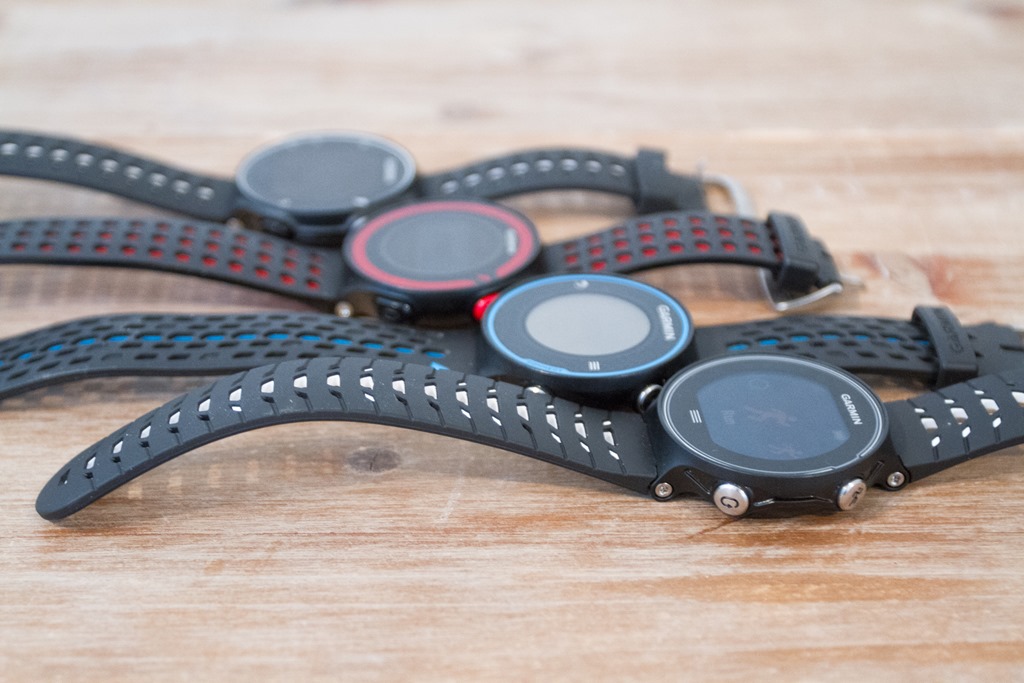
Before we move on, a quick run-down of weights and sizes. First up, you’ll notice that there’s virtually no differences in the thickness of any of these watches. It’s all a wash, and to be fair – I’ve yet to hear anyone complain about them needing to be thinner.
Above, left to right: FR230, FR220, FR620, FR630. Same order on below.
Note that on the FR235, the rubber edging is gone, so that slightly reduces thickness compared to the FR225.
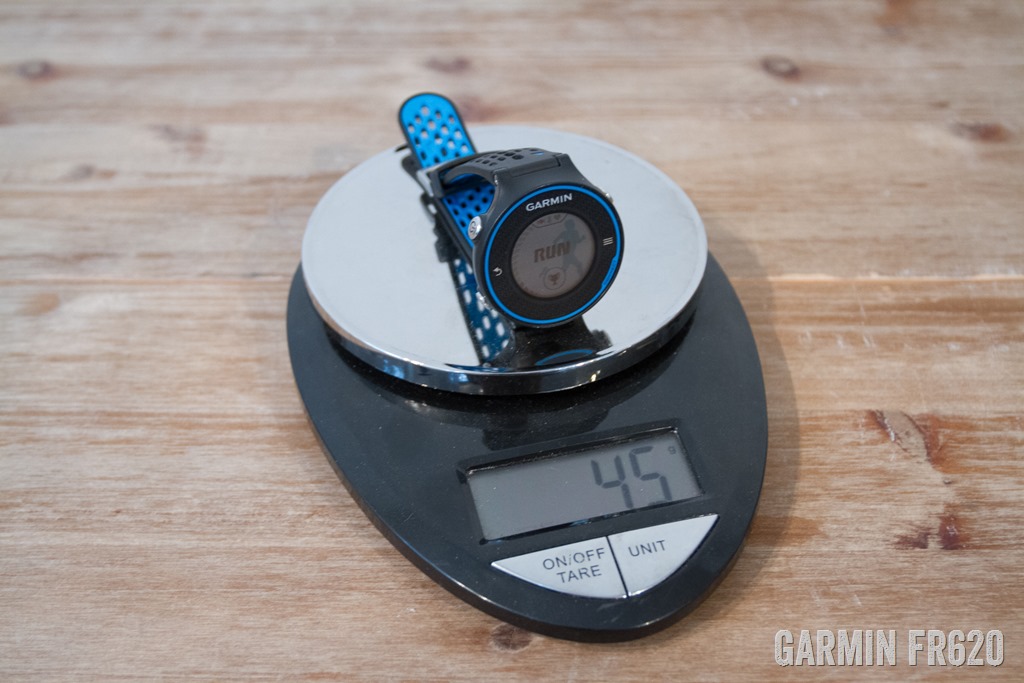
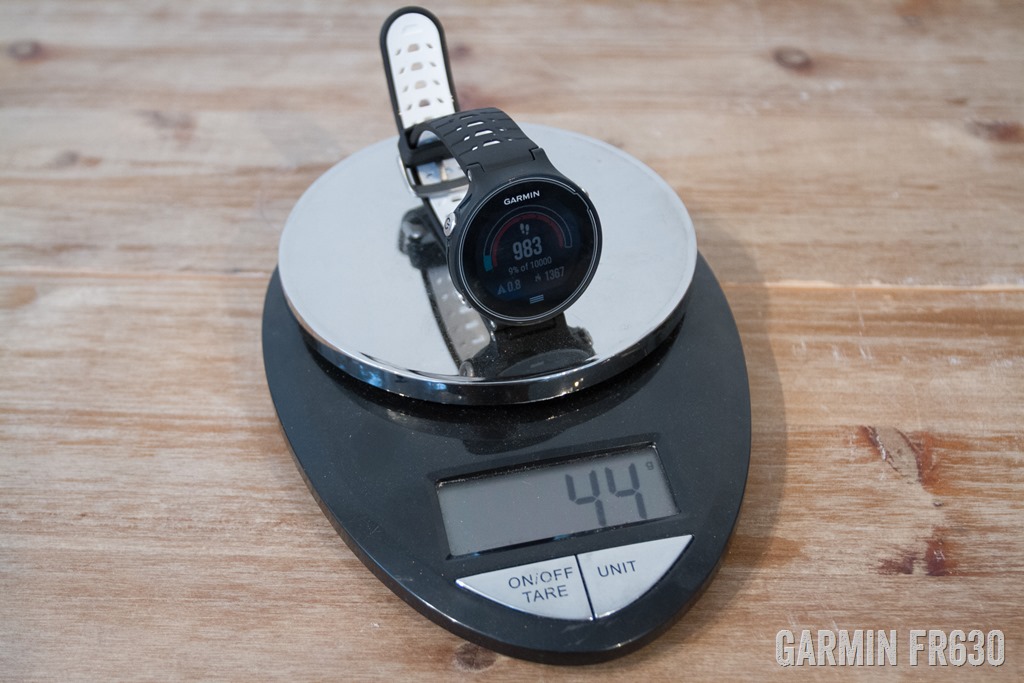
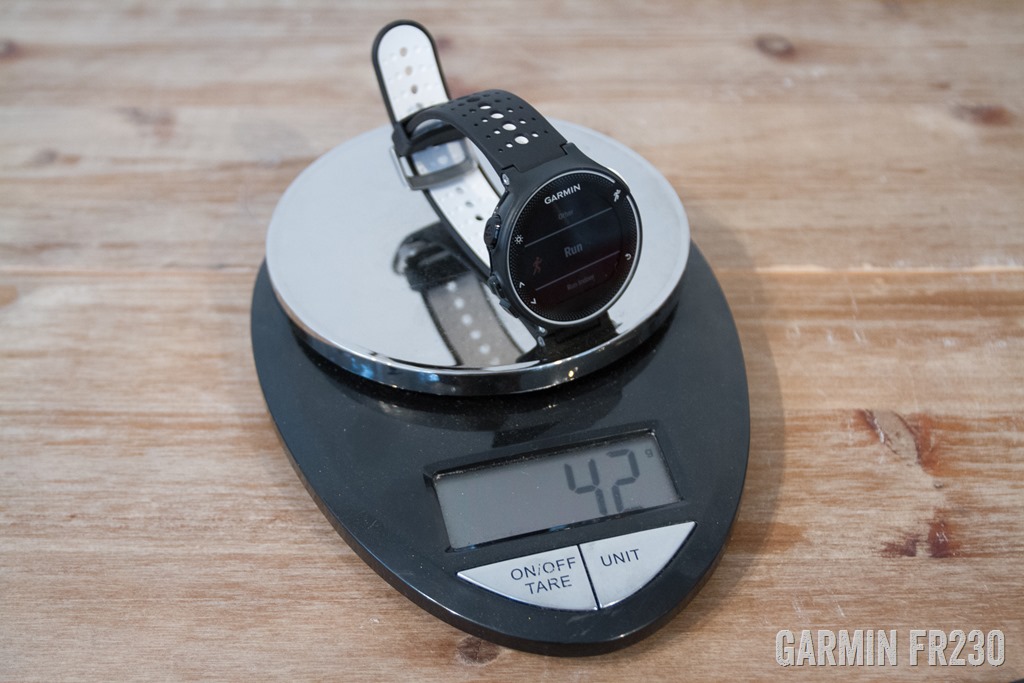
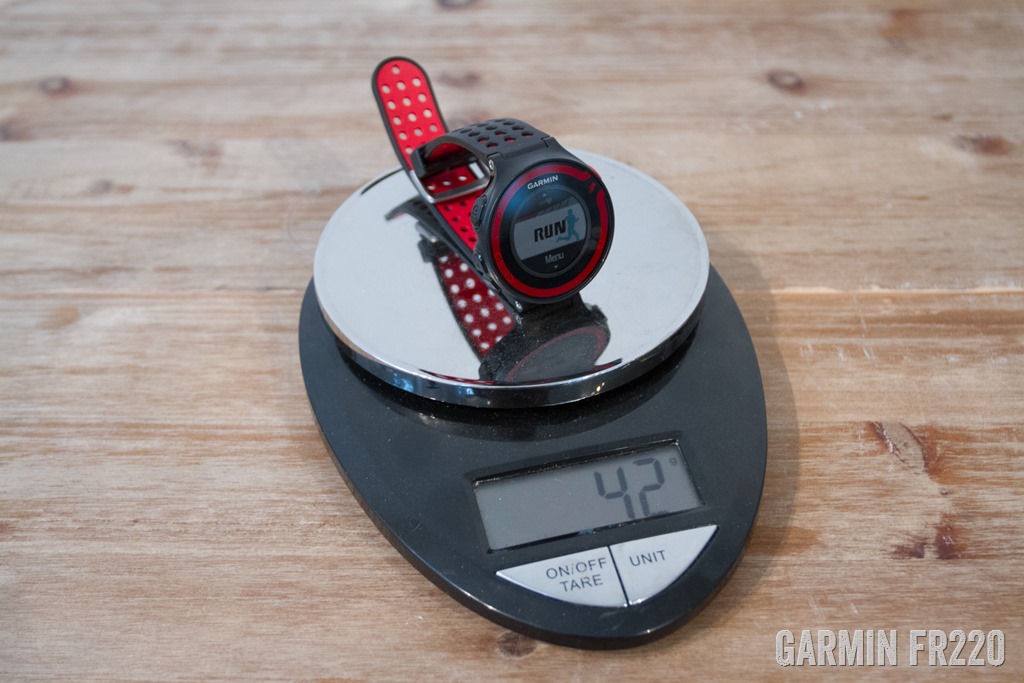
As for weights, here’s a lineup of the units compared to older watches:
Note, I didn’t have the FR235 at the time of the weigh-in.
Of note: New Garmin Connect Mobile:
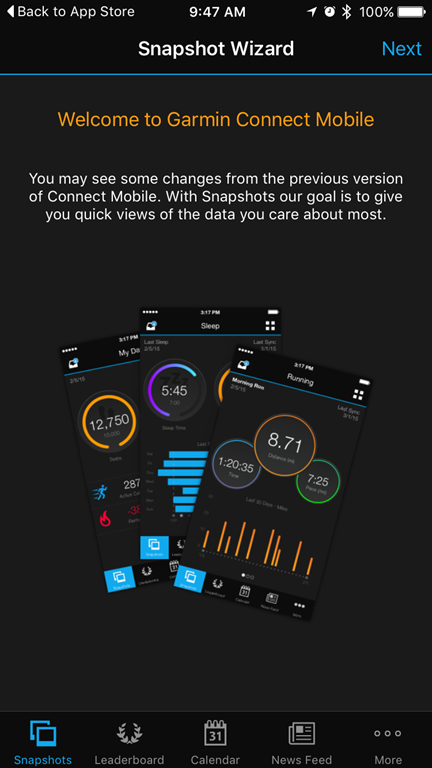
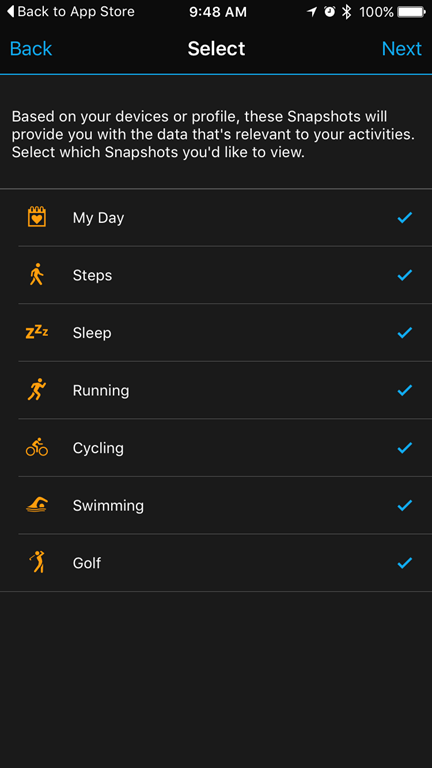
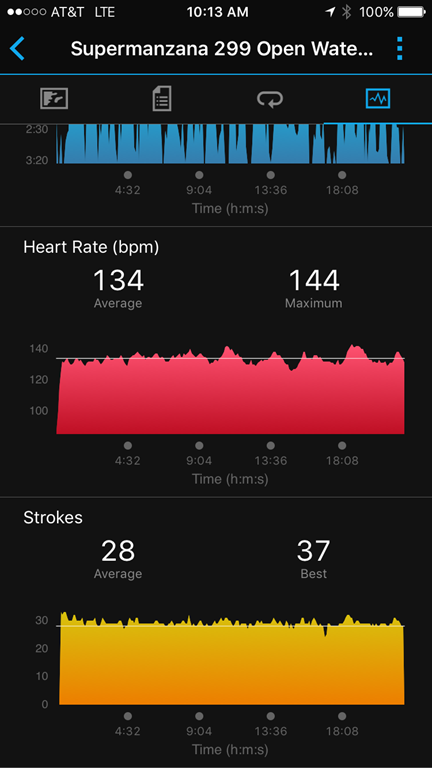
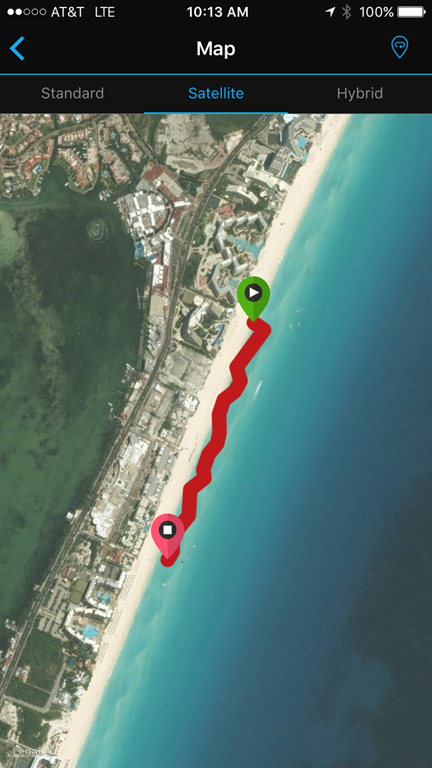
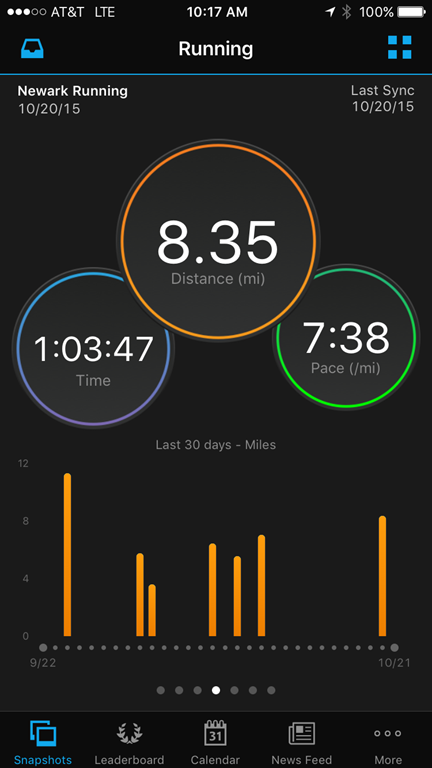
It should be briefly mentioned that in addition to a slew of new devices, the company is also introducing a refreshed Garmin Connect Mobile application. The new app’s look is most visible in its blackened color scheme, but more importantly is that the charting and graphing is much more cleanly implemented than in the past.
I have spent some time poking at multiple people’s phones with the new UI, but haven’t had it rolled out to my phone yet (Update: Now I have!). So my impressions are more snapshot in time than weeks of usage. Still, it seems an improvement in terms of functionality (even if I’m not a huge fan of the dark color scheme, but it’s growing on me).
This new version should be available today for download.
(Note: This section updated with screenshots from my device this morning after updating)
Product Comparison Tables:
In order to help you compare products, I’ve added the FR230, FR235, and FR630 into the product comparison tool. This database has all watches I’ve reviewed in it – so you can easily mix and match to compare your own product charts here.
In the meantime, below I’ve split them up into two sets – the first is the FR220 & FR225, vs the FR230 & FR235:
Note that there are some minor features that haven’t quite been instantiated into the database rows – so stuff like Stress Score; in large part because I’m focusing on some of the bigger features, otherwise I think it gets more unwieldy.
Just to recap on pricing, here’s the plan for the different units:
Garmin FR230: $249 w/o a HR strap, $299 with a chest HR strap
Garmin FR235: $329 inclusive of the optical HR sensor
Garmin FR630: $399 w/o a HR strap, or $449 with the HRM-RUN
Note that there are a few different color schemes available, which are:
Garmin FR230: Black/White, Purple/White, and Yellow/Black
Garmin FR235: Black/Grey, Black/Dark Red, Teal
Garmin FR630: Black/White, Midnight Blue
As for product availability, Garmin states all of these as ‘Q4’ (so between now and December 31st, 2015). As is usually the case, expect large wait times if you wait until December to order a unit. Just the way Garmin works – they don’t really take into account pre-orders in terms of fulfillment like you’d get with a new XBox game or something.
Also, as far as my feeling – I think we’ll see the FR230 and FR630 available pretty darn quickly (weeks), versus the FR235, which I get the feeling might be lagging slightly behind the other two. But I could be wrong there (and happy to be). Just my gut instinct based on a variety of factors.
As for my in-depth reviews, those will be published a few weeks after I get final product units to test. I realize folks are trying to make decisions on watches for the holiday period, so I’ll be balancing having a thorough review with your desire to get it sooner. Similarly, I’m also making a significant push for other recent products that have been announced. It’ll be a very busy next few weeks!
Initial Thoughts:
Ultimately, all three units offer fairly solid updates to their predecessors – and will likely soon become the de facto standard for pure running-only watches. There are a handful of truly new features (i.e. lactate threshold tests), but many of the features can be found on other Garmin multi-sport and related watches that have rolled out over the past 12 months. So this is really a case of catch-up and getting all the units onto the same platform and playing field.
As for whether you should upgrade? Well, that probably depends on where you’re coming from. For example, if you’re using a FR920XT/Fenix3/Epix, there’s few reasons to make the switch. Plus, that’s kinda like going from a Land Rover to a Ford Focus, you may be losing out on other features (i.e. swimming/running/maps) that doesn’t really make that practical – depending on your use case.
But if you’re coming from the FR220 or FR620, then it’s more of a logical upgrade. I’d consider how much you want to use the device as a pure running watch, or as a full day to day smartphone integrated device. Do features like smartphone notifications and activity tracking matter to you? Then upgrading probably makes sense. If not and just tracking the core running functions, then I’m not sure I’d shell out. If you’re on older pre-FR220/620 units, I’ve gotta believe we’ll see some solid holiday deals on the FR220/620, just like we did two years ago.
Minor Addendum: A few of you have asked about whether or not about why there isn’t a FR635. Essentially Garmin noted that the bulk of the feature differences between the FR235 and FR635 are dependent on a true heart rate strap (i.e. advanced Running Dynamics, VO2Max-based metrics like Lactate Threshold, etc…). Said differently, if they launched a FR635 they felt that people would need a HR strap to use most of the higher end features. Further, the FR230/235 got many non-HR dependent features found on the FR620/630.
Next, some of you asked about if/when a FR935XT or new Fenix variant with optical HR might be on the table. I can’t foresee that happening anytime soon. Certainly not before spring of next year, but I’d probably guess summer/fall 2016 if I were to take a stab. They’d have to nail the HR accuracy not only in land-based activities, but also swimming. Oh, and solve the aforementioned HR variability (strap-dependent) requirements for why they didn’t do a FR635. You can see why it’s highly unlikely we’ll see something near-term there. And finally, as for whether or not they’ll add some of the new functions (i.e. Lactate Threshold, Audio Alerts, etc…) from the FR630 to the Fenix3/FR920XT/Epix, as noted at the end of the FR630 section – Garmin hasn’t clarified that piece.
With that – thanks for reading! Feel free to drop questions below and I’ll attempt to consolidate and answer them.
Shipping Status (New!):
Current as of: November 30th, 2015
In an attempt to minimize the number of questions on current shipping status, I’ll update this section roughly each day with where things (in general) stand for shipping of each of the three units. If/when folks report shipping updates (not just ETA’s, but actual tracking numbers), I’ll update the below with general status.
FR230: These are now widely in stock/shipping at Clever Training, and many other retailers. They’re also available at a few places outside the US.
FR235:These are generally fairly widely available now (all pre-orders with major US retailers have cleared), though retailers do seem to go into back-order briefly status for a few days before clearing again.
FR630: These are now widely in stock for most SKU’s/colors at Clever Training, and shipping pretty readily with other retailers both in the US and outside the US.
Do remember that the Garmin shipping pattern is incredibly predictable. They usually start off shipping in very small quantities for the first week or two (a few hundred units globally), and then scale out to thousands of units per week after a few weeks. This is partly to ensure production quality in earlier shipments, and partly to ensure if they screw something up it lessens the recall (like what happened with the FR920XT last year). Further, expect that the FR235 backorders will take quite some time to get through. In other words, don’t expect to place an order Dec 5th and expect it in time for the holidays. Last year for the FR920XT (announced first week of Oct), some backorders didn’t clear out till January/February in some countries.
Next, there actually isn’t a specific country-by-country order, they tend to ship bunches to countries and it’s up to the given Garmin country manager to handle distribution to retailers in their region.
Next, when it comes to allocation of retailers, Garmin generally tries to get units in the hands of companies/retailers that have actual pre-orders from customers (versus having units sit on a shelf). However, a LARGE part of that is whether or not the retailer placed initial order requests with Garmin ahead of and at announcement time. Yes, ahead of. If a retailer (especially large ones), didn’t do that – it’s highly unlikely they’ll see units soon. For whatever reason Garmin tends to de-prioritize Garmin.com orders, which are almost never first. Similarly, Amazon also tends to be later in the game too.
Lastly, many retailers will promise you dates that are unrealistic. They’ll do this to get your pre-order knowing you won’t cancel. As usual in life, if it sounds too good to be true, it probably is. If they’re promising you a unit to be shipped tomorrow – ask if they have it already in their warehouse. If not, ask if they have a tracking number from Garmin showing it’ll arrive at their warehouse by tomorrow. Garmin will send retailers tracking numbers once the shipment has left Olathe, KS (or other international hub). This tracking number includes the number of units of each model that the retailer is receiving. If they don’t have that, they’re making stuff up.
Phew!
Found This Post Useful? Support The Site!
Hopefully you found this review/post useful. At the end of the day, I’m an athlete just like you looking for the most detail possible on a new purchase – so my review is written from the standpoint of how I used the device. The reviews generally take a lot of hours to put together, so it’s a fair bit of work (and labor of love). As you probably noticed by looking below, I also take time to answer all the questions posted in the comments – and there’s quite a bit of detail in there as well.
If you're shopping for the Garmin Forerunner 235 or any other accessory items, please consider using the affiliate links below! As an Amazon Associate I earn from qualifying purchases. It doesn’t cost you anything extra, but your purchases help support this website a lot.
Since the Garmin Forerunner 235 is no longer sold, I recommend looking at Garmin Forerunner 245:
And finally, here’s a handy list of accessories that work well with this unit (and some that I showed in the review). Given the unit pairs with ANT+ & Bluetooth Smart sensors, you can use just about anything though.
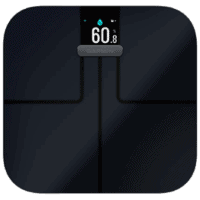
This wifi-connected scale will track your weight and related metrics both on the scale display and in Garmin Connect (plus 3rd party apps like TrainingPeaks). It'll also then sync your weight to your watch/bike computer, to ensure accurate calorie data.
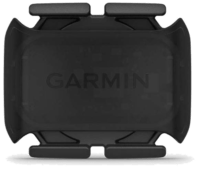
This is a dual ANT+/Bluetooth Smart cycling cadence sensor that you strap to your crank arm, but also does dual Bluetooth Smart, so you can pair it both to Zwift and another Bluetooth Smart app at once if you want.
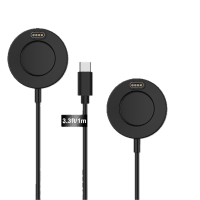
Seriously, this will change your life. $9 for a two-pack of these puck Garmin chargers that stay put and stay connected. One for the office, one for your bedside, another for your bag, and one for your dog's house. Just in case.
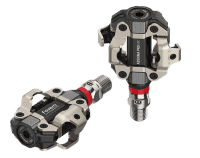
These are one of my favorite power meters, due to both cost and accuracy. These have mostly become my defacto gravel pedals, and also get used on a lot of other comparison testing.
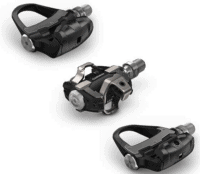
The Garmin Rally series is effectively 3 power meters in one, for three pedal types. I use these often in accuracy testing. While they're a bit more expensive than the Favero pedals, they offer the ability to swap pedal types easily.
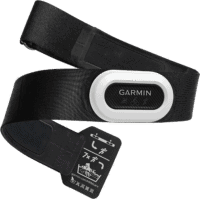
The HRM-PRO Plus is Garmin's top-end chest strap. It transmits dual ANT+/Bluetooth Smart, but also transmits Running Dynamics & Running Pace/Distance metrics, stores HR data during a swim, and can be used without a watch for other sports. Also, it can transmit XC Skiing Dynamics as well.
And of course – you can always sign-up to be a DCR Supporter! That gets you an ad-free DCR, access to the DCR Shed Talkin' video series packed with behind the scenes tidbits...and it also makes you awesome. And being awesome is what it’s all about!
Thanks for reading! And as always, feel free to post comments or questions in the comments section below, I’ll be happy to try and answer them as quickly as possible. And lastly, if you felt this review was useful – I always appreciate feedback in the comments below. Thanks!
I swim, bike and run. Then, I come here and write about my adventures. It’s as simple as that. Most of the time. If you’re new around these parts, here’s the long version of my story.
You'll support the site, and get ad-free DCR! Plus, you'll be more awesome. Click above for all the details. Oh, and you can sign-up for the newsletter here!
Here’s how to save!
Wanna save some cash and support the site? These companies help support the site! With Backcountry.com or Competitive Cyclist with either the coupon code DCRAINMAKER for first time users saving 15% on applicable products.
You can also pick-up tons of gear at REI via these links, which is a long-time supporter as well:
Alternatively, for everything else on the planet, simply buy your goods from Amazon via the link below and I get a tiny bit back as an Amazon Associate. No cost to you, easy as pie!
You can use the above link for any Amazon country and it (should) automatically redirect to your local Amazon site.
While I don't partner with many companies, there's a few that I love, and support the site. Full details!
Want to compare the features of each product, down to the nitty-gritty? No problem, the product comparison data is constantly updated with new products and new features added to old products!
Wanna create comparison chart graphs just like I do for GPS, heart rate, power meters and more? No problem, here's the platform I use - you can too!
Think my written reviews are deep? You should check out my videos. I take things to a whole new level of interactive depth!
Smart Trainers Buyers Guide: Looking at a smart trainer this winter? I cover all the units to buy (and avoid) for indoor training. The good, the bad, and the ugly.
Check out
my weekly podcast - with DesFit, which is packed with both gadget and non-gadget goodness!
Get all your awesome DC Rainmaker gear here!
FAQ’s
I have built an extensive list of my most frequently asked questions. Below are the most popular.
You probably stumbled upon here looking for a review of a sports gadget. If you’re trying to decide which unit to buy – check out my in-depth reviews section. Some reviews are over 60 pages long when printed out, with hundreds of photos! I aim to leave no stone unturned.
I travel a fair bit, both for work and for fun. Here’s a bunch of random trip reports and daily trip-logs that I’ve put together and posted. I’ve sorted it all by world geography, in an attempt to make it easy to figure out where I’ve been.
The most common question I receive outside of the “what’s the best GPS watch for me” variant, are photography-esq based. So in efforts to combat the amount of emails I need to sort through on a daily basis, I’ve complied this “My Photography Gear” post for your curious minds (including drones & action cams!)! It’s a nice break from the day-to-day sports-tech talk, and I hope you get something out of it!
Many readers stumble into my website in search of information on the latest and greatest sports tech products. But at the end of the day, you might just be wondering “What does Ray use when not testing new products?”. So here is the most up to date list of products I like and fit the bill for me and my training needs best! DC Rainmaker 2024 swim, bike, run, and general gear list. But wait, are you a female and feel like these things might not apply to you? If that’s the case (but certainly not saying my choices aren’t good for women), and you just want to see a different gear junkies “picks”, check out The Girl’s Gear Guide too.