This product has been discontinued by the manufacturer. It's been replaced by the Garmin Forerunner 245, you may want to check out that review instead.
The Garmin FR220 is the company’s latest mid-range (price-wise) running watch, which succeeds the older FR210 unit. The FR210 carved out the mid-range niche, ahead of a slew of competitors that have followed in its footsteps. But can Garmin jump ahead of all of these units with the Bluetooth connected FR220? Over the past month+, I set out to find out – one run after another.
Because I want to be transparent about my reviews – Garmin provided both beta and final production FR220’s, with this review being written on the basis of the final production hardware + software (some photos were taken during the software beta period of course). As always, in the next little bit I’ll be sending them back to Garmin and then going out and getting my own (to be able to support y’all in the comments section down the road). Simple as that. Sorta like hiking in wilderness trails – leave only footprints. If you find my review useful, you can use any of the Amazon or Clever Training links from this page to help support future reviews.
Lastly, at the end of the day keep in mind I’m just like any other regular athlete out there. I write these reviews because I’m inherently a curious person with a technology background, and thus I try and be as complete as I can. But, if I’ve missed something or if you spot something that doesn’t quite jive – just let me know and I’ll be happy to get it all sorted out. Also, because the technology world constantly changes, I try and go back and update these reviews as new features and functionality are added – or if bugs are fixed.
So – with that intro, let’s get into things.
Unboxing:
The FR220 comes in a variety of flavors – including grape (aka purple), which is the review unit flavor I ended up with. Sometimes I think the Garmin folks just like to send me the girly colors merely so they can laugh at me.
Here’s the back of the box, in case you’re into that sorta thing:
After you’ve removed the outer shell, you’ll have three basic piles of stuff: Watch stuff, charger stuff, paper stuff.
Here we are, after having removed the plastic stuff:
Here’s the front of the watch itself. As I’ll cover in a little bit, the unit is notably lighter than other units (and visibly so on the scale). It’s also thinner a well as having a brighter screen. All things you’ll see over the course of the next few hundred photos.
And here’s the back of the unit. You’ll notice a new charging port, different from past Garmin products. Also, you’ll see the ANT+ logo as well as Bluetooth Smart logo on there.
Looking at other boxed content, we’ve got the ever-exciting Quick Start Manual. I suspect however by time you finish reading this post, you’ll ace the Quick Start Manual test.
Finally, we have the charging cable. While this may look like the Garmin Fenix charging cable, it’s actually slightly different. The pin-outs (little copper things) are arranged different such that you can’t interchange the two cables.
Here’s a closer look at how things line up:
And then snapped in:
The good news is that unlike some of the previous Garmin Forerunner charging cables – this one stays locked on very nicely. You can see it hanging here. I could easily hold onto one end of the USB cable and swing it around my head like a lasso and it won’t fly off.
I do want to briefly note that the FR220 comes in two color variations. The purple which you’ll see throughout this review, as well as a Red/Black variant, that I had at the beginning and end of my review cycle:
With our unboxing complete, let’s see how things size up to other units on the market.
Size Comparisons & Weights:
First we’ve got the standard rolling pin side view. You’ll notice that for the most part the GPS units these days are all roughly in the same size arena. It’s only the ones to the far left that are a bit bigger – the Adidas Smart Run GPS and the Suunto Ambit 2s. And, at the far right side you’ve got the lightest and smallest of the bunch, the Magellan Echo. Except that doesn’t have GPS in it but rather depends on your phone’s GPS. The FR220 feature-wise best compares to the TomTom, Timex Run Trainer 2.0, and Polar RC3 (the three units directly to the left of it).
(From left to right: Adidas Smart Run GPS, Suunto Ambit 2s, Garmin FR610, Garmin FR620, Polar RC3, TomTom Runner/Multisport, Timex Run Trainer 2.0, Garmin FR220, Magellan Echo)
Next, we can turn them up a bit and see the height of each one. The pattern is pretty similar here. The TomTom is a bit of an optical illusion because while the height looks thin on the display side, the button wraps down around the front and pops up a bit. The thickest units overall are the Adidas, Suunto and then the Timex Run Trainer 2.0 (3rd from right).
If I look at the three other units the Garmin FR220 tends to be compared to the most, you can see this a bit more clearly (Polar RC3, TomTom Runner, Timex Run Trainer 2.0, FR220).
The FR220 is of course the successor to the FR210. The most noticeable aspect (aside from weight) though is really thickness. In particular though towards the base of the unit. You can see how the first bit of the FR210 watch band as it leaves the display is still a portion of the unit and added bulk, whereas the FR220 doesn’t have any of that extra bulk.
In the below photo you’ll note that the bezel of the FR220 is actually slightly larger (diameter) than that of the FR210, though you’d likely never notice it outside of this picture.
If we look at how it compares to the $129 Garmin FR10, you’ll see that it’s a fair bit thinner. The 14-month old FR10 always was a bit chubby when it came to height, even though it had a fairly small width footprint:
Looking at wearing it, here’s what it looks like on my wrist, my wrist size is 17cm (or about 6.5 inches):
And, for all the smaller ladies in the house, here’s what it looks like on The Girl’s wrist, her wrist size is 14cm (or 5.5 inches) – and she’s tiny – 5’2” tall:
The Girl was quite happy with the watch – at least until I gave her the FR620, at which point she went for that. She much prefers the FR220 colors though over the FR620 colors.
Last but not least, here’s the weight situation. The FR220 weighed in at 41g:
Whereas the older FR210 came in at 52g:
Running Functionality and Features:
Now that you’re done looking at the thing, it’s time to actually run with it.
We’ll head outside and search for satellites. This process should be much quicker on the FR220 (as well as the FR620) as both these units introduced the ability to pre-cache satellite locations for the next week. These satellite caches are updated via Bluetooth Smart via your phone.
This tends to reduce the time to pickup satellite reception down to about 10-15 seconds – really scary quick. I’ve seen some reception times in as little as 4-5 seconds. The green bar along the top indicates satellite reception. Once it’s fully green, a second later it’ll be ready to go.
Here’s a short video of this. This particular unit hadn’t been turned on for GPS reception in about 14 hours:
Here we are, ready to go:
One really cool new feature on the FR220 (and the FR620) is the ability to set the auto-sleep setting to ‘Extended’. In the past, if you were at the start line of a race the unit would try to go to sleep every 5 minutes if recording hadn’t been started. Now, you can configure the ‘Extended’ option which gives you 25 minutes to do something (either start, or to tap a button).
Once that’s all done, it’s time to start running. To do so you’ll press the upper right button (colored button), which starts and pauses the run. It’s also used for resuming if you pause. Below that on the lower right you’ve got a lap button.
On the left side you’ve got an up/down set of buttons for navigating the menu and changing your display pages while running. And finally in the upper left you have the backlight button.
Once you’ve started running the FR220 will display the metrics which you’ve configured it to display. By default this will cover things like pace, distance, time, and heart rate. You can customize different pages with different metrics.
For example, I typically like to configure a page with all my lap stats – such as lap pace, lap time, and lap distance:
And then on another page I’ve got more general run stats (heart rate, overall run time, but still lap pace):
The FR220 also allows you to have a two-metric page with HR stats on it, so that’s displayed below:
In total the FR220 lets you configure two data screens (+ one HR screen and one screen for the clock). Each screen (page) can contain up to three pieces of data, either in a 1-metric, 2-metric, or three-metric configuration. You’ll change which metrics are shown within the Activity Settings area, and then Data Screens:
You can choose to enable the clock view, which will add a page just for the clock.
Here’s the full listing of data fields you can configure on the FR220 (Update: In the latest firmware version 2.80 and above, you can now add the ‘Elevation’ data field):
(EDIT: Note that for the %Max HR/%HRR, that’s to setup the zones, but the display itself doesn’t show %Max HR/%HRR while running).
Many people ask about pace stability while using GPS. Below is a short video I took while running with the unit. I’m not wearing any footpod, this is pure GPS pace. Sorry for the bumpiness. The bottom number is the pace number, shown in minutes/mile
Before you run you’ll want to pair the ANT+ heart rate strap if you purchased one. This will transmit your heart rate to the watch for display and later retrieval in the recording. It also greatly improves the calorie burn accuracy of the unit. In fact, you can use the HR strap indoors with the GPS off to get calorie burn metrics.
While running you’ll just press the up/down button to iterate forward or backwards through the data pages. You can also however use Auto Scroll to do it for you. This will simply scroll through the data pages automatically:
The unit can be configured for both metric and statute displays (i.e. miles or kilometers), and in fact, there’s actually settings to change any of the different fields (such as pace or distance) individually and independently of each other. So you could have pace in kilometer-related and distance in miles (as confusing as that would be).
While running you can configure the unit to automatically create laps, called Auto Laps. These can be setup based on a preset distance, such as 1 Mile. I tend to use this for longer runs, rather than shorter ones.
Also of note is that the unit supports Auto Pause, which will automatically pause the unit when you go slower than a certain threshold – such as stopping at a light for a crosswalk. You can customize the thresholds if they’re too high/low for you.
When it comes to alerting you’ve got a couple options. You can create alerts on a number of metrics such as pace or heart rate. These are both defined as high/low alerts, where you set a high value and/or a low value (both or individual) and then the unit alerts based upon crossing that threshold:
I’ve found the pace alerts though to be a bit finicky (on both the FR220 and the FR620), at least a bit hyper-sensitive. In trying to do a workout with them set on the FR220 for 5:50-6:20/mile, it never stopped beeping, despite having three other GPS watches tell me I was holding 6:05-6:10/mile quite nicely.
Note that the FR220 does not have a Virtual Partner feature. Rather, the pace alerts are your best option here.
You can also setup alerts such as the Run/Walk alert, which is common in a number of marathon training plans these days. In this case you setup a Run Time (i.e. 10 minutes), and then a Walk Time (i.e. 1 minute) and then the unit will simply repeat this duo forever until you tell it otherwise.
Once your run is done you’ll go ahead and tap the pause button to pause it, which then brings you to this screen where you can save the run (or discard it I suppose):
After which it’ll list off any PR’s that you’ve hit for that run. PR’s (Personal Records) are listed for distances from 1KM upwards to Marathon, as well as for records such as longest run. Here’s a few of them:
The only problem is that while it’s supposed to pull your previous PR’s from Garmin Connect, it doesn’t appear to be doing so. So in reality my PR’s are kinda skewed.
All of this information then ends up in the history section if you’d like to review it later from the watch itself.
And of course it’ll get uploaded online as I’ll cover in a bit.
Looking at GPS accuracy, I’m very happy with what I’m seeing with the FR220. It’s in line with a bunch of other GPS units I’ve paired it up against, always relatively close to each other. Given the accuracy of GPS technology in the consumer space, you’ll almost never get the same measurement from two units (even two like units), but in these cases you see very similar numbers across the board:
I’ll likely be doing accuracy tests again with the large batch of new running watches on the block, since it now makes sense to do so.
Treadmill Running & Internal Accelerometer:
The Garmin FR220 includes an internal accelerometer (in the watch) which enables the unit to measure both pace and cadence without the need for an external footpod (as most watches previously required).
This internal accelerometer is automatically configured while running outdoors with the GPS enabled (there’s no additional manual configuration). My ability to test this particular feature has been somewhat limited, as only the final firmware enabled my unit the ability to record this data (as opposed to just viewing it). That said, one of the easiest ways to test this is by simply running it through a straight forward pyramid test on a treadmill after a run outdoors (to get the unit calibrated via GPS).
For this test I did a very straight forward treadmill test after completing a short warm-up. The recorded test includes the following:
1 Minute @ 12KPH (it took about 15-20s for the treadmill to get to full speed)
4 Minutes @ 13KPH (7:26/mi, 4:37/km)
1 Minute @ 14KPH (6:45/mi, 4:17/km)
1 Minute @ 15KPH (6:26/mi, 4:03/km)
1 Minute @ 16KPH (6:02/mi, 3:45/km)
1 Minute @ 17KPH (5:41/mi, 3:32/km)
1 Minute @ 18KPH (5:22/mi, 3:20/km)
1 Minute @ 10KPH (9:30/mi, 6:00/km) with letting treadmill stop last 10 seconds.
After that first minute, the following 4-minutes at 13KPH provided a bit more variability than I expected actually. On previous tests where I couldn’t record the data (beta stuff), I did see much more consistency at these paces. So I’m not quite as concerned here because I know from other testing as well as what I saw on the FR620 that it tends to do well in most cases at my ‘normal’ paces.
Nonetheless, if you look at the FR610 using a standard calibrated footpod, the paces are spot-on what you’d expect for each ‘step’ (increase) in my workout. Or rather, more importantly – there are ‘steps’ at all!
In the case of the above FR220 data, it tops out at about 7:18/mile. Whereas in reality, the below FR610 tops out at 5:23/mile, which is within :01/mile of the specified treadmill speed (point scored for footpod!).
In short, what you see here is that the paces are a bit all over the map when it comes to paces outside my normal range. Which is pretty much exactly what I saw on my FR620 tests.
Next, we look at cadence provided by the internal cadence within the FR220 unit itself. In this case, it’s actually not too bad. What’s funny is that you can clearly see where I must have brushed sweat off my face around the 1:40 marker, as the cadence throws a dropout. Remember that since this is measuring cadence based on my wrist (and not a footpod), it’s going to be impacted by things like that.
Next is a graph from a FR220 on the same arm (another one) that was set to use a standard ANT+ footpod. In this case you can see how perfect the cadence is across each of the various steps. As you can see, both pace and cadence from the internal unit is overwritten by the external ANT+ footpod.
Nonetheless, the pattern I’ve seen both inside and outside is that the cadence information provided by the FR220 internally is actually quite accurate. I’ve put it up against really long 2hr runs and it’s within 1SPM for the entire run, which is pretty good considering I’m often grabbing gels, taking photos or the like.
Which, brings me to the last point that you’ve probably observed at this point in this section: The FR220 does indeed pair to a ANT+ footpod for pace and cadence.
While outdoors the unit will use the cadence from the footpod and GPS for the pace/distance. While indoors with GPS off it’ll use data from the footpod for both. The FR220 will not leverage the cadence information passed by the Garmin HRM-Run HR strap. Only the FR620 can utilize that.
To pair your footpod you’ll go ahead and dive into the sensors area, and then add a footpod sensor:
From there you can search for the footpod:
You can manually configure the calibration factor there, or just let it do it via GPS after your run.
At that point you’re pretty much good to go. Likely when in indoors mode you’ll want to switch off GPS, which you can access by pressing the ‘Up’ button from the home screen (the one that says “Run”). Then, select GPS to off. At this point it’ll provide pace, distance and cadence while indoors (either with footpod or internal unit accelerometer).
Workout Creation & Training Plans:
The FR220 supports the ability to create manual workouts that you’ll follow on your device and be prompted for each step of the workout. These workouts can have a variety of targets (such as pace, cadence, heart rate and speed), and can have preset durations such as time, distance or just simply pressing the lap button. This is new to this price point, as previously the FR210 did not have this capability (it had basic interval support)
The workouts are created on Garmin Connect and then transferred to the device via Bluetooth or USB.
Below, you can see my creating one of my workouts. You can create a multiple of steps, and include embedded repeating steps (such as Work + Rest intervals). The Garmin Connect workout builder is pretty much the easiest and most complete interval builder out there. Incredibly simple to use.
After you complete creating all your individual steps, you’ll be ready to save the workout (and name it). You can always come back to it and edit it later though:
Once you’ve saved it you’ll go ahead and send it to your device via Bluetooth Smart (phone) or USB). In my case, we’ll just go with USB:
At this point you can also add it to your Training Calendar. By adding it to your Training Calendar you can sync the calendar to your device which will in turn automatically make certain workouts show up on the device based on the day you’re planning to execute them:
To find the workouts you’ll scroll down on your device to ‘Training’, you can then select ‘My Workouts’, where you’ll see any workouts you’ve transferred listed:
Within this you can also preview the steps for a given workout:
In addition to creating your own workouts, Garmin Connect includes (free) training plans for a variety of goal races from 5K’s to Marathons to Triathlons. Each of these plans has various experience levels.
You can poke around at the different plans and decide which works best for you. Each plan includes specific workouts for certain days of the week. These workouts are based on the assumption of a known Start or End Date. Typically the Finish Date is your race day. You’ll just press ‘Schedule’ to add them to your Training Calendar.
Here you can see them in the Calendar View:
Back on the watch, these will show up within the Training > Training Calendar view.
Structured workouts will automatically walk you through each step of the workout, showing you how many minutes are left and the target for each step of the workout.
During the workout it’ll display a new page with each step (target) and the time remaining for each step:
If you exceed a threshold, it’ll alert you immediately. You can see this below:
In the case above, I completely stopped, which triggered the pace to show null (zero), and give me a pace alert for being too slow.
Though strangely, it doesn’t actually tell you whether you were high or low – just simply that you were out of bounds for that portion of the workout. (To clarify: It always shows you the view two photos above, but when the pop-up alert happens, it doesn’t say “High/Low” there). Update: It’s been explained to me that the border color of the alert will actually tell you if it’s high or low. For high, it’ll show orange. For low, it’ll show blue (as seen above).
Cycling Functionality:
The Garmin FR220 does not contain a cycling function, nor any way to connect to speed/cadence sensors while cycling. It does however contain the ability to switch the display metric from pace (usually displayed as minutes/mile or minutes/kilometer) to speed (i.e. MPH/KPH). You can do this via the the Settings > Activity Settings > Data Screens menu, and then within one of your data pages you can select the data field you want to change and change it to Speed.
At this point the unit will display speed (MPH or KPH depending on your preferences) as one of the data fields.
The only challenge with this particular workaround though is that by default the workout will still be uploaded to Garmin Connect as a ‘Run’, rather than a ‘Bike’ workout, which means that it’ll incorrectly trigger both PR’s on the unit (i.e. fastest 5KM) as well as incorrectly triggering those on Garmin Connect.
On the Garmin Connect side however you can go ahead and modify the workout type to be ‘Cycling’ which will then address the issue there. On a subsequent synchronization it’ll pull that PR information back down to the watch.
Navigation Functionality:
Like it’s older sibling the FR210, the FR220 doesn’t contain any form of navigational and/or course routing. Meaning that if you’re looking to use the GPS to get directions to somewhere, you’re better off taking a paper map for that. I call this out in a section specifically, merely to minimize the number of questions on it.
For users that need these functions, the better choice would be the Fenix/Tactix watch form-factor lineup, rather than the running-specific watches. The Fenix watches focus on navigation, running, and exceedingly long battery life (upwards of 55 hours). They do lack however areas such as training plans, interval, and workout functions. Though, they do contain a cycling mode with full support for ANT+ speed/cadence sensors.
Use as a day to day watch, backlight:
While the FR220 has 10 hours of GPS time, it can stay in standby mode for 6 weeks with GPS off. in this mode it acts as a day to day watch.
If you want to unlock you’ll press one of the buttons and then press the little runner man button again to unlock it:
The FR220 allows you to create a single daily alarm. You can’t configure said alarm for specific days of the week, nor can you create additional alarms.
Interestingly, in time mode you can configure the background to be black (with white text), or white (with black text).
By default the time on the unit will automatically come from the GPS, but you can manually override that if you wish.
Speaking of Time, you can also configure it for 12hr or 24hr mode:
Lastly, while running in the dark you can configure the unit’s backlight to remain on for a specified period of time. By default it’s only a handful of seconds. Thus I change it to simply ‘stay on’ until I tell it otherwise.
You can also select to have the unit automatically illuminate if/when you press any buttons or if any watch alerts pop-up, such as lap notifications, pacing alerts, etc…
ANT+ Weight Scale Connectivity:
While the majority of Garmin fitness devices used to support connecting to a small number of ANT+ enabled weight and body fat scales, the FR220 no longer continues that tradition. Based on my discussions with the product team, there are no plans to enable that functionality on the FR220 (or, the FR620).
I suspect the primary reason for this is simply the number of users using those weight scales today (unfortunately barely a rounding error on a tenth of a percent at best). Added to that the fact that most of the WiFi scales today far exceed the functionality provided by the ANT+ scales.
Of course, that doesn’t help users of past Garmin devices that have purchased those ANT+ scales solely for the purpose of connecting them to Garmin devices (the only company that truly ever lit up that scenario via ANT+ ). Given it would be Garmin’s goal to convert those users into FR220/FR620 users, I would think that it might benefit them as a gesture of goodwill to look at an update down the road to connect to the scale (it’s just a firmware change).
As a side effect, this pretty much kills any ANT+ scales going forward. Which, shouldn’t really be a major surprise. Even Bluetooth scales aren’t really a great solution. Neither protocol really fits the bill for scales compared to WiFi, especially since virtually nobody would travel with their scale – meaning that it’s always going to be hanging out in a single place with easy WiFi access.
Waterproofing:
The Garmin FR220 is waterproofed to a depth of 50 meters (150ft), which differs from many past Garmin running watches which only had IPX7 waterproofing (30 minutes at 1m/3ft deep). This means you can easily use it on your wrist while swimming without any concerns about killing it. It won’t capture any swim metrics (distance/stroke/etc…), but it’ll survive just fine.
During a recent work trip I spent considerable time submerging the FR220 in the open ocean water swimming around and spending a bunch of time underwater working on product shots for a different review. My wife also spent time with it in the water while I wasn’t in the water.
I’ve seen no ill effects as a result of that. Nor have I seen any issues with rain and/or sweat during my other runs over the past month+ with the unit.
As with most GPS units you won’t get accurate distance outside while worn on your wrist. This is because the FR220 isn’t designed to understand how to deal with the dropouts that occur when the watch goes under the water each time during the stroke. To demonstrate this, here’s a short swim workout I did. The FR610 was tracking distance in my swimcap and acting as a reference. The Suunto Ambit2 was tracking it on my wrist – and that unit understands how to track openwater swims correctly. You can see the FR220 is nearly double that distance.
Looking at the GPS tracks, you can see quite a difference:
Finally, for pure curiosity I was interested in what the cadence data looks like from the internal accelerometer. While the unit does measure ‘something’, it’s not 100% clear to me how that number correlates while swimming. Either way, it doesn’t appear to be strokes:
Going forward into December I’ll be bringing both the FR220 and the FR620 down to 33m (~100ft deep) in an indoor facility designed for exactly this sort of thing, to test out the waterproofing myself. Should be fun!
Live Tracking & Mobile Phone Upload Functionality:
The Garmin FR220 includes the ability to connect via Bluetooth Smart to your mobile phone to upload workouts immediately upon completion, as well as to provide streaming live tracking of your run to family and friends. You can share out the link automatically via e-mail or social networking sites like Twitter and Facebook.
We first saw this technology in the Garmin Edge 510 and Edge 810 last January. In that case however, the units used older Bluetooth chips which meant compatibility with older phones. With Bluetooth Smart being used here in the FR220, you’ll need an iPhone 4s or newer in order to take advantage of the uploads and connectivity.
[Update]: When I originally published this review, the mobile app was not yet updated for the FR220. Since then, it has become available for iOS. I’ve added an updated section into my FR620 review showing how it works there, and I’ve used it on the FR220 (the usage/functions are 100% identical to the FR620) as well without issue, but just haven’t quite yet written it up here. I’ll be doing that shortly. In the meantime, check out the FR620 review to see how it works. Note that Garmin has not yet released the Android version, and has stated that’s coming in Q1 2014, so sometime between January and March 2014.
Computer (USB) Upload Functionality:
In addition to Bluetooth Smart uploading via your phone, you can also simply plug the FR220 into your computer via USB and upload the workouts that way. This allows you to not only send workouts to Garmin Connect, but to 3rd party sites as well.
When you plug the FR220 into your computer it enumerates as a standard USB mass storage device – just like a little USB thumb drive. This is best because it doesn’t require any special drivers and works on pretty much any device out there, as well as any operating system. All the workouts are found within the ‘Activity’ folder:
Once everything is plugged in you’ll go ahead and wander over to Garmin Connect and click on the ‘Upload’ button in the upper right corner. This brings you to the below page, where you can then select to ‘Upload All New Activities’, which is what I typically choose.
The upload process usually only takes a few seconds (.FIT files are small, about 100KB per hour of recorded data). Once the upload is complete you can click on ‘View Details’ to dive into the individual workout.
With that, let’s dive into things on Garmin Connect, which is Garmin’s free training log platform.
Garmin Connect Online:
Once the data is uploaded to Garmin Connect, you’ll be able to view information about your run. To start with, you’ve got the main overview page. This view shows your activity summary information along the left side, with detailed pods along the right side. At the top you’ve got the map, which you can swap between Bing, Google and OpenStreetMap as providers, and then views such as satellite or standard maps depending on the location and provider.
As I scroll down I get pods for each one of the key running metrics. Timing is what shows my pace, which is configurable as either minutes/mile or minutes/kilometer (or, in MPH/KPH if you switch to a speed mode). Then below that elevation data, which is automatically corrected after the fact. Then you have heart rate information below that. On the left side you see my different splits. These splits were manually created by me based on me pressing the button. But laps created by auto lap will show up here as well.
Finally, at the very bottom along the left side you’ve got the weather information that’s pulled from a nearby weather station (historical). And on the right you have cadence information. This information shows your running cadence displayed in SPM (Steps Per Minute), which is the sum total of both feet. Some sites display this as just one foot (i.e. 90SPM), and some sites display it as two feet (180SPM). In fact, Garmin Connect actually changed this last week to display it in sum rather than the previous one-foot.
Remember that this information comes from the internal unit within the FR220 (and the FR620), unless you have a footpod – in which case it comes from that instead (like all previous Garmin watches).
In addition to the activity view, there’s also a player view, which will replay back your activity with a moving dot on the map, showing the speed/cadence/HR/etc… at that given point in time.
Beyond this, Garmin Connect provides calendars and reporting, as well as the training plans that I discussed a bit earlier. Ultimately I find Garmin Connect a good option for runners wanting a simplistic online site that’s easy to understand. For more advanced users, you may want to check out some of the options in the 3rd party realm, shown next.
3rd Party Site Compatibility:
Like virtually all Garmin Fitness devices these days, the Garmin FR220 outputs files into the standard .FIT file format. This means that it’s compatible with pretty much every 3rd party site on the planet (and, if your 3rd party site/app doesn’t consume .FIT files it’s likely not worth using).
I’ve tested the FR220 files with the 3rd party apps I use most frequently, all with success: Strava, Training Peaks, and Sport Tracks.
For those developers in the house (or, just anyone who wants to test if their app can read FR220 files), feel free to use this small collection of files.
One change I dislike however is that Garmin has changed their naming scheme on these files to names that are basically entirely garbage. Previously the names were a combination of the date and time (which, you know, is logical). Now, it’s as if someone threw up a bit in their mouth and then spit out these file names:
The FR620 shares this awesome naming scheme. Hopefully they’ll change it in a firmware update.
Firmware Updating:
The FR220 supports firmware updating as Garmin releases new firmware versions for the watch. This is typically done to fix bugs and/or add new features (usually minor features).
To get new firmware for the FR220 you’ll connect it to Garmin Connect (via USB) or to the Garmin WebUpdater (also via USB). Additionally, you can do firmware updates via your phone as well (via Bluetooth Smart).
What’s interesting is the slight shift in how firmware updates work. Now, the update is downloaded to your unit but hangs out until you’re ready for the update to be applied. You can see this above where it shows a firmware update ready to be installed (along with the version).
Within that screen I have three options. The first being to simply install it right then, with the second being to ‘Remind Me’ – which simply reminds you the next time you turn the watch back into Run mode. And finally, the third being to dismiss the update entirely.
Assuming you press to install, it takes just 1-2 minutes (which was true to what it said it would take), and then shows you this small status bar along the edge as it updates.
In the updates that I’ve applied thus far to the unit, no settings were lost – it simply retained those (including workout history and customizations).
Traditionally speaking we tend to see Garmin release more updates shortly after a product is released as they address any issues found, and then those taper off the longer from release date. Further, you tend to see the more expensive products get feature enhancements (such as the FR910XT, Fenix, Edge 810, etc..) – rather than the less expensive products (i.e. FR10/FR210/etc…) – which may only see one or two tiny changes to the functionality.
Bugs and Miscellaneous:
In recent reviews I’ve been adding a bugs section to cover things that I stumbled upon. Because I’ve had the watch for a bit now, I’m really only focusing on bugs that I’ve seen on the final firmware. Remember a ‘bug’ is different than ‘by design’. For example, the lack of a feature is something I highlight within a given section is considered ‘by design’, whereas something not really working right is below.
In the case of the Garmin FR220, the issues I’ve seen are largely in the ‘annoyance’ category, rather than the show-stopper category.
– The internal accelerometer pace data while on a treadmill seems suspect at faster than your norm paces, and slower than your norm paces.
– The pace alerts (high/low alerts) seem overly sensitive to trigger, though I need to re-validate this after the Saturday firmware update (no release notes)
– Added: Calibration of footpod: In my testing, I had calibration values shown when I used the footpod. However, in recent builds, it doesn’t seem to be updating the calibration value from outdoor GPS runs. Thus you have to manually calibrate (a pain, involves math, kinda stupid). If you use the footpod in the current firmware with GPS, you’ll get inaccurate data because the footpod will be set for 1000 (likely incorrect for you), and will override GPS.
– The PR’s don’t appear to take into account existing Garmin Connect PR’s, rather, are only device specific.
– [New] In software version 2.20, if using a footpod (optional), the footpod will OVERRIDE the GPS for distance/pace outdoors, which will likely result in incorrect pace. I’d highly suggest disabling the footpod while outdoors if you have one. [Update: This has been fixed, but instead, you can’t use the footpod for instant-pace outdoors with the GPS on.]
Now, this doesn’t mean this is all the bugs out there. This is just the ones I saw during my running and/or use. As a single person I can’t possible test every possible feature in every possible combination to reproduce every possible scenario. Sure, I’d love to – but companies have entire teams of testers and they still miss things. So I do the best I can to note what I’ve seen above.
Pros and Cons:
While there’s a lot of text here that covers a lot of fairly important details, here’s the super-duper slimmed down version of that:
Pros:
– GPS accuracy seems to be quite good, unit finds satellites very quickly with pre-caching
– Customized workout function a nice add over the FR210 that didn’t have it previously
– Incredibly lightweight for a GPS watch (or any unit)
– Waterproof to 50m (finally!)
– Bluetooth Smart Live Tracking (once app is updated/released)
Cons:
– Not convinced the treadmill (internal accelerometer) paces are accurate at all pace ranges
– No cycling, navigation, weight scale functionality
– Some people dislike the color choices offered
– About $50 more than other mid-range running watches (though those don’t have any phone connectivity/Live Tracking)
Comparison Tables:
Before we wrap things up I’ve put together the comparison charts of all the features of the FR220, compared to the older FR210 and FR610 – as well as the new FR620. You can of course create your own comparison tables using this link with any of the products I’ve previously reviewed.
The tables are updated dynamically and thus if/when things change that’s represented automatically in this section.
Final Thoughts:
Over the past 30-40 days I’ve used the FR220 a lot. In fact, I’ve used it more than any other watch (even the FR620). And quite simply – I really like it. If it weren’t for the FR620’s ability to show four data fields concurrently over the FR220’s three data fields, I’d easily use the FR220 as my standard running watch (yes, even the purple color they sent).
The user interface is incredibly quick and simple to navigate, and the waterproofing is what I’d expect of an expensive GPS watch (read: it’s actually waterproofed unlike past watches). I love the fact that Garmin decided to throw in the custom workout functionality (creating workouts online and downloading them), which the predecessor to this unit didn’t have.
Now, I do have concerns about the treadmill pace functionality. Like the FR620 I’m seeing that it’s not quite as accurate at significantly faster or slower paces than my calibrated norm. That might be a problem for some, though, you can always add an ANT+ footpod to get spot-on pace (albeit at extra cost).
Like the previous Garmin FR210, I think that for 95% of runners out there, the FR220 covers everything you’d need in a GPS watch – from data tracking to easy uploading. It’s really only if you want a bit more data on the screen at once, or a bit more detail on things like Running Dynamics, that I’d recommend looking at the FR620 instead.
Found this review useful? Or just want a good deal? Here’s how:
Hopefully you found this review useful. At the end of the day, I’m an athlete just like you looking for the most detail possible on a new purchase – so my review is written from the standpoint of how I used the device. The reviews generally take a lot of hours to put together, so it’s a fair bit of work (and labor of love). As you probably noticed by looking below, I also take time to answer all the questions posted in the comments – and there’s quite a bit of detail in there as well.
I’ve partnered with Clever Training to offer all DC Rainmaker readers exclusive benefits on all products purchased. By joining the Clever Training VIP program you get a bunch of money-saving benefits, which you can read about here. By doing so, you not only support the site (and all the work I do here) – but you also get to enjoy the significant partnership benefits that are just for DC Rainmaker readers. And, since this item is more than $75, you get free 3-day US shipping as well.
Additionally, you can also use Amazon to purchase the unit (all colors shown after clicking through to the left) or accessories (though, no discount). Or, anything else you pickup on Amazon helps support the site as well (socks, laundry detergent, cowbells). If you’re outside the US, I’ve got links to all of the major individual country Amazon stores on the sidebar towards the top.
As you’ve seen throughout the review there are numerous compatible accessories for the unit. I’ve consolidated them all into the below chart, with additional information (full posts) available on some of the accessories to the far right. Also, everything here is verified by me – so if it’s on the list, you’ll know it’ll work. And as you can see, I mix and match accessories based on compatibility – so if a compatible accessory is available at a lower price below, you can grab that instead.
Product
Street Price
Amazon
2013 Recommendations: Running GPS Watches
2014 Summer Recommendations: Running Watches
Garmin 220 Replacement Band (Purple/White, Black/Red) - Compatible with FR220/FR620 $25
Thanks for reading! And as always, feel free to post comments or questions in the comments section below, I’ll be happy to try and answer them as quickly as possible. And lastly, if you felt this review was useful – I always appreciate feedback in the comments below. Thanks!
Finally, I’ve written up a ton of helpful guides around using most of the major fitness devices, which you may find useful in getting started with the devices. These guides are all listed on this page here.
So do I have to buy the heart rate monitor shown with the garmin220 or can I use other HRM provided by garmin ? Also do I need to get the foot pod ?
Thanks
I did a AIMS sanctioned half today with the 220 and foot pod. Even with 3 km of ducking and weaving the watch was 980 m short. Others watches beeped at the marking signs, my 220 slipped about 45m per km .
I have not done a long run without the pod but didn’t think it could pull the stats down that evenly each km.
The calibration is still 100.0. Does it auto calibrate as mentioned either in this or the 620 review ?
Thanks Rainmaker and Jeffp for your answers. I will look into the calibration issue. On my marathon. I ran in 3:32. No way I would have run 28.9 miles in that time!
I was using a footpod, and the GPS. I am so upset that I am thinking about returning my watch today. Oh well, Francisco
Finally got my FR220. Love the watch. Just what I was looking for in a running watch. Only issue I am experiencing is syncing with my phone via Bluetooth. It connects to phone and app ok, but won’t upload run data to phone/app. I have tried everything including removing device and repairing it. I even tried hard reset of watch. It worked the very first time but won’t work now. I have to use USB cable :-( I emailed support. Waiting to hear back but this is hopefully a bug that will be fixed in next firmware release.
I have had this exact same problem. Have you found out anything?
This is one of my favorite, and one of the most useful of features of the watch so I really hope this problem is resolved.
DC, do you know about this and have some advice?
I wish I had some suggestions beyond what was posted above. When mine got all hung-up back a while ago I just reset things a bit and it was all happy again (removed pairing on both watch and phone and re-did).
Sorry posted this under wrong reply. Here it is again:
Here is Garmin’s response. They apparently are aware of it but don’t seem to have a solution yet. I tried this but have not gone for a run yet to see if it fixed it. Worth a shot.
Garmin: I will be glad to assist you. Since your automatic upload is not working, we will want to verify that you are running the latest software version on your Forerunner 220. To resolve this issue I strongly recommend updating your unit’s software.
To update your unit to the latest software, you need to use the Garmin WebUpdater program. You can install and run WebUpdater any time that you need to update your unit. WebUpdater lets you connect with our server, download, and install the latest updates for your GPS unit.
To view the installation instructions, please click the link below:
link to garmin.com
If it states that you already have the latest software, please reinstall this.
Mine is still not uploading to my phone after the firmware update and after disconnecting and re-pairing the phone/watch. I have sent an email to support as well. Is yours working yet? If so what did you do to fix it? Any further news DC?
Thanks.
Ray, any idea what’s in the FR220 2.30 firmware update? I’m always curious about additions. Right now, all I can think of is a quick way to jump back to the main screen when you’re in settings. Like click and hold of the back button. Not keeping my hopes up, though.
Here is Garmin’s response. They apparently are aware of it but don’t seem to have a solution yet. I tried this but have not gone for a run yet to see if it fixed it. Worth a shot.
Garmin: I will be glad to assist you. Since your automatic upload is not working, we will want to verify that you are running the latest software version on your Forerunner 220. To resolve this issue I strongly recommend updating your unit’s software.
To update your unit to the latest software, you need to use the Garmin WebUpdater program. You can install and run WebUpdater any time that you need to update your unit. WebUpdater lets you connect with our server, download, and install the latest updates for your GPS unit.
To view the installation instructions, please click the link below:
Hi Ray. Thanks for another awesome review. I just got my 220 last weekend and I’m loving it, but I have a couple of questions. First, how do I preload satellite locations over USB? Second, is there any way (or any plans to include in future firmware updates) to add in my fitness level, VO2 Max, etc?
Here was a great post up above on how to pre-cache the satellite info, provided from Garmin Support:
/////
“At this time there is no indication from the watch or application that the data downloaded to the watch. To be specific here are the scenarios where the watch will be loaded with the satellite data:
– USB – connecting to the data cable which is plugged into your computer’s USB port and having Garmin Express Fit recognize the device should be enough to facilitate a satellite data update
– WiFi – Pressing the Connect button on the Forerunner 620 to check for files will facilitate a satellite data update
– BLE/Phone app – Connecting to the phone app should be enough to facilitate a satellite data update (We currently support the iPhone 4S and above at this time)
The above only occurs when the data is either not present on the watch or when the data on the watch is expired. Updating through your computer downloads 7 days worth of data and downloading via Bluetooth downloads 3 days worth of data.”
/////
Hi, just purchased FR220 but not tested while running for the moment. It looks really great compared to the 410 I tested months ago !
I have a question about alarm clock, how to customize system to only be alerted by vibration an alarm clock ?
I tried to desactivate “Key Tones” (button presses) and “Alert Tones” (notifications), but the alarm clock continue to bip and vibrate…
I read in a Ray comments (FR620 review) that it’s maybe possible to only use vibration for alarm clock… I hope it’s still possible after firmware evolution !
Any idea ?
I would like to thanks Ray for the amazing reviews!
thanks for the review and replies to all these questions! Perhaps it would be good to pin some of them to the top of the page or let people vote for them so they move up. Few readers will read all 260+ comments and questions might repeat after a while.
My question: Is it true that it’s impossible to skip (or add) a repetition of a predefined work-out? For example, if I planned to do 8x1k, but I don’t feel well after 7 (or I simply don’t have time), the watch would insist (through alerts) on doing another rep even if I’m already doing the cooling down part?
Related, general question from somebody who has never used predefined work-outs: When doing the analysis on the computer, the interface still shows in one way or another what was planned (compared to what was actually done)? Or does it only show what you’ve done?
Great review, thanks! I think this is a small revolution versus old FR210. I think it’s remarkable the improved water resistance. It makes it quite more attractive.
And there’s something about design. I still find it somehow a bit Suunto-style. I like it anyway though!
Great review, I purchased my 220 last week and was able to use it for a half marathon. I have had the 210 for almost a year and the upgrades are great. A couple of my favorites are the rapid satellite fix and the Bluetooth connection (I have an iphone). The color, multiple screens, and the light also – which stays on longer than on the 210. A definite improvement is the sync cord. On my 210 it was very difficult to secure and keep the connection – the watchband is a lot more user friendly too. Overall I love the 220 – as a matter of fact when I found it in the store was ecstatic – I’ve only seen it backordered until January and I got the last one (they had already sold 8 that week).
Again, great review of the watch!
Finally, as far as tracking for the half marathon, I lov
Hi Ray,
I read the BT upload part on the FR620 review. Can you confirm that it works on the FR220 too? I saw some disturbing comments on the BT upload so just checking.
Thanks for all the great work (again)!!!
Regards, Don
I am considering the FR220 or FR620 and have a couple of questions.
I currently use a FR205 and i like the fact that I can set it up to beep after every mile and also at a predefined time as well. Is this possible with both these watches?
Also, I would look to use this watch for running and when I go on holiday. Can you tell me if the watch can be used as an every day watch and that the time will be accurate whenever you move country?
Yes, auto-lap is available on virtually all Garmin units, including the FR220/FR620.
Yes, you can use it as an everyday watch, no problems. To pickup new timezones, you’ll simply get satellite coverage briefly, which will update the watch time. And then you can switch GPS off again.
I talked to Garmin this afternoon about my issue above on huge inaccurate measurement of my marathon and 5k times. Recall that I was also using a foot pod. They told me also to disable the footpod. Apparently, the watch takes the distance and speed from the footpod, instead of the GPS when the footpod is connected. This does not gel with the description in your review.
Just to let you know, and thanks for everything again,
I’ve reached out previously to try and get clarification on the ordering (Footpod, GPS, Internal), I don’t have an answer from them there.
That said, they have noted that they are investigating the footpod overwriting issues in the latest firmware edition. As noted by other people here, I’d also recommend disabling the footpod while outdoors for now.
Is there any benefit to getting the HRM-Run over a regular HRM other than having inbuilt cadence (ie not having to buy a footpod) when paired with a 220?
Does the 220 support the HRM-Run in this way (Garmin website on refers to the HRM-Run in reference to the 620).
So I placed my order for the FR 220 on the clever training site two days ago, I never got a conformation email and when to check my shipping status and it doesn’t recognize my email ? Any thoughts ? I will call just office is closed now
Thanks
Hi Ray,
D
Same thing for me. I have ordered the 220 on CT monday morning. Just had an email summing up the transaction, but nothing since. No débit, no email.
Can you help?
Just to circle back here. In your case, the unit showed as mid-December for a shipdate upon ordering. With ordering on Monday, you would have received your order confirmation (as you noted you did). The next e-mail you’ll recieve is a ship-notification (if it ships today), or, if not shipping today then you’ll receive the weekly FR220/FR620 update e-mail (which goes out on Friday).
And, literally no sooner did I post that than did I got a heads up from the CT folks, that your unit shipped out last night (and you were sent a tracking number with that e-mail). Enjoy, and thanks for the support!!
Thank you for the review. I got a new FR220 2 weeks ago and up till now I’m quite happy.
Just a question on HR display: I’m not able to set the HR view in % of maxHR. I see HR on the top of the screen and ZONE in the bottom (which I find not very intuitive, and I would like to change into %MAX HR). Thanks! Andrea
I have had my 220 for a few days now and I’m disappointed in the GPS accuracy. I went for a few runs wearing both the 220 and my 305. The 305 tracks show me running on the street, very clean, exactly where I went. The 220 has me running over houses and doesn’t follow the street. The 220 has reported a consistently lower distance than the 305. All of these runs have been in a suburban area – no tall buildings and not a lot of trees, either.
Are you recommending we reset the watch in this case? How do you do a reset?
I’m pretty bummed. I was expecting the same accuracy of the 305.
I’d recommend two items (either or both) at this point:
1) Resetting the watch
2) Next time when it receives signal, try for fun waiting an extra 45-60 seconds after it says it’s ready. I’d be curious if that fixes it.
Thanks, Ray. I spoke with Garmin support on the phone and I did a hard reset – I’ll have to test it out on my AM run.
At his suggestion, I emailed Customer Support with the Garmin Connect files from 3 of my runs where I wore both devices. I just received a reply email, which left me a bit frustrated. It said – try doing a hard reset of the watch (which I already stated I’d done in my 3 sentence email). Then, it said that the accuracy looks fine, because it’s within the stated 45 feet range for consumer devices.
I agree that the 220 is probably performing within the stated accuracy for the device. If I’d been using Runkeeper all along, or had never owned a GPS watch, I’d be fine with it. But I’ve been using my 305 for over 3 years, and I just didn’t expect a step down in accuracy. Zooming in on the maps, it’s VERY clear that the 305 is more accurate. Regardless of the stated accuracy, I’m not okay with my new device being less accurate than a 6 year old model made by the same company.
I’m going to try your suggestion of waiting longer for the satellite lock. I always start my 305 in a window while I get my running clothes on, and I’ve been starting the 220 outside and waiting for the “go” signal. I’ll see if they match up better if they both get the window startup. If not, I’m sending back the 220. I’m just not willing to go backwards with GPS accuracy for a shiny new package.
Since the issue with the foot pod and GPS in the 220, I’ve been running with the 220 unpaired and my FR60 paired with the foot pod. I’ve been getting a 3% difference in distance and a 10% difference in pace. I’m at a loss as to why. The 220 always shows the slower pace. SPM and stride are all withing 1% of each other so is elapsed time. The pace differential has got me worried.
Just an update for those who’ve ordered from Clever Training (this is in addition to any updates you’ll receive on Friday). Plus, any shipping notifications. A massive number of units went out today. If you ordered a while ago, and don’t receive a shipping notification today (check your junk mail), you may want to double-check the order status online (or call).
FR620’s:
Blue/Black Non-Bundle: All orders are caught up, stock available for immediate shipment
Blue/Black HR Bundle: Almost all orders are caught up, with the rest expected to catch up with next week’s arrival
Orange/White Non-Bundle: Units in stock.
Orange/White Bundle: They fulfilled all back orders up to this weekend, and was in-stock for a while. It’s now out of stock, with no new units expected till later this month (things could change of course, and likely will).
FR220’s:
Red/Black Non-Bundle: Looking like mid-December for any new orders (existing orders sooner of course).
Red/Black Bundle: All caught up, a handful of units in stock for new orders
Purple/White Non-Bundle: Looking like mid-December for any new orders (existing orders sooner of course).
Purple/White Bundle: Looking like mid-December for any new orders (existing orders sooner of course).
Thanks for the support, I appreciate it! And again, if you have any troubles with orders, please don’t hesitate to use the Contact Me link at the top of the page and I’ll be happy to quickly get it sorted out.
Thanks for all of the info, the review, and helping me to save 10% at clever training. I’m new to GPS watches, but I’m excited to make the FR220 my first.
Have you had any issues with the GPS being completely wrong? I’ve run a handful of times with the 220 and was loving it until today. I ran my usual mile loop and when I hit 3/4 of the way around, the watch beeped at me and said I had completed a mile in 8:30. Completely wrong and I don’t run that fast. I turned it off and back on, ditto GPS, it was saying my pace was 5:05. Restarted it completely and then it finally started acting a bit more normal but still seemed to think my pace was slightly faster than I would’ve expected.
Have you had that happen before? What’s that about and how do I prevent it/fix it? I’m worried about running with it now…
No. Some folks that have been having problems have been poking at the suggestion that waiting a few extra seconds before you start (perhaps 30-60s) increases GPS accuracy. Unfortunately, neither the FR220 nor FR620 have a GPS accuracy field like past watches, so it’s a bit hard to tell.
About 95 min is enough time for the accuracy of the first few minutes to be insignificant.
I am going to try to pair the same pod to the 220 and the 405 and see what the diff is.
I’ll also run the same track with and without the foot pod.
Glad to see I’m not the only one with GPS issues. I’ve only done three runs so far with the FR220. Two were perfectly accurate. The third was WAY off, and it’s a run I do often. A perfect out and back. The map looks ridiculous. But that time it took less than a minute to tell me to start. Next time if it’s that quick I’ll wait a minute or so.
Yes, my map was ridiculous… I apparently can fly over walls and water. I feel like mine took a regular amount of time to start, maybe even a bit longer than usual.. but I did turn my watch on while I was still inside and I wonder if that makes a difference.
I appreciate that the Android app support is still awaited for BLE. However, has anyone had any success plugging the 220 in via USB and accessing the run data as a mass storage device ? I use apps like ‘stickmount’ to access USB drives – anyone tested this with the 220 ?
I did a hard reset on my 220 yesterday. Today, I let it locate satellites on a windowsill while I put on my running clothes. It went into standby mode before I was ready, so I had to have it acquire them again (I need to change the time limit setting).
The 220 performed markedly better today than in the past. Granted, it was only a 1 mile run (I am a little injured) but the map was noticeably better. The 305 gave me 1.09 miles and the 220 1.11 miles.
I’m pleased that the solution to better accuracy may just be giving the watch more time to acquire satellites. BUT, that negates the “faster satellite acquisition time!”
Eh… I’m on the fence about whether to keep the 220. I like that it’s so much lighter than the 305, but with the lack of back to start navigation and the fact that I can’t use the Bluetooth uploads (I have a 2 year old Droid phone), maybe I’m better off just keeping the 305…
Garmin support wasn’t too helpful with my email, by the way. I sent them maps from 3 runs with the 220 having an inaccurate map and the 305 looking great, and the reply was that it looked within the stated accuracy of the device.
I’ve got a 410 but even with a new battery I have concerns that it won’t last a marathon. This talk of gps accuracy is worrying, and the lack of a gps accuracy measure on the device is a bad omission. My 410 is ready to go when the accuracy hits 50ft – but then usually ticks down to about 10ft. The 220 sounds way off this.
Hopefully though, if the solution is to wait for a better gps fix, the accuracy at which the watch gives a ‘go’ will be a simple software update. I can’t see any changes in the physical design that could cause this (other than a different internal antenna?), and surely it’s a newer gps chip set.
Any idea how backed up CT is? I ordered a violet bundle on Tuesday and I’m expecting mid December but I’m secretly hoping sooner. Thank you for the review! This will be my first GPS watch and your review helped sway me!
I couldn’t find an answer to this anywhere, but my wife and I are casual runners who run twice a week and every now and then participate in a competition. We now use our iPhone for running, but we want to switch to a running watch for those days with bad weather. But can we share one watch? Is it just as simple as uploading the file to our own Garmin Connect accounts or is there a catch?
If it doesn’t work for the 220 (or 620), are there any watches that this will work with?
Essentially, yes, you’ll just upload the files straight to your own accounts. No fancy solution on these watches, or any other watches. The companies somewhat want you to buy second devices…
Hmmm, maybe everyone having satellite issues should contact Garmin support. The more they hear the more they might actually consider there being an issue and hopefully release an update for it.
My run last night, which though the FR220 is supposed to pre-populate after a USB connection, took long time to acquire satellites. The run data looks much better than from Tuesday, but still weird in places.
Does pace/speed data look OK? I’m very close to ordering, but still not sure. Sounds like spending longer acquiring a good satellite lock helps the gps accuracy.
Will it now cache those satellites and get a better lock more quickly next time?
Looking at the map on my run it shows me running on open water on the lake? The accuracy of the 220 stinks and better be fixed soon by Garmin if they don’t want me to send it back because I will
Same thing happened to me today. I’ve got a pond about a block behind my house. All my data spikes as if about a block into my run i ran to the center of the pond and then back to where i really was. It only lasted about a second and was the first time I saw anything like that. I’m sure they’ll lock it down.
Ray next time you are talking to Garmin can you ask them if there is much free code space in the 220. It’s no point us requesting return home or other functionality if the device is already full.
I got my self really lost on a hot run today.
The red or green around the screen indicating that you are recording is not prominent enough.
I think a fatter flashing or revolving ring could show you if you have good or poor GPS signal.
The ability to display only 1 or 2 fields on a screen is a welcome relief. Does anyone else find the current km indicator on the ‘previous
autolap ‘ a little small?
Has anyone confirmed if the watch accelerometer auto calibrate is working?
Rainmaker, I am trying to decide if I should buy the Garmin 210 or 220. 210 heart rate monitor is $150. 220 with HR monitor is $300. If you were to choose between the 2, which one would you go with factoring in the price. I need heart rate monitor with simple GPS watch. Thanks!
I’d say the core things to determine if they’re useful to you are:
1) Live Tracking (on FR220, not on FR210)
2) Custom workouts (on FR220, not on FR210)
3) Display customization (on FR220, not on FR210)
4) Uploading via phone (on FR220, not FR210, USB there)
If those things aren’t of value, then the FR210 is definitely a steal these days.
Some other key things for me moving from the FR210 to the FR220:
1. Pre-population of satellites
2. Built-in accelerometer (this is an assumption that it will pick up in areas with loss of GPS)
3. Longer GPS timeout option
4. No “Use Indoors?” popup when turning on GPS
5. MUCH better USB charger clip (FR210’s is awful)
6. Second key press to unlock clock screen (I would often find the FR210 searching for satellites because I probably inadvertently hit a button)
7. Better UI and display
8. Vibrate mode – way handier than I thought; I now use it instead of audio alerts
The FR220 for me is everything the FR210 should have been, coming from a FR205.
I also need to decide between 210 and 220. Given what you have written I am leaning towards getting 210 for half the price of 220, however I am still worried about GPS accuracy and the accuracy of instant pace. Would you mind comparing these two features of 210 and 220? Many thanks!
I haven’t seen any recent (or really, any) complains about accuracy and/or instant-pace on the FR210.
As for the FR220, I personlly didn’t have any GPS accuracy or instant-pace issues. From what I can see, a small number of people have had issues with GPS accuracy (but not instant-pace) with the FR220. Garmin states they are working on a fix there.
FWIW, I just returned my 210 after a month’s worth of runs because the current pace was all over the place. I track my runs using Nike+ and have since its inception and wanted the watch to strictly show me my current pace without having to pull out my phone. Rarely did I find the current pace to be accurate with the 210. When I had to stop for traffic it could take up to .25 mile to recover to the current pace, only to fluctuate wildly. I just picked up the 220, and running the same exact route, the pace was right on. It didn’t fluctuate like the 210 at all. The satellite loading has been incredibly fast on the 220. Overall I find the 220 to be a huge upgrade over the 210.
Great review! Helped me make my decision to purchase the 220 for my wife as a Christmas gift. I tried to use the discount code DCRIOTXS through the link and it tells me the code is invalid. Keep up the awesome work and in depth detailed reviews.
I´m running with a FR 220, which is supposed to have the same chipset as the FR 620.
as I´m still taking my mobile with me, I compared the last few runs with my 220.
Left is the FR220, right is the Nokia Lumia 920 (Windows Phone 8 with the runtastic app, in a waist pouch), then the difference between the two.
All in kilometers
[FONT=Courier New]
7,03 to 7,01 = 0,02
10,07 to 10,02 = 0,05
5,17 to 5,16 = 0,01
5,15 to 5,11 = 0,04
6,63 to 6,67 = -0,04
10,22 to 10,02 = 0,2
9,89 to 10,04 = -0,15[/FONT]
I´m ok with those differences.
GPS tracks look pretty similar on the map, too. The longer runs are near a river or a lake, no high city buildings or wooded area – should be pretty easy terrain for aquiring a GPS signal.
the 9,89/10,04 are from yesterday´s “official run”, on a 5.023 IAAF Jonescounter roundcourse.
runtastic was almost spot on with the marked km signs (app talked to me via headphones), my Garmin vibrated a bit off, but still – it´s 150m difference on a 10km course = 1,5%
Herald’s experience of his new FR220 measuring short on an officail 10k course when his phone app measured him exactly confirms that there are ACCURACY issues. Add this to other mapping and accuracy issues from previous posts and I think I’ll steer clear of this device ….. at least until Garmin addresses the issue. I hope buyers of this who have accuracy issues will report them to Garmin.
DCR – I know it gets a mention in your reviews, I’d love to see a review where accuracy of distance recorded was the main topic. Thanks for doing what you do, this is a great site for information.
Harald’s case is one where the GPS of both units performed within bounds of GPS specifications for any consumer level unit, he noted that at 1.5%.
Noting the links the previous posted posted, I’d actually question the accuracy of the course. It’s virtually for GPS impossible to under-measure a course unless it’s cutting corners. Thus, when I see distances exactly equal or below, that implies (even a certified course), may not be perfect.
As for accuracy testing, I’ll be doing more in time, but keep in mind my reviews include numerous examples of accuracy tests from my units. If your having problems with accuracy (1.5% is normal), then I’d really encourage folks to open a ticket with Garmin support. Most folks aren’t seeing issues, some are though. Garmin doesn’t monitor these threads and can’t track down issues here and get fixes out for folks that are having issues. A support ticket does drive that.
The exact problem I’m having with the accuracy of my 220 is that it DOES cut corners. It consistently measures shorter than my 305, and the satellite maps indicate that the 305 is more accurate as far as where I was.
I haven’t done as much comparing as I’d like because I sprained my ankle last week, but I’ve had a 3 miler where the distance variance between the 2 was 3.33%. Again, looking at the maps, the 305 was more accurate.
I emailed my files to Garmin Support, and was basically told that the 220 is performing as expected and that was the end of that conversation. I asked if there are plans to include a satellite accuracy page for the 220 and 620, but got no answer.
I now let the 220 have more time to acquire satellites, but again due to that ankle sprain I’m only running very short distances and haven’t been able to do what I want to – which is run a longer course with many turns, after giving the 220 extra time at the beginning. I’m hopeful that will fix the problem, but if not, the distance should be way off because of that cutting corners phenomenon.
And I am not running in areas with dense tree cover or tall buildings.
One item to keep in mind is that the FR305 included the 1-second recording option, whereas the FR220 only includes Smart Recording.
Why Garmin has made that decision is beyond me, since it’s silly to not include the extra data. Even more so because it’s probably causing your corner cutoff issues (since smart recording only records every 4-7s).
Way late to this discussion, but if 1-second recording reduces battery life, maybe they’re tired of dealing with the perception that battery life isn’t up to spec. Since the unit’s not targeted to cycling, and there’s no support for power meters, the perception might be there’s no need for 1-second sampling (although it’s useful for Strava, which last I checked didn’t interpolate for segment times).
I got my FR 220 on Friday and take it for two rides.
For the first i took my EDE305 (old one but still fully functionnal) and compared the two trace.
I got 11.65 Km with the Forerunner and 11.75 Km with the edge, less than 1% difference while running in woods. For me it’s really correct. (I never see two GPS giving exactly the same output even with two Edge 305 making the same ride, always same differences).
I have an question about the Android issue. I’m curently looking to buy a new Smartphone and really interessed by the Galaxy S4 Active for the IP67 certification, but it’s running on Android Jelly Bean 4.2.2.
What i saw on different forum makes me think that it will not be compatible, not even the Sony XPeria Z1 wich also cost a bunch of euros. Can you tell me if i’m right?
Thanks in advance (and excuse my poor English, i’m a french speaker doing my best)
hi Rainmaker,
i didn’t understand very well the the ability to pre-cache satellite locations….
i want to use the fr 210 for triathlon and for the bike leg i use another garmin device but want to put the 210 in my transition bag and use it on the run..
i understand that if i turn on it before the swim, than it goes in stand by after 5 minutes, (than didn’t know if the gps stay on or off for battery lifetime).. than when i come in t2 i press the button unlock, i think, and it is ok with gps working or have to wait to cach the satellite? so didn’t know how to do, turn it off for battery time or turn it on before the swim and let it go in stand by for quicker find the satellite before the run..
thanks for the help..
matteo
GPS satellite cache means that it quickly gets satellite reception. Take for example last night, I walked out of my hotel and turned on the watch as I hit the hotel door turnstyles. By time I walked 10 more seconds it had satellite signal, ready to go.
You can ‘help’ the unit a little bit more by having turned on the unit in that location previously. So your plan of turning it on pre-swim works well.
thanks a lot….
one more question: in standby the gps is working?
it is better if i turn on and after a few minutes turn it off (for battery life) or i can leave the 210 in t2 bag on and let it goes in standby for quicker satellite aquisition ones i come back in transition?
I think that at this point the Polar RC3 while a great product, is no longer a realistic competitor to the FR220 (it was to the FR210). Check out the comparison chart for all the details as to why, but much of it comes down to full customization, ability to build out complete workouts, ability to upload via phone, amongst others.
I do interval run walking and have trouble hearing alerts. I can not hear the alert on the Garmin Forerunner 10 but I can hear my husband’s FR210 alert. Is the volume the same on the FR220?
Hi , Great review of this product. Thank you. Question. Will this FR220 take a portable USB charger and if so, will it still record the dstance while charging during a run? My current FR210 does not record distance/time etc., while using a portable USB charger on the run.
@Sundar
I don’t think you can charge and log.
As soon as the USB ( power only) is powered the watch shows only the charge status.
I have not powered it while logging bit that’s an easy test I’ll try for you later today.
I am undecided between these. I do really want a watch that will allow my husband to track my runs remotely but my phone is a blackberry so presume this functionality will not work with either model? Also I would like virtual pacer although it sounds like if I set up a workout online I can upload the data to the watch and it will tell me if I’m on target? Are there any other watches that offer the live tracking with a blackberry device?
Hi Ray.
Is that Q1 14 as in April, or January? (calendar vs fiscal year). I assume BLE support on Android is aligned to this for getting data off onto Android.
Great review. I bought one the other day from clever training. Do you know if you can download a workout you create on the garmin connect site, kick it off from the watch but use the run/walk ratio you set up on the watch? When I created a workout and downloaded to the watch and started it, the run/walk intervals set on the watch, didn’t work.
Thanks.
Scott
The best way is to set a high and low threshold. I’d suggest setting them about 20-30″ apart. So if you’re target was 7:15/mile, then set them at 7:00/mile and 7:30/mile.
Then, I’d also setup one of the data pages to show lap pace and another to show average pace (run).
If this was asked already, I’m sorry. I tried to read all the comments but WOW. Anyway, thank you for the amazing reviews. You really do an incredible job. I currently have the 410 although it no longer charges so I am looking at the 220/620. I will likely get the 220 but wanted to know if it has the ability to have folks live follow like the 620. I didn’t see it in the review but wanted to check. Thanks again for your help.
Ray, do you know how the FR220’s GPS sensor deals with the following situations?
1. I pop it onto the USB cradle to sync and charge. When I take it off, it starts looking for satellites. I have been manually turning GPS off. Do I need to? If I leave it alone or hit the Back button to go back to the time of day, will it turn off GPS automatically? I have it set for the 25-minute GPS timeout.
2. If I’m outside and am done with a run and go all the way back to time of day, will the GPS automatically turn itself off, much sooner than my set 25-minute timeout?
I’m still concerned that Harald and Maureen seem to get more accurate readings from a smart-phone and from a 5 year old watch. I’d like to try one of these FR220s. It seems to have the best set of features and functions for my uses, but I could not enjoy owning one if I didn’t feel comfortable/confident with it’s accuracy.
Any other comments or experinces or testing that people have done would be very interesting to me. Please share. Thanks!
Do you know if they plan to put a altimeter as an option like other watches, I have a FR220 and sometimes I use it for trail. I miss that option and it will be very usefull. I don’t want to wait till I connect my fr to the computer
I received my 220 last week and have been running with both it and my 310xt. One frustrating thing that you mentioned in the review is that the pace alerts seem very sensitive. While I can have a one minute window on my 310 and rarely trip the alarm, the 220 was alarming all the time, even with a wider window that I set up after my first frustrating run. In fact, it was telling me I was running nearly 2 min/mi slower than my pace was showing on either watch. I certainly wasn’t slowing this much. Have you heard of any solution to this? I checked the 220 forum and didn’t see anything.
Have you updated to the latest firmware version? I saw things get a lot better on the FR620 there with the latest firmware update, and at the same time the FR220 got one as well (second week of November).
Hi Don,
Were you able to solve your problem with alerts ? I have the same issue : I have started a 5k training plan, and follow pre-determined workouts. During these workouts, I am constantly reminded through alerts that my pace or HRM targets are either too high or too low, despite the fact that in the settings, all the alerts are off!!! This is kind of annoying.
Thanks for your help.
Emmanuel
Unless you need something specifically Garmin-branded, since the FR220 seems to use standard-looking wrist straps, I don’t see why you couldn’t just use some sort of NATO-style Velcro strap. Should be quite cheap, too.
Looking at the pictures on the review, it look like the pins are held in with some sort of torx screw.
Ray – would you mind taking a closer look please, and comment on the ability to use a generic wrist strap ?
No, the FR220 uses two screws on either side to screw into the band. It’s not a pin pop-out design.
The reason for this is that past Garmin watches had such a design (FR310XT), and the unit’s would pop-out in some cases during the swim on a triathlon. This resolves that design issue.
I just wanted to comment on Clever Training. My unit shipped on the 10th (from florida) and arrived (in Washington state) today. Free 2 day priority shipping? Awesome!!
Have had the watch a couple weeks now and like it apart from
1. Garmin connect on my iphone 4s does not pull up the data from the watch as promised. I can see on both the phone and the watch that they are ‘connected’ but when I look at the activities nothing is updating. I don’t think this is my fault as I see a lot of others are having this difficulty. Any advice other than awaiting a bug fix from Garmin?
2. Wish the data screens were a bit more customizable like my Edge 500. With my eyesight would like to have one data screen that I could have entirely for elapsed time. If I am in a race needing to know my elapsed time it would be easier to read. I don’t need the screen showing the time of day when I am racing so would would trade that.
Have your tried re-pairing you phone and watch? Many people seem have had luck with this, although for me sometimes the runs sync via the phone and sometimes they don’t. I have not bothered to figured out why. Also, I “re-booted” the watch (hold the light switch till the watch turns off) and that also seemed to help.
Yup, exactly. You can change each of the two data pages from 1-3 data fields. Going with one data field makes it much larger. Additionally, the time screen can be turned on/off as well, so you don’t have to see it in training/racing.
@Ronnie,
Unlock the watch.
Down arrow to settings.
Activity screens.
Screen 1 or 2…
From there choose the top, middle or bottom field data or select OFF.
Just as a (probably final) heads up on availability of the FR220/FR620 from Clever Training:
All FR220’s are in stock except for the Red/Black base (non-bundle)
All FR620’s are in stock except for the Orange/White HRM-Run bundle
As usual, first in, first out for orders. But if ordering one of the above non-in-stock units, they expect to have everyone caught up and delivered in time for Christmas.
I’ve only used it about 5x, three times on the treadmill… Sometimes, when I disconnect the watch from the charger or take it out of my bag, the image on the face of the watch is scrambled, and I can’t read anything because it’s so jumbled and looks frozen. After pressing the buttons a few times, it goes away… Is this normal?
I also noticed the mileage is way off when using on the treadmill. I ran about 5.5 mi on the Woodway treadmill today. The Garmin 220 barely broke 5 miles. On Tuesday, I ran about 4.4 mi on the LifeFitness treadmill, and the Garmin 220 was just over 4 miles. Is there a special setting on the watch for treadmill use? The pace was at least 15-45 seconds per mile off from what the treadmills read.
As for the mileage, as I noted in the review (Treadmill Section), I’m not seeing terribly accurate paces there. The treadmill mode is simply turning off GPS.
Great review. I am reading through this and really enjoy your in-depth view on the FR220 & FR620. Much more in-depth than I would have ever imagined. I have run with the 210 in the past and like you mention was not the biggest fan of the touch bezel. In all the watches you compared what would fit me needs best? What I really like from a gps which most runners look at is accurate distance, accurate current pace that doesn’t jump a minute in pace from second to second and overall time to be displayed. Since I run a lot in hilly areas and parks what GPS watch would you recommend of all you haves tested? I think an added bonus of this watch is being able to pre-program a workout. I run roughly 60-80 mpw. I am thinking about the 220 but wanted your opinion.
Extract of my exchange with Garmin support about the data fields shown after completing a lap. what do you think about this?
Hello I made suite to your answer below. I think it’s more a support problem because I can’t use the FR220 in training mode. For me in training mode the FR220 is equivalent to a simple watch (chronometer and countdown)… I hope you could improve this feature which seems to me easy to do (even the FR110 gives more informations on the end lap screen). Thank you in advance. Regards
Dear Gabriel, Thank you for submitting your idea to Garmin! Whether it was feedback about how to make a current feature better or an idea for a brand new product we’re excited you took the time to share with us. As happy as we are to hear from you it’s unlikely that you will hear back from us. If you have any questions about how the idea submission process works please refer back to the Terms of Use agreement. Best regards Garmin
Hello, I bought the Garmin Forerunner 220 last week and I’m pretty happy with it. It’s a really good product and the improvements in comparison to the previous models are really appreciables. The only thing which disturb me is about the shown screen when we take a lap manually. In fact we see only the time of the lap and not the distance (neither the pace but for me it’s less important). To know it I must to look at the screen just before to take the lap it’s not practical although feasible. But the real problem is the same during a training. If we plan a time interval when the FR220 bip the end of the interval we don’t know the distance traveled during the time of the interval… It’s a real problem to adjust our pace for the next interval or to know if we are too fast or too slow… Do you think it’s possible to improve this in a future update of the firmware What would be perfect would be to be able to choose the data fields which we want to see when a lap is taken and/or just after an interval in training mode. Thank you very much for your help. Best regards
It was originally discussed to be able to customize the lap banner screen. I don’t know where that is.
Note though that you can indeed show the lap time/pace/distance on any configured screen, which tends to be what I do – I just use that as my primary screen. I have a separate screen for total time/distance/etc… Which basically means that up until the exact second you trigger the next lap, you can always see how your trending on that lap.
Yes. If you look back at my original September preview of the FR220/FR620, I discussed it a bit, including I think one photo in there of the menu for it in an early beta release. I’ll be meeting with the folks in person at CES in a couple weeks and will probably get a better idea of where some of the potential adds stand.
Anybody else having trouble opening a support ticket? The support page logs me in as a random user (different with every attempt) and then gives me a 500 error message when I try to select my problem. Very strange.
Nobody would like to have the average speed as data field? For hiking or bike use?
I think it’s not normal to don’t have access to this information. I have the impression that Garmin limits the data fields of the Garmin 220 so as to the customers buy the Garmin 620.
For me, it’s not correct to limit the data fields that the watch could show.
I agree to not give informations linked to an hardware option, like “ground contact time”, “average vertical oscillation”, etc…
But for the average speed, it’s just a conversion of the pace.
I can’t buy the 620 and I don’t need all its options but I consider that I have the right to have access to information that the 220 is able to measure.
I hope Garmin will improve this in the next update of the firmware.
I agree with you. This seems basic information to me. I orderd the 220 which should arrive next week, but i am still thinking about upgrading to the 620 Because of that. I really don’t need all that special stuff but average speed i use a lot. To be honest i was shocked that it isn’t!
What do you think Ray? Will garmin fix this?
I’d suspect that since it’s a running watch, that’s why it’s not there. As for limiting the data fields on the FR220, yes, absolutely, that’s their goal of getting you to buy the FR620. I mean, just pointing out the obvious on how business works.
That said, I’d suspect that in the case of Average Speed, you could probably make a pretty solid case for inclusion, and I could see them adding that. I’d encourage you to file a support ticket for it (serious).
Thank you for your feedback regarding the Forerunner 220. Any ideas that could improve Garmin’s device are appreciated and should be submitted at link to Garmin.com.
Thank you for choosing Garmin.
With Best Regards,
Matthew
Customer Care – Fitness Team
Garmin International
913-397-8200
800-800-1020
913-440-8280 (fax) Att: Matthew 5944
I would like to buy the Garmin 220 but I have a question. It seems that it’s not possible to show “average speed” as data fields? I can’t buy the 620 (too expensive) and I don’t need all its options but I consider that I have the right to have access to information that the 220 is able to measure.
I have the impression that you limit the data fields of the Garmin 220 so as to customers buy the Garmin 620. For me it’s not correct to limit the data fields that the watch could show.
I agree to not give informations linked to an hardware option like “ground contact time” “average vertical oscillation” “altitude” etc… But for the average speed it’s just a conversion of the pace. I’m in the habit to reason in speed when I’m running. I hope you will add this in the next update of the firmware.
For me it’s really a blocking point to buy this watch and a reason to turn to the rivalry even if I love your product for many reasons.
Probably just me being a noob with garmin system but I bought the 220 on friday. Went for my first run on Saturday morning.
Uploaded by data today (sunday) to Garmin Connect but everything is in miles, wish i could change it to km.
Also there’s no map displayed with my run? Not sure why. Any insight would be helpful.
For missing the map, any chance you accidentally disabled the GPS upon starting (went into indoor mode)? That’s what it looks like, though, it’s sorta hard to do accidentally on the FR220 (compared to the FR210/610).
As for KM, you’ll just set it in settings on the watch, and on Garmin Connect within settings up in the upper right corner.
I swim, bike and run. Then, I come here and write about my adventures. It’s as simple as that. Most of the time. If you’re new around these parts, here’s the long version of my story.
You'll support the site, and get ad-free DCR! Plus, you'll be more awesome. Click above for all the details. Oh, and you can sign-up for the newsletter here!
Here’s how to save!
Wanna save some cash and support the site? These companies help support the site! With Backcountry.com or Competitive Cyclist with either the coupon code DCRAINMAKER for first time users saving 15% on applicable products.
You can also pick-up tons of gear at REI via these links, which is a long-time supporter as well:
Alternatively, for everything else on the planet, simply buy your goods from Amazon via the link below and I get a tiny bit back as an Amazon Associate. No cost to you, easy as pie!
You can use the above link for any Amazon country and it (should) automatically redirect to your local Amazon site.
While I don't partner with many companies, there's a few that I love, and support the site. Full details!
Want to compare the features of each product, down to the nitty-gritty? No problem, the product comparison data is constantly updated with new products and new features added to old products!
Wanna create comparison chart graphs just like I do for GPS, heart rate, power meters and more? No problem, here's the platform I use - you can too!
Think my written reviews are deep? You should check out my videos. I take things to a whole new level of interactive depth!
Smart Trainers Buyers Guide: Looking at a smart trainer this winter? I cover all the units to buy (and avoid) for indoor training. The good, the bad, and the ugly.
Check out
my weekly podcast - with DesFit, which is packed with both gadget and non-gadget goodness!
Get all your awesome DC Rainmaker gear here!
FAQ’s
I have built an extensive list of my most frequently asked questions. Below are the most popular.
You probably stumbled upon here looking for a review of a sports gadget. If you’re trying to decide which unit to buy – check out my in-depth reviews section. Some reviews are over 60 pages long when printed out, with hundreds of photos! I aim to leave no stone unturned.
I travel a fair bit, both for work and for fun. Here’s a bunch of random trip reports and daily trip-logs that I’ve put together and posted. I’ve sorted it all by world geography, in an attempt to make it easy to figure out where I’ve been.
The most common question I receive outside of the “what’s the best GPS watch for me” variant, are photography-esq based. So in efforts to combat the amount of emails I need to sort through on a daily basis, I’ve complied this “My Photography Gear” post for your curious minds (including drones & action cams!)! It’s a nice break from the day-to-day sports-tech talk, and I hope you get something out of it!
Many readers stumble into my website in search of information on the latest and greatest sports tech products. But at the end of the day, you might just be wondering “What does Ray use when not testing new products?”. So here is the most up to date list of products I like and fit the bill for me and my training needs best! DC Rainmaker 2024 swim, bike, run, and general gear list. But wait, are you a female and feel like these things might not apply to you? If that’s the case (but certainly not saying my choices aren’t good for women), and you just want to see a different gear junkies “picks”, check out The Girl’s Gear Guide too.


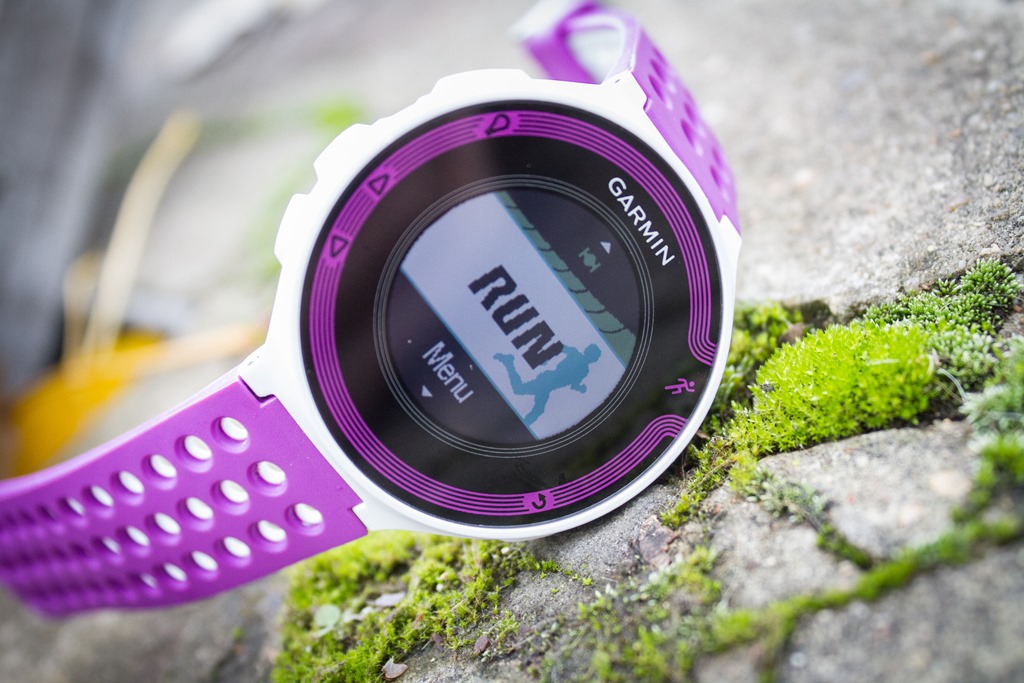
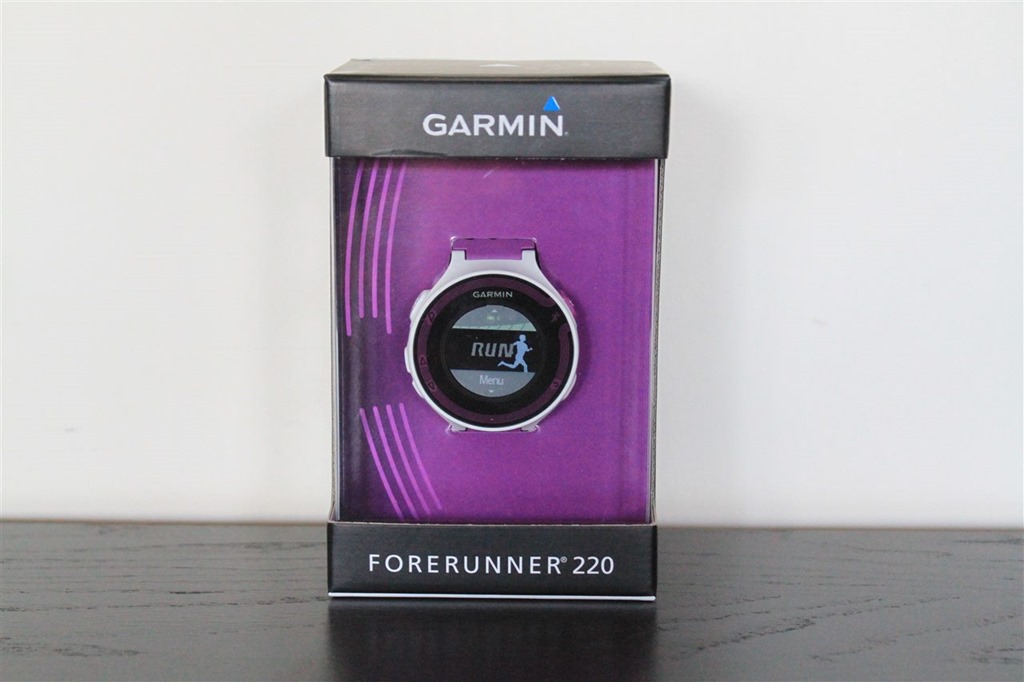
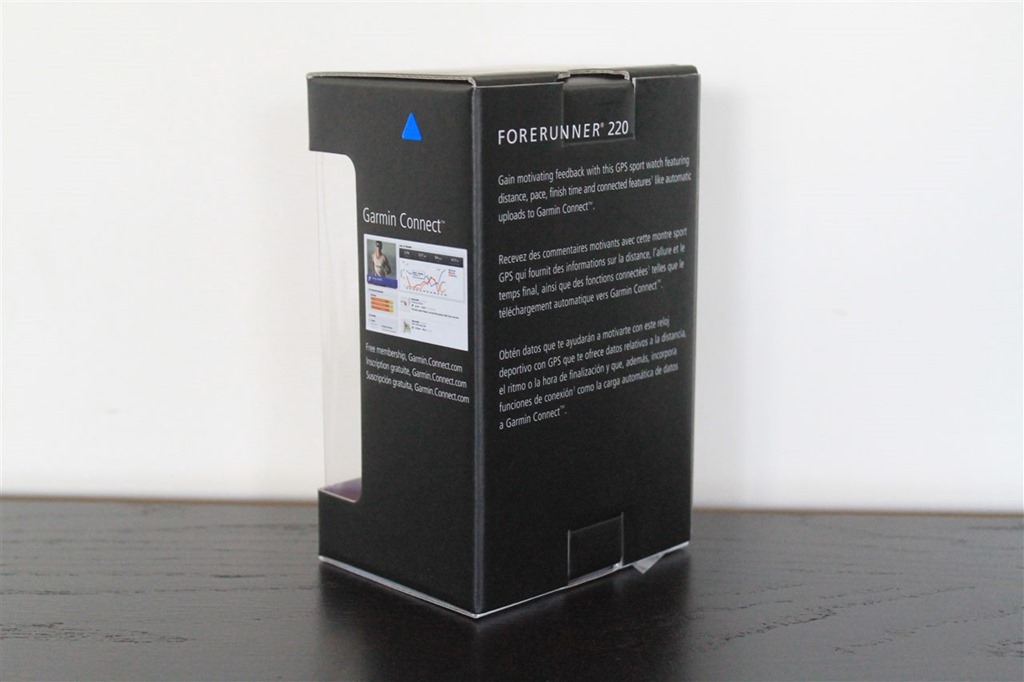
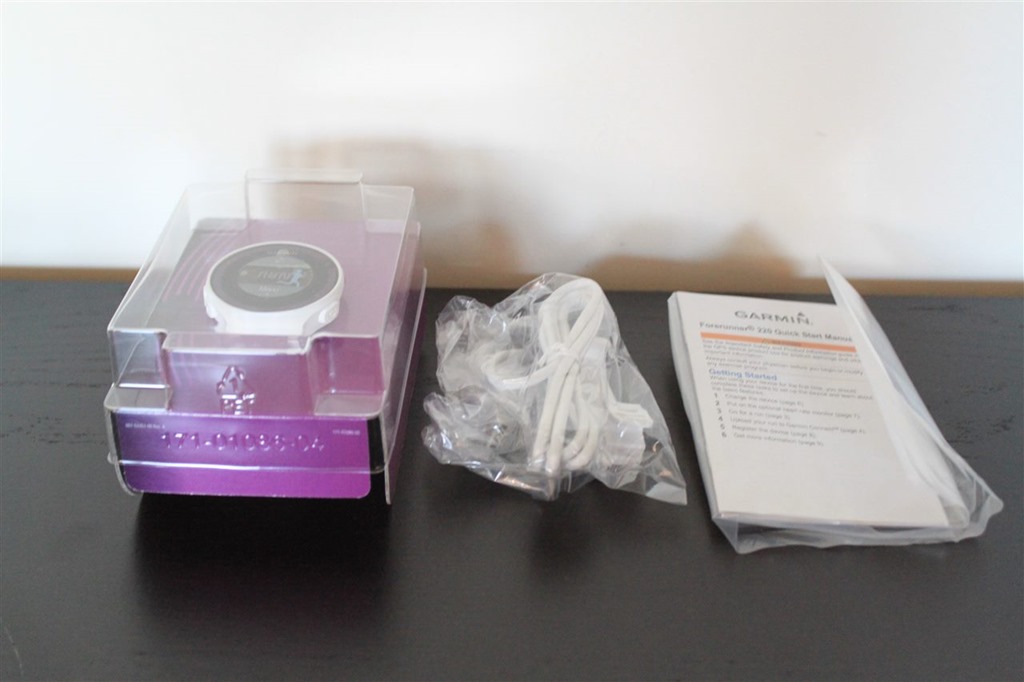
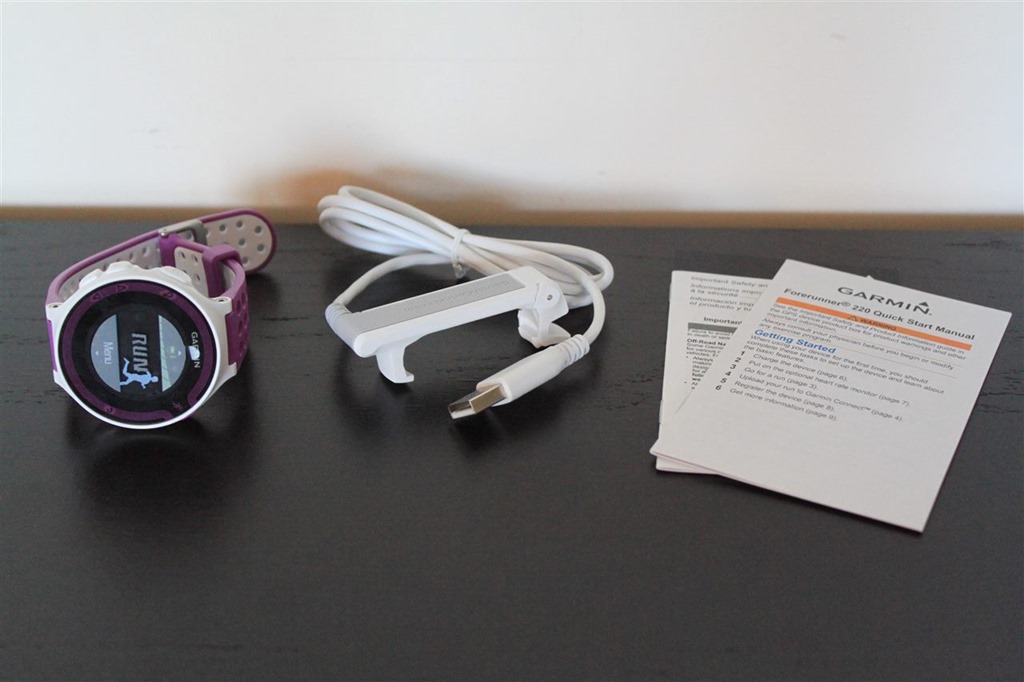
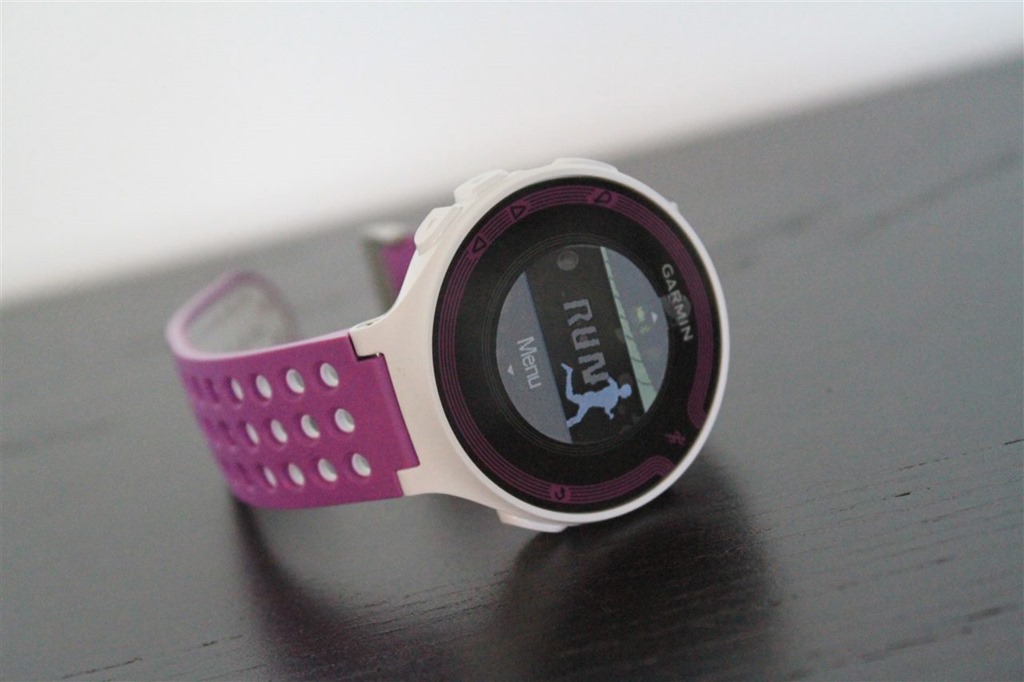
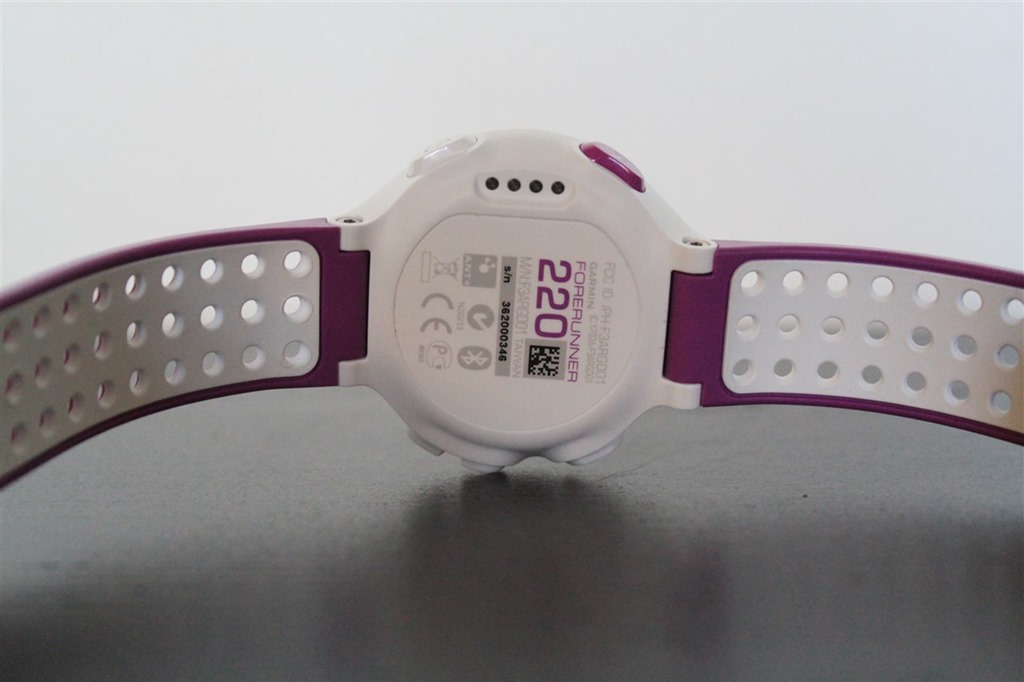
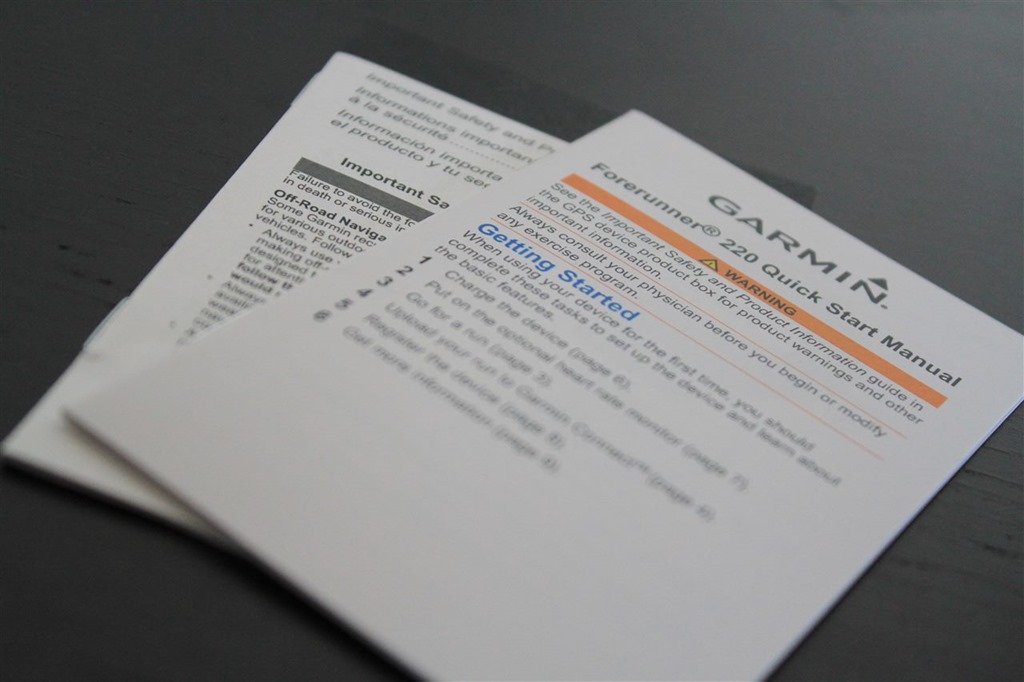
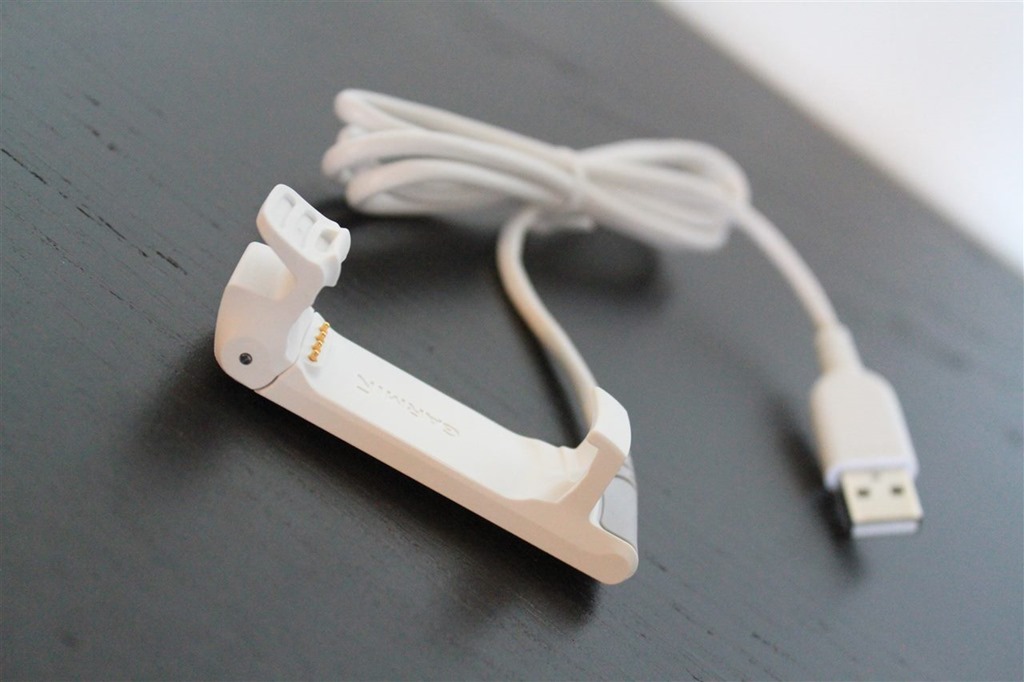
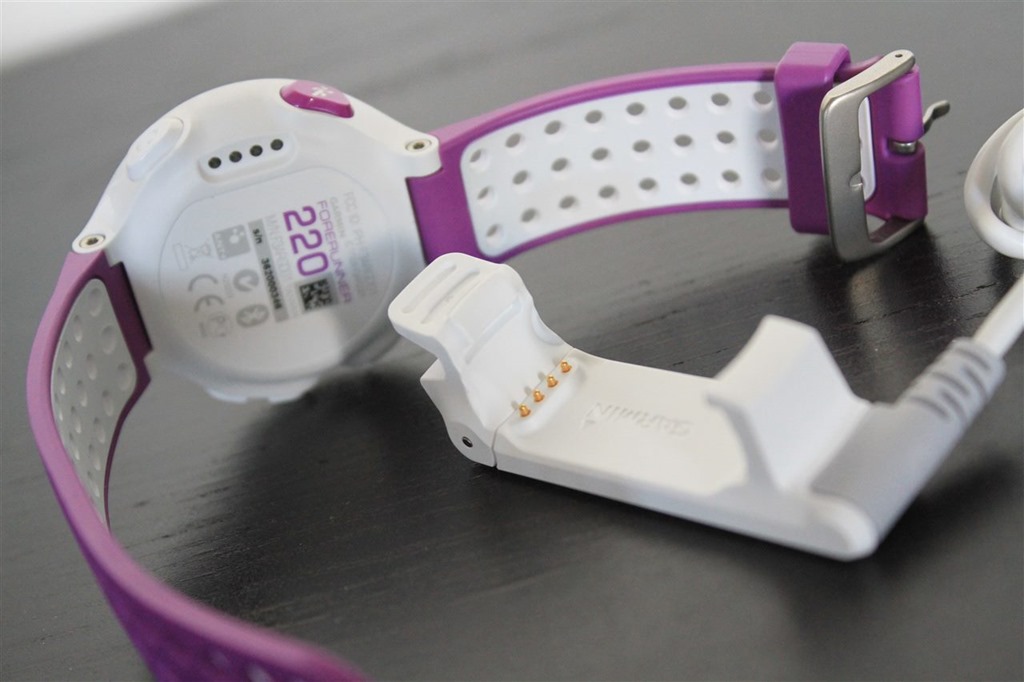
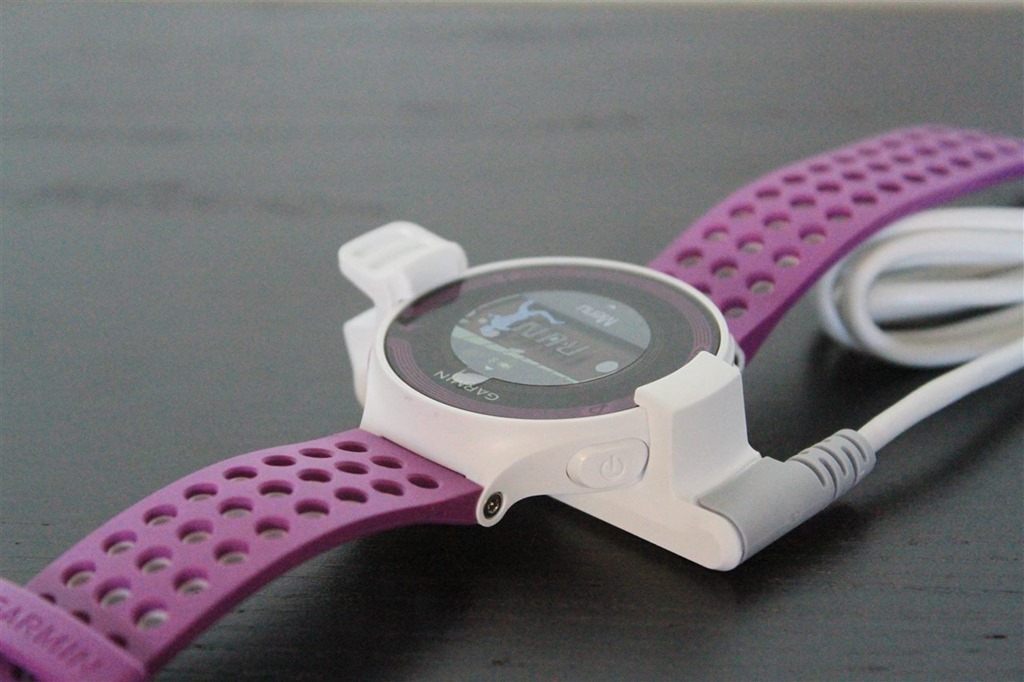
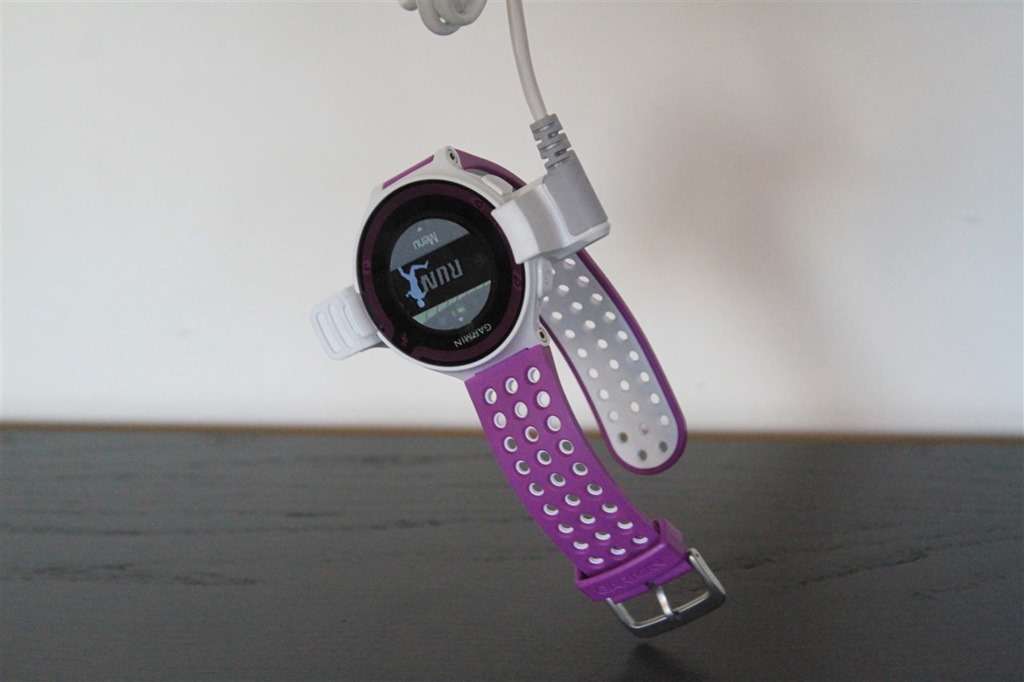


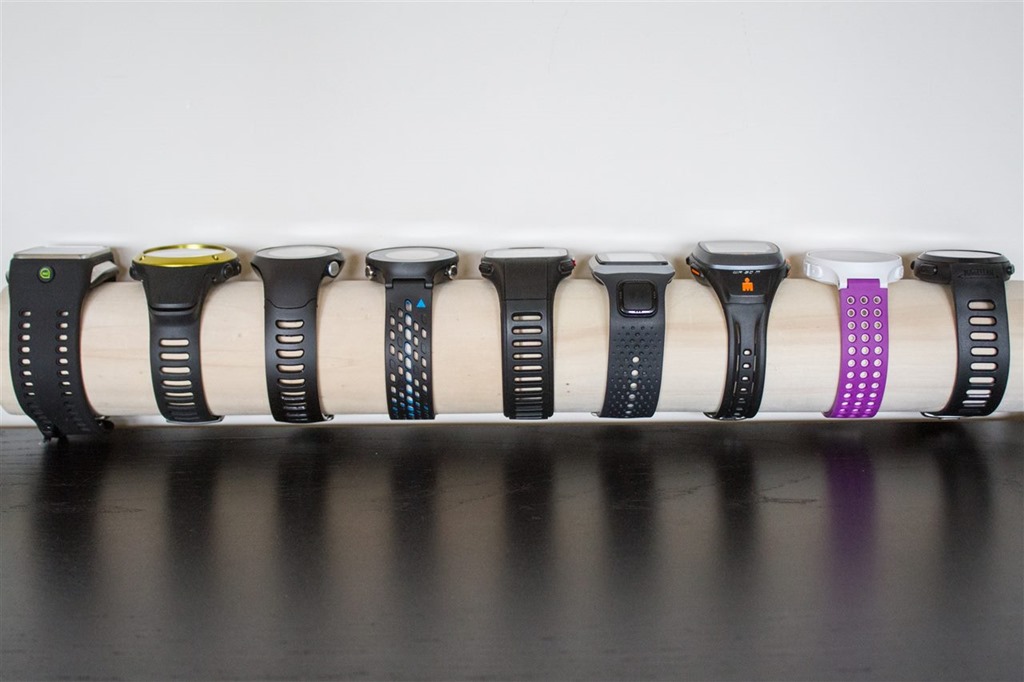
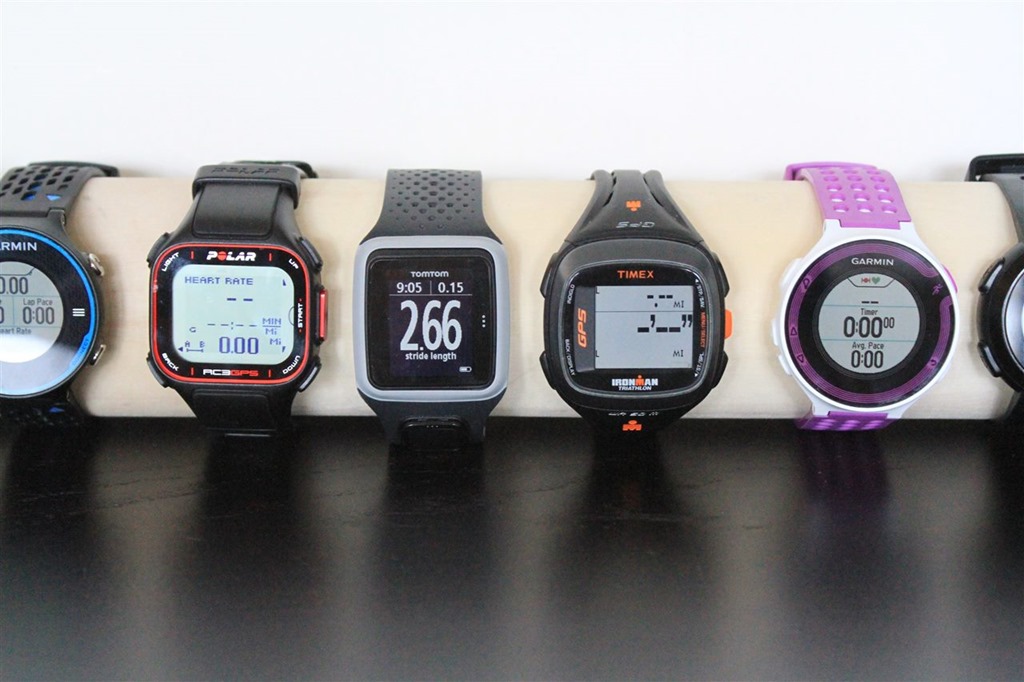
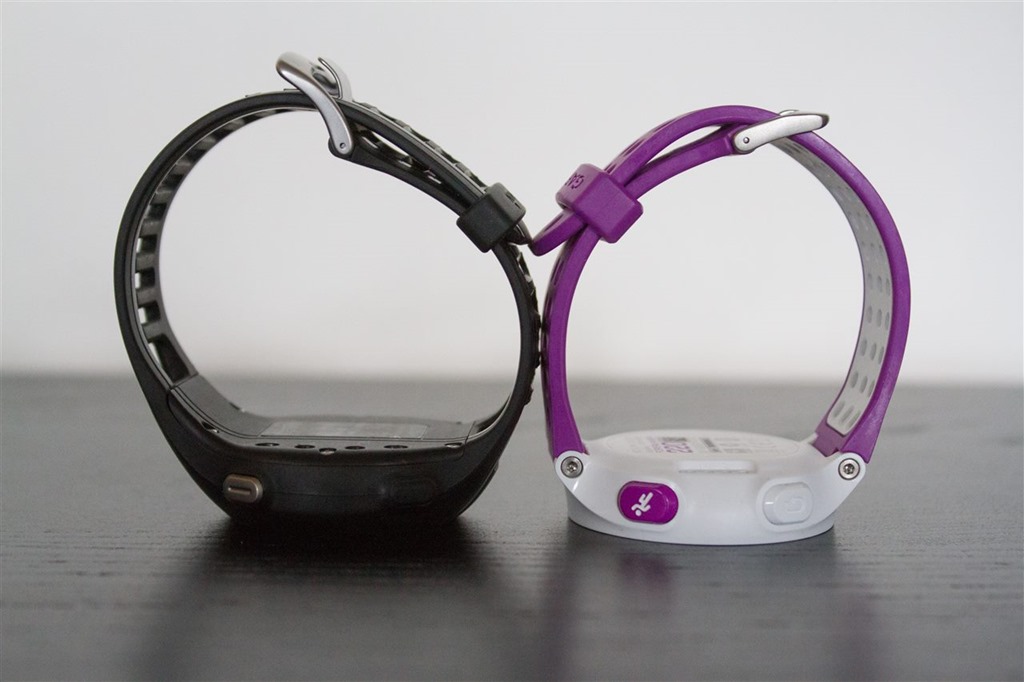
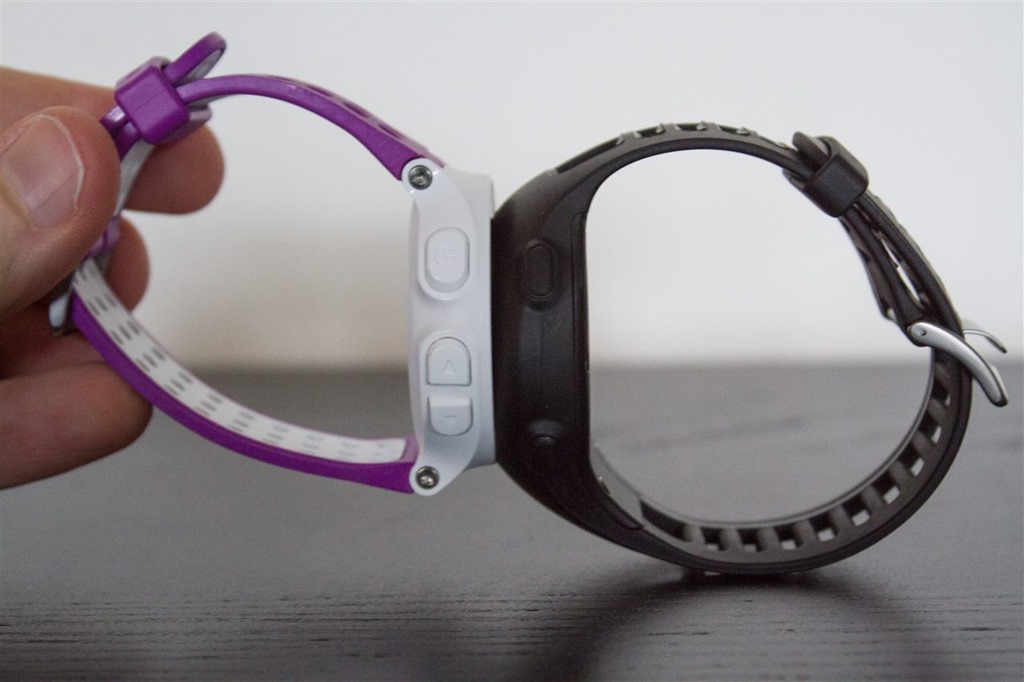

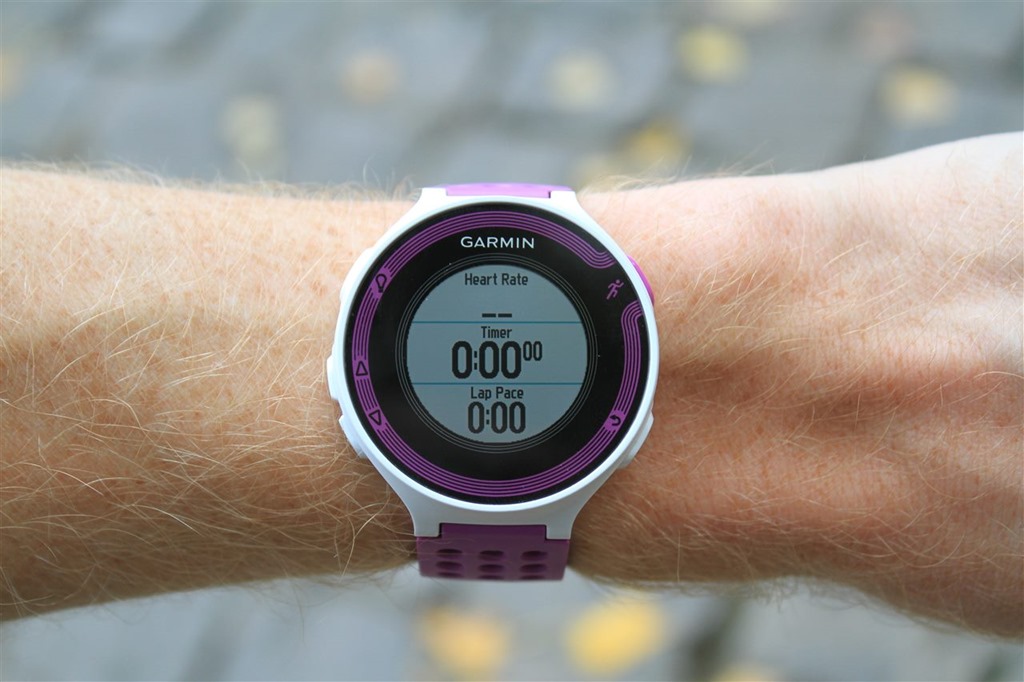
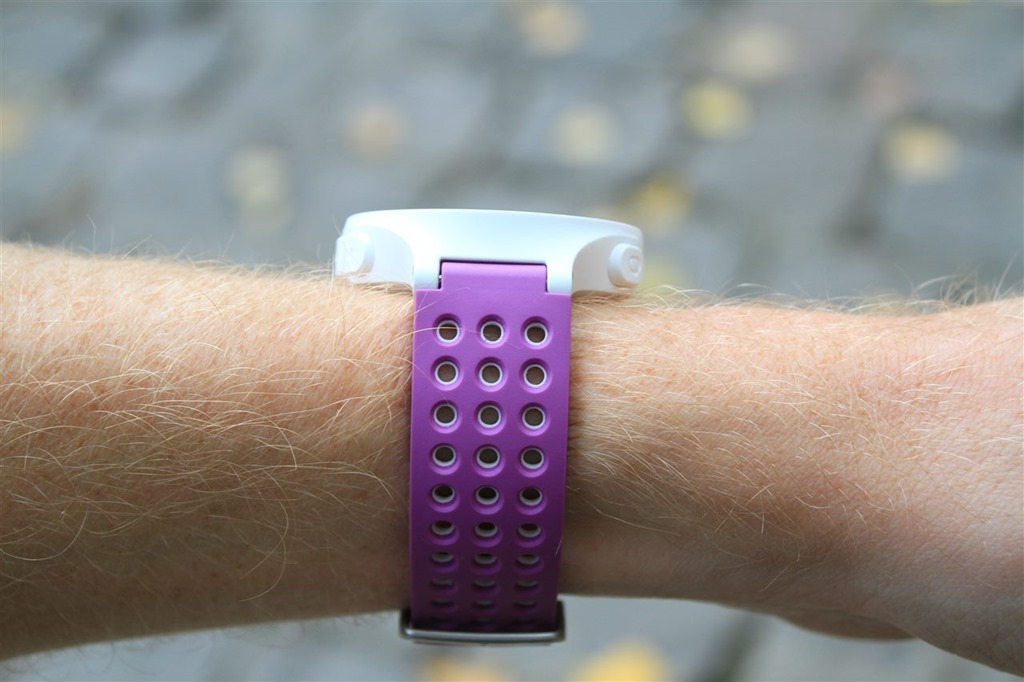
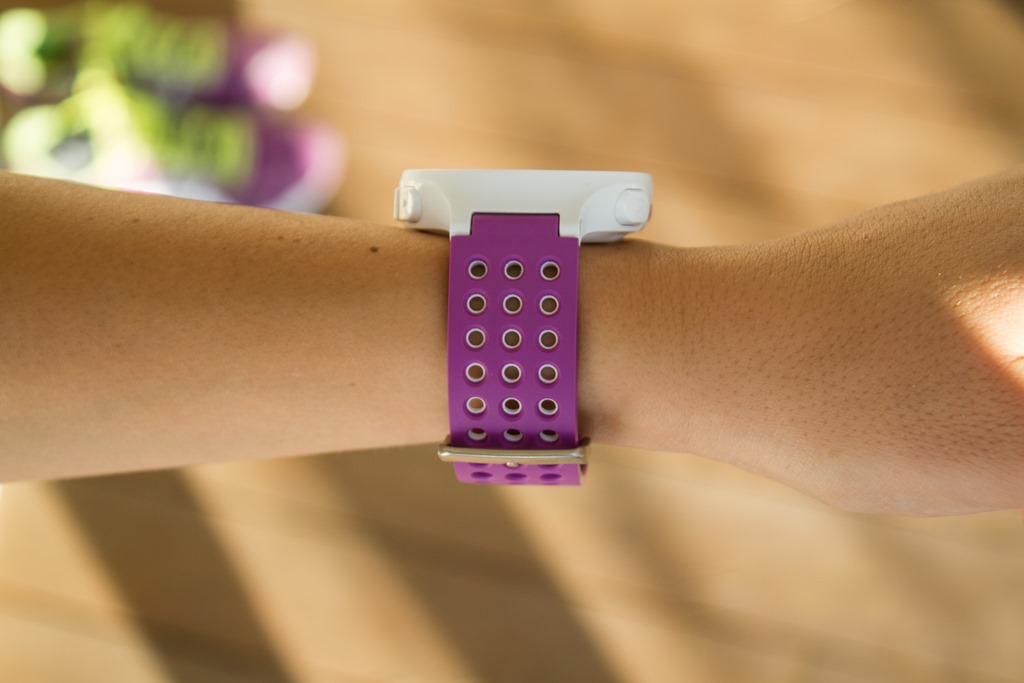
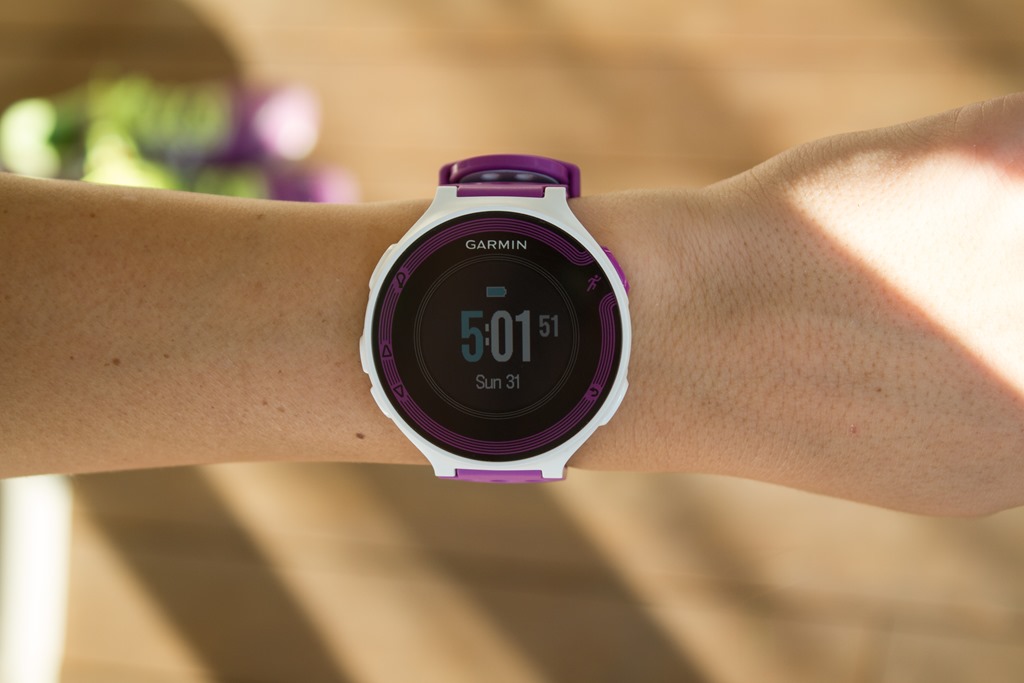

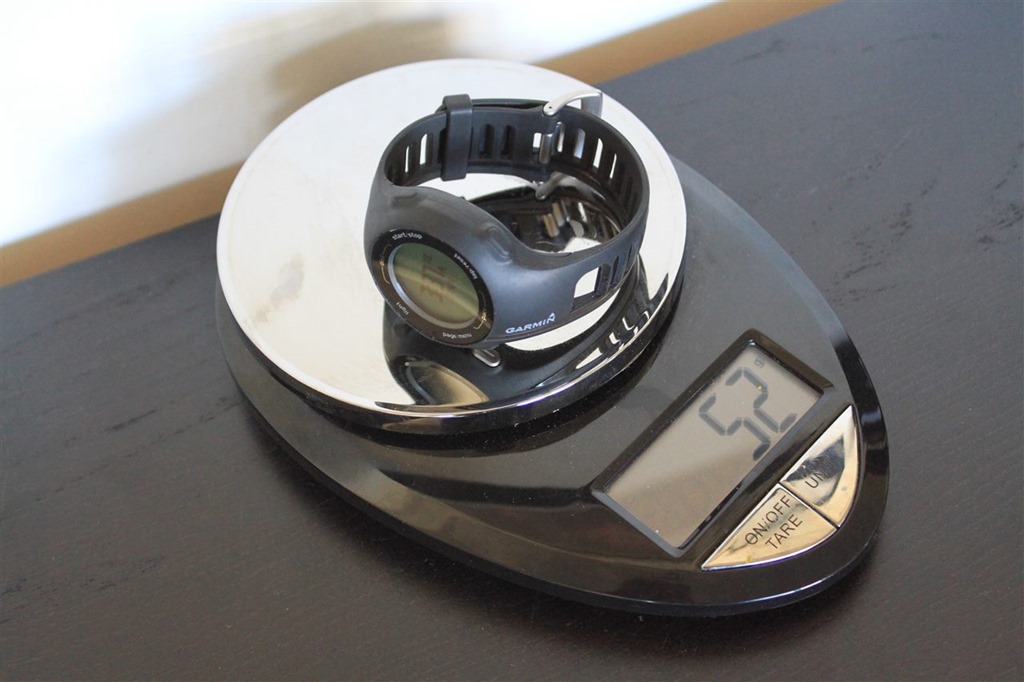


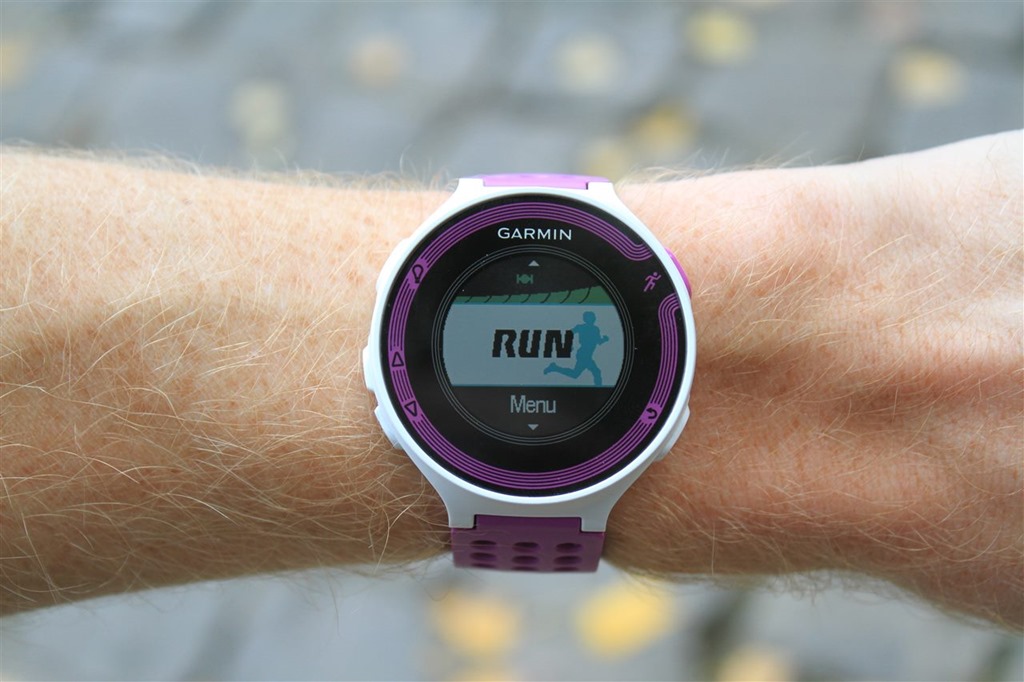
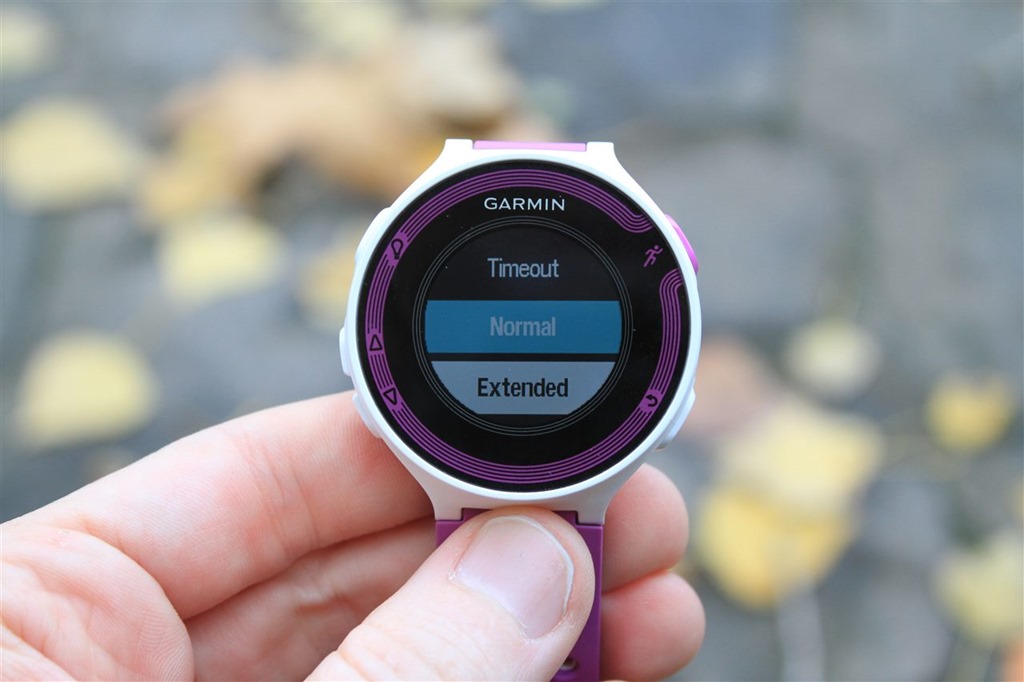
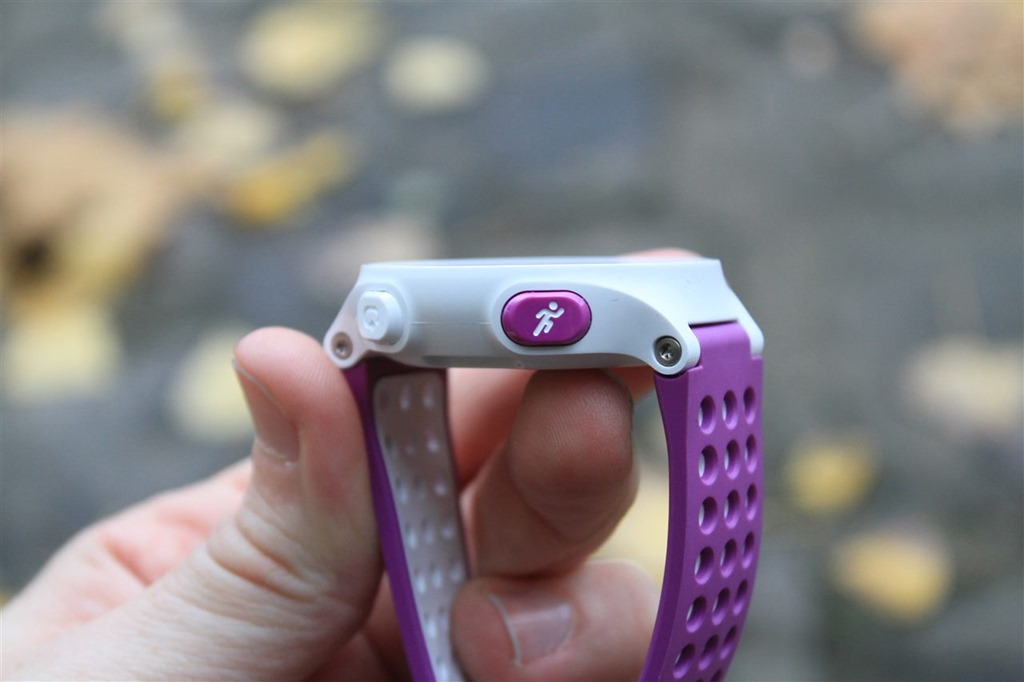
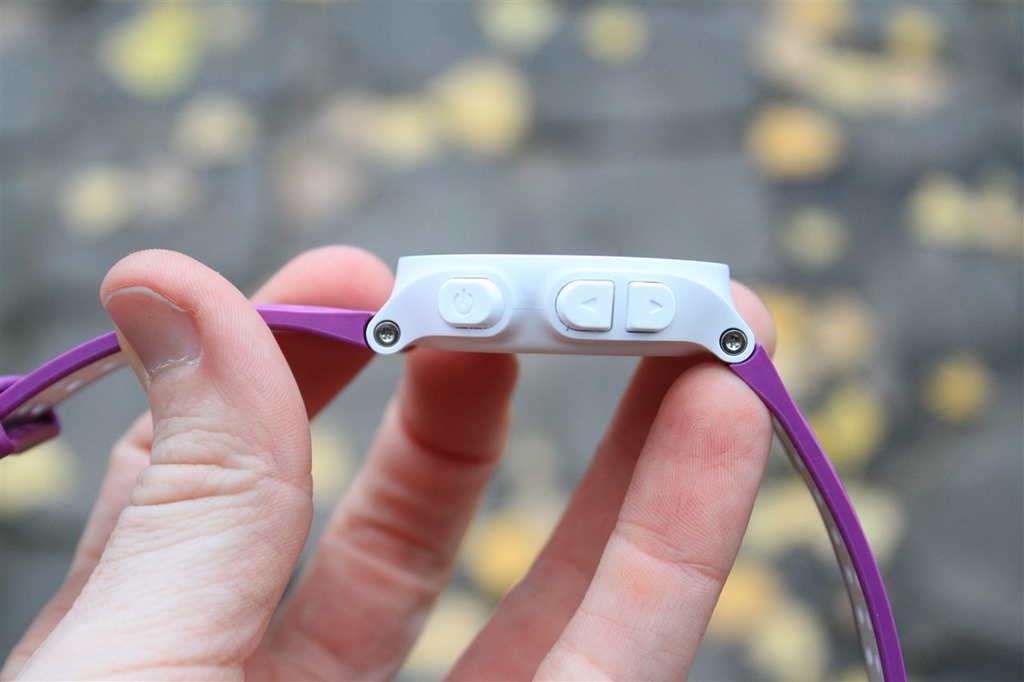

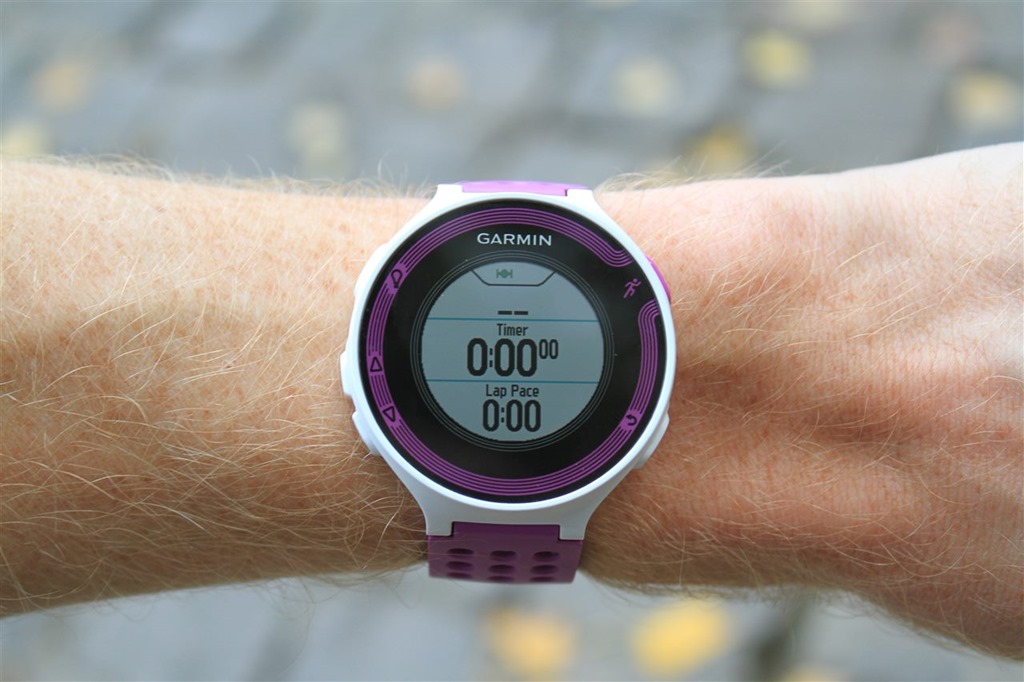
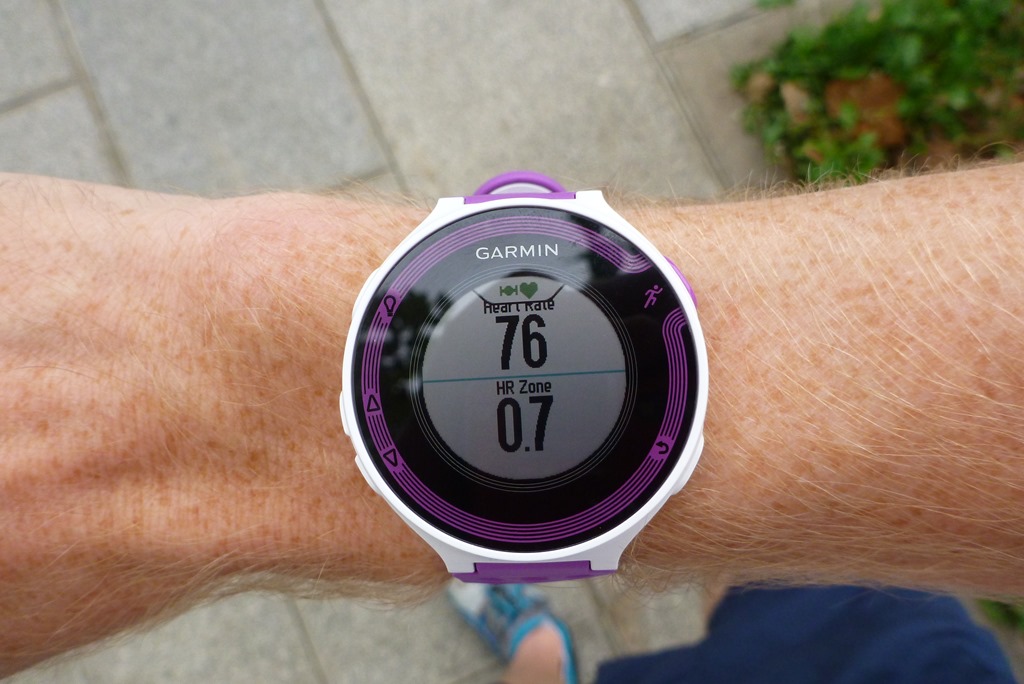
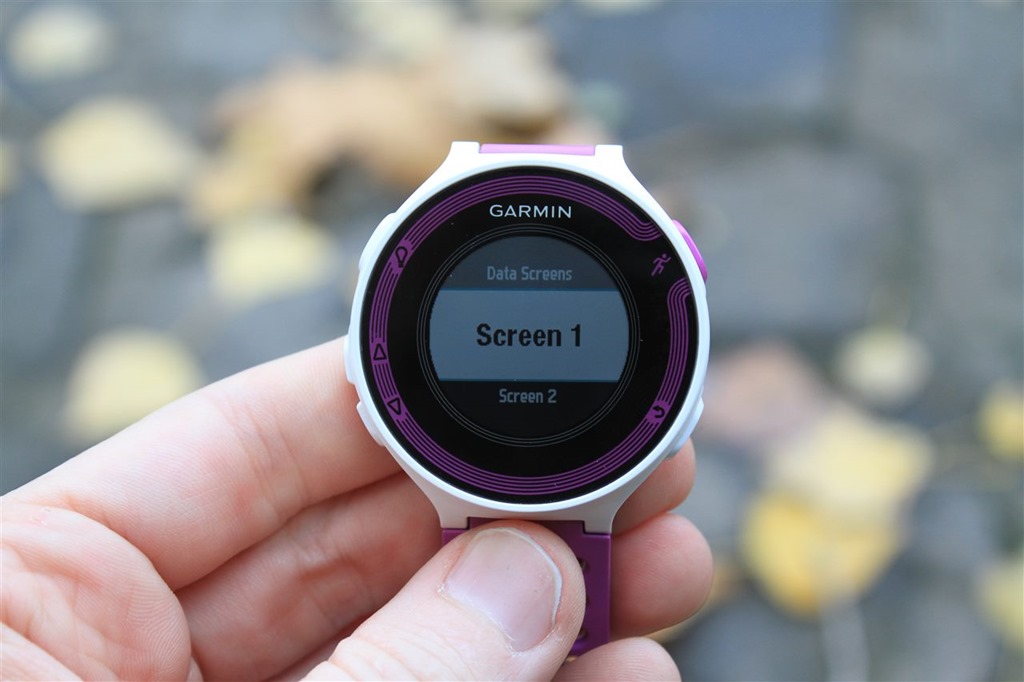
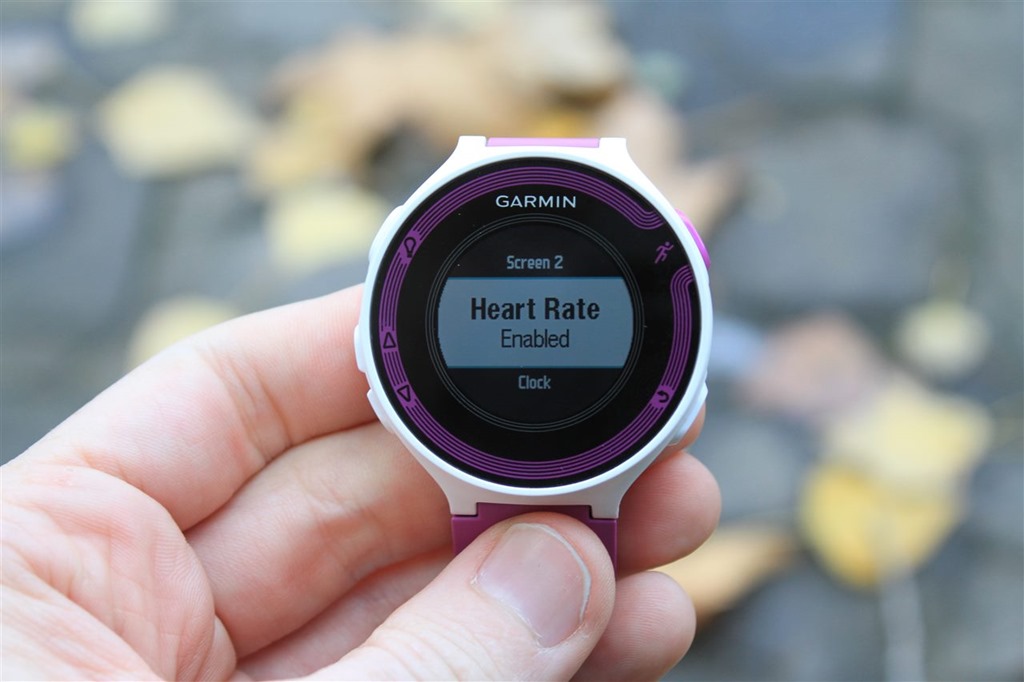
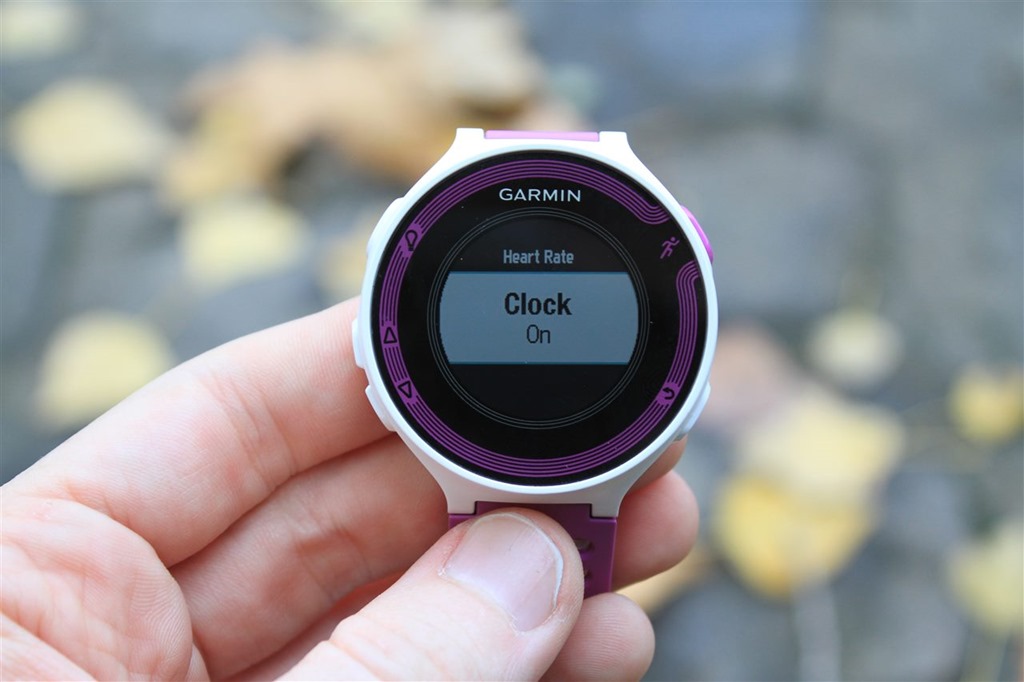
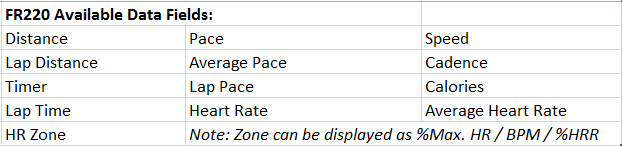

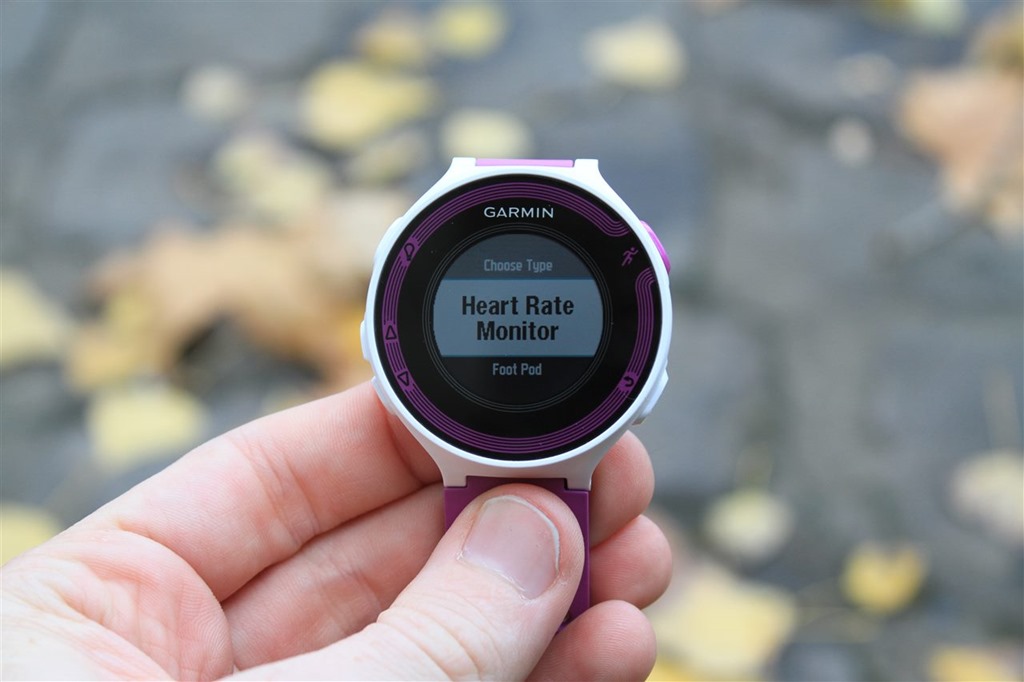
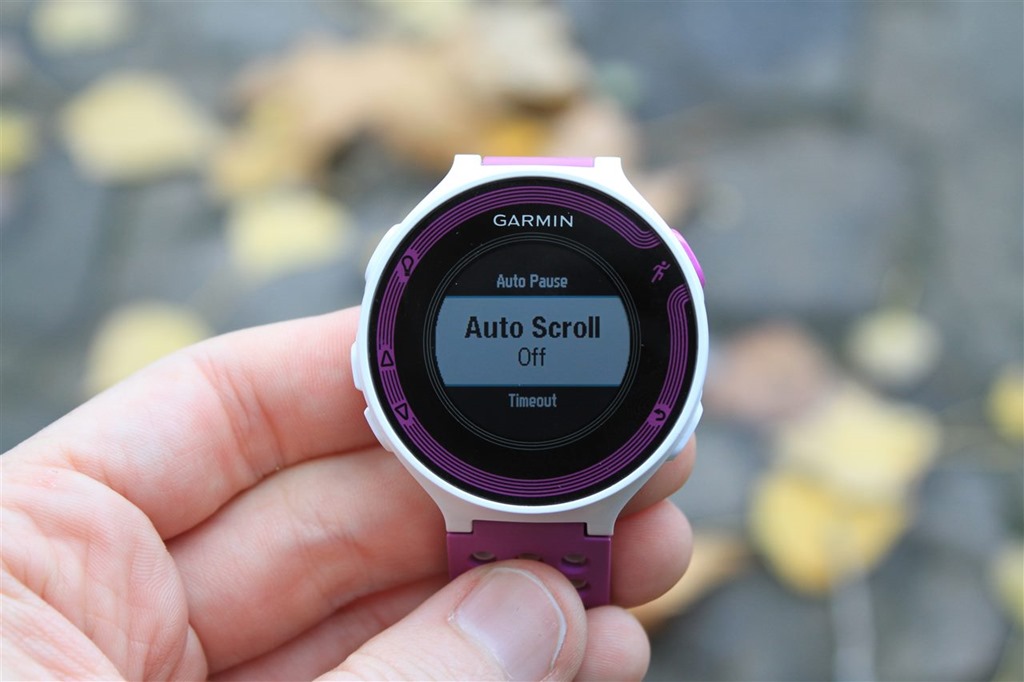
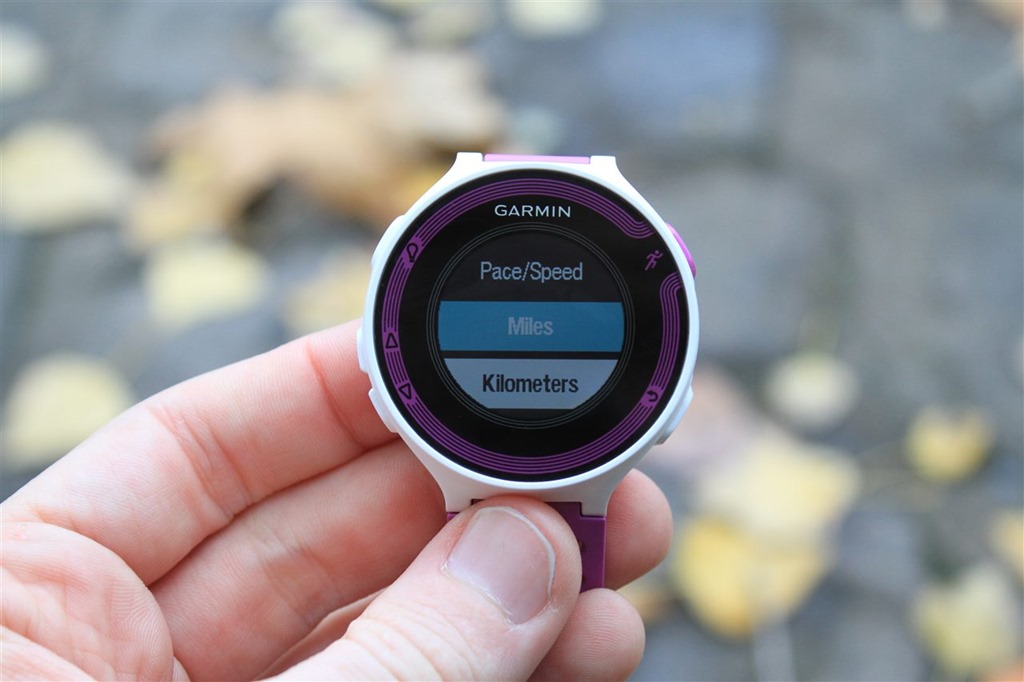

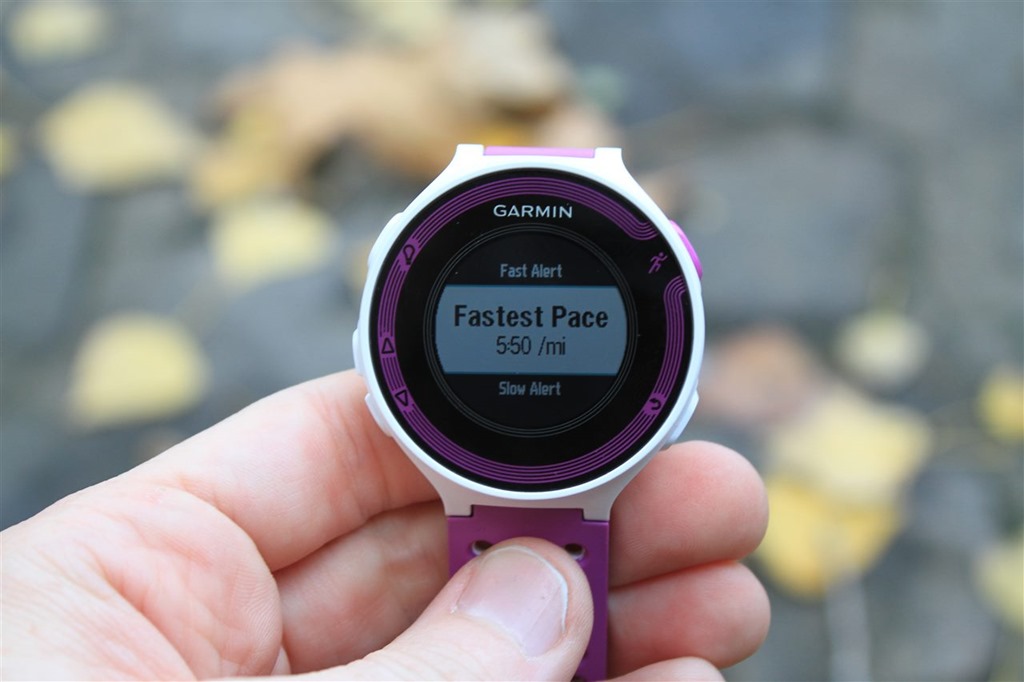
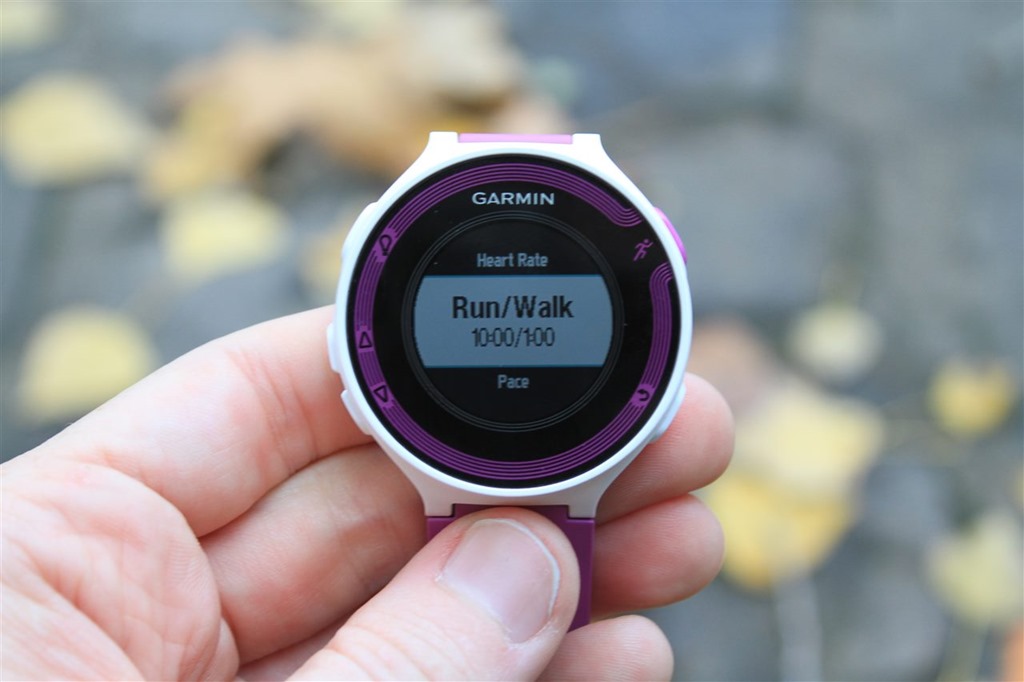
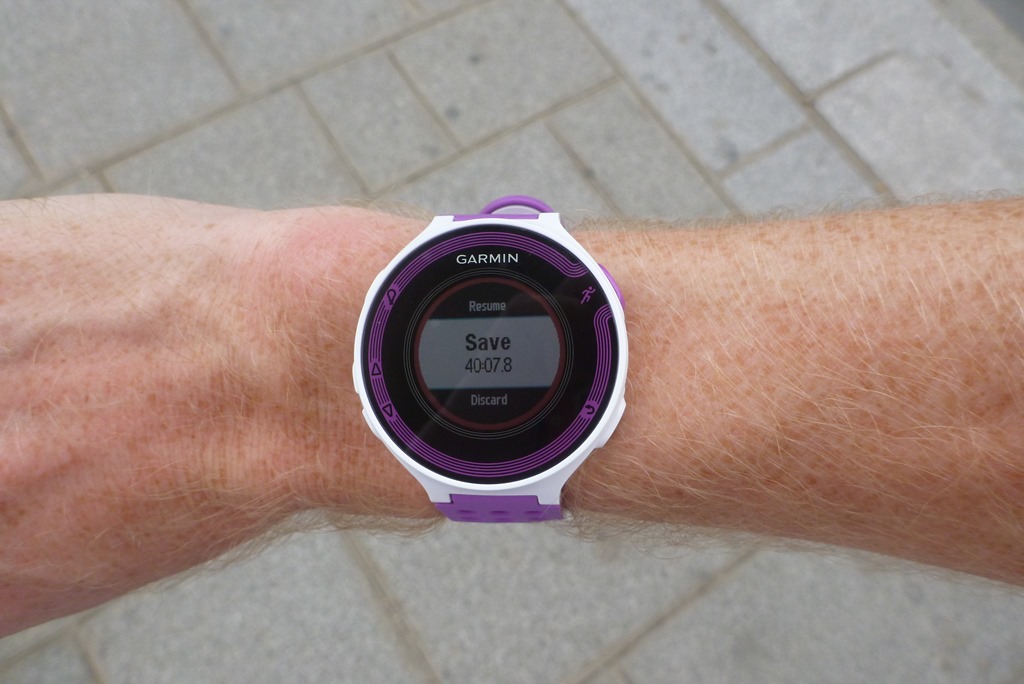
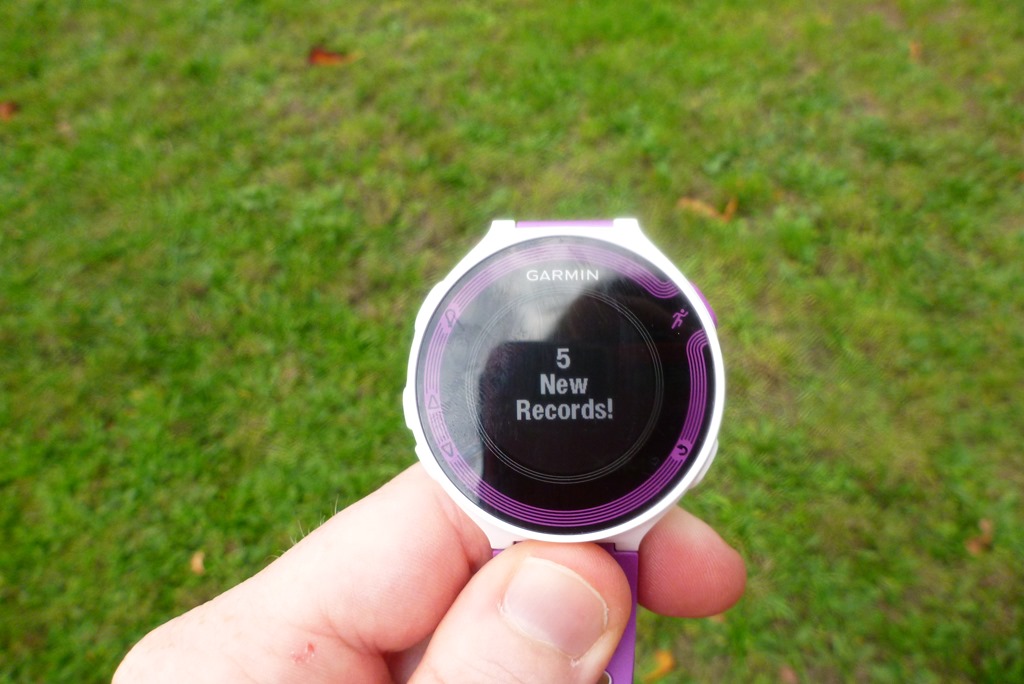
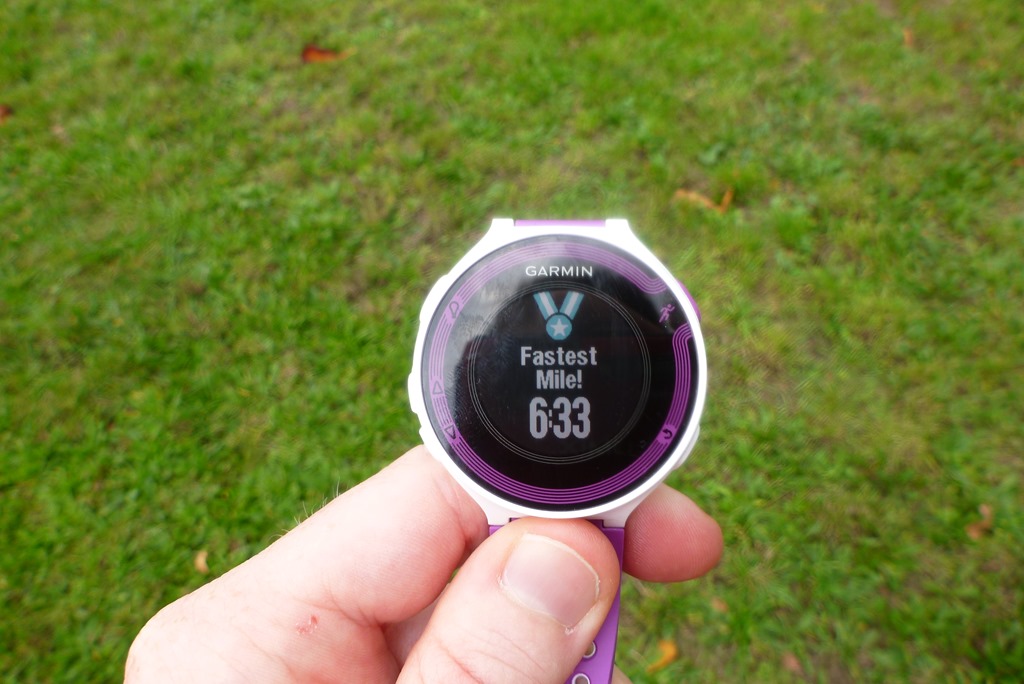
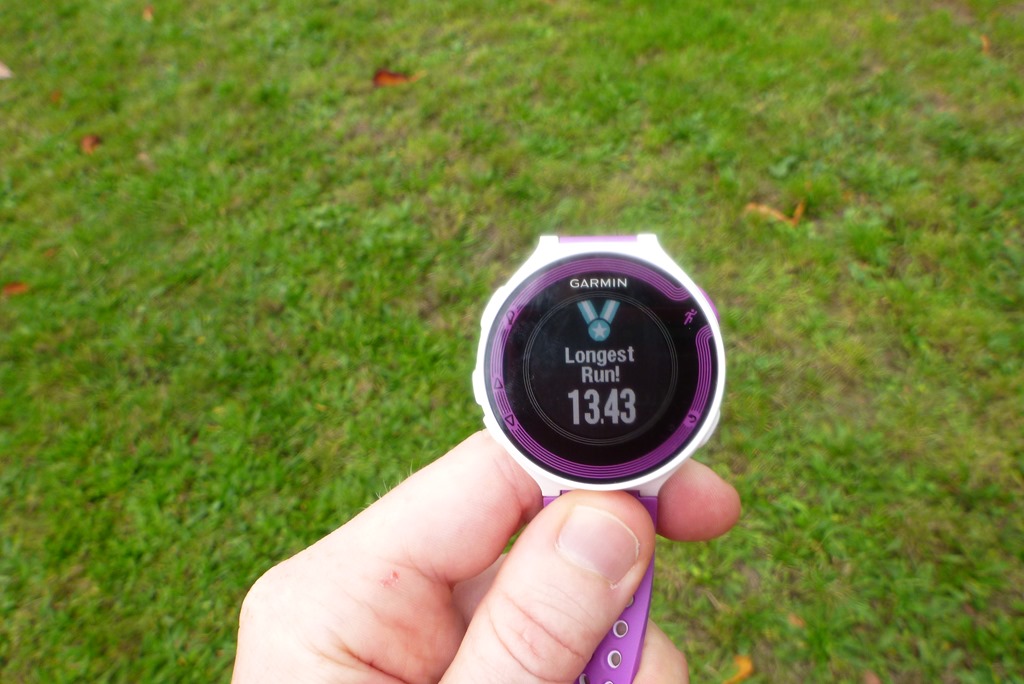
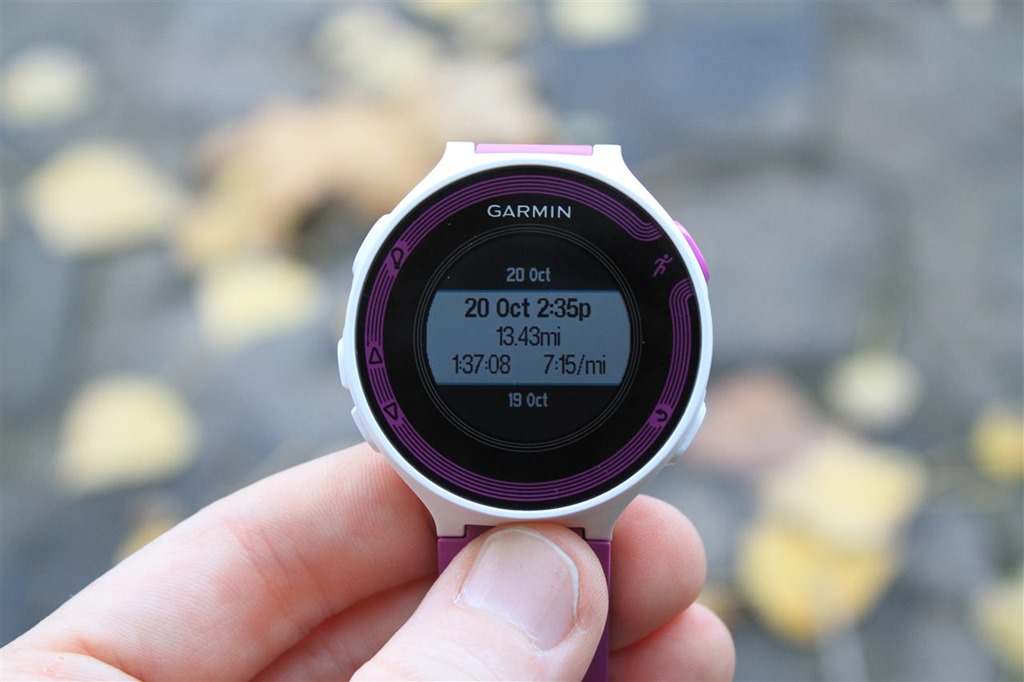

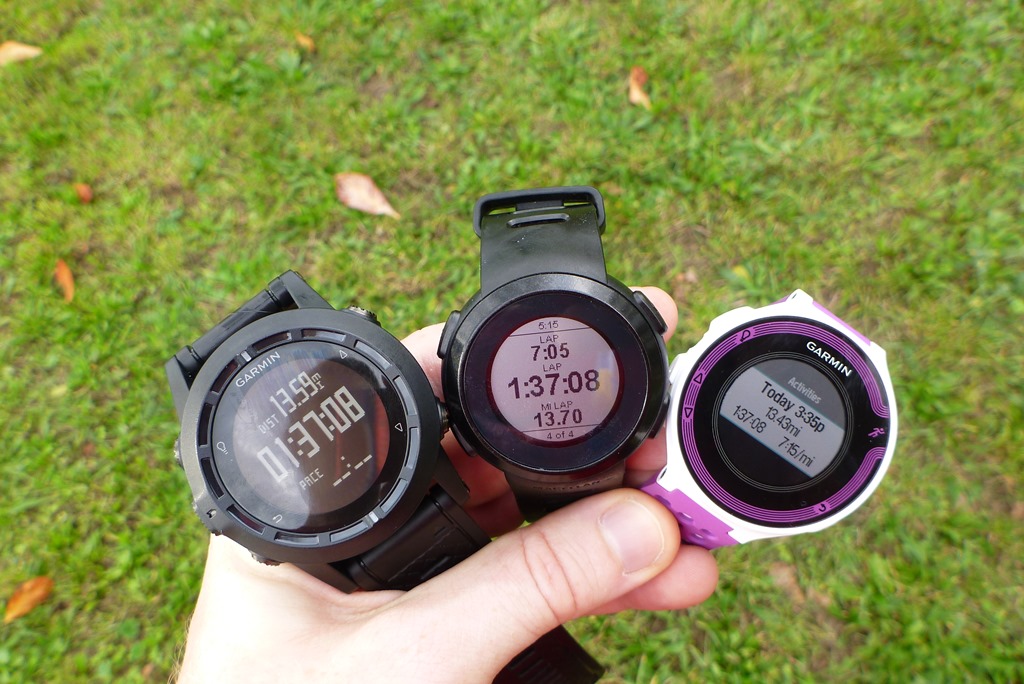
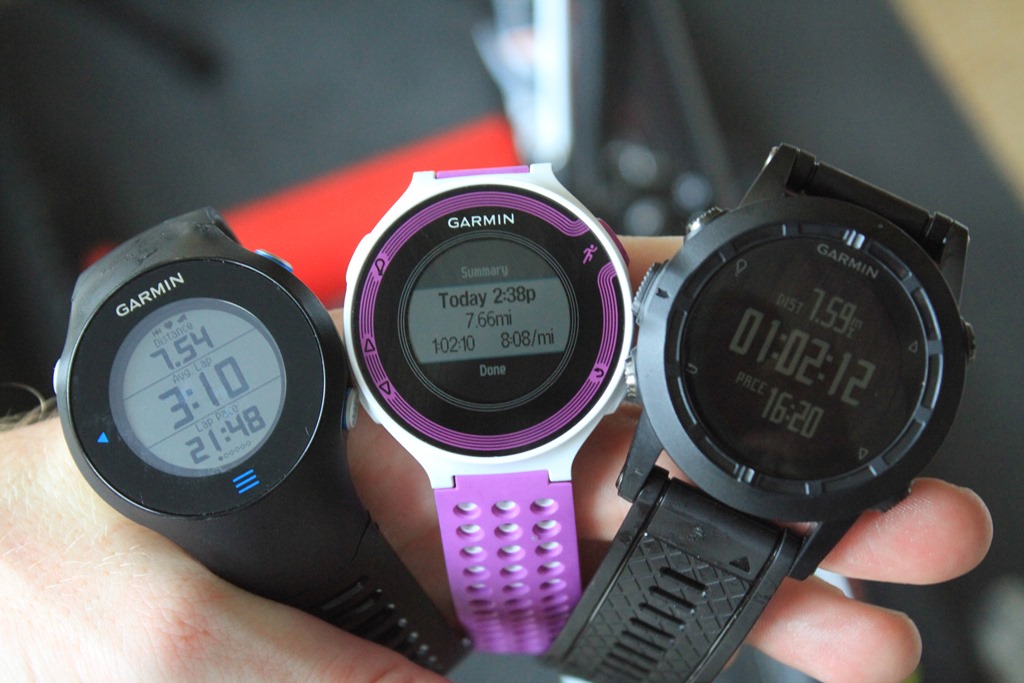
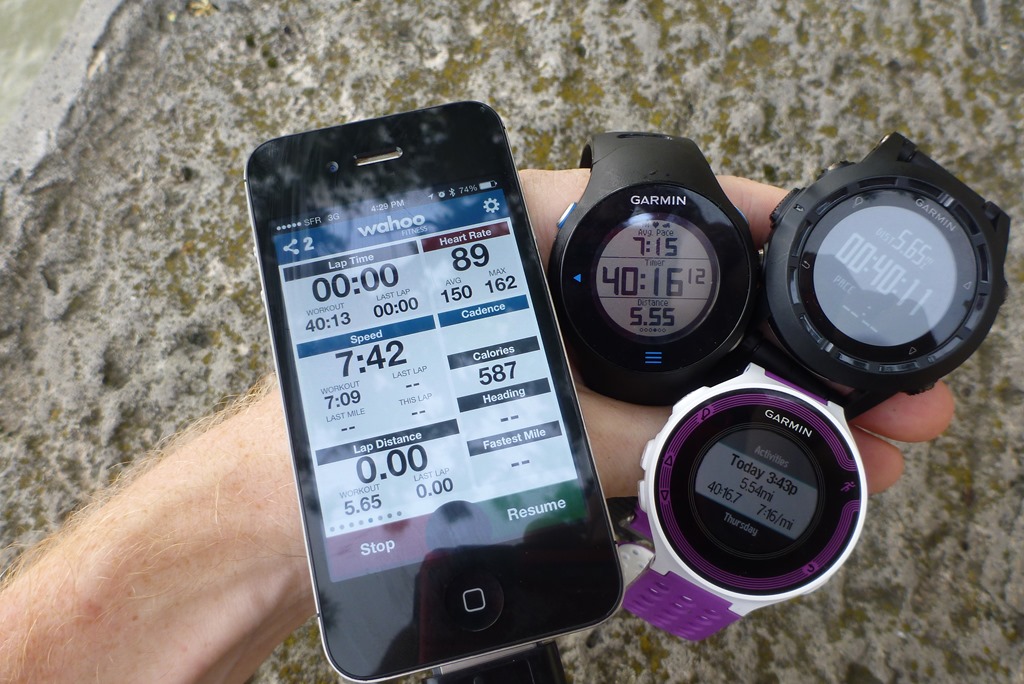
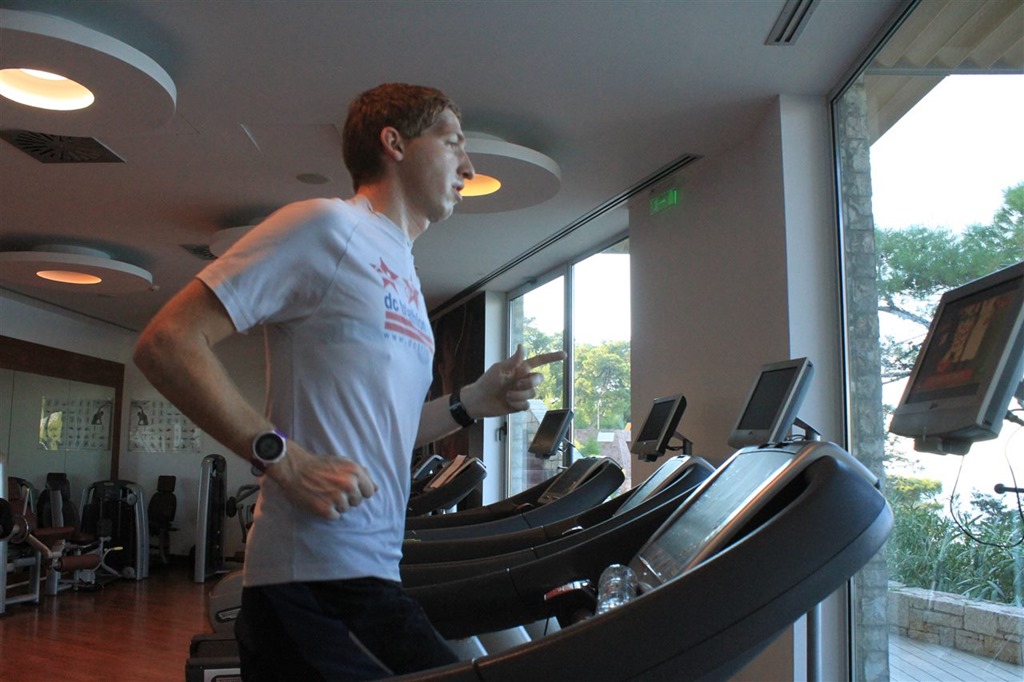
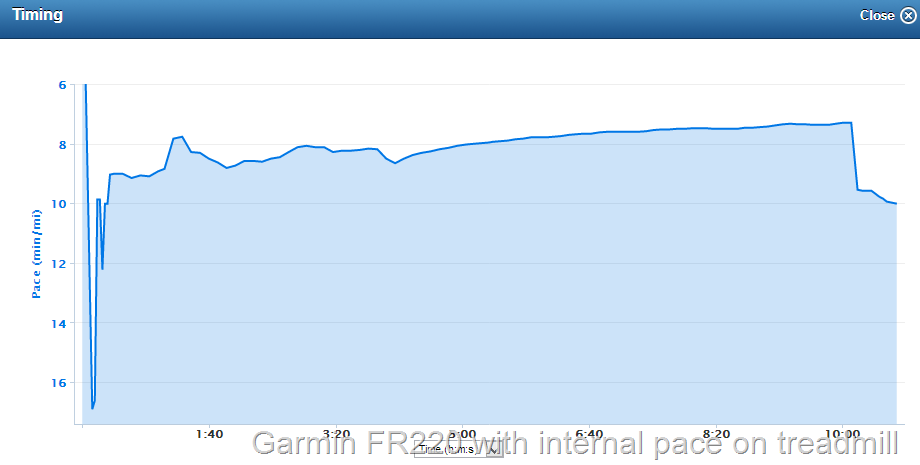
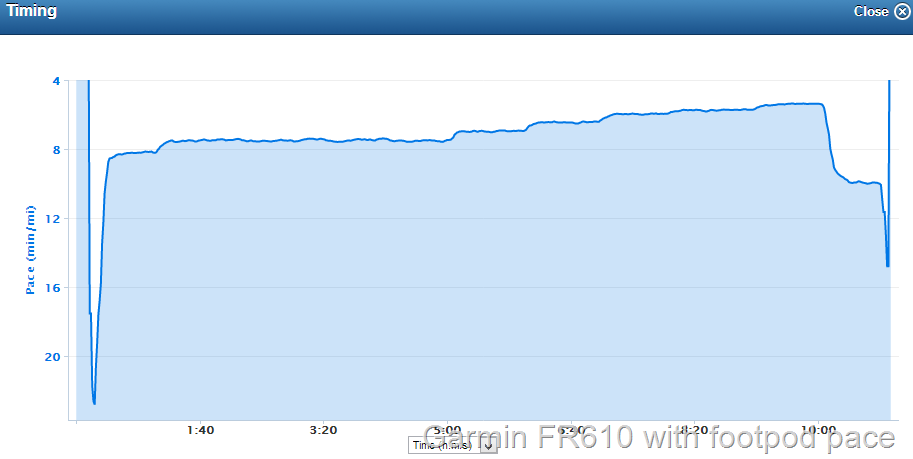
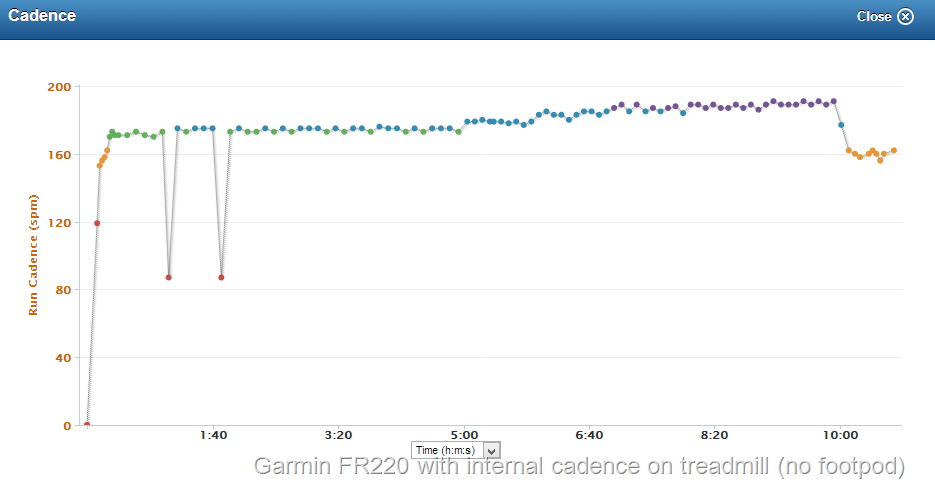
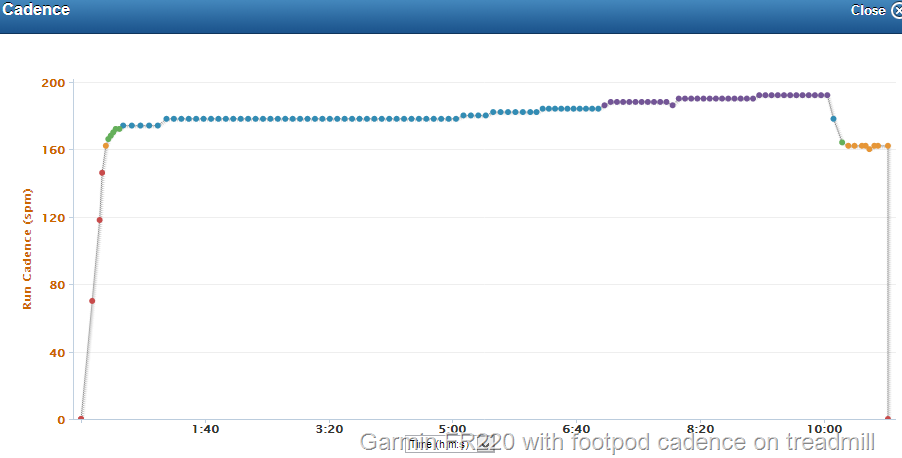

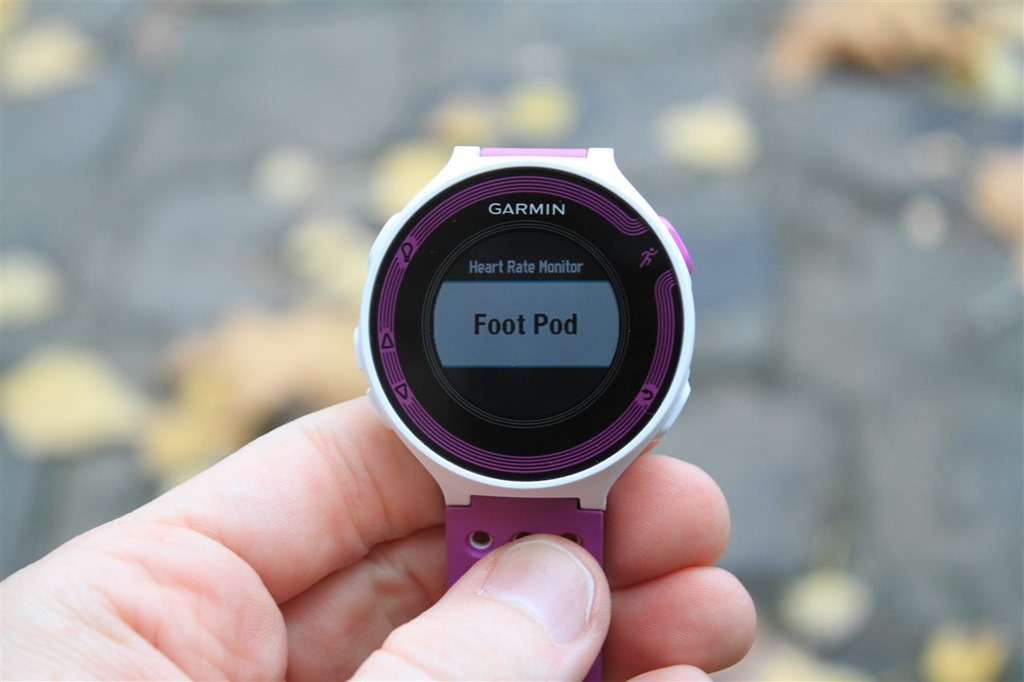

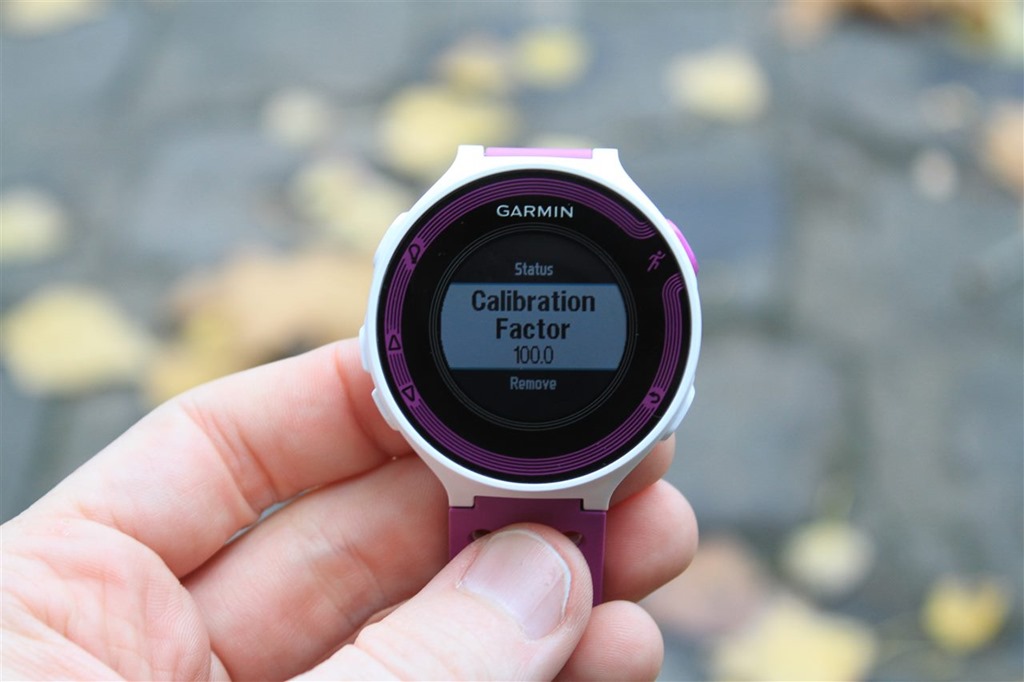
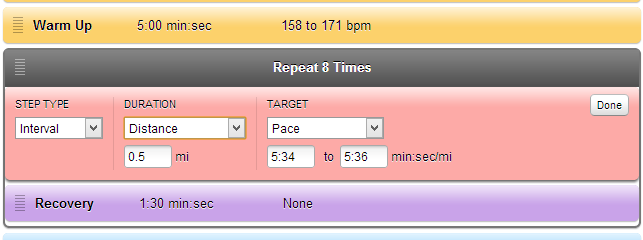
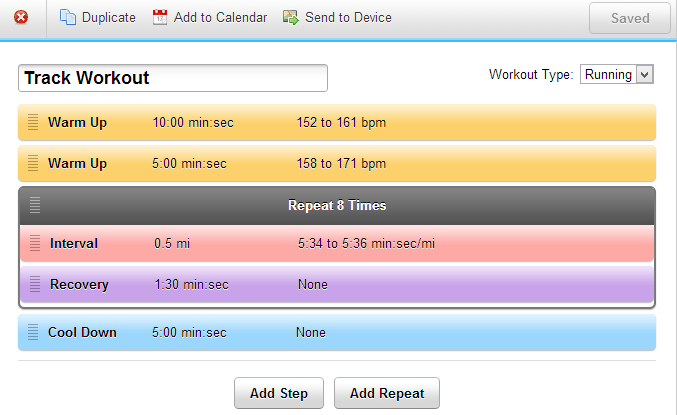
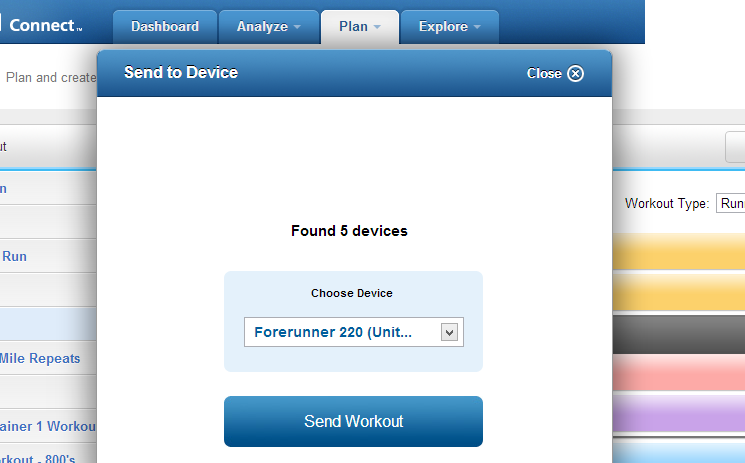
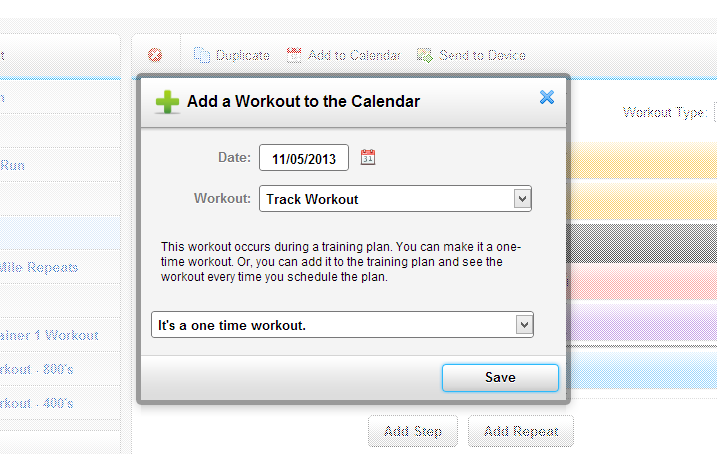
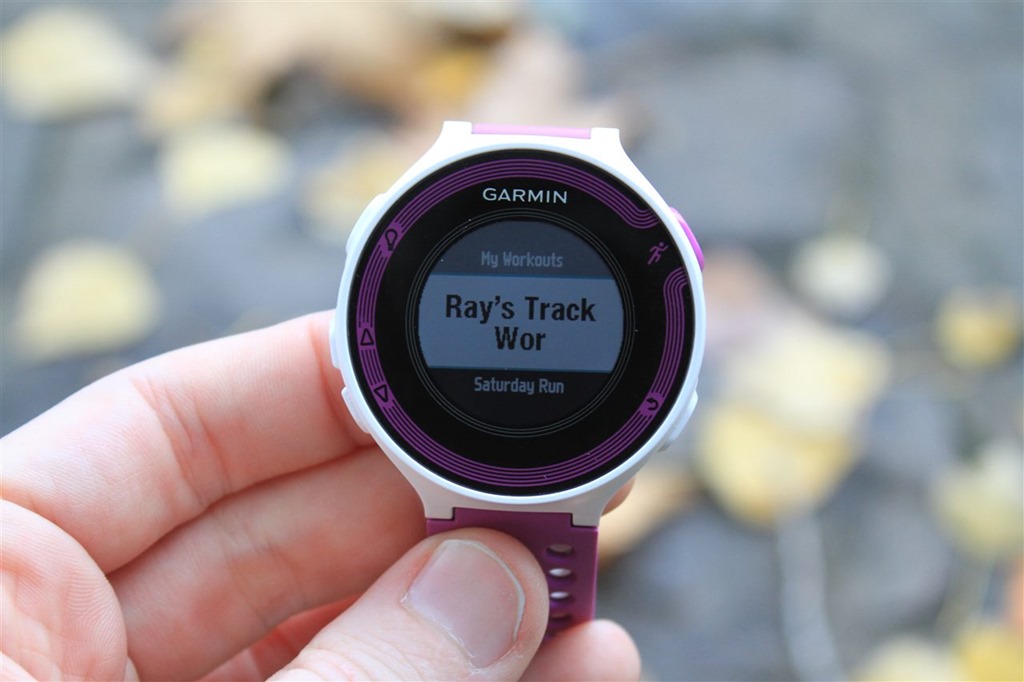
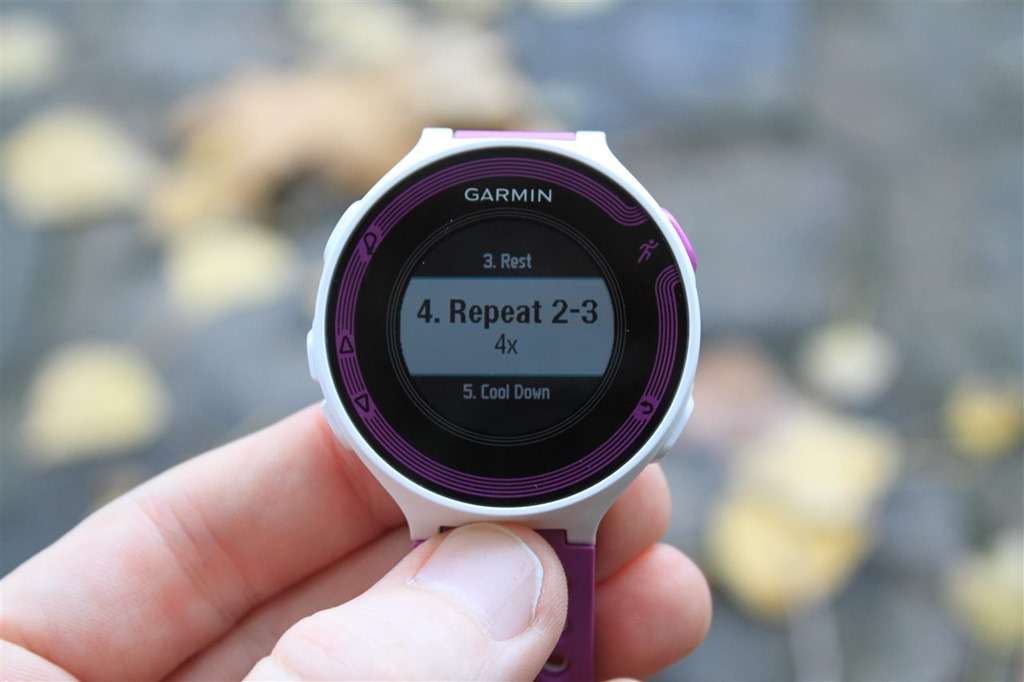
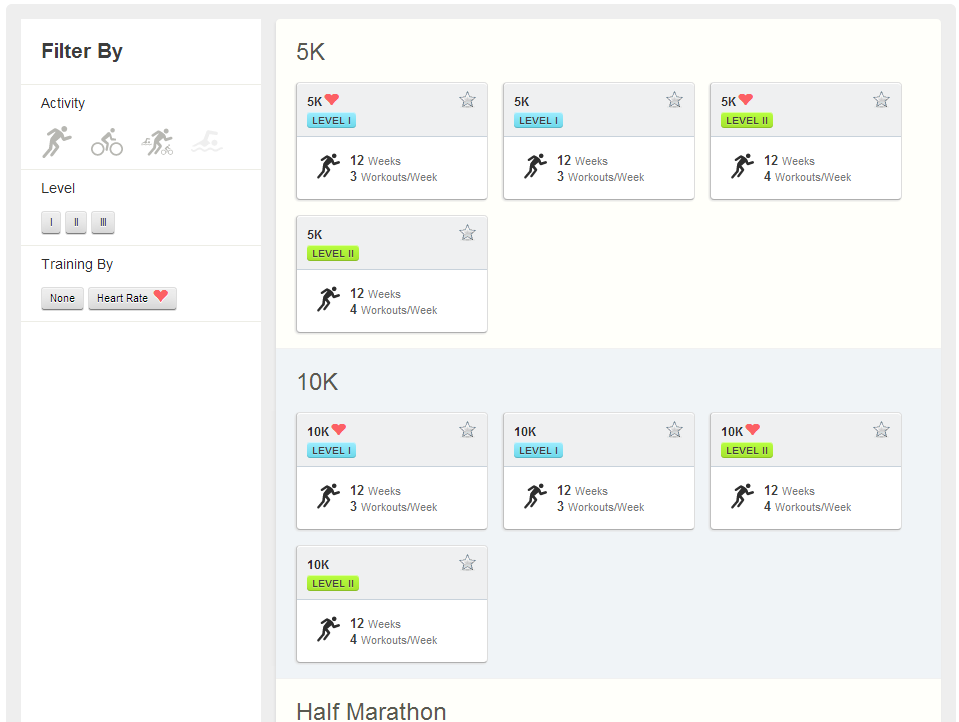
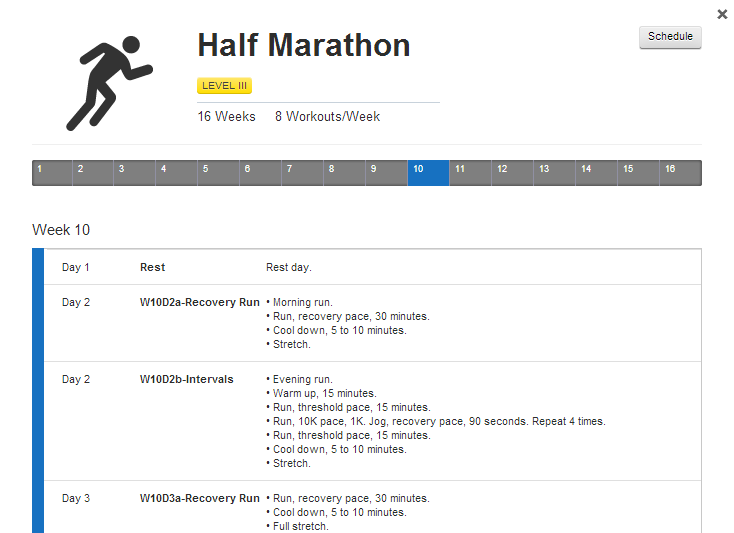
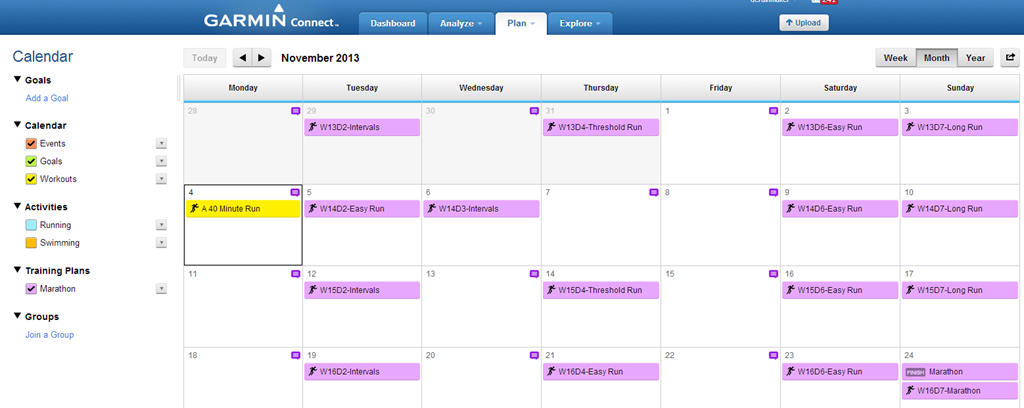
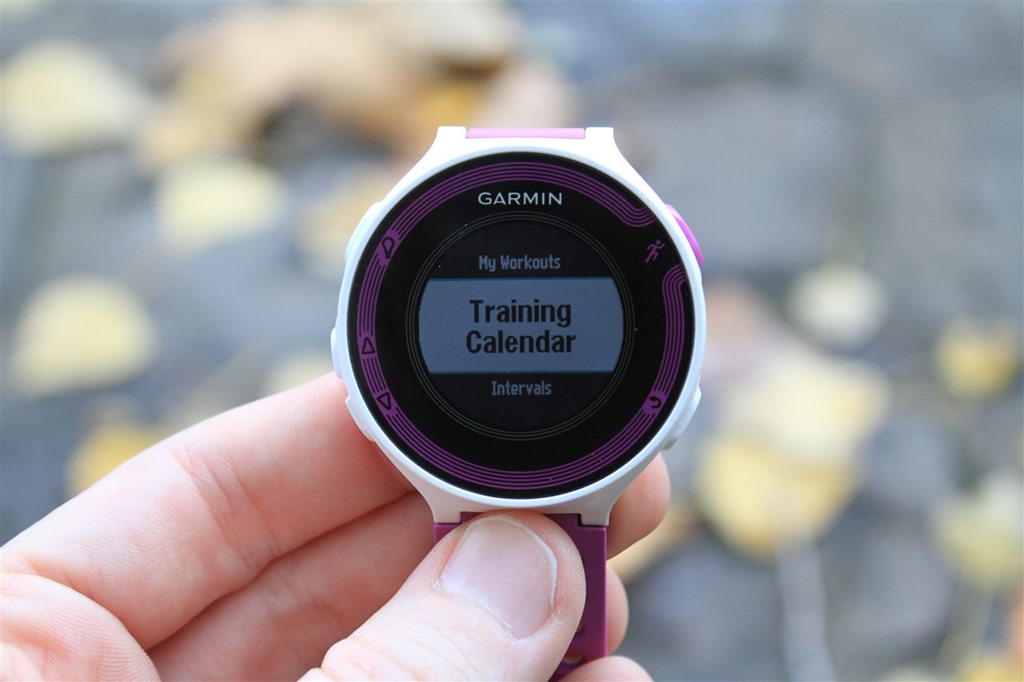
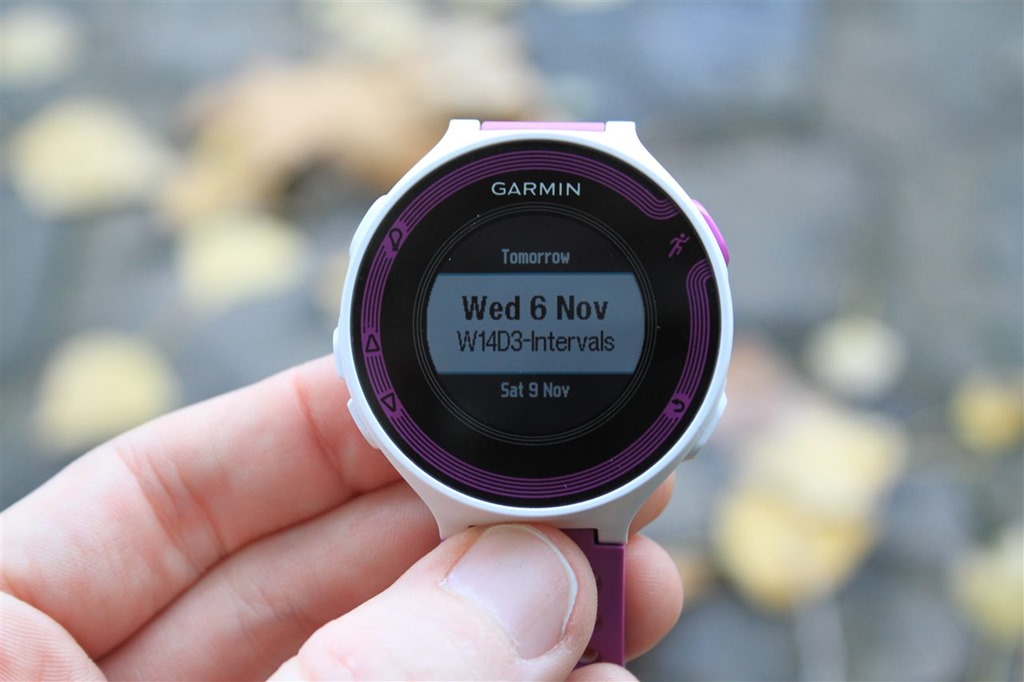
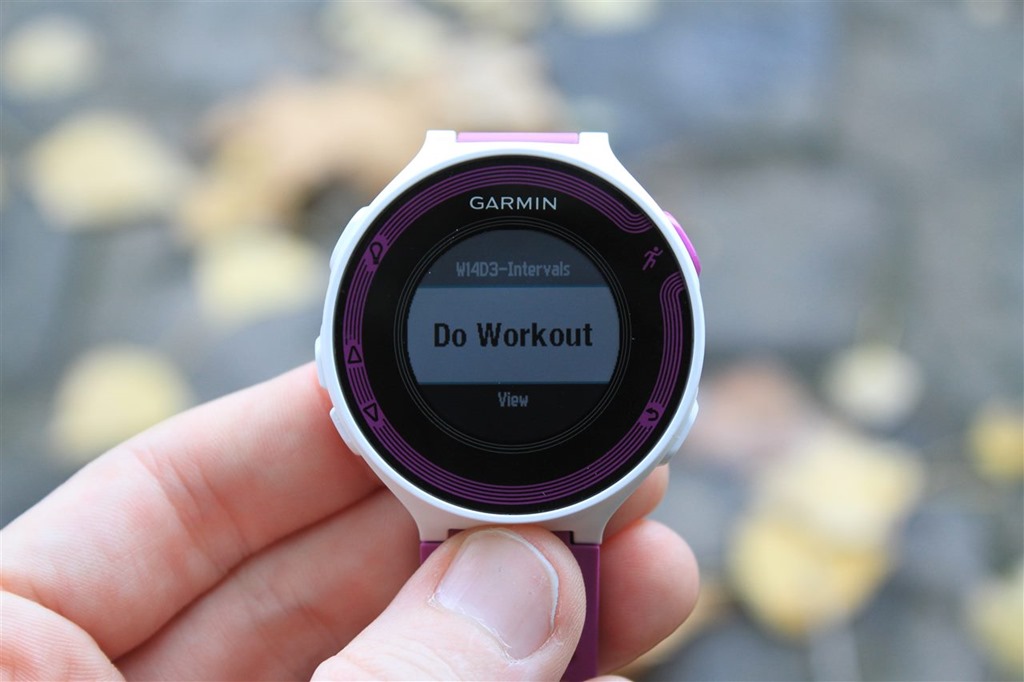
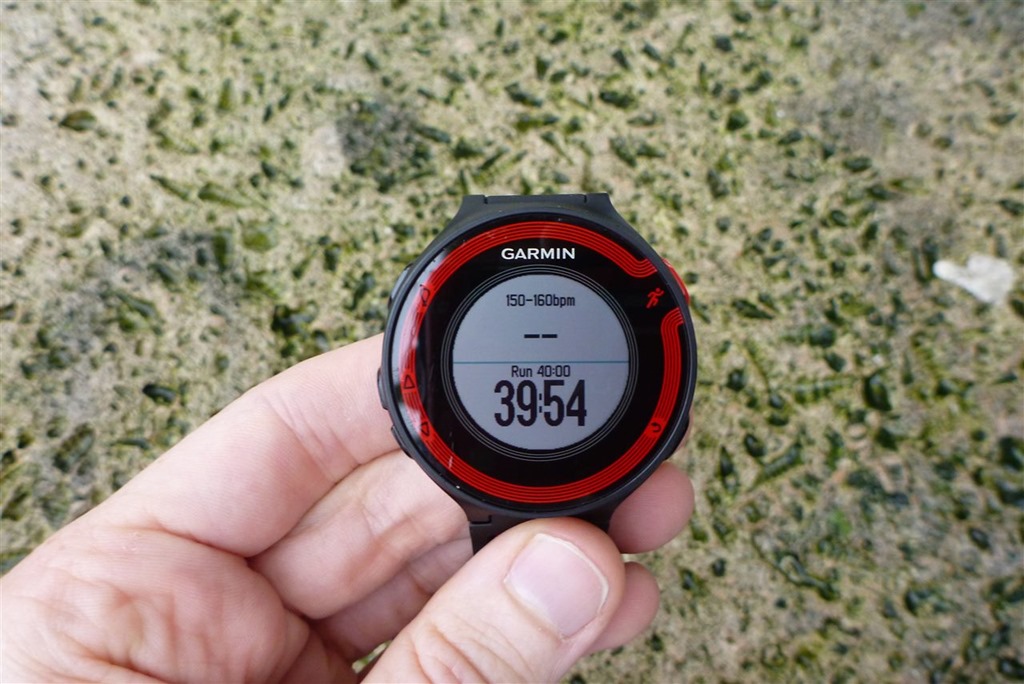
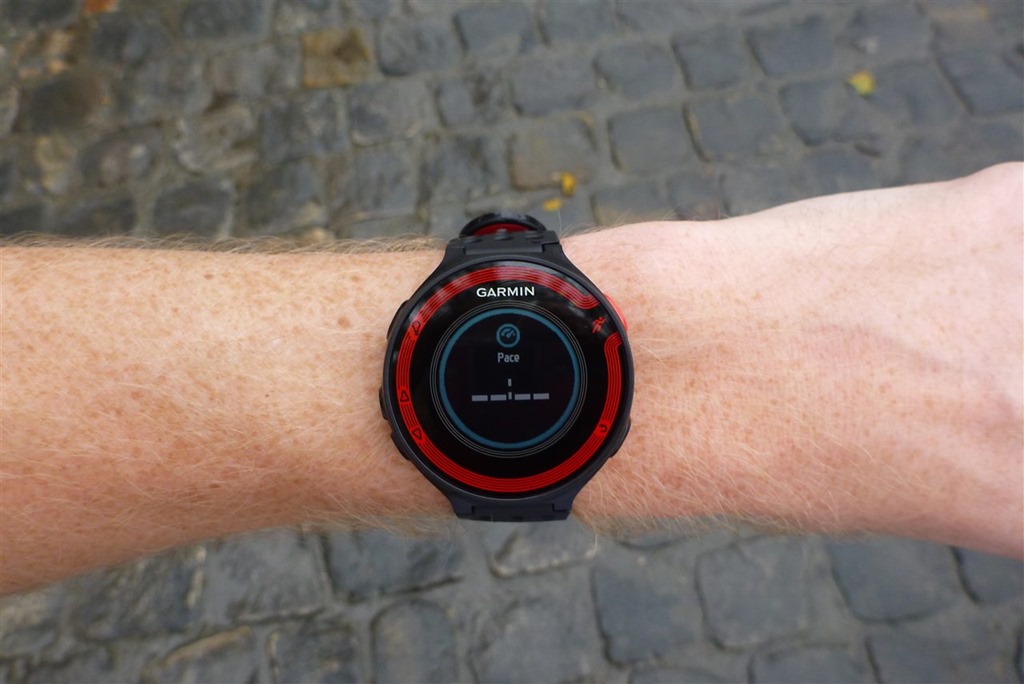
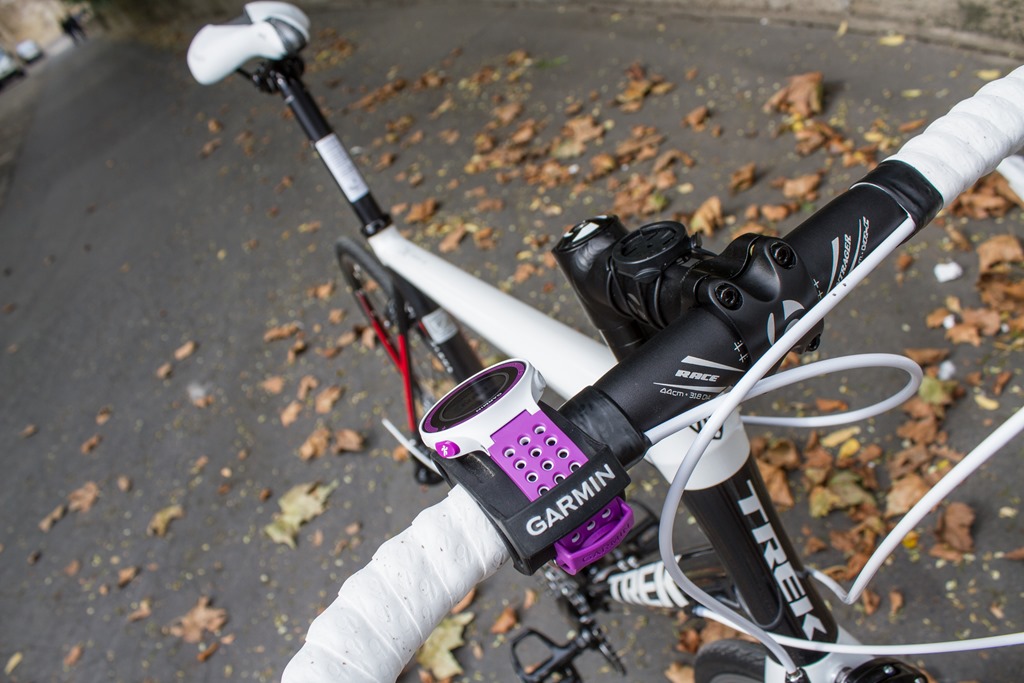
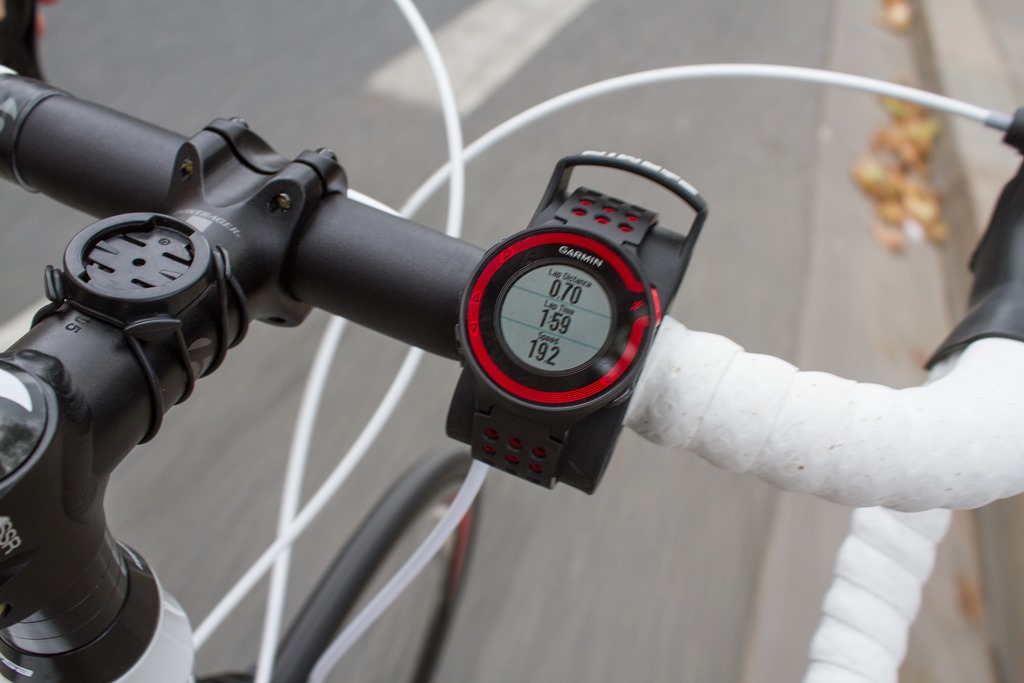
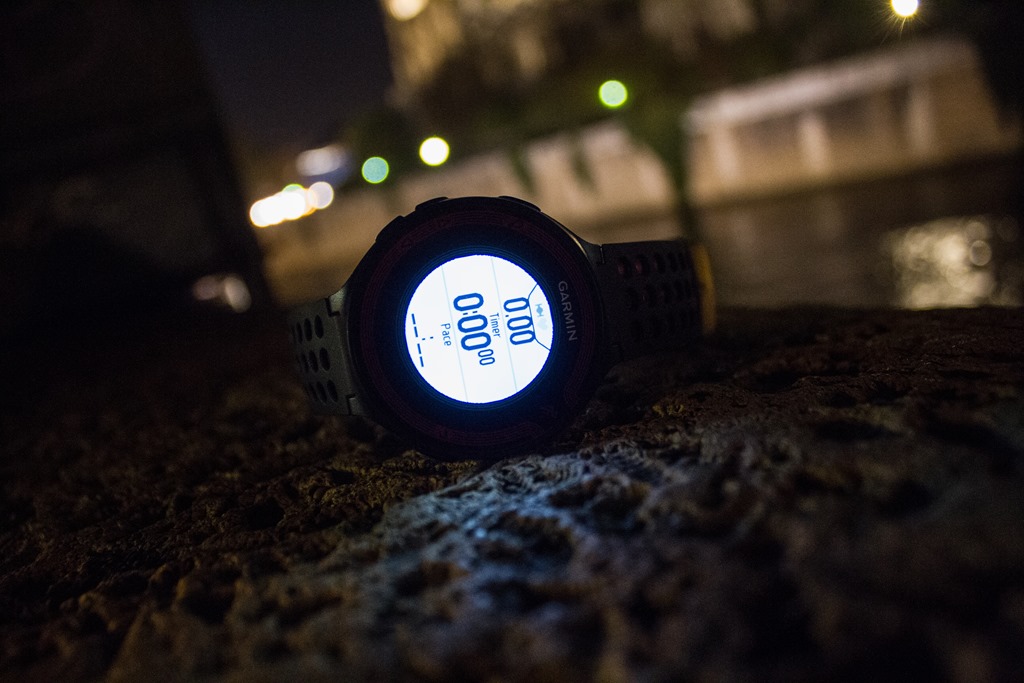
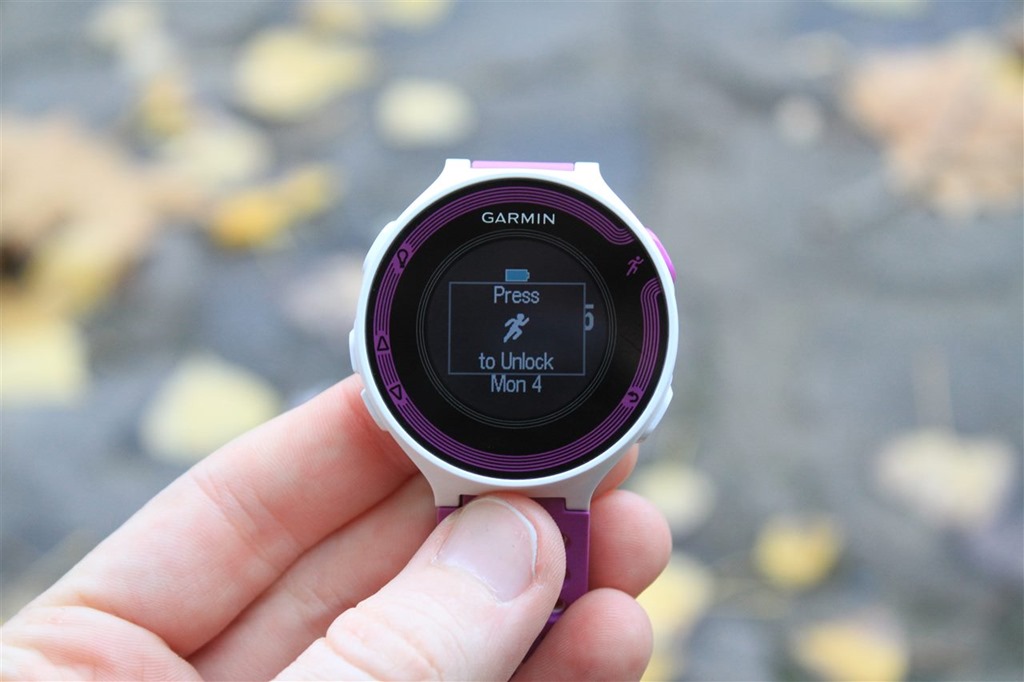
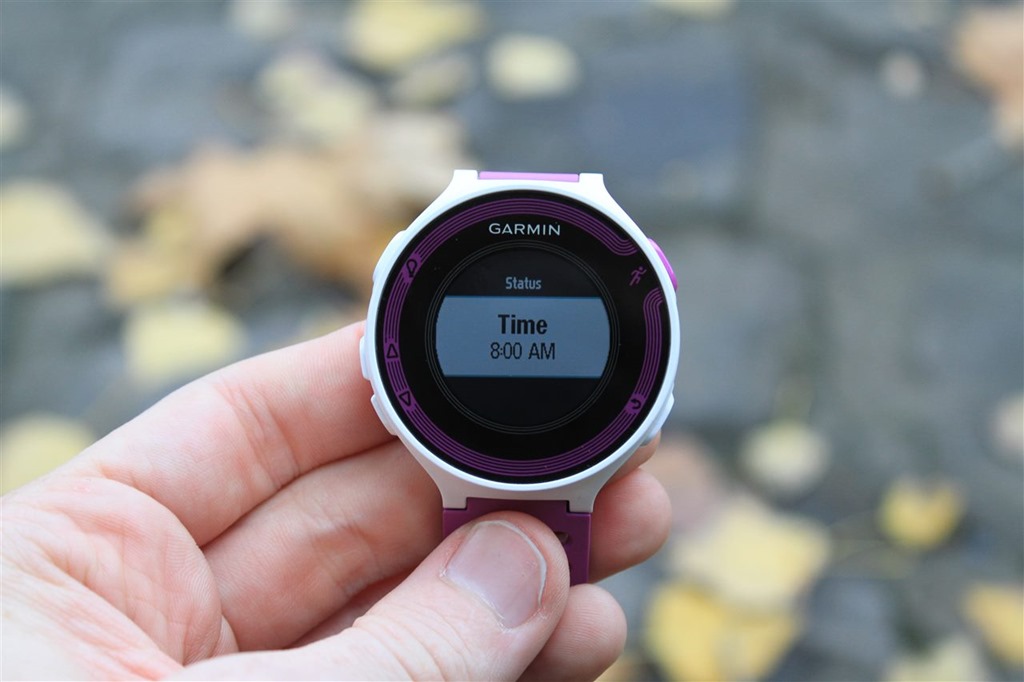
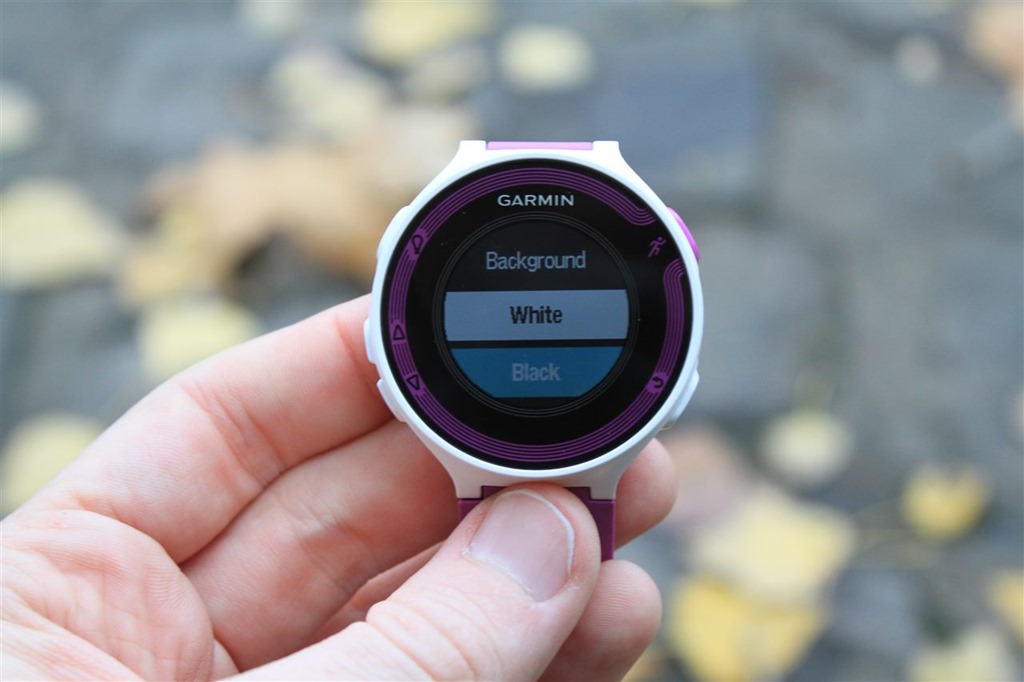
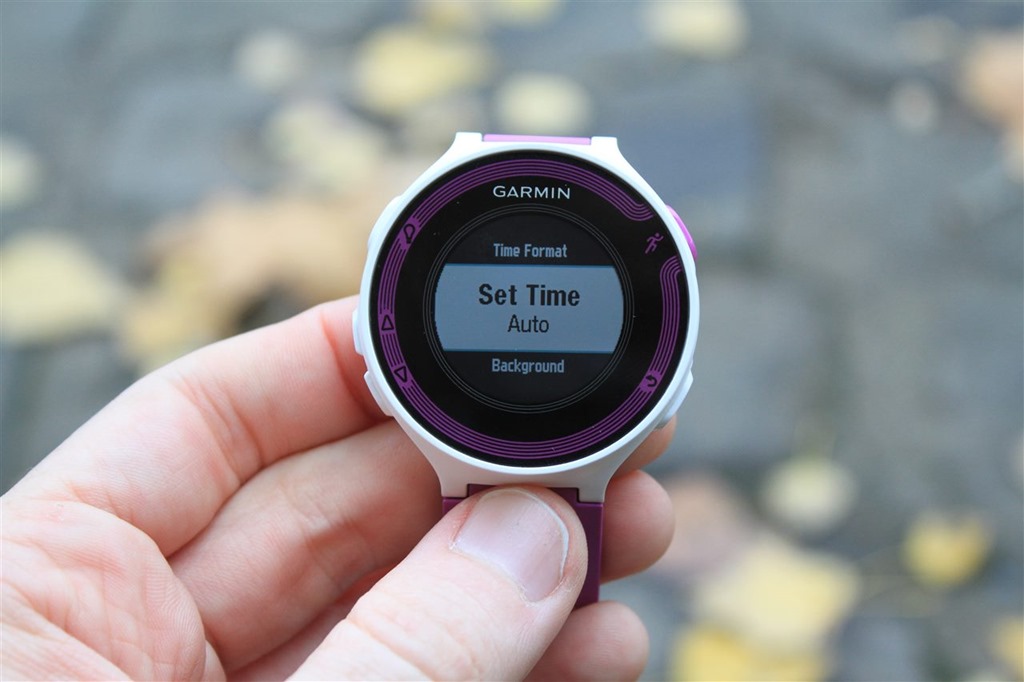
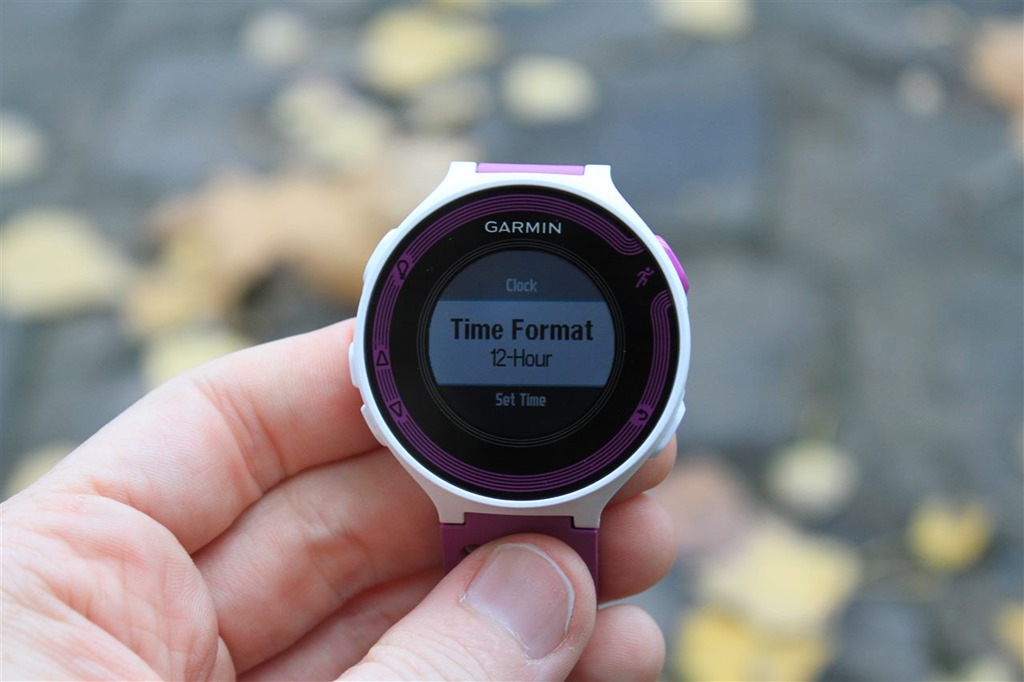
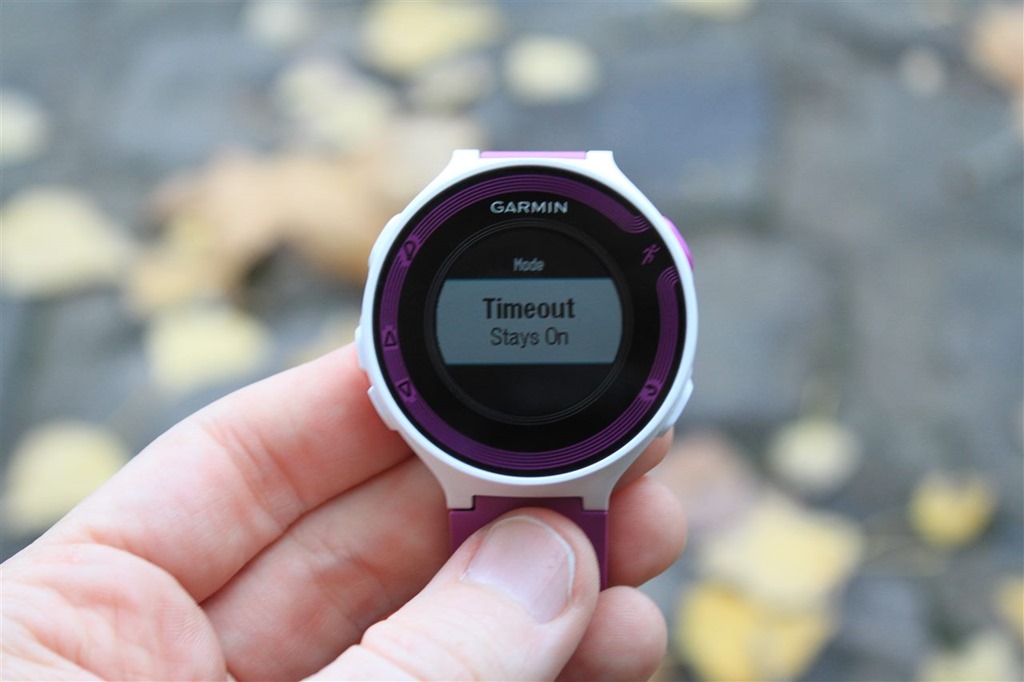
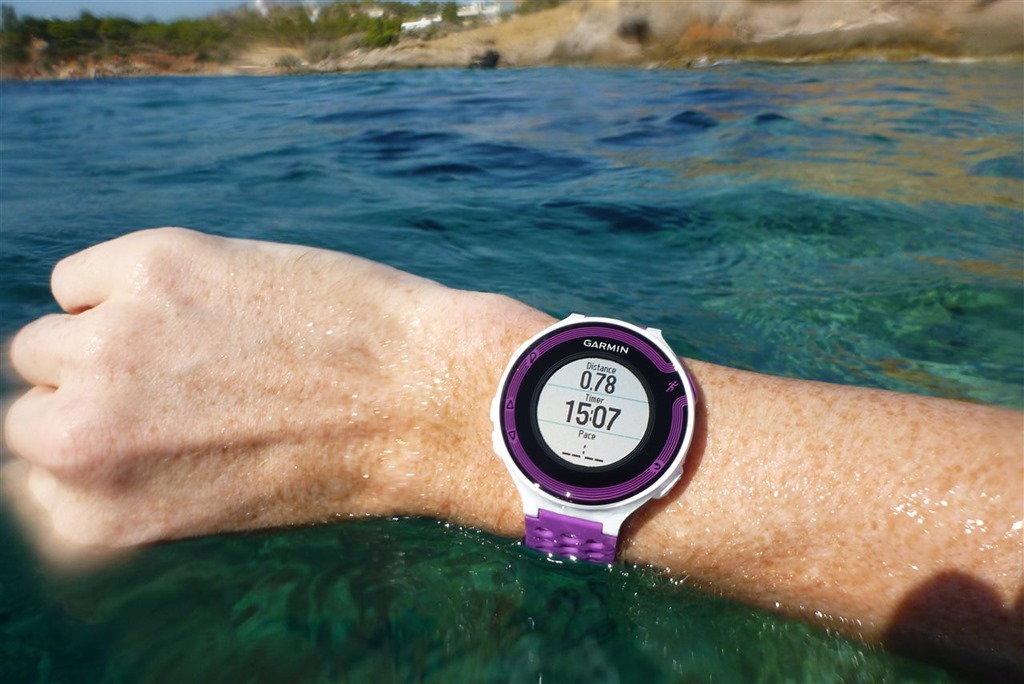
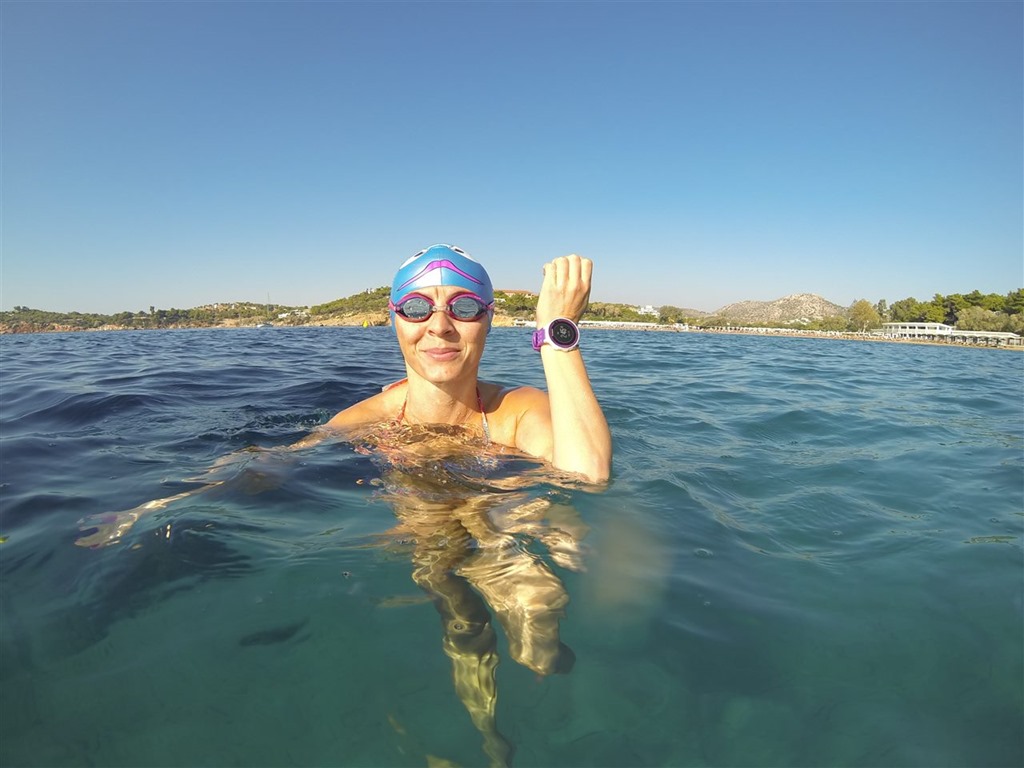
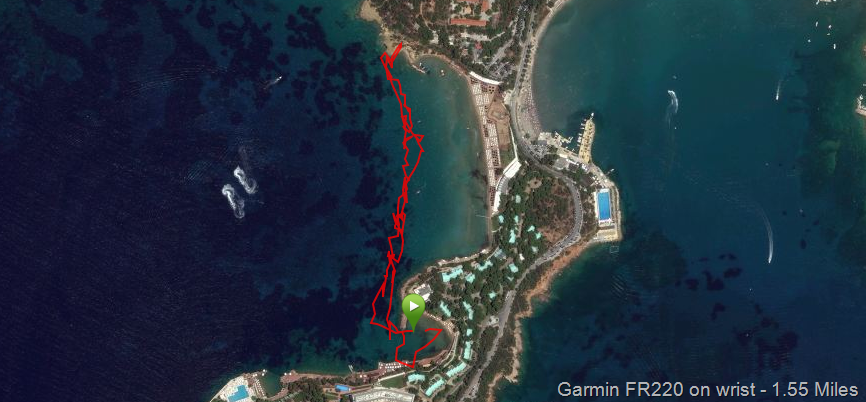
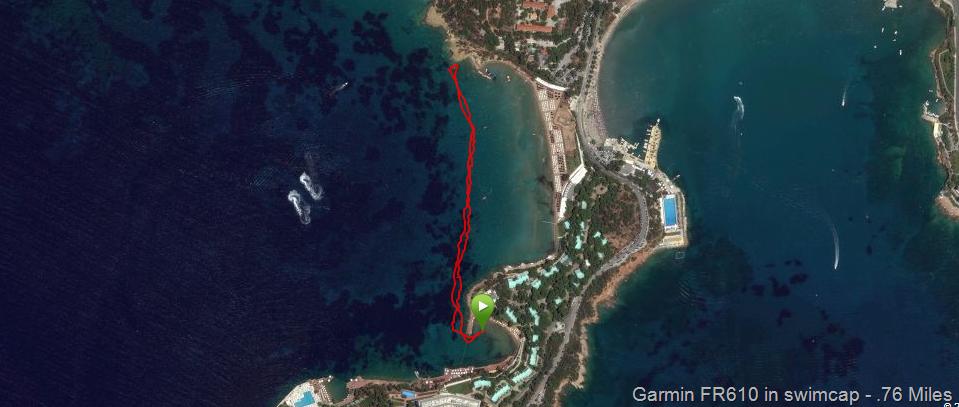
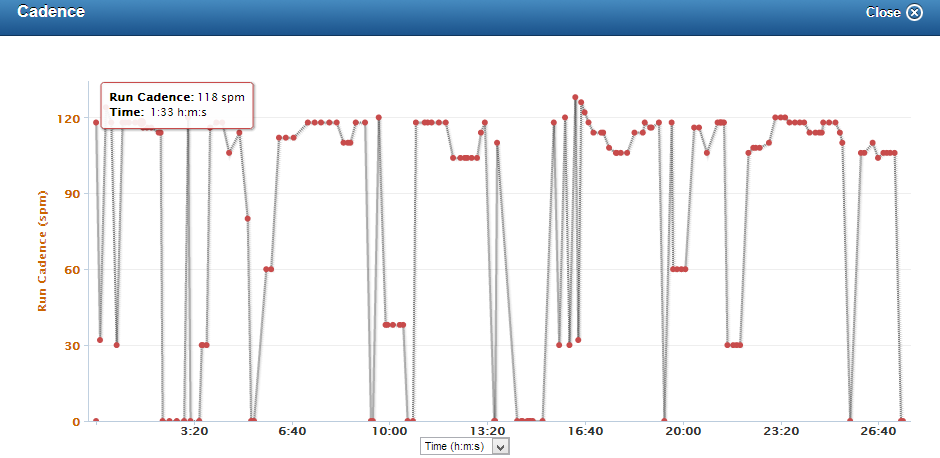
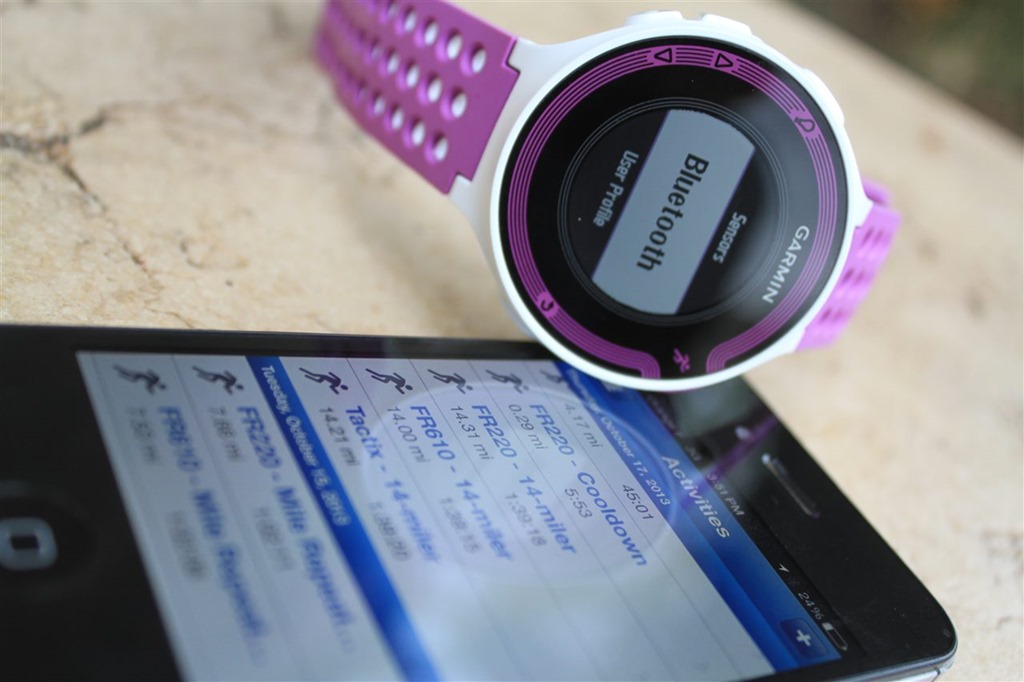
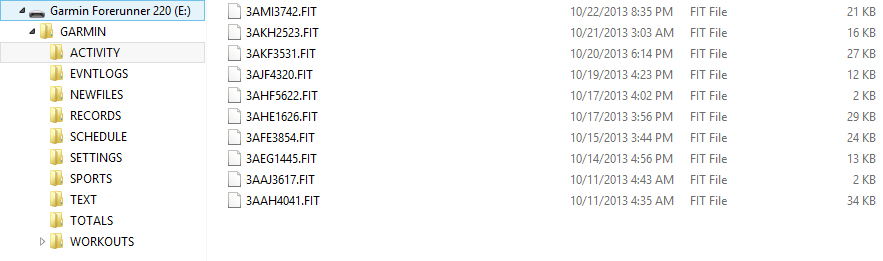
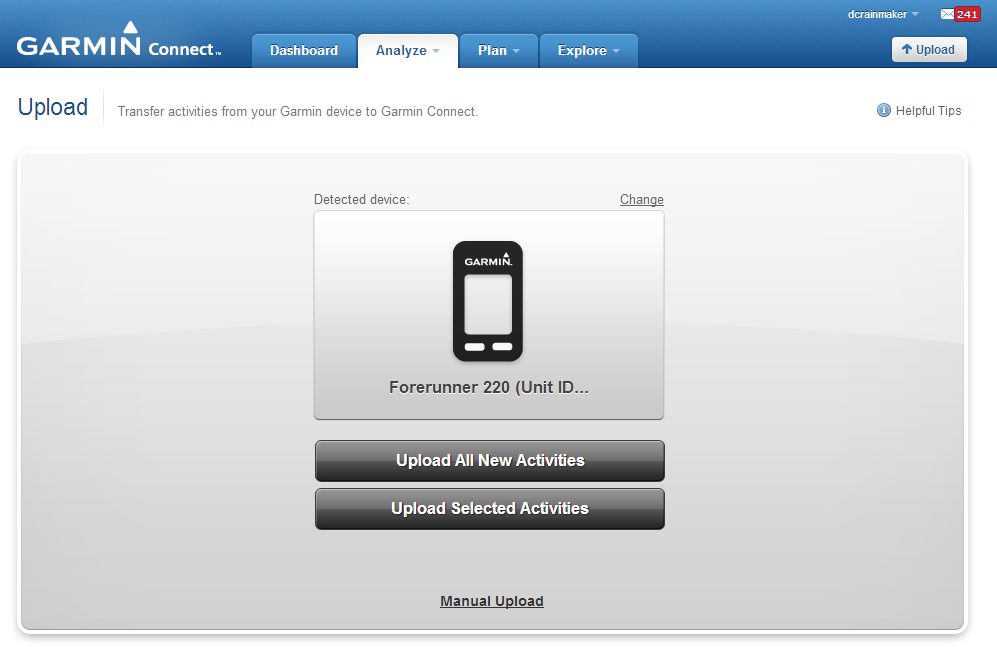
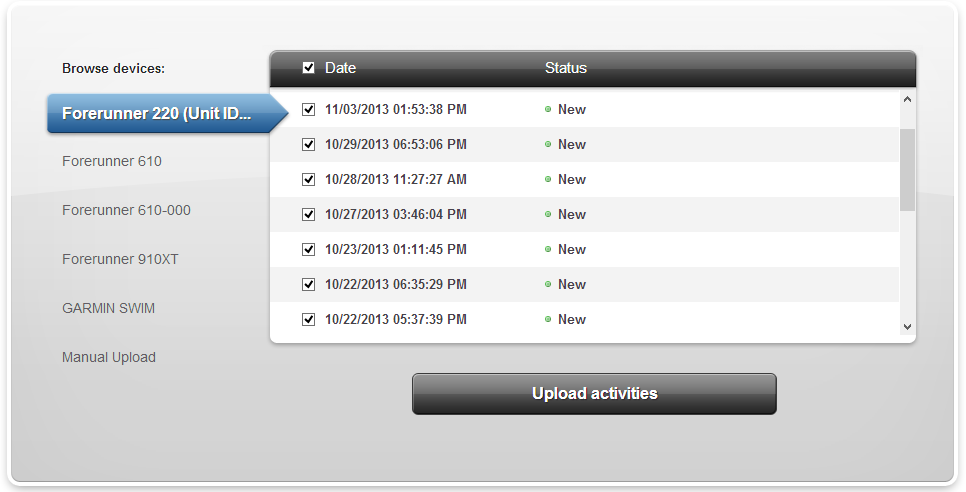
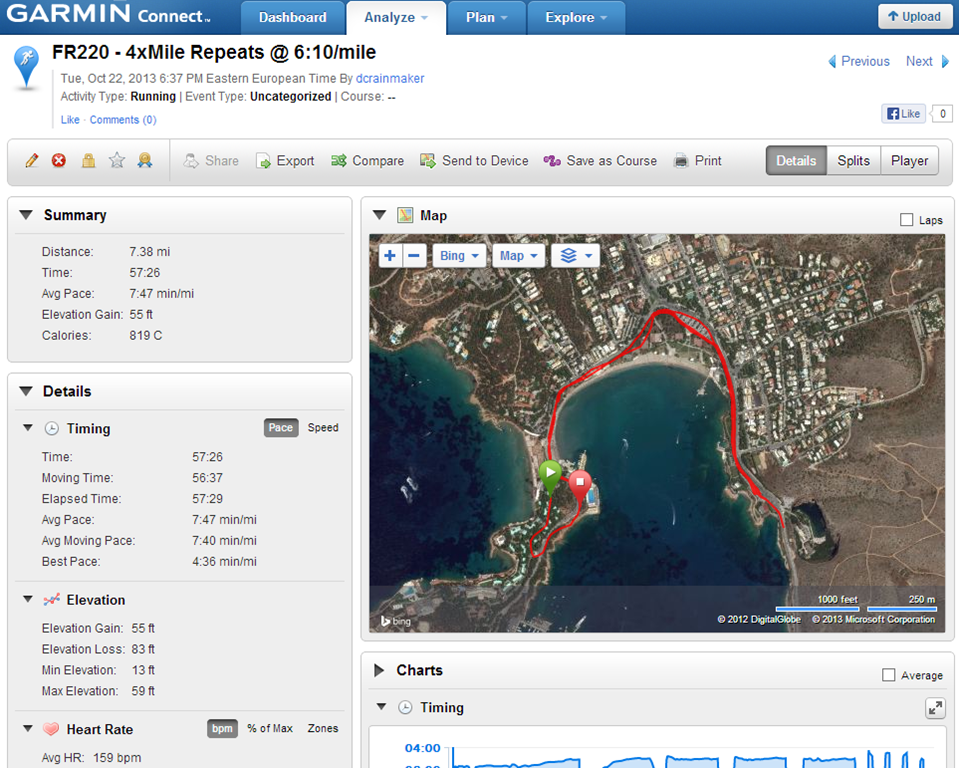


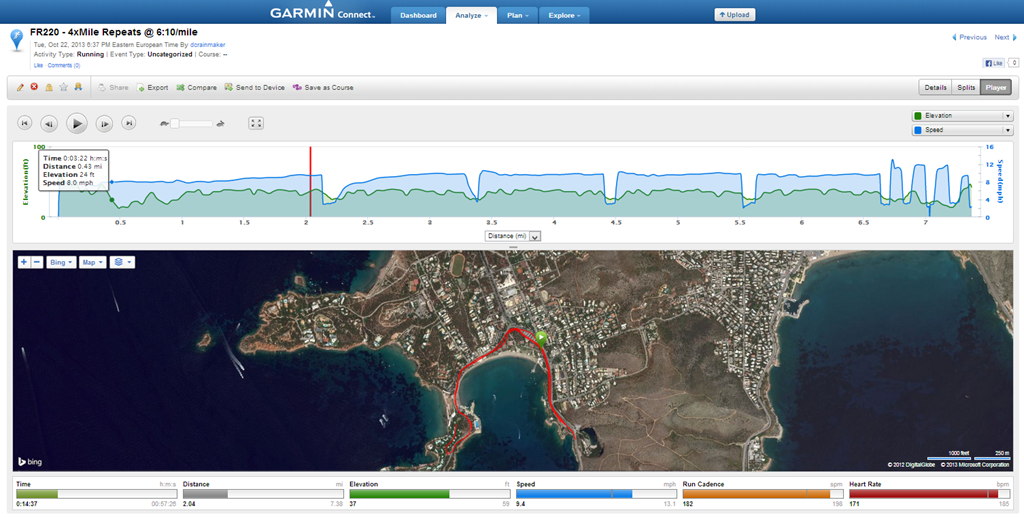
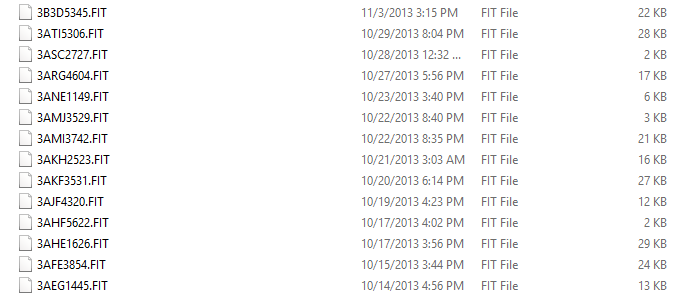
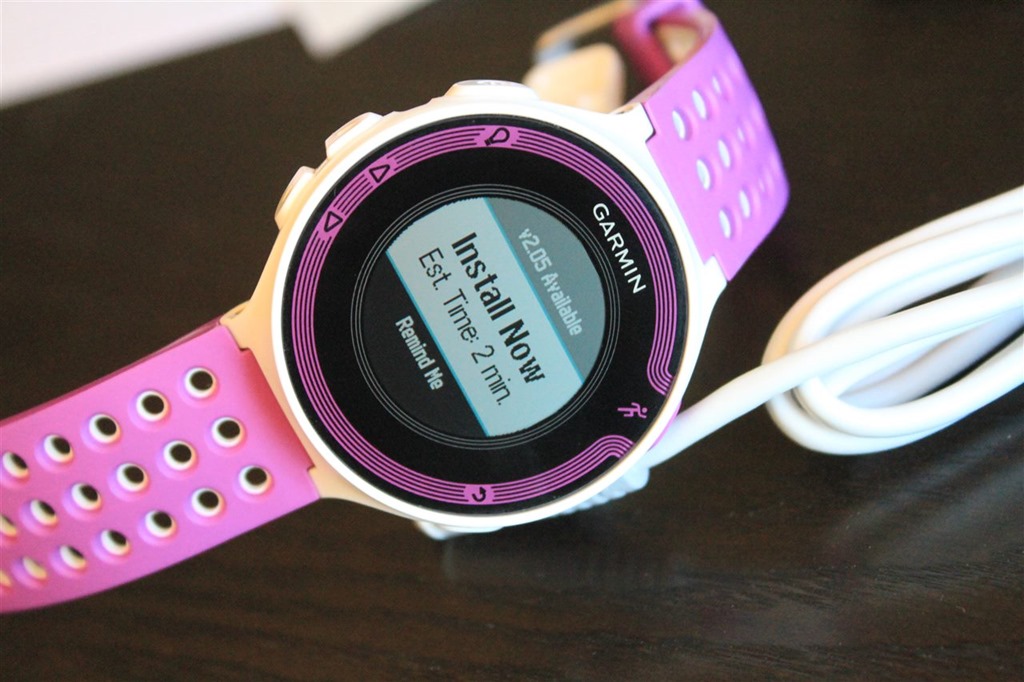
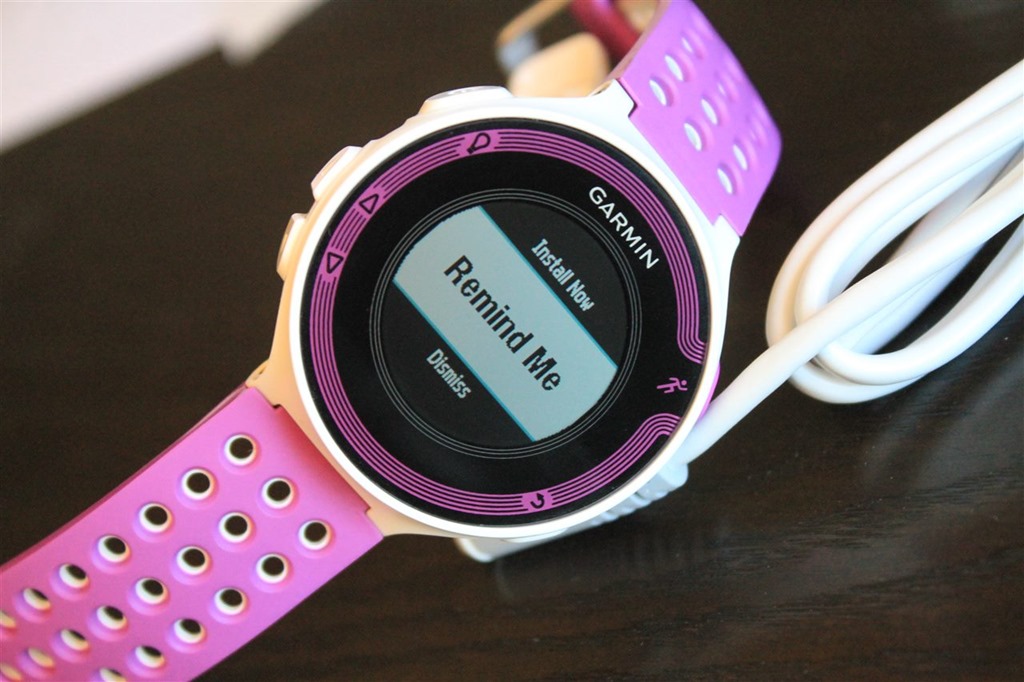

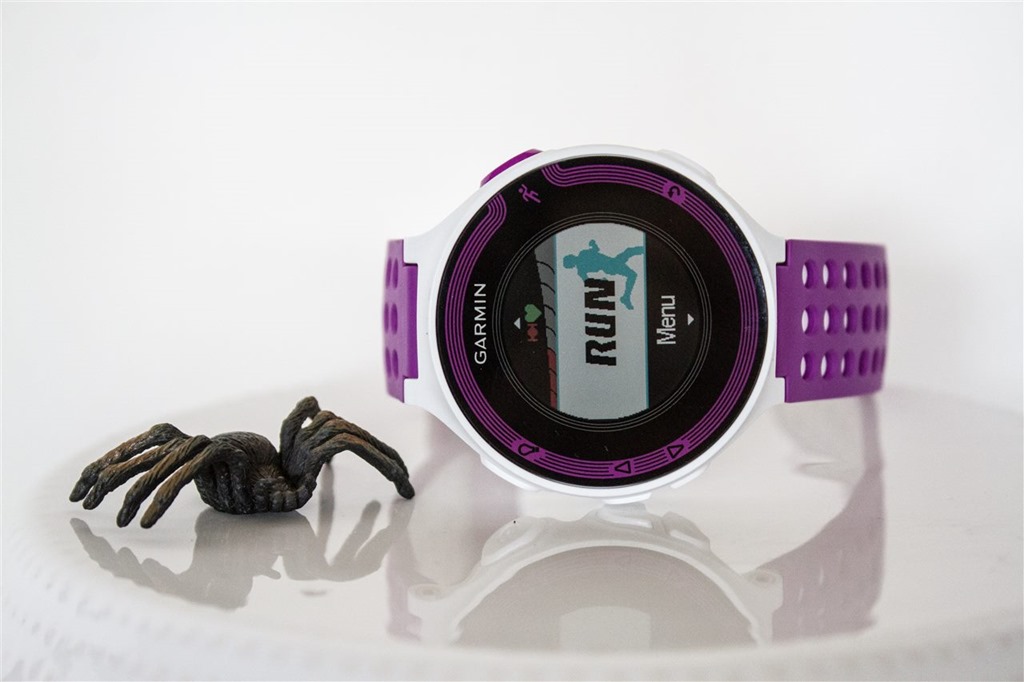

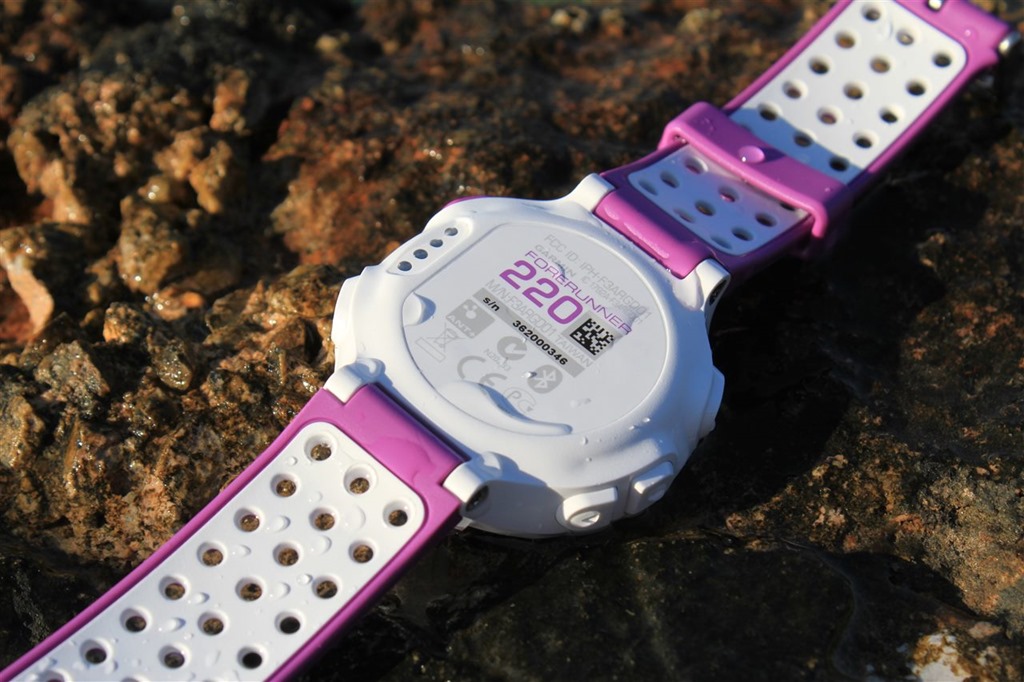
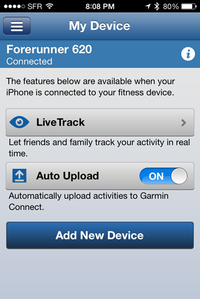
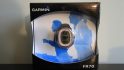
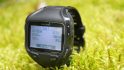



















So do I have to buy the heart rate monitor shown with the garmin220 or can I use other HRM provided by garmin ? Also do I need to get the foot pod ?
Thanks
No, you can use any other Garmin ANT+ HR strap (that’s all Garmin straps at this point).
You do not need to get the footpod, the unit will produce cadence data (fairly accurate), and do pace data on a treadmill (not as accurate).
I did a AIMS sanctioned half today with the 220 and foot pod. Even with 3 km of ducking and weaving the watch was 980 m short. Others watches beeped at the marking signs, my 220 slipped about 45m per km .
I have not done a long run without the pod but didn’t think it could pull the stats down that evenly each km.
The calibration is still 100.0. Does it auto calibrate as mentioned either in this or the 620 review ?
It should be auto-calibrating, but something seems off in both the 620 (2.30) and 220 (2.20). Garmin support is looking into it.
If it’s showing 100.0, then it didn’t auto-calibrate.
Thanks Rainmaker and Jeffp for your answers. I will look into the calibration issue. On my marathon. I ran in 3:32. No way I would have run 28.9 miles in that time!
I was using a footpod, and the GPS. I am so upset that I am thinking about returning my watch today. Oh well, Francisco
In short, in the meantime, just disable the footpod until they sort out the 2.20 (FR220) & 2.30 (FR620) firmware issues there.
I have the 2.2 firmware on my 220. Any idea when the new firmware is going to be released?
I have now disabled the footpod in the meantime to see if that was messing up the GPS reception.
Francisco
No idea. But I’ll poke this week as people will be back in the office.
Finally got my FR220. Love the watch. Just what I was looking for in a running watch. Only issue I am experiencing is syncing with my phone via Bluetooth. It connects to phone and app ok, but won’t upload run data to phone/app. I have tried everything including removing device and repairing it. I even tried hard reset of watch. It worked the very first time but won’t work now. I have to use USB cable :-( I emailed support. Waiting to hear back but this is hopefully a bug that will be fixed in next firmware release.
I have had this exact same problem. Have you found out anything?
This is one of my favorite, and one of the most useful of features of the watch so I really hope this problem is resolved.
DC, do you know about this and have some advice?
I wish I had some suggestions beyond what was posted above. When mine got all hung-up back a while ago I just reset things a bit and it was all happy again (removed pairing on both watch and phone and re-did).
Sorry posted this under wrong reply. Here it is again:
Here is Garmin’s response. They apparently are aware of it but don’t seem to have a solution yet. I tried this but have not gone for a run yet to see if it fixed it. Worth a shot.
Garmin: I will be glad to assist you. Since your automatic upload is not working, we will want to verify that you are running the latest software version on your Forerunner 220. To resolve this issue I strongly recommend updating your unit’s software.
To update your unit to the latest software, you need to use the Garmin WebUpdater program. You can install and run WebUpdater any time that you need to update your unit. WebUpdater lets you connect with our server, download, and install the latest updates for your GPS unit.
To view the installation instructions, please click the link below:
link to garmin.com
If it states that you already have the latest software, please reinstall this.
Mine is still not uploading to my phone after the firmware update and after disconnecting and re-pairing the phone/watch. I have sent an email to support as well. Is yours working yet? If so what did you do to fix it? Any further news DC?
Thanks.
Ray, any idea what’s in the FR220 2.30 firmware update? I’m always curious about additions. Right now, all I can think of is a quick way to jump back to the main screen when you’re in settings. Like click and hold of the back button. Not keeping my hopes up, though.
Strange, I’m not seeing 2.30 being offered yet on mine.
Sorry, I didn’t mean that it’s out. Just if you know what was coming.
Sorry all.
My 220 is few 2.20 not 2.30.
As Ken said we have not seen an update for the 220.
Here is Garmin’s response. They apparently are aware of it but don’t seem to have a solution yet. I tried this but have not gone for a run yet to see if it fixed it. Worth a shot.
Garmin: I will be glad to assist you. Since your automatic upload is not working, we will want to verify that you are running the latest software version on your Forerunner 220. To resolve this issue I strongly recommend updating your unit’s software.
To update your unit to the latest software, you need to use the Garmin WebUpdater program. You can install and run WebUpdater any time that you need to update your unit. WebUpdater lets you connect with our server, download, and install the latest updates for your GPS unit.
To view the installation instructions, please click the link below:
link to garmin.com
If it states that you already have the latest software, please reinstall this.
Hi Ray. Thanks for another awesome review. I just got my 220 last weekend and I’m loving it, but I have a couple of questions. First, how do I preload satellite locations over USB? Second, is there any way (or any plans to include in future firmware updates) to add in my fitness level, VO2 Max, etc?
Thanks
Here was a great post up above on how to pre-cache the satellite info, provided from Garmin Support:
/////
“At this time there is no indication from the watch or application that the data downloaded to the watch. To be specific here are the scenarios where the watch will be loaded with the satellite data:
– USB – connecting to the data cable which is plugged into your computer’s USB port and having Garmin Express Fit recognize the device should be enough to facilitate a satellite data update
– WiFi – Pressing the Connect button on the Forerunner 620 to check for files will facilitate a satellite data update
– BLE/Phone app – Connecting to the phone app should be enough to facilitate a satellite data update (We currently support the iPhone 4S and above at this time)
The above only occurs when the data is either not present on the watch or when the data on the watch is expired. Updating through your computer downloads 7 days worth of data and downloading via Bluetooth downloads 3 days worth of data.”
/////
There is no way to pre-cache the other metrics.
Hi, just purchased FR220 but not tested while running for the moment. It looks really great compared to the 410 I tested months ago !
I have a question about alarm clock, how to customize system to only be alerted by vibration an alarm clock ?
I tried to desactivate “Key Tones” (button presses) and “Alert Tones” (notifications), but the alarm clock continue to bip and vibrate…
I read in a Ray comments (FR620 review) that it’s maybe possible to only use vibration for alarm clock… I hope it’s still possible after firmware evolution !
Any idea ?
I would like to thanks Ray for the amazing reviews!
Hi Ray!
thanks for the review and replies to all these questions! Perhaps it would be good to pin some of them to the top of the page or let people vote for them so they move up. Few readers will read all 260+ comments and questions might repeat after a while.
My question: Is it true that it’s impossible to skip (or add) a repetition of a predefined work-out? For example, if I planned to do 8x1k, but I don’t feel well after 7 (or I simply don’t have time), the watch would insist (through alerts) on doing another rep even if I’m already doing the cooling down part?
Related, general question from somebody who has never used predefined work-outs: When doing the analysis on the computer, the interface still shows in one way or another what was planned (compared to what was actually done)? Or does it only show what you’ve done?
Thanks,
Dan
Great review, thanks! I think this is a small revolution versus old FR210. I think it’s remarkable the improved water resistance. It makes it quite more attractive.
And there’s something about design. I still find it somehow a bit Suunto-style. I like it anyway though!
Great review, I purchased my 220 last week and was able to use it for a half marathon. I have had the 210 for almost a year and the upgrades are great. A couple of my favorites are the rapid satellite fix and the Bluetooth connection (I have an iphone). The color, multiple screens, and the light also – which stays on longer than on the 210. A definite improvement is the sync cord. On my 210 it was very difficult to secure and keep the connection – the watchband is a lot more user friendly too. Overall I love the 220 – as a matter of fact when I found it in the store was ecstatic – I’ve only seen it backordered until January and I got the last one (they had already sold 8 that week).
Again, great review of the watch!
Finally, as far as tracking for the half marathon, I lov
Hi Ray,
I read the BT upload part on the FR620 review. Can you confirm that it works on the FR220 too? I saw some disturbing comments on the BT upload so just checking.
Thanks for all the great work (again)!!!
Regards, Don
It does work (for me). I just need to update/add the above section.
Thank you for that fast reply!
Really great review. Thnaks.
I am considering the FR220 or FR620 and have a couple of questions.
I currently use a FR205 and i like the fact that I can set it up to beep after every mile and also at a predefined time as well. Is this possible with both these watches?
Also, I would look to use this watch for running and when I go on holiday. Can you tell me if the watch can be used as an every day watch and that the time will be accurate whenever you move country?
Thanks in advance.
Robin
Yes, auto-lap is available on virtually all Garmin units, including the FR220/FR620.
Yes, you can use it as an everyday watch, no problems. To pickup new timezones, you’ll simply get satellite coverage briefly, which will update the watch time. And then you can switch GPS off again.
Any news with those fw update about support of ANT+ scale (like Tanita BC1000)?
Nothing new there.
Ray
I talked to Garmin this afternoon about my issue above on huge inaccurate measurement of my marathon and 5k times. Recall that I was also using a foot pod. They told me also to disable the footpod. Apparently, the watch takes the distance and speed from the footpod, instead of the GPS when the footpod is connected. This does not gel with the description in your review.
Just to let you know, and thanks for everything again,
Francisco
I’ve reached out previously to try and get clarification on the ordering (Footpod, GPS, Internal), I don’t have an answer from them there.
That said, they have noted that they are investigating the footpod overwriting issues in the latest firmware edition. As noted by other people here, I’d also recommend disabling the footpod while outdoors for now.
Is there any benefit to getting the HRM-Run over a regular HRM other than having inbuilt cadence (ie not having to buy a footpod) when paired with a 220?
Does the 220 support the HRM-Run in this way (Garmin website on refers to the HRM-Run in reference to the 620).
Thanks for the in depth review.
Zero benefit. The FR220 won’t leverage anything beyond HR in the HRM-Run.
Hi
So I placed my order for the FR 220 on the clever training site two days ago, I never got a conformation email and when to check my shipping status and it doesn’t recognize my email ? Any thoughts ? I will call just office is closed now
Thanks
Hi Mflagler-
I just sent you an e-mail to help out. Should be easy to sort out. If you didn’t receive the e-mail, let me know here or via the contact form.
Thanks!
Hi Ray,
D
Same thing for me. I have ordered the 220 on CT monday morning. Just had an email summing up the transaction, but nothing since. No débit, no email.
Can you help?
Hi Gaspard-
Just to circle back here. In your case, the unit showed as mid-December for a shipdate upon ordering. With ordering on Monday, you would have received your order confirmation (as you noted you did). The next e-mail you’ll recieve is a ship-notification (if it ships today), or, if not shipping today then you’ll receive the weekly FR220/FR620 update e-mail (which goes out on Friday).
Hope this helps!
-Ray
And, literally no sooner did I post that than did I got a heads up from the CT folks, that your unit shipped out last night (and you were sent a tracking number with that e-mail). Enjoy, and thanks for the support!!
Thank you for the review. I got a new FR220 2 weeks ago and up till now I’m quite happy.
Just a question on HR display: I’m not able to set the HR view in % of maxHR. I see HR on the top of the screen and ZONE in the bottom (which I find not very intuitive, and I would like to change into %MAX HR). Thanks! Andrea
I have had my 220 for a few days now and I’m disappointed in the GPS accuracy. I went for a few runs wearing both the 220 and my 305. The 305 tracks show me running on the street, very clean, exactly where I went. The 220 has me running over houses and doesn’t follow the street. The 220 has reported a consistently lower distance than the 305. All of these runs have been in a suburban area – no tall buildings and not a lot of trees, either.
Are you recommending we reset the watch in this case? How do you do a reset?
I’m pretty bummed. I was expecting the same accuracy of the 305.
I’d recommend two items (either or both) at this point:
1) Resetting the watch
2) Next time when it receives signal, try for fun waiting an extra 45-60 seconds after it says it’s ready. I’d be curious if that fixes it.
Thanks, Ray. I spoke with Garmin support on the phone and I did a hard reset – I’ll have to test it out on my AM run.
At his suggestion, I emailed Customer Support with the Garmin Connect files from 3 of my runs where I wore both devices. I just received a reply email, which left me a bit frustrated. It said – try doing a hard reset of the watch (which I already stated I’d done in my 3 sentence email). Then, it said that the accuracy looks fine, because it’s within the stated 45 feet range for consumer devices.
I agree that the 220 is probably performing within the stated accuracy for the device. If I’d been using Runkeeper all along, or had never owned a GPS watch, I’d be fine with it. But I’ve been using my 305 for over 3 years, and I just didn’t expect a step down in accuracy. Zooming in on the maps, it’s VERY clear that the 305 is more accurate. Regardless of the stated accuracy, I’m not okay with my new device being less accurate than a 6 year old model made by the same company.
I’m going to try your suggestion of waiting longer for the satellite lock. I always start my 305 in a window while I get my running clothes on, and I’ve been starting the 220 outside and waiting for the “go” signal. I’ll see if they match up better if they both get the window startup. If not, I’m sending back the 220. I’m just not willing to go backwards with GPS accuracy for a shiny new package.
Since the issue with the foot pod and GPS in the 220, I’ve been running with the 220 unpaired and my FR60 paired with the foot pod. I’ve been getting a 3% difference in distance and a 10% difference in pace. I’m at a loss as to why. The 220 always shows the slower pace. SPM and stride are all withing 1% of each other so is elapsed time. The pace differential has got me worried.
Hi All-
Just an update for those who’ve ordered from Clever Training (this is in addition to any updates you’ll receive on Friday). Plus, any shipping notifications. A massive number of units went out today. If you ordered a while ago, and don’t receive a shipping notification today (check your junk mail), you may want to double-check the order status online (or call).
FR620’s:
Blue/Black Non-Bundle: All orders are caught up, stock available for immediate shipment
Blue/Black HR Bundle: Almost all orders are caught up, with the rest expected to catch up with next week’s arrival
Orange/White Non-Bundle: Units in stock.
Orange/White Bundle: They fulfilled all back orders up to this weekend, and was in-stock for a while. It’s now out of stock, with no new units expected till later this month (things could change of course, and likely will).
FR220’s:
Red/Black Non-Bundle: Looking like mid-December for any new orders (existing orders sooner of course).
Red/Black Bundle: All caught up, a handful of units in stock for new orders
Purple/White Non-Bundle: Looking like mid-December for any new orders (existing orders sooner of course).
Purple/White Bundle: Looking like mid-December for any new orders (existing orders sooner of course).
Thanks for the support, I appreciate it! And again, if you have any troubles with orders, please don’t hesitate to use the Contact Me link at the top of the page and I’ll be happy to quickly get it sorted out.
Thanks!
-Ray
Thanks for all of the info, the review, and helping me to save 10% at clever training. I’m new to GPS watches, but I’m excited to make the FR220 my first.
Have you had any issues with the GPS being completely wrong? I’ve run a handful of times with the 220 and was loving it until today. I ran my usual mile loop and when I hit 3/4 of the way around, the watch beeped at me and said I had completed a mile in 8:30. Completely wrong and I don’t run that fast. I turned it off and back on, ditto GPS, it was saying my pace was 5:05. Restarted it completely and then it finally started acting a bit more normal but still seemed to think my pace was slightly faster than I would’ve expected.
Have you had that happen before? What’s that about and how do I prevent it/fix it? I’m worried about running with it now…
No. Some folks that have been having problems have been poking at the suggestion that waiting a few extra seconds before you start (perhaps 30-60s) increases GPS accuracy. Unfortunately, neither the FR220 nor FR620 have a GPS accuracy field like past watches, so it’s a bit hard to tell.
About 95 min is enough time for the accuracy of the first few minutes to be insignificant.
I am going to try to pair the same pod to the 220 and the 405 and see what the diff is.
I’ll also run the same track with and without the foot pod.
Remember that right now the footpod is overriding the GPS, so unless your footpod is calibrated on the FR220, that data will definitely be off.
Glad to see I’m not the only one with GPS issues. I’ve only done three runs so far with the FR220. Two were perfectly accurate. The third was WAY off, and it’s a run I do often. A perfect out and back. The map looks ridiculous. But that time it took less than a minute to tell me to start. Next time if it’s that quick I’ll wait a minute or so.
Yes, my map was ridiculous… I apparently can fly over walls and water. I feel like mine took a regular amount of time to start, maybe even a bit longer than usual.. but I did turn my watch on while I was still inside and I wonder if that makes a difference.
I appreciate that the Android app support is still awaited for BLE. However, has anyone had any success plugging the 220 in via USB and accessing the run data as a mass storage device ? I use apps like ‘stickmount’ to access USB drives – anyone tested this with the 220 ?
It’s identical to all other Garmin devices from a USB standpoint. Details on how others work here: link to dcrainmaker.com
Thanks Ray. Have you tested the 220 with sportablet / Garmin uploader in Android?
Thanks for the advice, Ray!
I did a hard reset on my 220 yesterday. Today, I let it locate satellites on a windowsill while I put on my running clothes. It went into standby mode before I was ready, so I had to have it acquire them again (I need to change the time limit setting).
The 220 performed markedly better today than in the past. Granted, it was only a 1 mile run (I am a little injured) but the map was noticeably better. The 305 gave me 1.09 miles and the 220 1.11 miles.
I’m pleased that the solution to better accuracy may just be giving the watch more time to acquire satellites. BUT, that negates the “faster satellite acquisition time!”
Eh… I’m on the fence about whether to keep the 220. I like that it’s so much lighter than the 305, but with the lack of back to start navigation and the fact that I can’t use the Bluetooth uploads (I have a 2 year old Droid phone), maybe I’m better off just keeping the 305…
Garmin support wasn’t too helpful with my email, by the way. I sent them maps from 3 runs with the 220 having an inaccurate map and the 305 looking great, and the reply was that it looked within the stated accuracy of the device.
I’ve got a 410 but even with a new battery I have concerns that it won’t last a marathon. This talk of gps accuracy is worrying, and the lack of a gps accuracy measure on the device is a bad omission. My 410 is ready to go when the accuracy hits 50ft – but then usually ticks down to about 10ft. The 220 sounds way off this.
Hopefully though, if the solution is to wait for a better gps fix, the accuracy at which the watch gives a ‘go’ will be a simple software update. I can’t see any changes in the physical design that could cause this (other than a different internal antenna?), and surely it’s a newer gps chip set.
Any idea how backed up CT is? I ordered a violet bundle on Tuesday and I’m expecting mid December but I’m secretly hoping sooner. Thank you for the review! This will be my first GPS watch and your review helped sway me!
I couldn’t find an answer to this anywhere, but my wife and I are casual runners who run twice a week and every now and then participate in a competition. We now use our iPhone for running, but we want to switch to a running watch for those days with bad weather. But can we share one watch? Is it just as simple as uploading the file to our own Garmin Connect accounts or is there a catch?
If it doesn’t work for the 220 (or 620), are there any watches that this will work with?
Essentially, yes, you’ll just upload the files straight to your own accounts. No fancy solution on these watches, or any other watches. The companies somewhat want you to buy second devices…
Hmmm, maybe everyone having satellite issues should contact Garmin support. The more they hear the more they might actually consider there being an issue and hopefully release an update for it.
My run last night, which though the FR220 is supposed to pre-populate after a USB connection, took long time to acquire satellites. The run data looks much better than from Tuesday, but still weird in places.
Does pace/speed data look OK? I’m very close to ordering, but still not sure. Sounds like spending longer acquiring a good satellite lock helps the gps accuracy.
Will it now cache those satellites and get a better lock more quickly next time?
Looking at the map on my run it shows me running on open water on the lake? The accuracy of the 220 stinks and better be fixed soon by Garmin if they don’t want me to send it back because I will
Same thing happened to me today. I’ve got a pond about a block behind my house. All my data spikes as if about a block into my run i ran to the center of the pond and then back to where i really was. It only lasted about a second and was the first time I saw anything like that. I’m sure they’ll lock it down.
Ray next time you are talking to Garmin can you ask them if there is much free code space in the 220. It’s no point us requesting return home or other functionality if the device is already full.
I got my self really lost on a hot run today.
The red or green around the screen indicating that you are recording is not prominent enough.
I think a fatter flashing or revolving ring could show you if you have good or poor GPS signal.
The ability to display only 1 or 2 fields on a screen is a welcome relief. Does anyone else find the current km indicator on the ‘previous
autolap ‘ a little small?
Has anyone confirmed if the watch accelerometer auto calibrate is working?
Rainmaker, I am trying to decide if I should buy the Garmin 210 or 220. 210 heart rate monitor is $150. 220 with HR monitor is $300. If you were to choose between the 2, which one would you go with factoring in the price. I need heart rate monitor with simple GPS watch. Thanks!
I’d say the core things to determine if they’re useful to you are:
1) Live Tracking (on FR220, not on FR210)
2) Custom workouts (on FR220, not on FR210)
3) Display customization (on FR220, not on FR210)
4) Uploading via phone (on FR220, not FR210, USB there)
If those things aren’t of value, then the FR210 is definitely a steal these days.
Cheers!
Some other key things for me moving from the FR210 to the FR220:
1. Pre-population of satellites
2. Built-in accelerometer (this is an assumption that it will pick up in areas with loss of GPS)
3. Longer GPS timeout option
4. No “Use Indoors?” popup when turning on GPS
5. MUCH better USB charger clip (FR210’s is awful)
6. Second key press to unlock clock screen (I would often find the FR210 searching for satellites because I probably inadvertently hit a button)
7. Better UI and display
8. Vibrate mode – way handier than I thought; I now use it instead of audio alerts
The FR220 for me is everything the FR210 should have been, coming from a FR205.
I would also say that the FR220 is waterproof whereas the 210 is not. Still, it’s a lot to pay extra for that.
I also need to decide between 210 and 220. Given what you have written I am leaning towards getting 210 for half the price of 220, however I am still worried about GPS accuracy and the accuracy of instant pace. Would you mind comparing these two features of 210 and 220? Many thanks!
I haven’t seen any recent (or really, any) complains about accuracy and/or instant-pace on the FR210.
As for the FR220, I personlly didn’t have any GPS accuracy or instant-pace issues. From what I can see, a small number of people have had issues with GPS accuracy (but not instant-pace) with the FR220. Garmin states they are working on a fix there.
FWIW, I just returned my 210 after a month’s worth of runs because the current pace was all over the place. I track my runs using Nike+ and have since its inception and wanted the watch to strictly show me my current pace without having to pull out my phone. Rarely did I find the current pace to be accurate with the 210. When I had to stop for traffic it could take up to .25 mile to recover to the current pace, only to fluctuate wildly. I just picked up the 220, and running the same exact route, the pace was right on. It didn’t fluctuate like the 210 at all. The satellite loading has been incredibly fast on the 220. Overall I find the 220 to be a huge upgrade over the 210.
Great review! Helped me make my decision to purchase the 220 for my wife as a Christmas gift. I tried to use the discount code DCRIOTXS through the link and it tells me the code is invalid. Keep up the awesome work and in depth detailed reviews.
It’s a 1 not and L….
Indeed, and a zero, like 10, the number ten. :)
DCR10TXS
I helped Leroy out via e-mail and he’s good to go. Thanks for the support all!
I´m running with a FR 220, which is supposed to have the same chipset as the FR 620.
as I´m still taking my mobile with me, I compared the last few runs with my 220.
Left is the FR220, right is the Nokia Lumia 920 (Windows Phone 8 with the runtastic app, in a waist pouch), then the difference between the two.
All in kilometers
[FONT=Courier New]
7,03 to 7,01 = 0,02
10,07 to 10,02 = 0,05
5,17 to 5,16 = 0,01
5,15 to 5,11 = 0,04
6,63 to 6,67 = -0,04
10,22 to 10,02 = 0,2
9,89 to 10,04 = -0,15[/FONT]
I´m ok with those differences.
GPS tracks look pretty similar on the map, too. The longer runs are near a river or a lake, no high city buildings or wooded area – should be pretty easy terrain for aquiring a GPS signal.
the 9,89/10,04 are from yesterday´s “official run”, on a 5.023 IAAF Jonescounter roundcourse.
runtastic was almost spot on with the marked km signs (app talked to me via headphones), my Garmin vibrated a bit off, but still – it´s 150m difference on a 10km course = 1,5%
Herald’s experience of his new FR220 measuring short on an officail 10k course when his phone app measured him exactly confirms that there are ACCURACY issues. Add this to other mapping and accuracy issues from previous posts and I think I’ll steer clear of this device ….. at least until Garmin addresses the issue. I hope buyers of this who have accuracy issues will report them to Garmin.
DCR – I know it gets a mention in your reviews, I’d love to see a review where accuracy of distance recorded was the main topic. Thanks for doing what you do, this is a great site for information.
link to dcrainmaker.com
link to dcrainmaker.com
You can see from this that the variations between Harald’s phone and 220 are in line with what you would expect.
GPS is never perfect!
Harald’s case is one where the GPS of both units performed within bounds of GPS specifications for any consumer level unit, he noted that at 1.5%.
Noting the links the previous posted posted, I’d actually question the accuracy of the course. It’s virtually for GPS impossible to under-measure a course unless it’s cutting corners. Thus, when I see distances exactly equal or below, that implies (even a certified course), may not be perfect.
As for accuracy testing, I’ll be doing more in time, but keep in mind my reviews include numerous examples of accuracy tests from my units. If your having problems with accuracy (1.5% is normal), then I’d really encourage folks to open a ticket with Garmin support. Most folks aren’t seeing issues, some are though. Garmin doesn’t monitor these threads and can’t track down issues here and get fixes out for folks that are having issues. A support ticket does drive that.
The exact problem I’m having with the accuracy of my 220 is that it DOES cut corners. It consistently measures shorter than my 305, and the satellite maps indicate that the 305 is more accurate as far as where I was.
I haven’t done as much comparing as I’d like because I sprained my ankle last week, but I’ve had a 3 miler where the distance variance between the 2 was 3.33%. Again, looking at the maps, the 305 was more accurate.
I emailed my files to Garmin Support, and was basically told that the 220 is performing as expected and that was the end of that conversation. I asked if there are plans to include a satellite accuracy page for the 220 and 620, but got no answer.
I now let the 220 have more time to acquire satellites, but again due to that ankle sprain I’m only running very short distances and haven’t been able to do what I want to – which is run a longer course with many turns, after giving the 220 extra time at the beginning. I’m hopeful that will fix the problem, but if not, the distance should be way off because of that cutting corners phenomenon.
And I am not running in areas with dense tree cover or tall buildings.
One item to keep in mind is that the FR305 included the 1-second recording option, whereas the FR220 only includes Smart Recording.
Why Garmin has made that decision is beyond me, since it’s silly to not include the extra data. Even more so because it’s probably causing your corner cutoff issues (since smart recording only records every 4-7s).
I thought of that but the 305 is set to smart recording also. :(
Way late to this discussion, but if 1-second recording reduces battery life, maybe they’re tired of dealing with the perception that battery life isn’t up to spec. Since the unit’s not targeted to cycling, and there’s no support for power meters, the perception might be there’s no need for 1-second sampling (although it’s useful for Strava, which last I checked didn’t interpolate for segment times).
Hello
I got my FR 220 on Friday and take it for two rides.
For the first i took my EDE305 (old one but still fully functionnal) and compared the two trace.
I got 11.65 Km with the Forerunner and 11.75 Km with the edge, less than 1% difference while running in woods. For me it’s really correct. (I never see two GPS giving exactly the same output even with two Edge 305 making the same ride, always same differences).
I have an question about the Android issue. I’m curently looking to buy a new Smartphone and really interessed by the Galaxy S4 Active for the IP67 certification, but it’s running on Android Jelly Bean 4.2.2.
What i saw on different forum makes me think that it will not be compatible, not even the Sony XPeria Z1 wich also cost a bunch of euros. Can you tell me if i’m right?
Thanks in advance (and excuse my poor English, i’m a french speaker doing my best)
hi Rainmaker,
i didn’t understand very well the the ability to pre-cache satellite locations….
i want to use the fr 210 for triathlon and for the bike leg i use another garmin device but want to put the 210 in my transition bag and use it on the run..
i understand that if i turn on it before the swim, than it goes in stand by after 5 minutes, (than didn’t know if the gps stay on or off for battery lifetime).. than when i come in t2 i press the button unlock, i think, and it is ok with gps working or have to wait to cach the satellite? so didn’t know how to do, turn it off for battery time or turn it on before the swim and let it go in stand by for quicker find the satellite before the run..
thanks for the help..
matteo
GPS satellite cache means that it quickly gets satellite reception. Take for example last night, I walked out of my hotel and turned on the watch as I hit the hotel door turnstyles. By time I walked 10 more seconds it had satellite signal, ready to go.
You can ‘help’ the unit a little bit more by having turned on the unit in that location previously. So your plan of turning it on pre-swim works well.
thanks a lot….
one more question: in standby the gps is working?
it is better if i turn on and after a few minutes turn it off (for battery life) or i can leave the 210 in t2 bag on and let it goes in standby for quicker satellite aquisition ones i come back in transition?
sorry..
i mean the 220…. not the 210
In standby the GPS is turned off.
Can you help me chose between the FR220 and the RC3 GPS (both with HRM)?
After reading the reviews, I believe that the Polar is better managing the HRM data, right? But does the Garmin much worst?
Thanks!
I think that at this point the Polar RC3 while a great product, is no longer a realistic competitor to the FR220 (it was to the FR210). Check out the comparison chart for all the details as to why, but much of it comes down to full customization, ability to build out complete workouts, ability to upload via phone, amongst others.
I do interval run walking and have trouble hearing alerts. I can not hear the alert on the Garmin Forerunner 10 but I can hear my husband’s FR210 alert. Is the volume the same on the FR220?
It’s pretty similar to the FR10. The one exception though is that the FR220 includes vibration alerts.
Vibration is one of the key selling points for me. I did intervals today with my 410 but had to go without music as I couldn’t here the beeps.
Hi , Great review of this product. Thank you. Question. Will this FR220 take a portable USB charger and if so, will it still record the dstance while charging during a run? My current FR210 does not record distance/time etc., while using a portable USB charger on the run.
@Sundar
I don’t think you can charge and log.
As soon as the USB ( power only) is powered the watch shows only the charge status.
I have not powered it while logging bit that’s an easy test I’ll try for you later today.
Hi Jeffp,
Thank you for your help.
Sundar
I am undecided between these. I do really want a watch that will allow my husband to track my runs remotely but my phone is a blackberry so presume this functionality will not work with either model? Also I would like virtual pacer although it sounds like if I set up a workout online I can upload the data to the watch and it will tell me if I’m on target? Are there any other watches that offer the live tracking with a blackberry device?
Correct, it won’t connect to a Blackberry, only iPhone (and iPad) today, as well as Android in Q1 2014.
Correct on Virtual Pacer, or on workouts with pace targets, and you could download that ahead of time via USB.
There’s no devices on the market today that integrate with the Blackberry.
Hi Ray.
Is that Q1 14 as in April, or January? (calendar vs fiscal year). I assume BLE support on Android is aligned to this for getting data off onto Android.
Calendar, so anytime between January and March 31st.
Great review. I bought one the other day from clever training. Do you know if you can download a workout you create on the garmin connect site, kick it off from the watch but use the run/walk ratio you set up on the watch? When I created a workout and downloaded to the watch and started it, the run/walk intervals set on the watch, didn’t work.
Thanks.
Scott
I haven’t tried doing both, but it makes sense, because those two are basically conflicting each other a bit (from an alerting standpoint).
Hi,
How to use the pace alert as an effective vitual partner ?
Thanks
Ronnie
The best way is to set a high and low threshold. I’d suggest setting them about 20-30″ apart. So if you’re target was 7:15/mile, then set them at 7:00/mile and 7:30/mile.
Then, I’d also setup one of the data pages to show lap pace and another to show average pace (run).
Hi,
If this was asked already, I’m sorry. I tried to read all the comments but WOW. Anyway, thank you for the amazing reviews. You really do an incredible job. I currently have the 410 although it no longer charges so I am looking at the 220/620. I will likely get the 220 but wanted to know if it has the ability to have folks live follow like the 620. I didn’t see it in the review but wanted to check. Thanks again for your help.
Yup, the FR220 supports live tracking just like the FR620. Enjoy!
Ray, do you know how the FR220’s GPS sensor deals with the following situations?
1. I pop it onto the USB cradle to sync and charge. When I take it off, it starts looking for satellites. I have been manually turning GPS off. Do I need to? If I leave it alone or hit the Back button to go back to the time of day, will it turn off GPS automatically? I have it set for the 25-minute GPS timeout.
2. If I’m outside and am done with a run and go all the way back to time of day, will the GPS automatically turn itself off, much sooner than my set 25-minute timeout?
Thanks again!
-Ken
GPS is turned of as soon as Watch Mode is active
so yes to both questions.
Thanks, Harald.
I’m still concerned that Harald and Maureen seem to get more accurate readings from a smart-phone and from a 5 year old watch. I’d like to try one of these FR220s. It seems to have the best set of features and functions for my uses, but I could not enjoy owning one if I didn’t feel comfortable/confident with it’s accuracy.
Any other comments or experinces or testing that people have done would be very interesting to me. Please share. Thanks!
Great web and awesome review.
Do you know if they plan to put a altimeter as an option like other watches, I have a FR220 and sometimes I use it for trail. I miss that option and it will be very usefull. I don’t want to wait till I connect my fr to the computer
Many thanks in advance.
Not in the FR220. We tend to see it on higher end Garmin watches, like the FR910XT, Fenix, and Tactix.
I received my 220 last week and have been running with both it and my 310xt. One frustrating thing that you mentioned in the review is that the pace alerts seem very sensitive. While I can have a one minute window on my 310 and rarely trip the alarm, the 220 was alarming all the time, even with a wider window that I set up after my first frustrating run. In fact, it was telling me I was running nearly 2 min/mi slower than my pace was showing on either watch. I certainly wasn’t slowing this much. Have you heard of any solution to this? I checked the 220 forum and didn’t see anything.
Have you updated to the latest firmware version? I saw things get a lot better on the FR620 there with the latest firmware update, and at the same time the FR220 got one as well (second week of November).
I did not check for the firmware update. Also, I saw on the forum about autoscroll causing issues with GPS signal and pace. Is it related to my issue?
I have not seen that issue, and would honestly be pretty surprised that there’s any correlation between screen display and GPS signal/pace.
Your issue is really more with alerts being overly sensitive, which I saw on earlier firmware updates.
I just checked and I have 2.20 which apparently is the latest version for the 220.
Hi Don,
Were you able to solve your problem with alerts ? I have the same issue : I have started a 5k training plan, and follow pre-determined workouts. During these workouts, I am constantly reminded through alerts that my pace or HRM targets are either too high or too low, despite the fact that in the settings, all the alerts are off!!! This is kind of annoying.
Thanks for your help.
Emmanuel
I didn’t see it mentioned in the accessories list. But does anyone know if there is/will be a fabric wrist strap option for the 220 model?
+1 for this too – I’ve always gone for the soft straps on my Garmins – far more comfortable and adjustable. Hoping one will be available for the 220.
Unless you need something specifically Garmin-branded, since the FR220 seems to use standard-looking wrist straps, I don’t see why you couldn’t just use some sort of NATO-style Velcro strap. Should be quite cheap, too.
Looking at the pictures on the review, it look like the pins are held in with some sort of torx screw.
Ray – would you mind taking a closer look please, and comment on the ability to use a generic wrist strap ?
No, the FR220 uses two screws on either side to screw into the band. It’s not a pin pop-out design.
The reason for this is that past Garmin watches had such a design (FR310XT), and the unit’s would pop-out in some cases during the swim on a triathlon. This resolves that design issue.
I just wanted to comment on Clever Training. My unit shipped on the 10th (from florida) and arrived (in Washington state) today. Free 2 day priority shipping? Awesome!!
Have had the watch a couple weeks now and like it apart from
1. Garmin connect on my iphone 4s does not pull up the data from the watch as promised. I can see on both the phone and the watch that they are ‘connected’ but when I look at the activities nothing is updating. I don’t think this is my fault as I see a lot of others are having this difficulty. Any advice other than awaiting a bug fix from Garmin?
2. Wish the data screens were a bit more customizable like my Edge 500. With my eyesight would like to have one data screen that I could have entirely for elapsed time. If I am in a race needing to know my elapsed time it would be easier to read. I don’t need the screen showing the time of day when I am racing so would would trade that.
Have your tried re-pairing you phone and watch? Many people seem have had luck with this, although for me sometimes the runs sync via the phone and sometimes they don’t. I have not bothered to figured out why. Also, I “re-booted” the watch (hold the light switch till the watch turns off) and that also seemed to help.
Here is the link to the discussion on the Garmin Forum – link to forums.garmin.com
Good luck.
Turn off the other two fields and you can have just the elapsed time.
Yup, exactly. You can change each of the two data pages from 1-3 data fields. Going with one data field makes it much larger. Additionally, the time screen can be turned on/off as well, so you don’t have to see it in training/racing.
Hi,
Please advise how to change the default items in the data pages. Whether it can be done in the watch, via PC or both?
Thanks
Ronnie
@Ronnie,
Unlock the watch.
Down arrow to settings.
Activity screens.
Screen 1 or 2…
From there choose the top, middle or bottom field data or select OFF.
Hi All-
Just as a (probably final) heads up on availability of the FR220/FR620 from Clever Training:
All FR220’s are in stock except for the Red/Black base (non-bundle)
All FR620’s are in stock except for the Orange/White HRM-Run bundle
As usual, first in, first out for orders. But if ordering one of the above non-in-stock units, they expect to have everyone caught up and delivered in time for Christmas.
Thanks for the support all!
Garmin 220 Issues:
I’ve only used it about 5x, three times on the treadmill… Sometimes, when I disconnect the watch from the charger or take it out of my bag, the image on the face of the watch is scrambled, and I can’t read anything because it’s so jumbled and looks frozen. After pressing the buttons a few times, it goes away… Is this normal?
I also noticed the mileage is way off when using on the treadmill. I ran about 5.5 mi on the Woodway treadmill today. The Garmin 220 barely broke 5 miles. On Tuesday, I ran about 4.4 mi on the LifeFitness treadmill, and the Garmin 220 was just over 4 miles. Is there a special setting on the watch for treadmill use? The pace was at least 15-45 seconds per mile off from what the treadmills read.
Thanks for the help!
Tommy, how many km had you done with GPS on before you used the mill ?
I did 45+ in 3 runs.
The scrabbled isn’t normal. Odd.
As for the mileage, as I noted in the review (Treadmill Section), I’m not seeing terribly accurate paces there. The treadmill mode is simply turning off GPS.
Great review. I am reading through this and really enjoy your in-depth view on the FR220 & FR620. Much more in-depth than I would have ever imagined. I have run with the 210 in the past and like you mention was not the biggest fan of the touch bezel. In all the watches you compared what would fit me needs best? What I really like from a gps which most runners look at is accurate distance, accurate current pace that doesn’t jump a minute in pace from second to second and overall time to be displayed. Since I run a lot in hilly areas and parks what GPS watch would you recommend of all you haves tested? I think an added bonus of this watch is being able to pre-program a workout. I run roughly 60-80 mpw. I am thinking about the 220 but wanted your opinion.
Thanks.
Extract of my exchange with Garmin support about the data fields shown after completing a lap. what do you think about this?
Hello I made suite to your answer below. I think it’s more a support problem because I can’t use the FR220 in training mode. For me in training mode the FR220 is equivalent to a simple watch (chronometer and countdown)… I hope you could improve this feature which seems to me easy to do (even the FR110 gives more informations on the end lap screen). Thank you in advance. Regards
Dear Gabriel, Thank you for submitting your idea to Garmin! Whether it was feedback about how to make a current feature better or an idea for a brand new product we’re excited you took the time to share with us. As happy as we are to hear from you it’s unlikely that you will hear back from us. If you have any questions about how the idea submission process works please refer back to the Terms of Use agreement. Best regards Garmin
Hello, I bought the Garmin Forerunner 220 last week and I’m pretty happy with it. It’s a really good product and the improvements in comparison to the previous models are really appreciables. The only thing which disturb me is about the shown screen when we take a lap manually. In fact we see only the time of the lap and not the distance (neither the pace but for me it’s less important). To know it I must to look at the screen just before to take the lap it’s not practical although feasible. But the real problem is the same during a training. If we plan a time interval when the FR220 bip the end of the interval we don’t know the distance traveled during the time of the interval… It’s a real problem to adjust our pace for the next interval or to know if we are too fast or too slow… Do you think it’s possible to improve this in a future update of the firmware What would be perfect would be to be able to choose the data fields which we want to see when a lap is taken and/or just after an interval in training mode. Thank you very much for your help. Best regards
It was originally discussed to be able to customize the lap banner screen. I don’t know where that is.
Note though that you can indeed show the lap time/pace/distance on any configured screen, which tends to be what I do – I just use that as my primary screen. I have a separate screen for total time/distance/etc… Which basically means that up until the exact second you trigger the next lap, you can always see how your trending on that lap.
Thank’s for your reply.
When you said “it was originally discussed”, you mean with Garmin?
Your soluion is feasible but it’s not always easy to look at the watch during an interval (even if it’s just before the end).
Yes. If you look back at my original September preview of the FR220/FR620, I discussed it a bit, including I think one photo in there of the menu for it in an early beta release. I’ll be meeting with the folks in person at CES in a couple weeks and will probably get a better idea of where some of the potential adds stand.
Anybody else having trouble opening a support ticket? The support page logs me in as a random user (different with every attempt) and then gives me a 500 error message when I try to select my problem. Very strange.
I have the same problem with Firefox so I use internet explorer.
Nobody would like to have the average speed as data field? For hiking or bike use?
I think it’s not normal to don’t have access to this information. I have the impression that Garmin limits the data fields of the Garmin 220 so as to the customers buy the Garmin 620.
For me, it’s not correct to limit the data fields that the watch could show.
I agree to not give informations linked to an hardware option, like “ground contact time”, “average vertical oscillation”, etc…
But for the average speed, it’s just a conversion of the pace.
I can’t buy the 620 and I don’t need all its options but I consider that I have the right to have access to information that the 220 is able to measure.
I hope Garmin will improve this in the next update of the firmware.
I agree with you. This seems basic information to me. I orderd the 220 which should arrive next week, but i am still thinking about upgrading to the 620 Because of that. I really don’t need all that special stuff but average speed i use a lot. To be honest i was shocked that it isn’t!
What do you think Ray? Will garmin fix this?
I’d suspect that since it’s a running watch, that’s why it’s not there. As for limiting the data fields on the FR220, yes, absolutely, that’s their goal of getting you to buy the FR620. I mean, just pointing out the obvious on how business works.
That said, I’d suspect that in the case of Average Speed, you could probably make a pretty solid case for inclusion, and I could see them adding that. I’d encourage you to file a support ticket for it (serious).
Always the same answer from Garmin:
Dear Laurent,
Thank you for contacting Garmin International.
Thank you for your feedback regarding the Forerunner 220. Any ideas that could improve Garmin’s device are appreciated and should be submitted at link to Garmin.com.
Thank you for choosing Garmin.
With Best Regards,
Matthew
Customer Care – Fitness Team
Garmin International
913-397-8200
800-800-1020
913-440-8280 (fax) Att: Matthew 5944
http://www.garmin.com
Additional solutions may be found at link to garmin.com
Hello,
I would like to buy the Garmin 220 but I have a question. It seems that it’s not possible to show “average speed” as data fields? I can’t buy the 620 (too expensive) and I don’t need all its options but I consider that I have the right to have access to information that the 220 is able to measure.
I have the impression that you limit the data fields of the Garmin 220 so as to customers buy the Garmin 620. For me it’s not correct to limit the data fields that the watch could show.
I agree to not give informations linked to an hardware option like “ground contact time” “average vertical oscillation” “altitude” etc… But for the average speed it’s just a conversion of the pace. I’m in the habit to reason in speed when I’m running. I hope you will add this in the next update of the firmware.
For me it’s really a blocking point to buy this watch and a reason to turn to the rivalry even if I love your product for many reasons.
Laurent
Probably just me being a noob with garmin system but I bought the 220 on friday. Went for my first run on Saturday morning.
Uploaded by data today (sunday) to Garmin Connect but everything is in miles, wish i could change it to km.
Also there’s no map displayed with my run? Not sure why. Any insight would be helpful.
link to connect.garmin.com
For missing the map, any chance you accidentally disabled the GPS upon starting (went into indoor mode)? That’s what it looks like, though, it’s sorta hard to do accidentally on the FR220 (compared to the FR210/610).
As for KM, you’ll just set it in settings on the watch, and on Garmin Connect within settings up in the upper right corner.